
Roast My Resume
Drop your resume in, watch the courtroom verdict roll in — and walk away with a witty roast, a score, and concrete rewrites.
- No training on your data
- Region: global
Roast My Resume
Career & Job-Search Studio
Without an API key you'll see a beautiful sample verdict. Click Settings and paste a key from Gemini, OpenAI or Anthropic — your key stays in your browser.
Drop your resume here
PDF, DOCX, TXT or image — up to 5MB. Stays in your browser.
Roast My Resume — Overview
What is Roast My Resume?
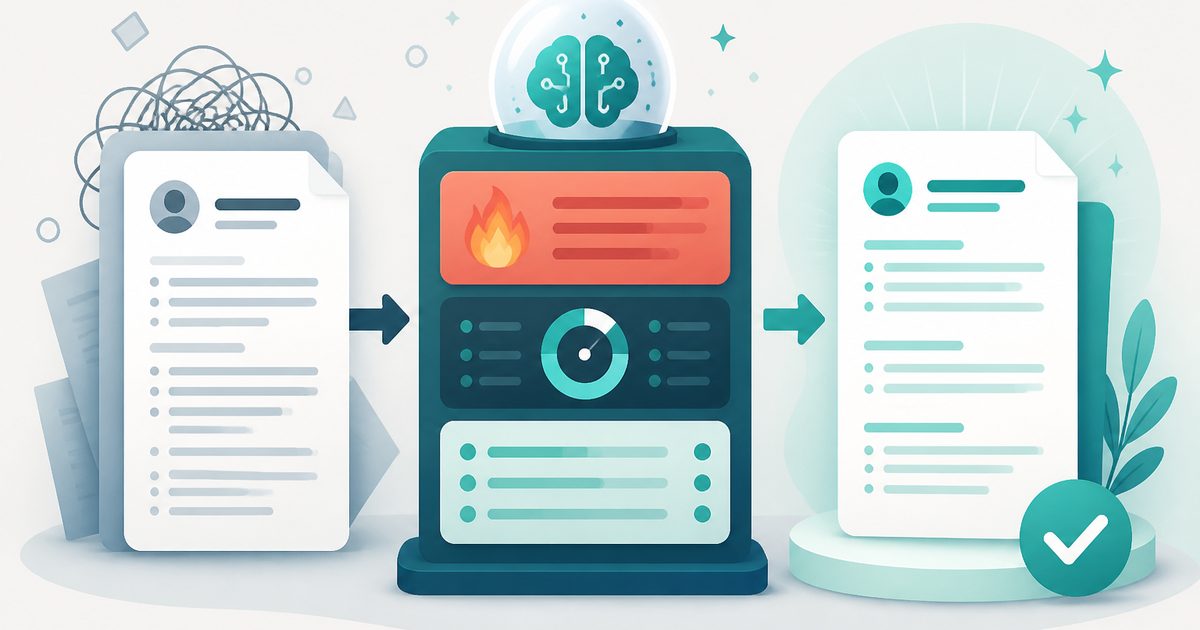
Roast My Resume is an AI-powered resume analysis and feedback tool designed to evaluate resumes with a unique combination of humor, scoring, and actionable improvement guidance. Unlike traditional resume checkers, this tool delivers insights in a “roast-style” format—a witty, candid critique that highlights weaknesses—while also providing structured, professional recommendations to help users improve their resumes.
The interface clearly separates feedback into multiple sections: an impact score, an overall assessment, a “reality check” commentary, a detailed breakdown of performance metrics, and a structured action plan with before-and-after examples. This layered approach ensures that users not only understand what’s wrong with their resume but also how to fix it immediately.
Powered by AI models (such as Google Gemini, as shown in the interface), Roast My Resume interprets resume content, identifies patterns and weaknesses, and converts them into clear, actionable feedback. The addition of humor makes the experience more engaging, while still maintaining practical value for career improvement.
What does Roast My Resume do?
Roast My Resume analyzes resume content and provides a comprehensive evaluation across multiple dimensions. It identifies weak language, lack of measurable impact, poor structure, and overused buzzwords—then offers direct suggestions for improvement.
- Assigns a numerical score to evaluate resume effectiveness
- Provides candid feedback on content quality and clarity
- Summarizes overall strengths and weaknesses
- Evaluates categories like impact, brevity, style, and soft skills
- Highlights specific problems such as weak verbs or missing metrics
- Suggests improved versions of weak resume sections
- Demonstrates how to transform poor statements into strong ones
How to use Roast My Resume
- 1Set Up Your AI Provider
Note: Before using the tool for the first time, you must connect an AI provider. See the “AI Integration and Provider Setup” section below for details.
- 2Upload or Paste Your Resume
Provide your resume text in the tool. This can be done by pasting content or uploading a document (depending on implementation).
- 3Run the Analysis
Click the “Roast” or equivalent action button. The AI processes your resume and generates a full evaluation.
- 4Review the Verdict
Once analysis is complete, review the key sections: - Impact Score (e.g., 42/100) - Overall Assessment (summary feedback) - Reality Check (witty critique highlighting key issues)
- 5Analyze the Breakdown
Examine detailed metrics such as: - Impact (measurable results) - Brevity (conciseness) - Style (writing quality) - Soft skills (presentation of interpersonal strengths)
- 6Review the Chargesheet
This section lists specific issues, such as: - Missing quantified achievements - Weak action verbs (“helped,” “worked on”) - Overuse of vague summaries - Buzzword-heavy skills sections
Privacy & cost
Your API key stays in your browser — requests go directly to your chosen provider. Usage is billed to your account, not ours, so you stay in full control of model choice and spend.
Bring your own key (BYOK)
Roast My Resume uses your own AI provider via Bring-Your-Own-Key. Your key is stored only in this browser's localStorage and sent directly to the provider you choose — MyToolyard never sees, logs, or proxies your traffic.
- Open ⚙️ Settings in the top-right of the page.
- Paste an API key from your chosen provider's dashboard.
- Save — the key persists in this browser only. Return here and run the tool.
You might also like
More in Career & Job-Search Studio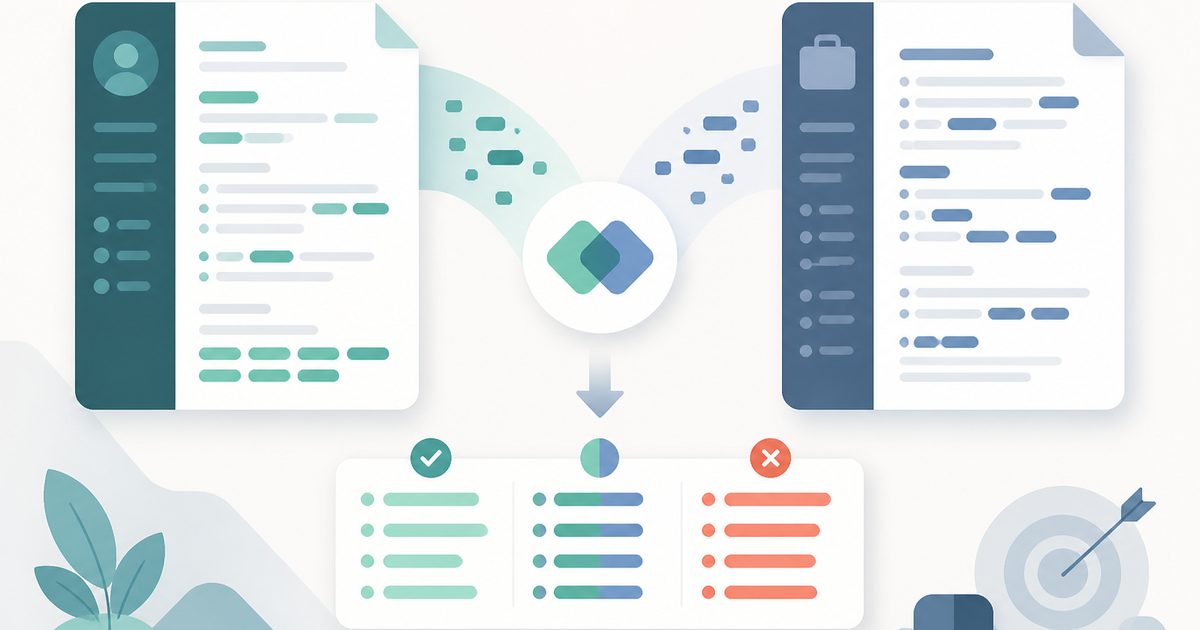
ATS Keyword Matcher
Career & Job-Search Studio
Compare your resume to a job description and see exactly which keywords, skills and requirements you're missing.
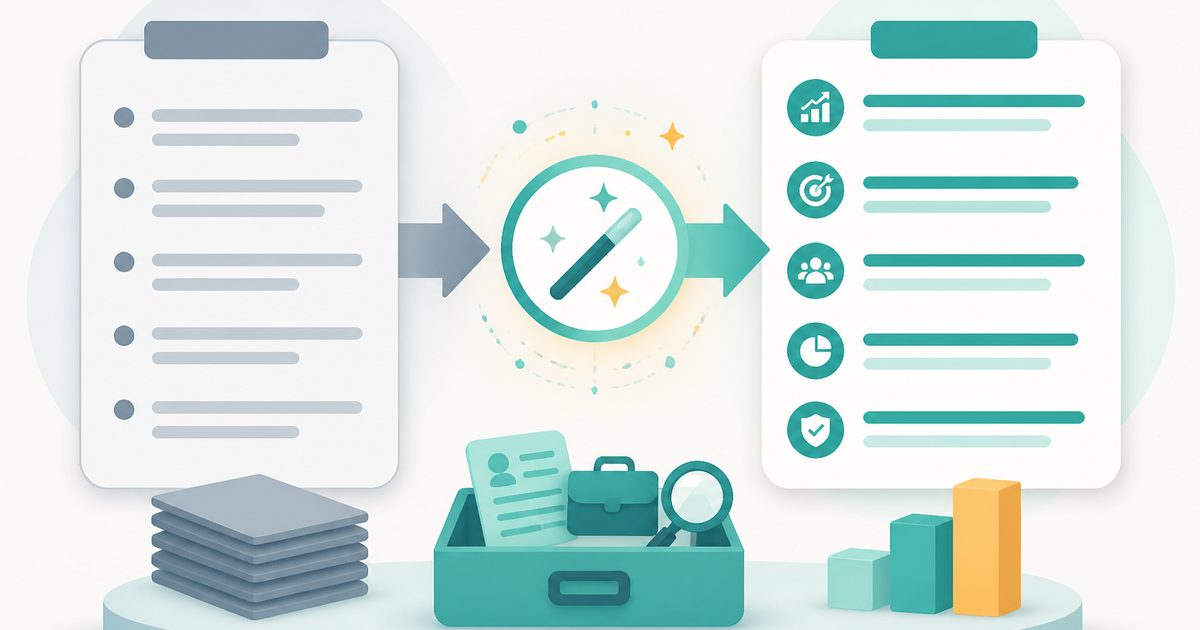
Resume Bullet Rewriter
Career & Job-Search Studio
Turn flat, task-based bullets into quantified, achievement-driven bullets recruiters actually read.

AI Cover Letter Generator
Career & Job-Search Studio
Paste your resume and a job description — get a tailored, human-sounding cover letter for that specific role.

AI Interview Question Generator
Career & Job-Search Studio
Realistic behavioral, technical and role-specific interview questions with STAR answer scaffolds.

LinkedIn Profile Optimizer
Career & Job-Search Studio
Rewrite your headline, About section and experience bullets to attract recruiters and rank in search.

AI Blog Generator & Polisher
Writing & Communication Studio
Generate or polish a ~1000-word human-sounding blog with styled HTML, score dials and an export pipeline.