
Password Generator
Random, passphrase and pronounceable — generated in your browser, never sent anywhere.
- No training on your data
- Region: global
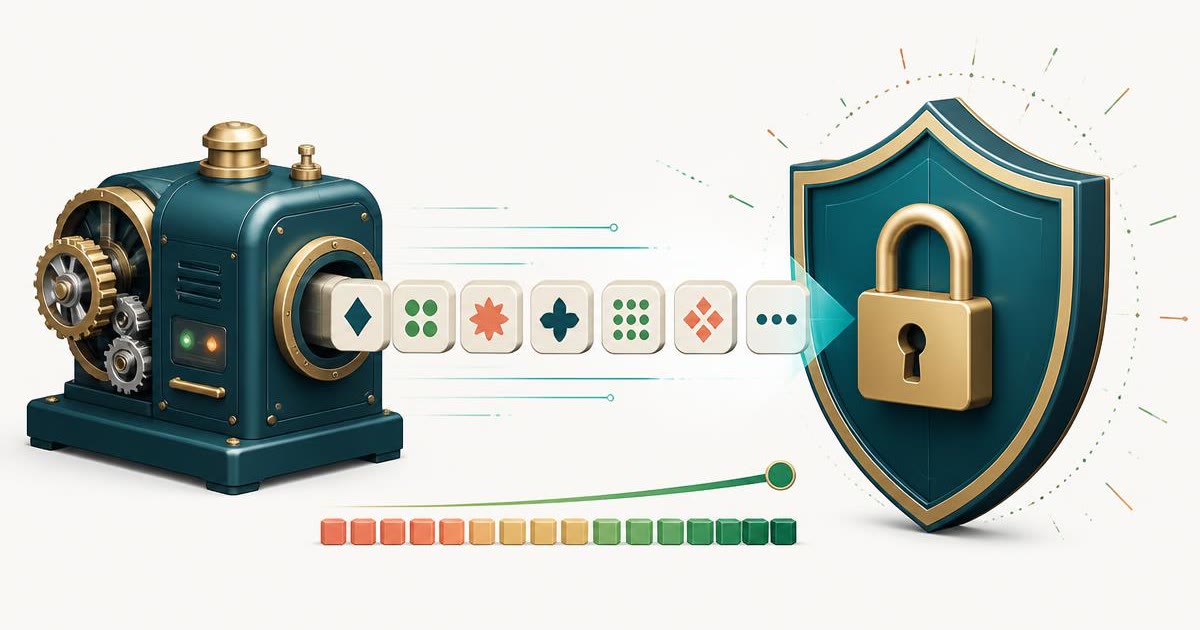
Password Generator
Security, Identity & Privacy
—*Offline attack assumption: 10¹¹ guesses/sec. Actual time varies with hashing algorithm.
Password Generator — Overview
What is Password Generator?
The Password Generator is a security-focused, non-AI utility designed to create strong, random passwords directly within the user’s browser. It provides users with full control over password length and character composition, helping them generate credentials that meet modern security standards without requiring manual effort.
Strong passwords are essential for protecting digital accounts and sensitive information. However, creating secure passwords manually can be challenging, especially when balancing complexity, memorability, and uniqueness. The Password Generator solves this problem by automatically producing passwords that are randomized and difficult to predict.
This tool operates using deterministic and cryptographically secure randomization methods available within the browser. It does not rely on artificial intelligence or external services. Instead, it uses proven random generation techniques to ensure that every password produced is unique and unpredictable. This makes it a reliable and secure option for password creation.
What does Password Generator do?
The Password Generator provides a simple yet powerful way to create secure credentials tailored to specific needs:
How to use Password Generator
- 1Set Password Length
Adjust the length control to define how long the password should be. Longer passwords generally offer higher security.
- 2Select Character Options
Choose which character sets to include in the password. Options typically include uppercase letters, lowercase letters, digits, and symbols.
- 3Generate Password
Click the generate action to create a random password based on the selected settings.
- 4Review Security Strength
Check the strength indicator to ensure the generated password meets your security requirements.
- 5Copy the Password
Copy the password and use it in your account setup, login credentials, or password manager.
- 6Regenerate if Needed
If the password does not meet your preferences, generate a new one instantly.
Privacy & cost
This tool runs entirely in your browser. Nothing is uploaded, logged, or saved on our servers — safe for confidential or proprietary data.
Where it fits
Users can generate strong passwords when creating new accounts on websites, applications, or services.
Existing passwords can be replaced with stronger alternatives to improve account security.
Professionals managing multiple systems can use the tool to generate secure credentials.
Individuals can enhance their overall digital security by using unique passwords for different accounts.
Secure temporary passwords can be generated for one-time use scenarios.
Generated passwords can be stored securely in password managers for easy retrieval and management.
Why people pick this tool
- ✓Strong Security: Produces highly unpredictable passwords resistant to common attack methods
- ✓User Control: Allows customization of length and character composition
- ✓Privacy Protection: Runs entirely in the browser without storing or transmitting data
- ✓Ease of Use: Simple interface accessible to users of all technical levels
- ✓Time Efficiency: Eliminates the need to manually create complex passwords
- ✓Consistency: Deterministic logic ensures reliable and repeatable generation processes
FAQs
The bottom line
The Password Generator is an essential utility for maintaining strong digital security practices. By enabling users to create complex, random passwords instantly, it removes the difficulty of manual password creation and helps prevent common vulnerabilities. Its deterministic, non-AI design ensures that all passwords are generated using secure, proven methods without relying on external systems or interpretation. Combined with its browser-based operation, the tool offers both convenience and privacy.
You might also like
More in Security, Identity & Privacy
Username Generator
Security, Identity & Privacy
Catchy unique usernames in any style.
File Drop — Send & Receive Files
Security, Identity & Privacy
Share files by link, QR or 6-digit code with auto-expiry.
Hash Generator
Security, Identity & Privacy
SHA-1, SHA-256, SHA-384 and SHA-512.
UUID Generator
Security, Identity & Privacy
Generate v4 UUIDs in bulk.
Coin Flip
Math, Units & Quick Decisions
Heads or tails with running tally.

CSS Gradient Generator
Design & Creative Assets
Design gradients with copy-ready CSS.