
Reverse Text
Flip your text by characters, words or lines.
- No training on your data
- Region: global
Reverse Text
Writing & Communication Studio
—Reverse Text — Overview
What is Reverse Text?
Reverse Text is a lightweight, non-AI utility designed to flip or reverse text instantly based on different modes. It allows users to transform input text by reversing characters, words, or even entire lines, depending on the selected option. This makes it a simple yet versatile formatting tool for both fun and functional use cases.
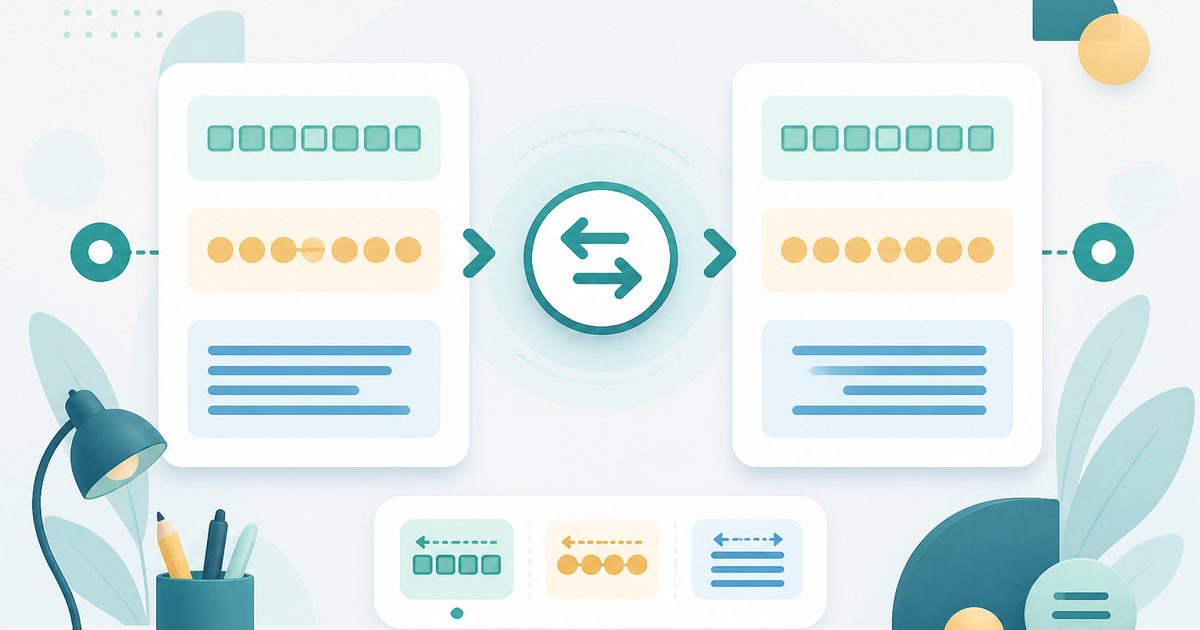
The interface is clean and intuitive. At the top, users can switch between three modes—Characters, Words, and Lines—which determine how the text will be reversed. A large input box allows users to type or paste text, while a “Reversed” output box displays the transformed result in real time. A “Copy result” button enables quick transfer of the output for use in other tools or platforms.
Unlike AI-powered tools, Reverse Text is a non-AI utility. It operates using deterministic rules, meaning it does not interpret or analyze content—it simply reorganizes text according to the selected reversal method. This ensures predictable, fast, and reliable results without variability.
What does Reverse Text do?
Reverse Text transforms text by rearranging its structure in one of three ways. It does not alter the meaning or content—it only changes the order of characters, words, or lines.
- Reverses every character in the text
- Example: `Hello` → `olleH`
- Reverses the order of words while preserving word structure
- Example: `Hello how are you` → `you are how Hello`
- Reverses the order of lines in multi-line text
- Updates output instantly as input changes
- Enables quick copying of results
- Supports both short and long text inputs
How to use Reverse Text
- 1Paste or Enter Your Text
Start by typing or pasting your text into the main input box. This can include a single sentence, multiple lines, or a larger block of text.
- 2Select Reversal Mode
Choose one of the available modes at the top of the interface: - Characters: Reverse individual letters - Words: Reverse the order of words - Lines: Reverse the order of lines
- 3View the Reversed Output
The tool instantly processes your input and displays the reversed version in the output section labeled “Reversed.”
- 4Adjust Input or Mode
You can modify your text or switch modes at any time to explore different transformations. The output updates immediately.
- 5Copy the Result
Click the “Copy result” button to copy the reversed text. You can then paste it into your desired platform.
Privacy & cost
This tool runs entirely in your browser. Nothing is uploaded, logged, or saved on our servers — safe for confidential or proprietary data.
Where it fits
Writers and editors can experiment with text structure, especially when rearranging phrases or testing readability.
Developers may use character or line reversal to test string manipulation functions or validate logic in code.
Text reversal can assist in parsing or restructuring datasets, especially when working with line-based data.
Students learning programming or string operations can use this tool to understand how text transformations work.
Users can create playful or encoded messages by reversing words or characters, often used in puzzles or games.
Researchers or enthusiasts can analyze how reversing text affects readability or comprehension.
Why people pick this tool
- ✓✅ Instant Results — Real-time output eliminates delays and improves workflow efficiency.
- ✓✅ Multiple Transformation Modes — Supports character, word, and line-level operations within one tool.
- ✓✅ Easy to Use — Minimal interface ensures accessibility for all user levels.
- ✓✅ Reliable Output — Non-AI design guarantees consistent and predictable transformations.
- ✓✅ Versatile Functionality — Applicable for both professional and casual use cases.
- ✓✅ No Learning Curve — Users can start immediately without prior knowledge or setup.
- ✓✅ Lightweight Performance — Processes text quickly without requiring advanced resources.
FAQs
The bottom line
Reverse Text is a straightforward yet powerful utility for anyone who needs to quickly manipulate the structure of text. By providing multiple reversal modes—characters, words, and lines—it offers flexibility for a wide range of use cases, from technical tasks to creative experimentation. Its simplicity is one of its greatest strengths. With a clean interface and real-time results, users can transform and test text without any setup or complexity. Because it is a non-AI tool, it delivers consistent and reliable output, making it ideal for workflows where accuracy and predictability are important.
You might also like
More in Writing & Communication Studio
Case Converter
Writing & Communication Studio
UPPER, lower, Title, camelCase, snake_case and more.

Lorem Ipsum
Writing & Communication Studio
Generate placeholder paragraphs, sentences or words.

Palindrome Checker
Writing & Communication Studio
Check if a word or phrase reads the same backwards.

Remove Duplicates
Writing & Communication Studio
Strip repeated lines from any list.

Slugify
Writing & Communication Studio
Turn any text into a clean URL-friendly slug.
Text Repeater
Writing & Communication Studio
Repeat any text N times, with separators.