
User Agent Parser
Paste one or many user-agent strings to see the browser, engine, OS, device, architecture and whether it's a bot.
- No training on your data
- Region: global
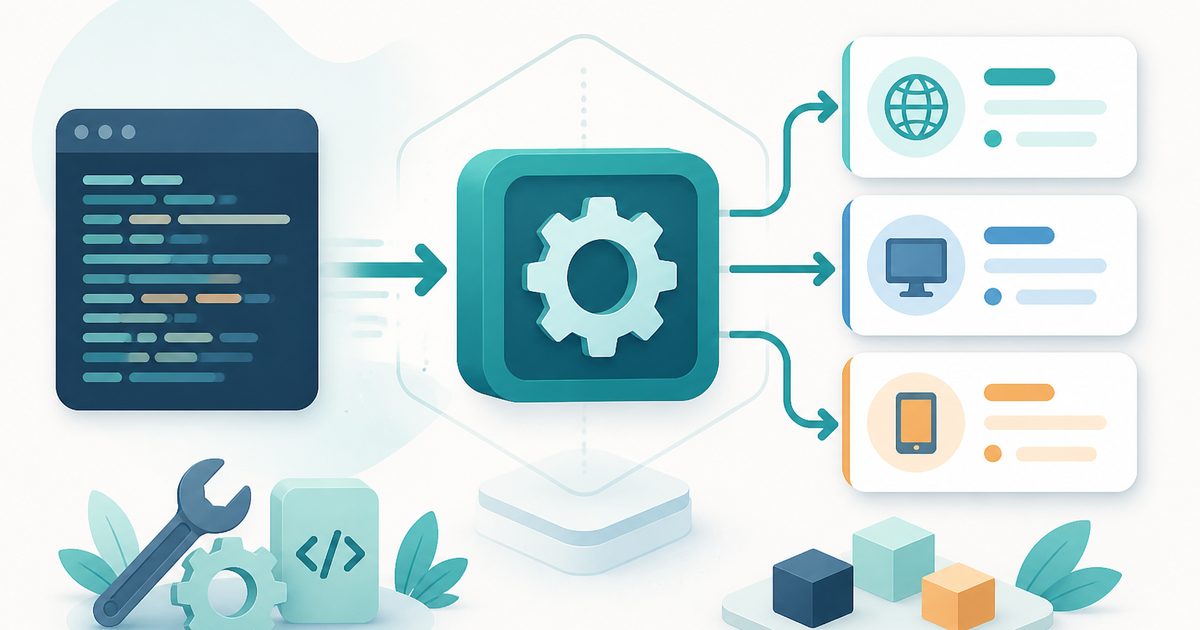
User Agent Parser
Developer & Engineer Toolkit
Pre-filled with your own browser's user agent. Parsing happens entirely in your browser — nothing is uploaded.
You might also like
More in Developer & Engineer Toolkit
HTTP Status Codes
Developer & Engineer Toolkit
Searchable reference for every status code.
Meta Tag Generator
Developer & Engineer Toolkit
SEO, Open Graph and Twitter tags in one click.
robots.txt Generator
Developer & Engineer Toolkit
Tell crawlers exactly what to index.
Base64 Encode / Decode
Developer & Engineer Toolkit
Convert between text and Base64.
User-Agent Parser — Overview
What is User-Agent Parser?
The User-Agent Parser is a practical, non-AI utility designed to analyze and interpret user-agent strings by breaking them down into meaningful, human-readable components. A user-agent string is a piece of text sent by a web browser or application to identify itself to servers. It typically contains information about the browser, operating system, device type, and rendering engine.
While user-agent strings are essential for web communication, they are often complex, densely packed, and difficult to interpret manually. The User-Agent Parser simplifies this process by extracting and presenting key attributes from the string in a structured and easy-to-read format.
This tool does not use artificial intelligence. Instead, it relies on deterministic parsing logic and pattern matching to decode the structure of user-agent strings. This ensures consistent, accurate, and predictable results, making it a reliable tool for debugging, analytics, and development workflows.
What does User-Agent Parser do?
The User-Agent Parser focuses on extracting and organizing critical information from raw user-agent strings. Its primary functions include:
How to use User-Agent Parser
- 1Paste a User-Agent String
Enter or paste the full user-agent string into the input field. This string can come from logs, browser headers, or debugging tools.
- 2Use Auto-Detection Option (Optional)
If available, use the built-in option to automatically populate the input field with your current browser’s user-agent string.
- 3Trigger Parsing
Once the string is entered, the tool automatically processes it using predefined parsing rules.
- 4Review Parsed Fields
The tool displays extracted details such as browser, version, operating system, device type, and rendering engine in separate fields.
- 5Use the Information
Apply the parsed results for debugging, analytics, compatibility testing, or documentation purposes.
Privacy & cost
This tool runs entirely in your browser. Nothing is uploaded, logged, or saved on our servers — safe for confidential or proprietary data.
Where it fits
Developers use the tool to understand browser environments and ensure compatibility across different platforms.
When users report issues, parsing their user-agent strings helps identify the browser and system context involved.
Engineers analyzing server logs can decode user-agent strings to better understand traffic sources and user environments.
Applications can be tested against different device types by verifying how user-agent strings are interpreted.
Backend systems often rely on user-agent data for routing or feature adjustments. This tool helps verify parsing accuracy.
QA teams can validate how applications behave across different browsers, systems, and devices.
Why people pick this tool
- ✓Clarity: Converts complex user-agent strings into structured, readable information
- ✓Accuracy: Uses deterministic rules to ensure consistent parsing results
- ✓Speed: Provides instant output without manual decoding
- ✓Ease of Use: Simple interface suitable for both beginners and experts
- ✓Debugging Support: Helps quickly identify environment-specific issues
- ✓Reliability: Non-AI logic ensures predictable and repeatable outputs
FAQs
The bottom line
The User-Agent Parser is a valuable utility for anyone working with web technologies, analytics, or debugging workflows. By transforming complex user-agent strings into clear, structured information, it simplifies a common yet often challenging task. Its deterministic, non-AI approach ensures consistent and reliable output, making it ideal for professional use in development and troubleshooting environments. Whether analyzing logs, testing compatibility, or investigating issues, the tool provides quick and accurate insights into user environments.
You might also like
More in Developer & Engineer ToolkitHTTP Status Codes
Developer & Engineer Toolkit
Searchable reference for every status code.
Meta Tag Generator
Developer & Engineer Toolkit
SEO, Open Graph and Twitter tags in one click.
robots.txt Generator
Developer & Engineer Toolkit
Tell crawlers exactly what to index.
Base64 Encode / Decode
Developer & Engineer Toolkit
Convert between text and Base64.
Cron Explainer
Developer & Engineer Toolkit
Translate any cron expression into English.
CSV to JSON
Developer & Engineer Toolkit
Convert CSV data into clean JSON arrays.