
CSV ⇄ JSON Converter
Two-way converter with delimiter auto-detect, quoted-field support and export.
- No training on your data
- Region: global
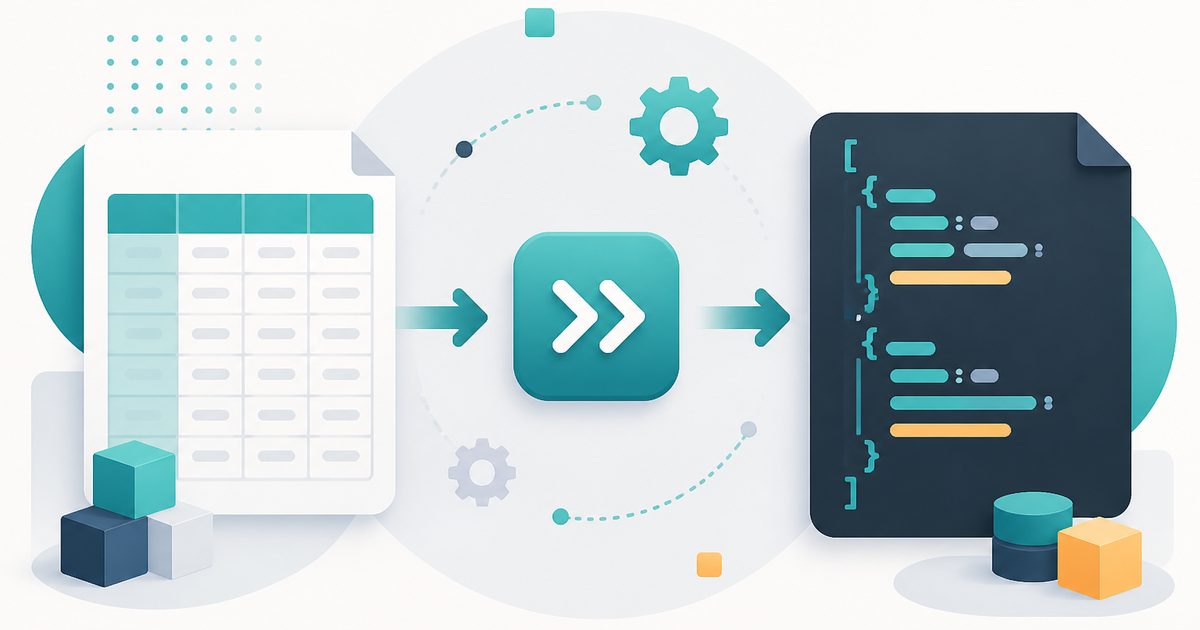
CSV ⇄ JSON Converter
Developer & Engineer Toolkit
You might also like
More in Developer & Engineer Toolkit
HTML Entities
Developer & Engineer Toolkit
Escape and unescape HTML safely.
JSON Formatter
Developer & Engineer Toolkit
Beautify, minify and validate JSON.
Number Base Converter
Developer & Engineer Toolkit
Binary, octal, decimal and hexadecimal.
SQL Formatter
Developer & Engineer Toolkit
Pretty-print SQL queries with proper indentation.
Base64 Encode / Decode
Developer & Engineer Toolkit
Convert between text and Base64.
Cron Explainer
Developer & Engineer Toolkit
Translate any cron expression into English.
CSV to JSON — Overview
What is CSV to JSON?
The CSV to JSON Converter is a focused, non-AI utility designed to transform comma-separated values (CSV) data into structured JSON format. It is widely used by developers, data analysts, and integration specialists who need to convert tabular datasets into a format suitable for modern applications, APIs, and data processing pipelines.
CSV is a simple and commonly used format for storing tabular data, especially in spreadsheets and exported reports. However, JSON (JavaScript Object Notation) is more suitable for structured data interchange, particularly in web applications and APIs. The CSV to JSON Converter bridges this gap by translating flat CSV data into hierarchical JSON objects.
This tool operates using deterministic parsing rules rather than artificial intelligence. It processes CSV input based on standard formatting conventions and converts it into valid JSON syntax. This ensures consistency, reliability, and accuracy in every transformation, making it a dependable tool for technical workflows.
What does CSV to JSON do?
The CSV to JSON Converter simplifies data transformation through the following key capabilities:
How to use CSV to JSON
- 1Paste CSV Data
Copy your CSV content and paste it into the input area. Ensure the structure follows standard CSV formatting.
- 2Configure Header Option
Choose whether the first row should be treated as a header. This determines how keys are assigned in the JSON output.
- 3Initiate Conversion
Click the conversion action to process the CSV data. The tool will parse the input and generate JSON output instantly.
- 4Review the JSON Output
The converted data appears in a structured format. Check for correct mapping of fields and overall structure.
- 5Copy and Use the Output
Copy the JSON result for use in applications, APIs, or data storage systems.
Privacy & cost
This tool runs entirely in your browser. Nothing is uploaded, logged, or saved on our servers — safe for confidential or proprietary data.
Where it fits
Developers often need to convert CSV datasets into JSON before sending them to APIs or using them in web applications.
Organizations moving data between systems can use the tool to convert legacy CSV exports into JSON-compatible formats.
JSON is commonly used in JavaScript-based applications. This tool helps transform data into a format that can be easily consumed.
Analysts can convert CSV exports into JSON for use in modern data tools, services, or scripts.
When connecting different systems, JSON is often required. This tool simplifies the conversion process.
Developers can quickly generate JSON test data from CSV inputs for use in mock APIs or debugging scenarios.
Why people pick this tool
- ✓Efficiency: Converts CSV data instantly without manual processing
- ✓Accuracy: Maintains correct mapping of rows and columns
- ✓Reliability: Deterministic logic ensures consistent results
- ✓Ease of Use: Simple interface accessible to users of all skill levels
- ✓Time Savings: Eliminates the need for custom scripts or external tools
- ✓Data Integrity: Handles quoted fields and embedded commas correctly
FAQs
The bottom line
The CSV to JSON Converter is an essential utility for anyone working with structured data. By automating the transformation from CSV to JSON, it simplifies a common but often tedious task in modern development and data workflows. Its deterministic, non-AI approach ensures reliable and consistent results, making it a trusted tool for developers, analysts, and integration specialists. Whether you are preparing data for APIs, migrating datasets, or building applications, this tool provides a fast and efficient way to convert and structure your data.
You might also like
More in Developer & Engineer ToolkitHTML Entities
Developer & Engineer Toolkit
Escape and unescape HTML safely.
JSON Formatter
Developer & Engineer Toolkit
Beautify, minify and validate JSON.
Number Base Converter
Developer & Engineer Toolkit
Binary, octal, decimal and hexadecimal.
SQL Formatter
Developer & Engineer Toolkit
Pretty-print SQL queries with proper indentation.
Base64 Encode / Decode
Developer & Engineer Toolkit
Convert between text and Base64.
Cron Explainer
Developer & Engineer Toolkit
Translate any cron expression into English.