
Countdown Timer
Countdown to any moment with alarm, browser notifications, presets, shareable link — and multi-event save when signed in.
- No training on your data
- Region: global
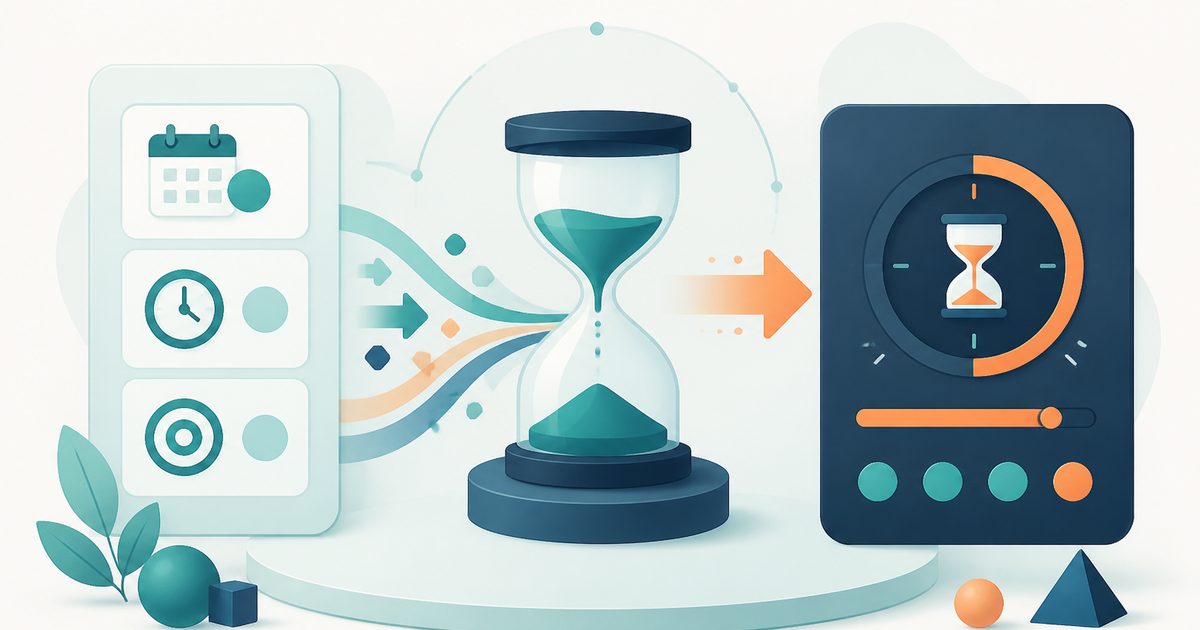
Countdown Timer
Time, Calendars & Focus
Countdown Timer — Overview
What is Countdown Timer?
The Countdown Timer is a dynamic, non-AI utility designed to track the remaining time until a specific future date and time. It provides a continuously updating display that breaks down the remaining duration into clearly defined units such as days, hours, minutes, and seconds.
Tracking time intervals manually—especially across days and hours—can be complex and impractical. The Countdown Timer simplifies this by automating precise time calculations and presenting them in an intuitive visual format. Whether used for personal milestones, events, deadlines, or productivity tracking, the tool offers a clear and immediate understanding of how much time is left until a target moment.
This tool is not powered by artificial intelligence. Instead, it relies on deterministic time calculations based on system clocks and predefined time arithmetic. Every output is derived directly from the difference between the current time and the selected target time. This ensures accuracy, consistency, and predictable behavior at all times.
What does Countdown Timer do?
The Countdown Timer provides a structured and real-time view of time remaining, breaking it into meaningful components for easy interpretation:
How to use Countdown Timer
- 1Enter a Label
Provide a name or description for the event you want to track. This helps identify the countdown clearly.
- 2Select Target Date
Choose the desired date for the event using the date input control.
- 3Set Target Time
Define the exact time associated with the selected date.
- 4Activate the Countdown
Once the target date and time are entered, the timer automatically begins tracking the remaining duration.
- 5Observe Real-Time Updates
Watch the countdown values update continuously, reflecting the current time difference.
- 6Adjust Settings if Needed
Modify the label, date, or time to refine the countdown or create a new tracking scenario.
Privacy & cost
This tool runs entirely in your browser. Nothing is uploaded, logged, or saved on our servers — safe for confidential or proprietary data.
Where it fits
Users can track the time remaining until important events such as celebrations, meetings, or launches.
Professionals and students can monitor deadlines and stay aware of approaching timelines.
Individuals can use countdowns to manage time-sensitive tasks and improve focus.
Users can track significant dates such as anniversaries, holidays, or goals.
Teams can use countdowns to align timelines and ensure tasks are completed on schedule.
The tool helps maintain awareness of how much time is left before a specific moment occurs.
Why people pick this tool
- ✓Accuracy: Calculates time differences precisely using deterministic logic
- ✓Real-Time Updates: Continuously refreshes values for up-to-date tracking
- ✓Clarity: Presents time in multiple units for better understanding
- ✓Customization: Allows flexible input of dates, times, and labels
- ✓Ease of Use: Simple interface accessible to users of all experience levels
- ✓Consistency: Produces reliable outputs without variability or interpretation
FAQs
The bottom line
The Countdown Timer is a practical and efficient tool for tracking time until a specific future moment. By providing a real-time, multi-unit breakdown of the remaining duration, it simplifies time management and enhances awareness of approaching events. Its deterministic, non-AI design ensures that calculations are accurate, consistent, and transparent. This makes it a reliable solution for both personal and professional use cases, from simple event tracking to structured project planning.
You might also like
More in Time, Calendars & Focus
Stopwatch
Time, Calendars & Focus
Precise stopwatch with unlimited laps.
Pomodoro Timer
Time, Calendars & Focus
25 / 5 / 15 minute focus sprint cycles.

Timezone Converter
Time, Calendars & Focus
Compare a time across multiple timezones.
Unix Timestamp Converter
Time, Calendars & Focus
Convert between Unix time and human dates.
World Clock
Time, Calendars & Focus
Live clocks for cities around the world.
Age Calculator
Time, Calendars & Focus
Exact years, months and days between dates.