
World Clock
Track the time in cities around the world.
- No training on your data
- Region: global
World Clock
Time, Calendars & Focus
World Clock — Overview
What is World Clock?
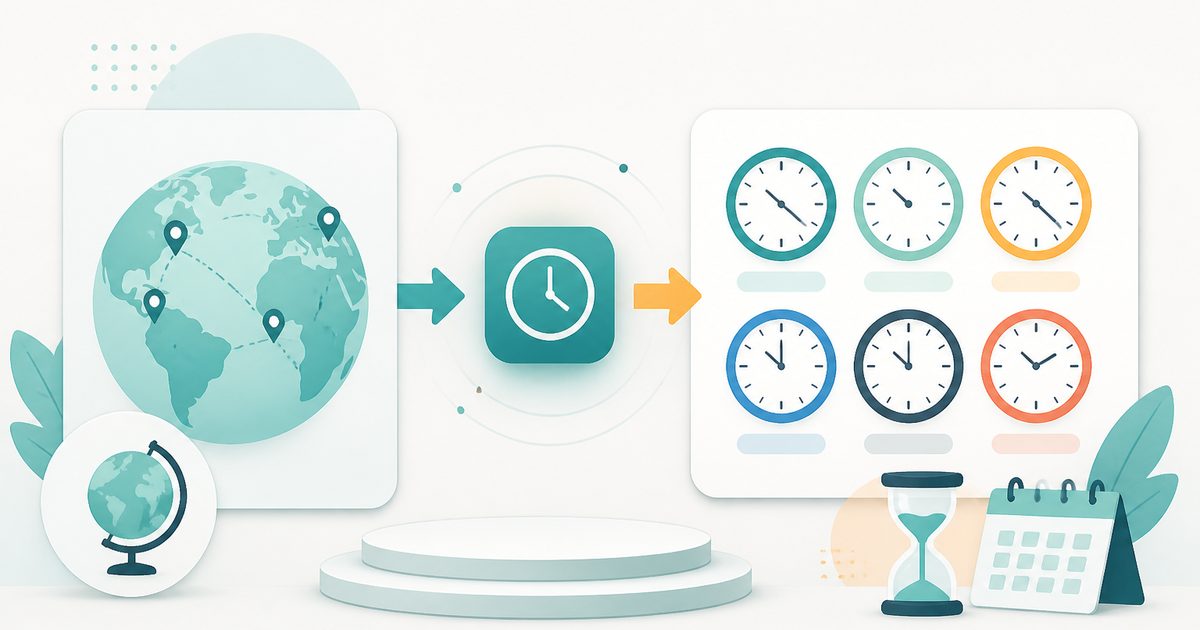
The World Clock is a real-time, non-AI utility designed to display the current time across multiple global cities simultaneously. It enables users to track time in different regions with continuous updates, making it an essential tool for coordinating activities, managing global communication, and staying aligned across time zones.
Unlike static time converters, the World Clock functions as a live monitoring interface. It continuously updates the displayed time every second, ensuring that users always have access to accurate and up-to-date information for each selected location. Each city is represented in an individual display card, showing both the current time and date in a clear and readable format.
This tool is not powered by artificial intelligence. Instead, it relies on deterministic system time and standardized timezone databases to calculate and display local times across various regions. The absence of AI ensures consistent, predictable, and transparent results without interpretation or variability.
What does World Clock do?
The World Clock provides a centralized, real-time view of time across global locations:
How to use World Clock
- 1Search for a City
Enter the name of a city in the input field. The tool uses standard timezone mappings to identify the correct region.
- 2Add the City
Click the add option to include the selected city in your multi-clock view.
- 3View Live Time
Once added, the city appears as a separate clock showing the current time and date.
- 4Monitor Multiple Locations
Add additional cities to track multiple regions simultaneously.
- 5Observe Real-Time Updates
All clocks update every second, ensuring accuracy at all times.
- 6Remove Cities if Needed
Use the removal option to delete any city from the display when it is no longer needed.
Privacy & cost
This tool runs entirely in your browser. Nothing is uploaded, logged, or saved on our servers — safe for confidential or proprietary data.
Where it fits
Professionals working with global teams can easily track colleagues’ local times to schedule meetings effectively.
Organizations managing clients or partners across regions can align communication based on local working hours.
Travelers can monitor destination times and adjust schedules accordingly before and during trips.
Virtual events spanning multiple regions can be planned with accurate awareness of local times.
Individuals with friends or family abroad can coordinate calls and interactions without confusion about time differences.
Users can maintain awareness of global time progression for operational or personal needs.
Why people pick this tool
- ✓Real-Time Accuracy: Continuous updates ensure that time information is always current
- ✓Clarity: Each city is displayed separately, making comparisons easy
- ✓Convenience: Consolidates multiple clocks into a single interface
- ✓Customization: Users can add or remove cities based on their needs
- ✓Efficiency: Eliminates the need for manual timezone calculations
- ✓Reliability: Deterministic logic ensures consistent and predictable outputs
FAQs
The bottom line
The World Clock is an essential utility for anyone navigating a globally connected environment. By offering a real-time, multi-location view of current time, it eliminates the complexity of managing time differences manually. Its deterministic, non-AI design ensures accuracy, transparency, and consistency, making it a reliable choice for both casual users and professionals. Whether coordinating across teams, planning travel, or maintaining global awareness, the tool provides an efficient and user-friendly solution.
You might also like
More in Time, Calendars & Focus
Timezone Converter
Time, Calendars & Focus
Compare a time across multiple timezones.
Countdown Timer
Time, Calendars & Focus
Track exactly how long until any moment.
Pomodoro Timer
Time, Calendars & Focus
25 / 5 / 15 minute focus sprint cycles.
Stopwatch
Time, Calendars & Focus
Precise stopwatch with unlimited laps.
Unix Timestamp Converter
Time, Calendars & Focus
Convert between Unix time and human dates.
Age Calculator
Time, Calendars & Focus
Exact years, months and days between dates.