
Date Difference
Measure the exact gap between two dates — or jump forward and back by days, months or business days.
- No training on your data
- Region: global
Date Difference
Time, Calendars & Focus
Tue → Tue
You might also like
More in Time, Calendars & Focus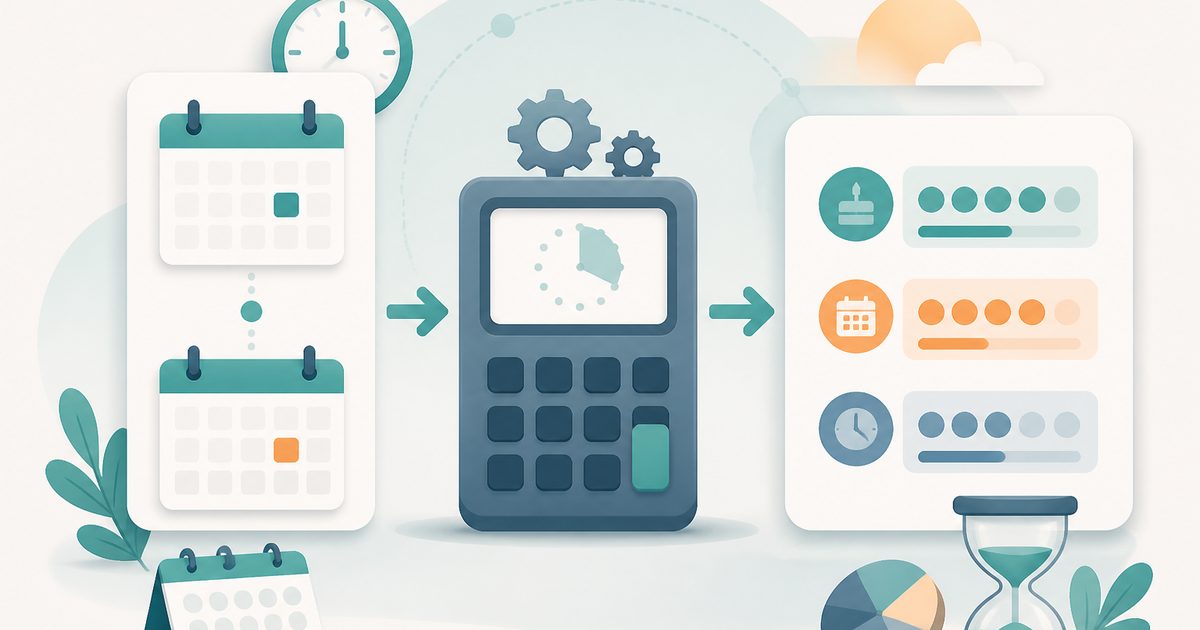
Age Calculator
Time, Calendars & Focus
Exact years, months and days between dates.

Unix Timestamp Converter
Time, Calendars & Focus
Convert between Unix time and human dates.

Countdown Timer
Time, Calendars & Focus
Track exactly how long until any moment.
Pomodoro Timer
Time, Calendars & Focus
25 / 5 / 15 minute focus sprint cycles.
Date Difference — Overview
What is Date Difference?
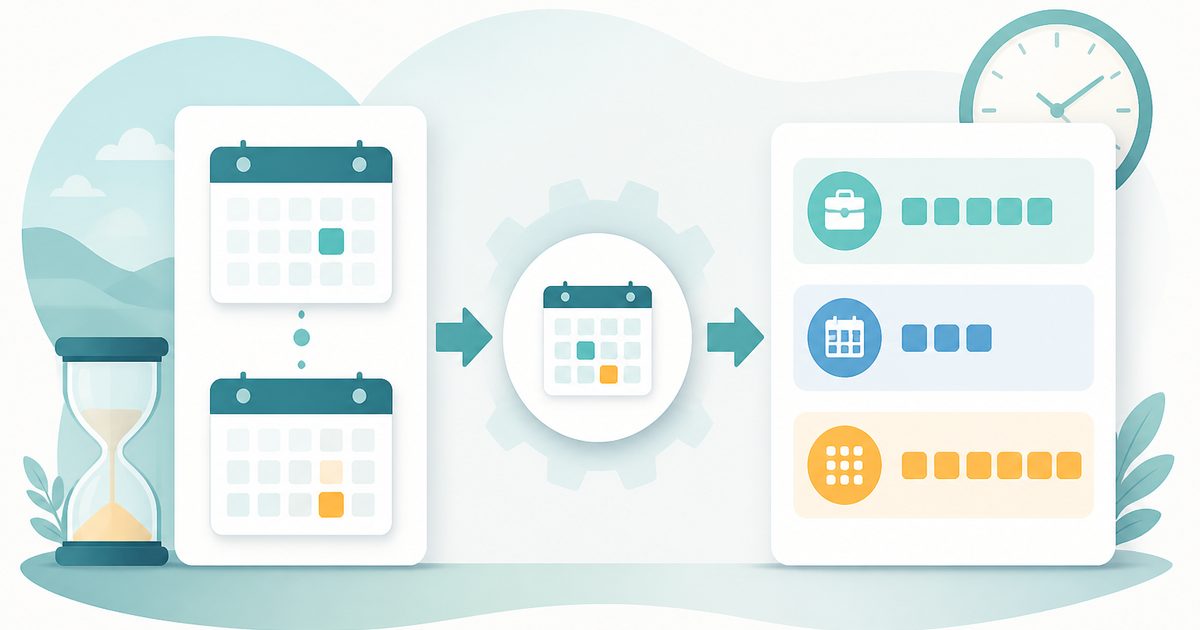
The Date Difference Calculator is a structured, non-AI utility designed to compute the precise time interval between two calendar dates. It provides a detailed breakdown of the duration in multiple units such as total days, working days (weekdays), weeks, months (approximate), and hours.
Understanding the gap between two dates is a common requirement in many personal and professional scenarios, including project planning, deadline tracking, scheduling, and time analysis. While calculating simple differences may seem straightforward, accurately accounting for calendar variations, weekends, and unit conversions can quickly become complex. The Date Difference Calculator simplifies this task by performing all required calculations automatically and presenting results in a clear and organized format.
This tool is not powered by artificial intelligence. It uses deterministic calendar-based calculations grounded in standard date arithmetic. Every output is derived directly from the two input dates using predefined rules, ensuring accuracy, consistency, and transparency. The absence of AI ensures predictable behavior and eliminates variability or interpretation in results.
What does Date Difference do?
The Date Difference Calculator focuses on breaking down time intervals into meaningful components, providing both simple and advanced insights.
How to use Date Difference
- 1Select Start Date
Choose the “from” date, which represents the beginning of the time interval.
- 2Select End Date
Enter the “to” date, which marks the end of the duration to be calculated.
- 3Allow Automatic Calculation
The tool instantly calculates the difference between the two dates using calendar-based logic.
- 4Review Total Days
Check the total number of days to get a basic understanding of the duration.
- 5Review Workdays
Examine the calculated working days to understand business or operational timelines.
- 6Analyze Weeks and Months
Observe how the time span translates into weeks and approximate months.
Privacy & cost
This tool runs entirely in your browser. Nothing is uploaded, logged, or saved on our servers — safe for confidential or proprietary data.
Where it fits
Project managers can calculate timelines, milestones, and task durations across a schedule.
Users can determine how many days or working days remain until a specific deadline.
Organizations can evaluate time intervals between contracts, deliverables, or reporting periods.
Individuals can calculate gaps between events, appointments, or personal milestones.
Workday calculations help estimate working hours and productivity across a period.
Students and analysts can explore how calendar differences translate into multiple time units.
Why people pick this tool
- ✓Accuracy: Uses standard calendar rules to ensure precise calculations
- ✓Speed: Provides instant results without requiring manual computation
- ✓Clarity: Breaks down time into multiple units for better understanding
- ✓Flexibility: Supports any two dates, regardless of range
- ✓Ease of Use: Minimal inputs required for comprehensive output
- ✓Consistency: Deterministic logic guarantees predictable and reliable results
FAQs
The bottom line
The Date Difference Calculator is a powerful yet simple tool for understanding time intervals between two dates. By converting a single date range into multiple meaningful formats—days, weeks, workdays, months, and hours—it provides a comprehensive view of elapsed time. Its deterministic, non-AI design ensures that calculations are accurate, transparent, and consistent, making it suitable for a wide range of applications from personal scheduling to professional planning. With its clean interface, real-time updates, and structured outputs, the tool eliminates the complexity of manual date calculations. It empowers users to make informed decisions quickly and confidently by providing clear insights into how time is distributed across different units.
You might also like
More in Time, Calendars & FocusAge Calculator
Time, Calendars & Focus
Exact years, months and days between dates.
Unix Timestamp Converter
Time, Calendars & Focus
Convert between Unix time and human dates.
Countdown Timer
Time, Calendars & Focus
Track exactly how long until any moment.
Pomodoro Timer
Time, Calendars & Focus
25 / 5 / 15 minute focus sprint cycles.

Stopwatch
Time, Calendars & Focus
Precise stopwatch with unlimited laps.

Timezone Converter
Time, Calendars & Focus
Compare a time across multiple timezones.