
Morse Code Translator
Text ↔ Morse with ITU spacing. Play audio at any WPM and pitch, or download a WAV file.
- No training on your data
- Region: global
Morse Code Translator
Writing & Communication Studio
Use / to separate words in Morse input. Timing follows ITU: dot = 1u, dash = 3u, letter gap = 3u, word gap = 7u.
You might also like
More in Writing & Communication Studio
AI Translator
Writing & Communication Studio
Translate into 50+ languages with natural tone.

Case Converter
Writing & Communication Studio
UPPER, lower, Title, camelCase, snake_case and more.

Find & Replace
Writing & Communication Studio
Bulk find and replace, with regex support.

Lorem Ipsum
Writing & Communication Studio
Generate placeholder paragraphs, sentences or words.
Morse Code Translator — Overview
What is Morse Code Translator?
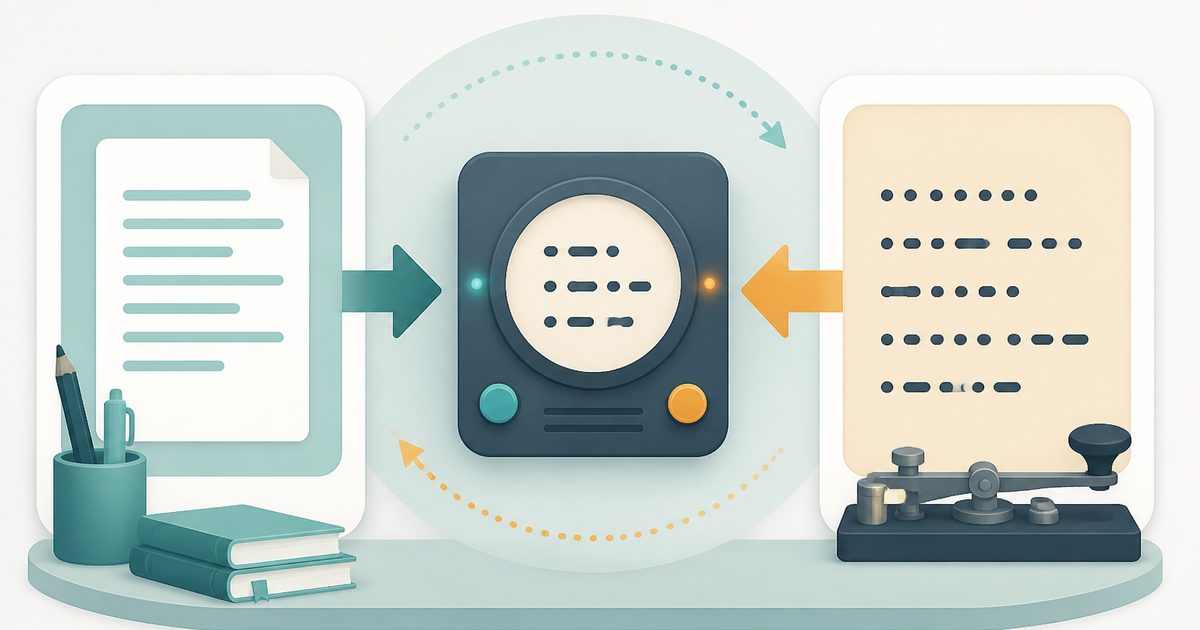
Morse Code Translator is a specialized, non-AI utility designed to convert plain text into International Morse Code and translate Morse Code back into readable text. It provides a simple and efficient way to encode and decode information using standardized dot-and-dash notation, following widely accepted ITU (International Telecommunication Union) conventions.
The tool features a clean dual-mode interface that supports two primary operations: Text → Morse and Morse → Text. Users can easily switch between these modes depending on the direction of translation needed. Input is entered into a text field, and the corresponding output is generated instantly in a separate display area. A built-in copy function allows users to quickly transfer results for use in other applications.
Because this is a non-AI tool, it operates using predefined mappings between characters and Morse Code symbols. It does not interpret or generate meaning—rather, it performs precise character-by-character conversion based on established encoding rules. This ensures consistent, reliable, and predictable results across all use cases.
What does Morse Code Translator do?
Morse Code Translator performs bidirectional conversion between plain text and Morse Code using standard encoding rules. It enables users to translate readable language into a signal-based format and decode it back into text.
- Converts standard text characters into Morse Code signals (dots and dashes)
- Translates Morse Code sequences into readable text
- Maintains correct separation between letters and words according to ITU guidelines
- Instantly updates output as input changes
- Provides a button to quickly copy results
- Supports seamless switching between encoding and decoding modes
How to use Morse Code Translator
- 1Choose Translation Mode
Select the desired mode at the top of the interface: - Text → Morse to encode plain text - Morse → Text to decode Morse input
- 2Enter Your Input
Type or paste your content into the input field: - Plain text for encoding - Morse Code sequences for decoding
- 3View the Output
The translated result appears instantly in the output box below the input field. The tool updates automatically as you modify the input.
- 4Verify Formatting
Ensure that spacing and symbols are correctly interpreted: - Letters are separated by standard spacing - Words are separated using designated separators
- 5Copy the Result
Click the “Copy result” button to copy the translated output to your clipboard.
- 6Use the Output
Paste the result into your desired environment, such as: - Learning materials - Signal simulations - Documentation or notes
Privacy & cost
This tool runs entirely in your browser. Nothing is uploaded, logged, or saved on our servers — safe for confidential or proprietary data.
Where it fits
Students and learners can use the tool to understand Morse Code structure and practice encoding or decoding exercises.
Users can simulate historical or signal-based communication systems using Morse Code for demonstration purposes.
Developers can test encoding logic or integrate Morse Code conversions into applications and projects.
Individuals interested in radio communication or signal systems can use the tool for practice and reference.
Morse Code is commonly used in puzzles and challenges. The tool helps verify solutions or generate encoded messages.
Creators can incorporate Morse Code into creative content such as designs, messages, or themed communications.
Why people pick this tool
- ✓✅ Accurate Conversion — Uses standardized encoding rules to ensure correctness in every translation.
- ✓✅ Bidirectional Functionality — Supports both encoding and decoding within a single interface.
- ✓✅ Instant Results — Real-time processing eliminates delays and improves efficiency.
- ✓✅ Easy to Use — Minimal interface allows users to start immediately without prior setup.
- ✓✅ Educational Utility — Helps users understand Morse Code structure and spacing conventions.
- ✓✅ Reliable Performance — Non-AI design ensures predictable and consistent results.
- ✓✅ Versatile Applications — Suitable for both technical and recreational use cases.
FAQs
The bottom line
Morse Code Translator is a focused and efficient tool for converting text to Morse Code and back. Its dual-mode functionality, real-time processing, and adherence to standard encoding rules make it a reliable resource for both beginners and experienced users. By removing the complexity of manual encoding and decoding, it enables users to work with Morse Code quickly and accurately. Its non-AI design ensures consistent performance, making it especially valuable in educational, technical, and exploratory scenarios.
You might also like
More in Writing & Communication StudioAI Translator
Writing & Communication Studio
Translate into 50+ languages with natural tone.
Case Converter
Writing & Communication Studio
UPPER, lower, Title, camelCase, snake_case and more.
Find & Replace
Writing & Communication Studio
Bulk find and replace, with regex support.
Lorem Ipsum
Writing & Communication Studio
Generate placeholder paragraphs, sentences or words.

Markdown Preview
Writing & Communication Studio
Live preview while you write Markdown.

Palindrome Checker
Writing & Communication Studio
Check if a word or phrase reads the same backwards.