
Invoice Generator
Create a professional invoice and download it as a PDF — tax, discounts, your logo and 12 currencies, all handled on your device.
- No training on your data
- Region: global
Invoice Generator
Business & Freelance
Invoice 29% complete
Still needed: Your business name, Client name
Invoice details
From — your business
Bill to — client
Line items
Adjustments
Notes, terms & payment
Your business
Address
INVOICE
INV-2026-0001
Oct 27, 2026
Bill to
Client name
| Item | Qty | Amount |
|---|---|---|
| — | 1 | $0.00 |
Review before sending
- Your business name
- Client name
- At least one priced line item
- A contact email or phone
- Payment instructions
Saved drafts
Stored only in this browser — never uploaded. Clearing site data removes them.
No saved drafts yet.
Invoice Generator — Overview
What is Invoice Generator?
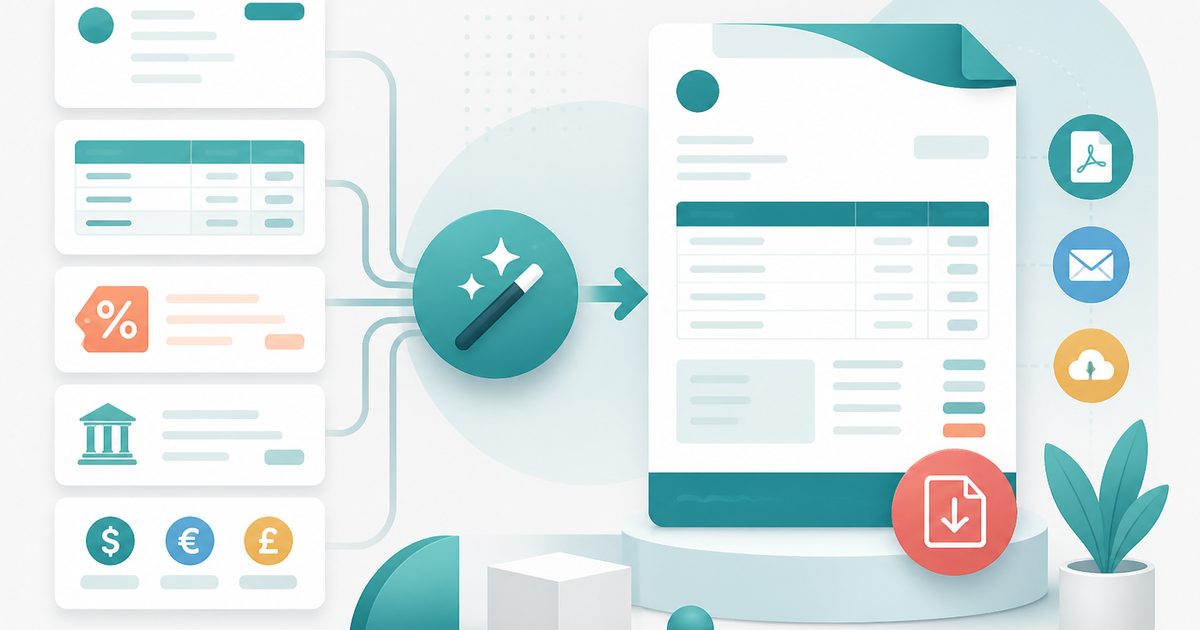
The Invoice Generator turns a few fields into a clean, professional PDF invoice you can send to a client in under two minutes. It handles line items, per-line tax, discounts, shipping, part-payments, multiple currencies and your own logo — with a live preview beside the form so you always see what the client will see.
Most invoice tools are the free tier of an accounting subscription: three invoices a month, a watermark, an account signup and your client list stored on their servers. This one is the opposite. There is no account, no cap and no upload — the invoice is assembled and rendered to PDF inside your browser tab.
It's built for freelancers, contractors, consultants, tutors, small studios and anyone who bills occasionally and doesn't want a monthly SaaS bill just to get paid.
What does Invoice Generator do?
Everything a small invoice actually needs, and nothing that gets in the way:
- Unlimited line items with quantity/hours, rate and a per-line tax rate
- Percentage or fixed discount, shipping/expenses and an amount-already-paid field that produces a balance due
- 12 currencies with correct symbols and locale number formatting
- Rename the tax line to VAT, GST or Sales tax to match your jurisdiction
- Logo upload plus seven accent colours for a branded header
- Automatic sequential numbering per year (INV-2026-0001) that you can override
- Live preview, a readiness score that tells you exactly which field is still missing
- PDF download, CSV export of the line items, print, copy-as-text summary and local draft saving
How to use Invoice Generator
- 1Fill in who's billing whom
Add your business details on the left and the client on the right. Address boxes accept multiple lines, and the extra field is there for VAT/GST numbers or a PO reference.
- 2Add your line items
One row per service or product: description, quantity or hours, rate and a tax rate if it applies. Use Duplicate for near-identical rows, and watch the live preview total update as you type.
- 3Set terms and download
Add payment instructions (bank details, UPI, a payment link), notes and terms, then click Download PDF. Hit Save draft first if you'll want to reuse or amend it later.
Privacy & cost
This tool runs entirely in your browser. Nothing is uploaded, logged, or saved on our servers — safe for confidential or proprietary data.
Where it fits
Bill by the hour or by the project without paying for accounting software you use twice a month.
Consistent, branded invoices with sequential numbering that your bookkeeper can reconcile from the CSV export.
Simple per-session billing with a tax line and clear payment instructions.
Selling a piece of equipment or a design asset and the buyer needs a proper document — this takes two minutes.
Why people pick this tool
- ✓Free forever — unlimited documents, no watermark, no trial limit
- ✓No sign-up, no email, no credit card
- ✓Runs entirely in your browser — client names and amounts never reach a server
- ✓Drafts and running document numbers stay in your own browser storage
- ✓Real PDF output that prints correctly on A4, plus a CSV of the line items for bookkeeping
FAQs
The bottom line
Getting paid shouldn't require a subscription. Fill in the form, download the PDF, send it — and because nothing is uploaded, your rates and client list stay entirely your business.
More billing documents
Invoices, receipts and estimates from one free, no-signup builder.
You might also like
More in Business & Freelance
Estimate & Quote Generator
Business & Freelance
Send itemised client quotes with a validity date and deposit.
Receipt Maker
Business & Freelance
Issue numbered proof-of-payment receipts as printable PDFs.
Compound Interest
Money & Personal Finance
Project the growth of your savings.

Currency Converter
Money & Personal Finance
Live FX rates between world currencies.
Discount Calculator
Money & Personal Finance
Final price and savings from any % off.
Expense Splitter
Money & Personal Finance
Track shared bills with friends, split by weights/exact/percent, minimize transfers, AI receipt scan. Save groups when signed in.