
Receipt Maker
Give customers proof of payment: an itemised, numbered receipt PDF with tax and amount received — built and downloaded on your device.
- No training on your data
- Region: global
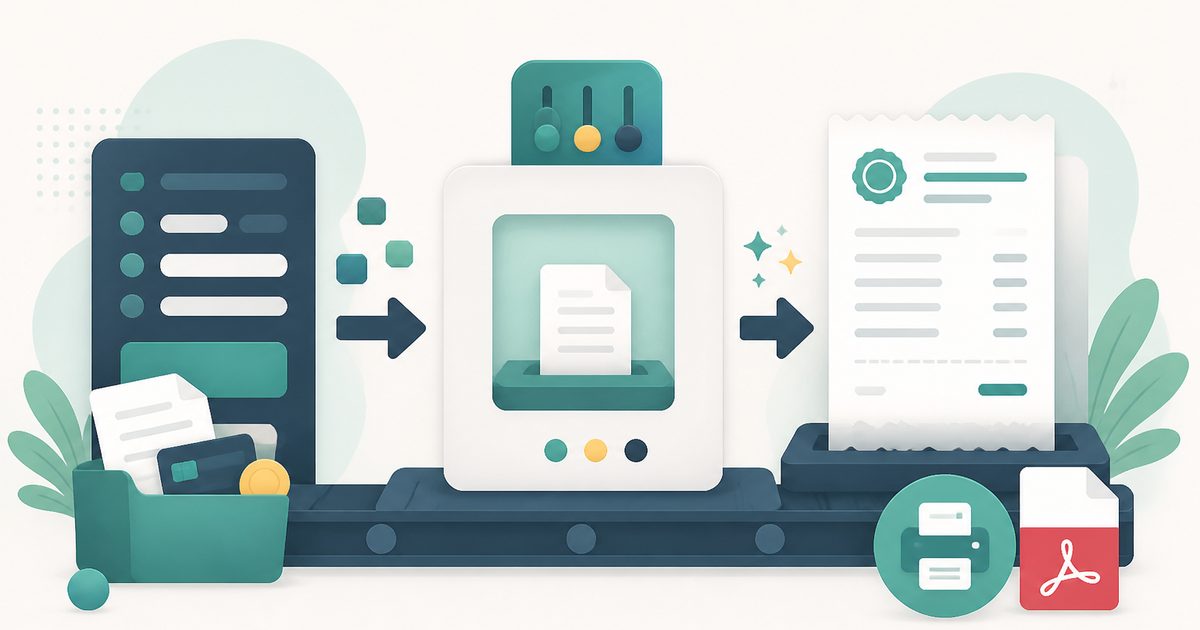
Receipt Maker
Business & Freelance
Receipt 43% complete
Still needed: Your business name, Client name
Receipt details
From — your business
Received from
Line items
Adjustments
Notes, terms & payment
Your business
Address
RECEIPT
RCP-2026-0001
Oct 27, 2026
Received from
Client name
| Item | Qty | Amount |
|---|---|---|
| — | 1 | $0.00 |
Review before sending
- Your business name
- Client name
- At least one priced line item
- A contact email or phone
Saved drafts
Stored only in this browser — never uploaded. Clearing site data removes them.
No saved drafts yet.
Receipt Maker — Overview
What is Receipt Maker?
The Receipt Maker creates a numbered, itemised proof of payment PDF — the document a customer needs for their own records, an expense claim or a tax return. Add what was bought, the tax, the amount received and the payment date, and download a clean receipt in seconds.
It's the right tool when money has already changed hands. Cash sales, card payments taken in person, deposits, rent, private sales and reimbursements all benefit from a proper receipt rather than a handwritten note or a screenshot.
Like every tool in this category it runs entirely in the browser: no account, no watermark, and none of the payment details leave your device.
What does Receipt Maker do?
A receipt that stands up to an expense-claim reviewer:
- Itemised list of what was paid for, with tax where it applies
- Amount received and remaining balance, for part-payments and deposits
- Payment date and a sequential RCP-2026-0001 receipt number
- Payer and issuer details, including tax registration numbers
- Logo and accent colour so it matches your invoices
- PDF download, print, CSV export and local draft saving
How to use Receipt Maker
- 1Record the payment
Set the payment date, enter what the money was for as line items, and put the amount handed over in Amount received.
- 2Identify both parties
Add your business details and who paid. For expense claims, the payer's name and your tax number are usually the two fields a reviewer looks for.
- 3Download and hand it over
Export the PDF and email or print it. Save the draft if you issue similar receipts regularly — reload, change the date and go.
Privacy & cost
This tool runs entirely in your browser. Nothing is uploaded, logged, or saved on our servers — safe for confidential or proprietary data.
Where it fits
Market stalls, workshops, private tuition and pop-ups where no card terminal receipt exists.
Show exactly what was received and what remains outstanding.
A consistent, numbered monthly record for both landlord and tenant.
Give the other party a clean document instead of a message thread.
Why people pick this tool
- ✓Free forever — unlimited documents, no watermark, no trial limit
- ✓No sign-up, no email, no credit card
- ✓Runs entirely in your browser — client names and amounts never reach a server
- ✓Drafts and running document numbers stay in your own browser storage
- ✓Real PDF output that prints correctly on A4, plus a CSV of the line items for bookkeeping
FAQs
The bottom line
A receipt takes a minute to issue and saves an argument later. Fill in the payment, download the PDF, and keep the draft for the next one.
More billing documents
Invoices, receipts and estimates from one free, no-signup builder.
You might also like
More in Business & Freelance
Estimate & Quote Generator
Business & Freelance
Send itemised client quotes with a validity date and deposit.
Invoice Generator
Business & Freelance
Create branded PDF invoices with tax, discounts and multi-currency.
Compound Interest
Money & Personal Finance
Project the growth of your savings.
Currency Converter
Money & Personal Finance
Live FX rates between world currencies.
Discount Calculator
Money & Personal Finance
Final price and savings from any % off.
Expense Splitter
Money & Personal Finance
Track shared bills with friends, split by weights/exact/percent, minimize transfers, AI receipt scan. Save groups when signed in.