
SQL Formatter
Paste a query — get a clean, indented version.
- No training on your data
- Region: global
SQL Formatter
Developer & Engineer Toolkit
SELECT id,
  name,
  email
FROM users u
INNER
JOIN orders o
  ON o.user_id = u.id
WHERE u.active = true
  AND o.total > 100
ORDER BY o.created_at desc
LIMIT 50
SQL Formatter — Overview
What is SQL Formatter?
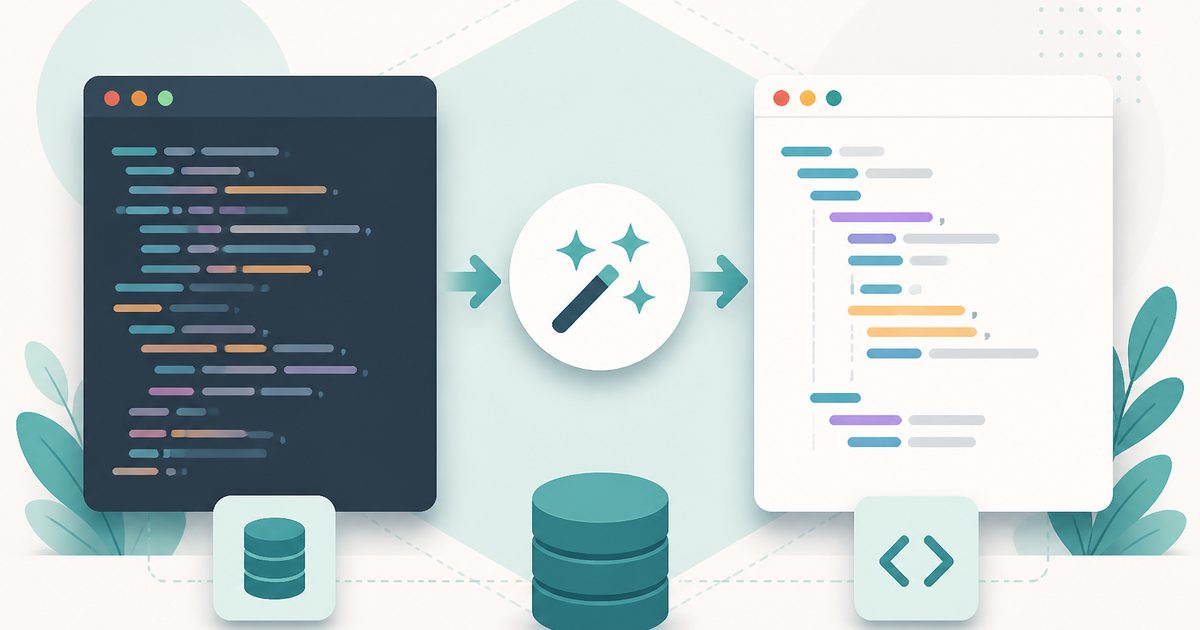
The SQL Formatter is a practical, non-AI developer utility designed to transform raw or unstructured SQL queries into clean, readable, and consistently formatted code. It improves clarity by applying indentation, standardized keyword casing, and logical line breaks, making complex SQL queries easier to understand, maintain, and debug.
SQL (Structured Query Language) is widely used to manage and query relational databases, but raw queries—especially those written quickly or generated dynamically—can become difficult to read due to inconsistent formatting, lack of spacing, or overly compact structures. The SQL Formatter addresses this challenge by automatically restructuring queries into a visually organized format.
This tool does not use artificial intelligence. Instead, it relies on rule-based formatting logic to parse SQL syntax and rearrange it according to predefined formatting conventions. This ensures deterministic, repeatable outputs where the structure is improved without altering the logic or meaning of the query.
What does SQL Formatter do?
The SQL Formatter focuses on enhancing readability and consistency without modifying query behavior. Its key functions include:
How to use SQL Formatter
- 1Paste Your SQL Query
Enter or paste your SQL code into the input field. The query can be unformatted, compressed, or inconsistently structured.
- 2Click Format
Trigger the formatting operation to process the query. The tool automatically applies formatting rules.
- 3Review the Output
The formatted SQL appears in a separate output section. Examine the structure for improved clarity and readability.
- 4Copy the Formatted Query
Use the output as needed in your codebase, database console, documentation, or debugging workflow.
Privacy & cost
This tool runs entirely in your browser. Nothing is uploaded, logged, or saved on our servers — safe for confidential or proprietary data.
Where it fits
Formatted queries are easier to read, making it simpler to identify logical errors, incorrect joins, or misplaced conditions.
Cleanly formatted SQL improves collaboration by making queries easier for team members to understand and review.
Developers can maintain consistent formatting standards across projects, ensuring readability and maintainability.
Beginners benefit from structured queries that demonstrate proper formatting and syntax organization.
Readable queries are easier to include in technical documentation, training materials, or knowledge bases.
Analysts working with SQL queries can quickly restructure queries to better understand data transformations and relationships.
Why people pick this tool
- ✓Improved Readability: Converts dense SQL into a structured, easy-to-follow format
- ✓Consistency: Ensures uniform formatting across different queries and teams
- ✓Time Savings: Eliminates manual formatting effort
- ✓Error Reduction: Makes it easier to spot mistakes and inconsistencies
- ✓Better Collaboration: Enhances understanding in shared code environments
- ✓Deterministic Results: Non-AI logic ensures predictable and reliable outputs
FAQs
The bottom line
The SQL Formatter is an essential utility for developers and data professionals who work with SQL regularly. By transforming unstructured queries into clean, readable code, it improves understanding, reduces errors, and enhances collaboration across teams. Its non-AI, deterministic approach ensures that formatting is consistent and predictable, making it a reliable part of any development workflow. Whether used for debugging, documentation, or general code cleanup, the SQL Formatter simplifies SQL management and helps users focus on logic rather than presentation.
You might also like
More in Developer & Engineer Toolkit
CSV to JSON
Developer & Engineer Toolkit
Convert CSV data into clean JSON arrays.

HTML Entities
Developer & Engineer Toolkit
Escape and unescape HTML safely.
JSON Formatter
Developer & Engineer Toolkit
Beautify, minify and validate JSON.

Number Base Converter
Developer & Engineer Toolkit
Binary, octal, decimal and hexadecimal.

Base64 Encode / Decode
Developer & Engineer Toolkit
Convert between text and Base64.

Cron Explainer
Developer & Engineer Toolkit
Translate any cron expression into English.