
JSON Formatter
Beautify, validate, explore. A tree view, key stats and dot-path queries.
- No training on your data
- Region: global

JSON Formatter
Developer & Engineer Toolkit
{
  "name": "My Toolyard",
  "version": 2,
  "tools": [
    {
      "id": "json",
      "tags": [
        "dev",
        "format"
      ]
    },
    {
      "id": "qr",
      "tags": [
        "design"
      ]
    }
  ],
  "meta": {
    "free": true,
    "byok": true
  }
}JSON Formatter — Overview
What is JSON Formatter?
The JSON Formatter is a lightweight, non-AI utility designed to help developers, analysts, and data professionals work with JSON (JavaScript Object Notation) more efficiently. It provides a clean interface for formatting, validating, and minimizing JSON data, making it easier to read, debug, and share structured information across systems and applications.
This tool focuses on improving the readability and correctness of JSON by transforming raw or compact data into a well-structured layout with consistent indentation. It also supports validation to ensure that the JSON syntax is correct, helping users quickly identify and fix errors such as missing commas, misplaced brackets, or incorrect formatting.
Unlike AI-powered tools, the JSON Formatter relies on deterministic parsing logic. This means it does not interpret or modify the meaning of the data—it strictly processes the structure according to JSON standards. This ensures consistent and predictable output every time.
What does JSON Formatter do?
The JSON Formatter combines three core functions into a single, easy-to-use interface:
How to use JSON Formatter
- 1Paste Your JSON Data
Copy your JSON content and paste it into the input field. This can include raw, minified, or partially formatted data.
- 2Choose a Formatting Option
Select one of the available actions based on your needs: - Format (Beautify) - Minify - Validate
- 3Adjust Indentation (Optional)
If formatting, choose your preferred indentation level to control the visual structure of the output.
- 4View the Output
The processed JSON will appear in the output section, reflecting the selected operation.
- 5Copy the Result
Use the copy function to quickly transfer the cleaned or validated JSON into your project.
Privacy & cost
This tool runs entirely in your browser. Nothing is uploaded, logged, or saved on our servers — safe for confidential or proprietary data.
Where it fits
Developers can format API responses to better understand nested structures and troubleshoot issues more efficiently.
Analysts and engineers can verify JSON syntax before using it in applications, ensuring data integrity and avoiding runtime errors.
JSON is commonly used in configuration files. This tool helps maintain readability and consistency in these files.
Developers working with JavaScript frameworks or backend services can use the formatter to inspect and refine JSON payloads.
ETL processes and data pipelines often involve JSON. The formatter helps ensure that data is clean and correctly structured before processing.
Beginners learning JSON can use the tool to visualize structure and understand how nested objects and arrays are organized.
Why people pick this tool
- ✓Improved Readability: Converts dense JSON into a clear, structured format that is easy to understand
- ✓Error Detection: Identifies syntax issues early, reducing debugging time
- ✓Efficiency: Automates formatting tasks that would otherwise take manual effort
- ✓Consistency: Ensures uniform indentation and structure across JSON files
- ✓Performance Optimization: Enables minification for faster data transfer and reduced file size
- ✓Reliability: Provides deterministic results without modifying actual data content
FAQs
The bottom line
The JSON Formatter is an essential utility for anyone working with structured data. Its combination of formatting, validation, and minification capabilities makes it a versatile and reliable companion for modern development workflows. By simplifying JSON handling and eliminating common errors, the tool helps users focus on building and maintaining high-quality applications and data systems.
You might also like
More in Developer & Engineer Toolkit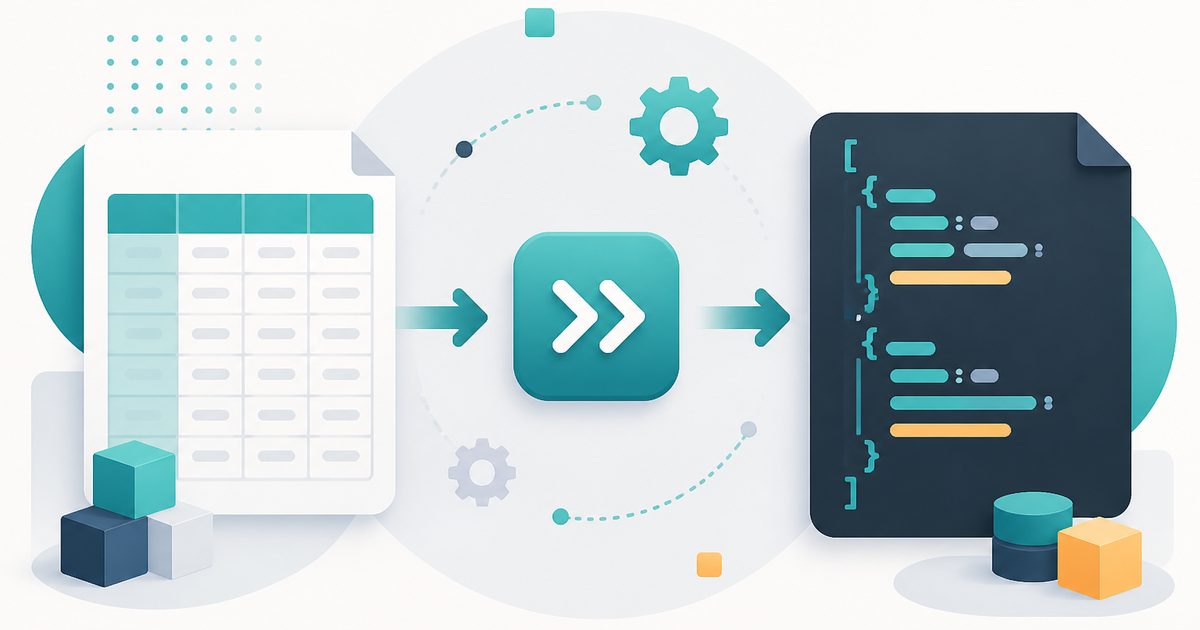
CSV to JSON
Developer & Engineer Toolkit
Convert CSV data into clean JSON arrays.

HTML Entities
Developer & Engineer Toolkit
Escape and unescape HTML safely.

Number Base Converter
Developer & Engineer Toolkit
Binary, octal, decimal and hexadecimal.

SQL Formatter
Developer & Engineer Toolkit
Pretty-print SQL queries with proper indentation.

Base64 Encode / Decode
Developer & Engineer Toolkit
Convert between text and Base64.

Cron Explainer
Developer & Engineer Toolkit
Translate any cron expression into English.