
Regex Tester
Live match, replace and split with groups, cheatsheet and pattern library.
- No training on your data
- Region: global

Regex Tester
Developer & Engineer Toolkit
| # | Match | Index | Groups |
|---|---|---|---|
| 1 | hi@example.com | 12 | — |
| 2 | test@toolyard.com | 30 | — |
\ddigit\wword char\swhitespace^ $line start / end\bword boundary.any (not \n)a*0 or morea+1 or morea?0 or 1a{2,5}2 to 5(a|b)alternation(?:…)non-capture(?<n>…)named group(?=…)lookahead(?<=…)lookbehind[abc]any of a b c[^abc]none of\1backref 1Regex Tester — Overview
What is Regex Tester?
The Regex Tester is a practical, non-AI development utility that allows users to write, test, and validate regular expressions (regex) in real time. Designed for developers, data analysts, QA engineers, and anyone working with pattern matching, this tool provides an interactive environment where regex patterns can be applied instantly to sample text with visual feedback.
Regular expressions are widely used in programming, data processing, and text manipulation for tasks such as searching, filtering, validating inputs, and extracting structured information from unstructured text. However, writing and debugging regex patterns can be complex and error-prone. The Regex Tester simplifies this process by offering immediate match highlighting and clear output results.
This tool operates using the browser’s native JavaScript RegExp engine. It does not use artificial intelligence, meaning all matching behavior is deterministic and follows standardized regex rules. This ensures accuracy, predictability, and consistency in results across repeated tests.
What does Regex Tester do?
The Regex Tester provides a focused set of capabilities to help users efficiently develop and refine regular expressions:
How to use Regex Tester
- 1Enter a Regex Pattern
Input the regular expression pattern into the designated field. This defines the matching rule you want to test.
- 2Add Regex Flags (Optional)
Specify any flags that influence pattern matching behavior, such as global matching or case sensitivity.
- 3Provide Test Input
Paste or type the text you want to test against the regex pattern. This can be any string or dataset.
- 4Observe Highlighted Matches
The tool will automatically highlight all substrings that match the pattern within the test input.
- 5Review Match Results
Check the number of matches found and inspect the highlighted segments to confirm correctness.
- 6Iterate and Refine
Adjust the pattern or input text as needed. The tool updates results in real time, allowing quick experimentation.
Privacy & cost
This tool runs entirely in your browser. Nothing is uploaded, logged, or saved on our servers — safe for confidential or proprietary data.
Where it fits
Developers can test patterns used for validating user input such as email formats, phone numbers, or custom identifiers.
The tool helps identify and extract specific patterns from large text datasets, such as IDs, codes, or structured values.
When regex expressions fail or produce unexpected results, this tool provides a fast way to diagnose and fix issues.
Engineers can use regex to search through logs and identify relevant entries or patterns.
Regex is commonly used in scripts for text transformation. The tester allows validation before implementation.
Beginners can experiment with regex patterns and immediately see how changes affect matching behavior.
Why people pick this tool
- ✓Speed and Efficiency: Eliminates the need to run full programs to test regex patterns
- ✓Visual Clarity: Highlighted matches make it easier to understand pattern behavior
- ✓Error Reduction: Immediate feedback helps identify mistakes early in development
- ✓Consistency: Deterministic results ensure reliable testing outcomes
- ✓Ease of Use: Simple interface lowers the barrier to working with complex regex
- ✓Cross-Compatibility: Alignment with JavaScript regex standards supports web development workflows
FAQs
The bottom line
The Regex Tester is an essential utility for anyone working with text pattern matching. By providing a real-time, visual environment for testing and refining regular expressions, it removes much of the complexity traditionally associated with regex development. Its simplicity, speed, and reliability make it suitable for both beginners learning the fundamentals and experienced professionals optimizing advanced patterns. Whether used for debugging, validation, or exploration, the tool enables users to work more confidently and efficiently with regular expressions.
You might also like
More in Developer & Engineer Toolkit
Base64 Encode / Decode
Developer & Engineer Toolkit
Convert between text and Base64.

Cron Explainer
Developer & Engineer Toolkit
Translate any cron expression into English.

CSV to JSON
Developer & Engineer Toolkit
Convert CSV data into clean JSON arrays.

HTML Entities
Developer & Engineer Toolkit
Escape and unescape HTML safely.
JSON Formatter
Developer & Engineer Toolkit
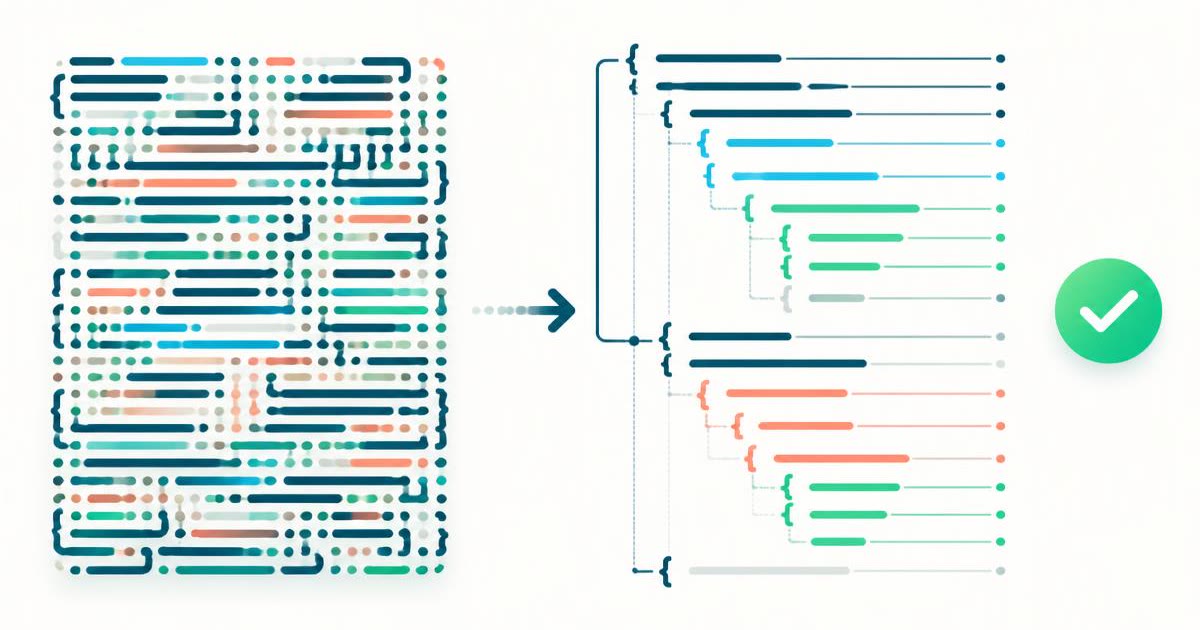
Beautify, minify and validate JSON.

JWT Decoder
Developer & Engineer Toolkit
Inspect any JSON Web Token.