
Color Converter
HEX ↔ RGB, HSL, HSV, CMYK with palettes and WCAG contrast.
- No training on your data
- Region: global
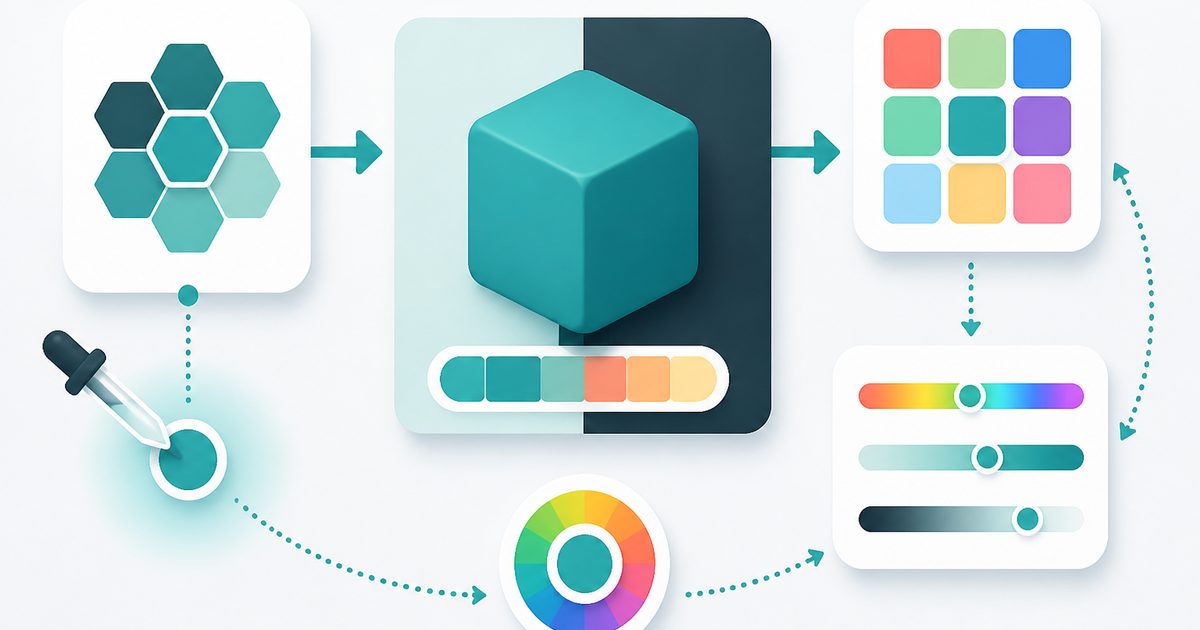
Color Converter
Design & Creative Assets
Color Converter — Overview
What is Color Converter?
The Color Converter is a fast, non-AI utility designed to translate colors between commonly used color formats, including HEX, RGB, and HSL. It provides developers, designers, and digital professionals with an efficient way to view and convert color values instantly while maintaining a visual reference through a live color preview.
Colors are represented differently depending on the context—HEX is often used in web design, RGB is common in rendering engines and digital displays, and HSL is favored for its intuitive relationship to hue and lightness. Manually converting between these formats can be time-consuming and prone to error. The Color Converter simplifies this process by performing instant, accurate transformations across formats.
This tool is not powered by artificial intelligence. Instead, it uses deterministic mathematical formulas to convert values between color models. This ensures consistent, precise, and repeatable results for every input, making it a dependable utility for technical and creative workflows.
What does Color Converter do?
The Color Converter provides a clear and efficient way to work with color values across different representations. Its primary capabilities include:
How to use Color Converter
- 1Choose Input Method
Either type a color value (HEX, RGB, or HSL) or use the built-in color picker to select a color visually.
- 2Enter or Adjust the Color
Modify the input value as needed. The tool automatically detects and processes the input format.
- 3View Converted Values
All equivalent color formats are displayed instantly in their respective sections.
- 4Verify Using the Preview
Check the live color swatch to confirm that the selected color matches expectations.
- 5Copy the Required Format
Select and copy the desired format for use in your project or workflow.
Privacy & cost
This tool runs entirely in your browser. Nothing is uploaded, logged, or saved on our servers — safe for confidential or proprietary data.
Where it fits
Developers often switch between HEX and RGB values when styling web pages. This tool simplifies those transitions.
Designers working with visual systems can quickly test how colors behave across different representations.
Color values used in digital design tools can be converted for compatibility with other platforms or workflows.
Users can adjust color values and quickly assess contrast and readability across formats.
Color values used in charts and dashboards often require conversion between formats for different frameworks.
Students learning about color theory and digital representation can explore how color models relate to each other.
Why people pick this tool
- ✓Instant Results: Converts values in real time without delays
- ✓Accuracy: Uses precise mathematical formulas to ensure correct conversions
- ✓Ease of Use: Simple interface makes it accessible to beginners and professionals
- ✓Visual Confirmation: Live preview eliminates guesswork
- ✓Time Savings: Removes the need for manual calculations or external tools
- ✓Consistency: Deterministic behavior ensures identical results for the same input
FAQs
The bottom line
The Color Converter is an essential utility for anyone working with digital colors. By enabling instant conversion between HEX, RGB, and HSL formats, it removes the complexity of manual calculations and ensures consistent results across workflows. Its deterministic, non-AI approach guarantees accuracy and reliability, making it suitable for developers, designers, and technical users alike. Whether you are building a website, designing a user interface, or exploring color relationships, this tool provides a fast and dependable solution.
You might also like
More in Design & Creative Assets
CSS Gradient Generator
Design & Creative Assets
Design gradients with copy-ready CSS.
Add Text to Image
Design & Creative Assets
Overlay custom text on any image — fonts, stroke, drag to position, download.

AVIF to JPG
Design & Creative Assets
Convert AVIF images to JPG so older apps and editors can open them.

Background Remover
Design & Creative Assets
Erase photo backgrounds on-device and download a transparent PNG.

HEIC to JPG
Design & Creative Assets
Convert iPhone HEIC photos to JPG on-device — batch up to 20.
Image Compressor
Design & Creative Assets
Shrink JPEGs without uploading anywhere.