
AVIF to JPG Converter
AVIF is efficient but many apps still can't open it. Convert to universally supported JPG in seconds — right on your device.
- No training on your data
- Region: global
AVIF to JPG Converter
Design & Creative Assets
Drop images here, or click to browse
Up to 40 files · converted on your device, never uploaded
80–90% is the sweet spot: visually identical, much smaller.
The converter searches for the highest quality near your target instead of guessing a fixed quality.
Metadata removed automatically. Rebuilding the image in your browser strips EXIF location, camera, and author details from the download.
Images are only ever scaled down unless you pick a scale above 100%.
JPG has no transparency. Transparent areas are filled with this colour instead of turning black.
AVIF to JPG — Overview
What is AVIF to JPG?
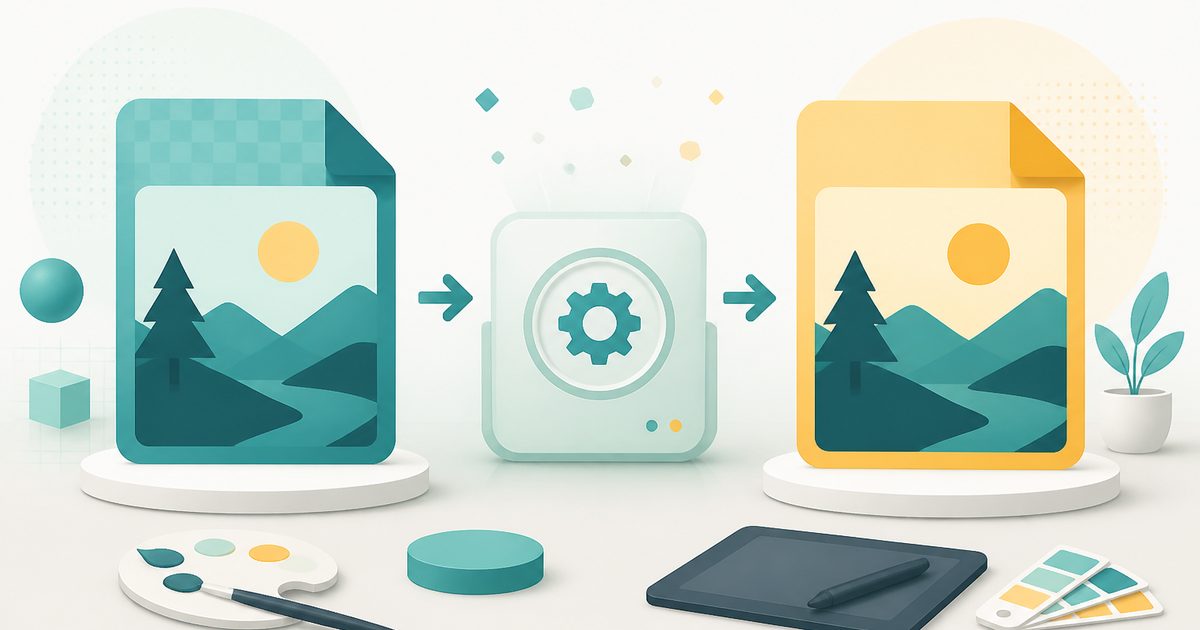
AVIF to JPG converts AVIF images into ordinary JPG files inside your browser. AVIF is the newest and most efficient mainstream image format — remarkable compression, increasingly used by modern websites — but that efficiency comes with a compatibility gap that bites the moment you leave the browser.
Plenty of everyday software still cannot open an AVIF: older operating-system image viewers, most print services, many upload forms, a lot of desktop editors, and virtually every legacy business application. Converting to JPG makes the picture usable everywhere, immediately.
The conversion decodes the AVIF with the browser's own decoder and re-encodes it as JPG at the quality you choose, entirely on your device. Transparency, if the AVIF has any, is composited onto the background colour you pick — JPG has no alpha channel.
What does AVIF to JPG do?
A modern format made ordinary again:
- Decode AVIF and export standard JPG that opens anywhere
- Quality slider to balance file size against fidelity
- Background colour choice for AVIFs with transparency
- Batch convert up to 40 files in one pass
- Optional resize during conversion
- Runs locally — no upload, no account, no watermark
How to use AVIF to JPG
- 1Drop your AVIF files
Add images you downloaded from a modern website or exported from an optimisation pipeline.
- 2Choose quality
85% keeps the picture visually identical for printing and sharing; lower values shrink the file further.
- 3Download the JPGs
Save individually or as a zip — the files will now open in any viewer, editor or upload form.
Privacy & cost
This tool runs entirely in your browser. Nothing is uploaded, logged, or saved on our servers — safe for confidential or proprietary data.
Where it fits
Photo labs and printers almost universally require JPG or TIFF, never AVIF.
If double-clicking the file does nothing useful, converting to JPG fixes it.
Insurance portals, government forms and older HR systems accept JPG only.
JPG for photographs and anything you e-mail. PNG when you need transparency or perfectly sharp screenshots and diagrams. WebP when you control a website and want the smallest files. AVIF for the very smallest files, when you know your audience uses recent browsers.
Why people pick this tool
- ✓Free forever — no file caps, watermarks, sign-ups or premium tier
- ✓100% in-browser conversion — your images never touch a server
- ✓Batch mode: convert up to 40 images in one pass and download a single .zip
- ✓Works offline once the page has loaded
- ✓No queues, no e-mail-me-the-link, no ads stapled to your download
FAQs
The bottom line
AVIF is the future of web images and JPG is the present of everything else. This tool bridges the two on your own device, so a format decision made by a website never becomes your problem.
More image converters
Every converter below runs entirely in your browser — your photos never leave your device.
- Convert JPG to PNG online free
- Convert PNG to JPG without losing quality
- JPG to WebP converter
- WebP to PNG converter
- WebP to JPG converter
- HEIC to JPG converter for iPhone photos
- Batch image format converter
- Compress images without losing quality
- Resize images online
- Remove image background free, no signup
- Extract text from an image (OCR)
- JPG to text converter
- Copy text from a screenshot
You might also like
More in Design & Creative Assets
Add Text to Image
Design & Creative Assets
Overlay custom text on any image — fonts, stroke, drag to position, download.

Background Remover
Design & Creative Assets
Erase photo backgrounds on-device and download a transparent PNG.
HEIC to JPG
Design & Creative Assets
Convert iPhone HEIC photos to JPG on-device — batch up to 20.
Image Compressor
Design & Creative Assets
Shrink JPEGs without uploading anywhere.
Image Converter
Design & Creative Assets
Convert between JPG, PNG, WebP and AVIF in batches.
Image Resizer
Design & Creative Assets
Resize images privately in your browser.