
Background Remover
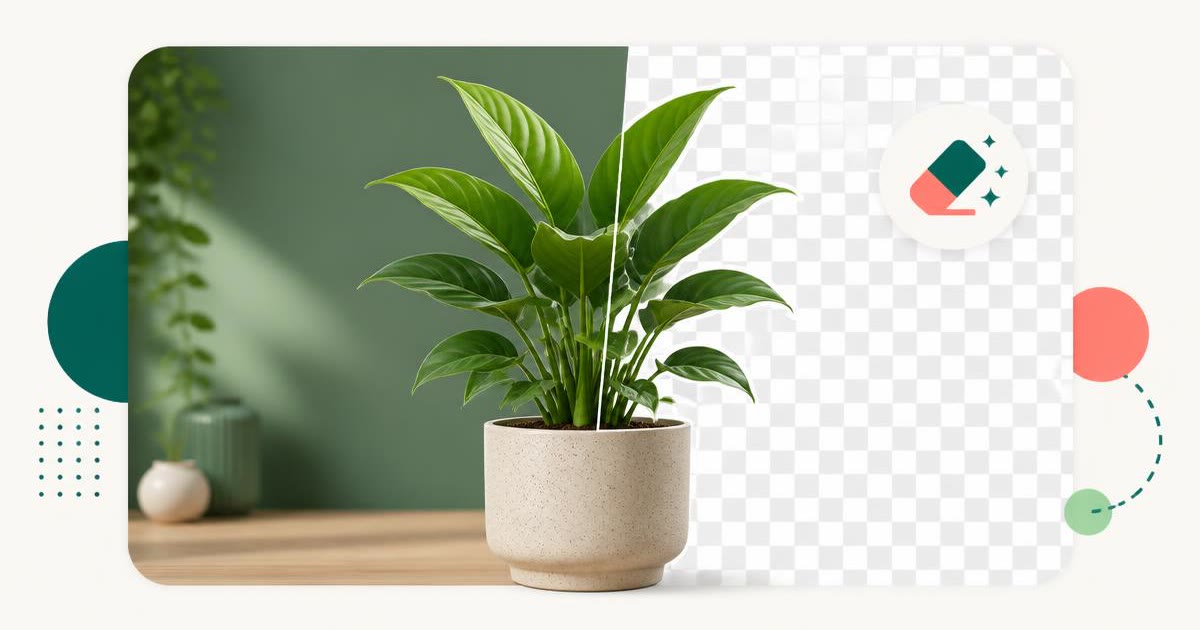
Erase the background from any photo on your own device. The AI matting model runs inside your browser, so the image is never uploaded — download a transparent PNG or swap in a new colour.
- No training on your data
- Region: global
Background Remover
Design & Creative Assets
JPG, PNG or WebP up to 20.00 MB. Everything runs on your device — the image is never uploaded.
Background Remover — Overview
What is Background Remover?
The Background Remover cuts the subject out of any photo and hands you a clean transparent PNG. It uses an AI image-matting model — the same class of technology behind the paid background removers — except the model runs inside your browser tab rather than on someone else's server.
That distinction matters more than it sounds. Every popular background remover requires you to upload your photo, and most gate the full-resolution download behind a sign-up, a credit pack or a subscription. Here there is no account, no credit counter, no watermark and no upload: the picture is read from your device, processed on your device, and saved back to your device.
It handles the cases people actually need — people and portraits, products on a table, pets, logos photographed on paper — including tricky edges like hair and glasses, where a manual selection would take you twenty minutes in an editor.
What does Background Remover do?
Everything the paid tools charge for, minus the account:
- AI subject cut-out with a transparent PNG download at full resolution
- Runs entirely on your device — the photo is never uploaded
- Interactive before/after slider so you can inspect the edges
- Replace the background with any solid colour, including a custom picker
- Export as transparent PNG or flattened JPG
- No watermark, no credits, no sign-up and no file limit per day
How to use Background Remover
- 1Add your photo
Drag a JPG, PNG or WebP onto the dropzone, or click to browse. Files up to 20MB are accepted; a normal phone photo is well inside that.
- 2Run the removal
Press Remove background. The first run downloads the model (about 40MB, cached afterwards), then matting takes a few seconds on a desktop and a little longer on a phone.
- 3Check, recolour and download
Drag the before/after slider to inspect the cut-out. Keep it transparent, or pick a background colour, then download a PNG or JPG.
Privacy & cost
This tool runs entirely in your browser. Nothing is uploaded, logged, or saved on our servers — safe for confidential or proprietary data.
Where it fits
Marketplaces reward clean white or transparent backgrounds. Cut the product out, set the background to white, and every listing looks consistent.
Drop a plain neutral colour behind your face for a passport-style or LinkedIn-style portrait without a studio.
A transparent PNG drops straight into Keynote, PowerPoint, Canva or Figma and sits on top of your own layout.
Because nothing is uploaded, you can safely cut out photos of family, client work or internal product prototypes that you should not be sending to a third-party server.
Why people pick this tool
- ✓Free forever — no credits, watermarks, sign-ups or premium resolution tier
- ✓100% on-device AI: the image never leaves your browser
- ✓Full-resolution transparent PNG download, not a downscaled preview
- ✓Background colour replacement built in
- ✓Works offline once the model has been cached
FAQs
The bottom line
Background removal became a subscription business purely because the models used to be too heavy to run on a phone or laptop. That is no longer true — so this tool simply runs the model where your photo already is, and gives you the full-resolution result for free.
More image converters
Every converter below runs entirely in your browser — your photos never leave your device.
- Convert JPG to PNG online free
- Convert PNG to JPG without losing quality
- JPG to WebP converter
- WebP to PNG converter
- WebP to JPG converter
- AVIF to JPG converter
- HEIC to JPG converter for iPhone photos
- Batch image format converter
- Compress images without losing quality
- Resize images online
- Extract text from an image (OCR)
- JPG to text converter
- Copy text from a screenshot
You might also like
More in Design & Creative Assets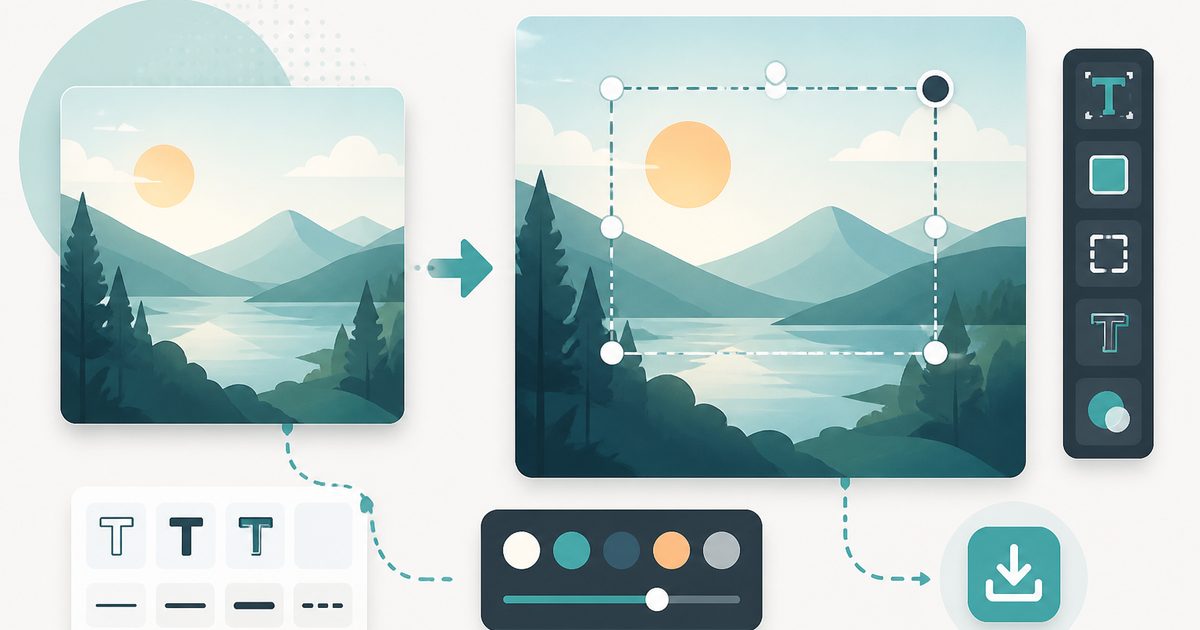
Add Text to Image
Design & Creative Assets
Overlay custom text on any image — fonts, stroke, drag to position, download.
AVIF to JPG
Design & Creative Assets
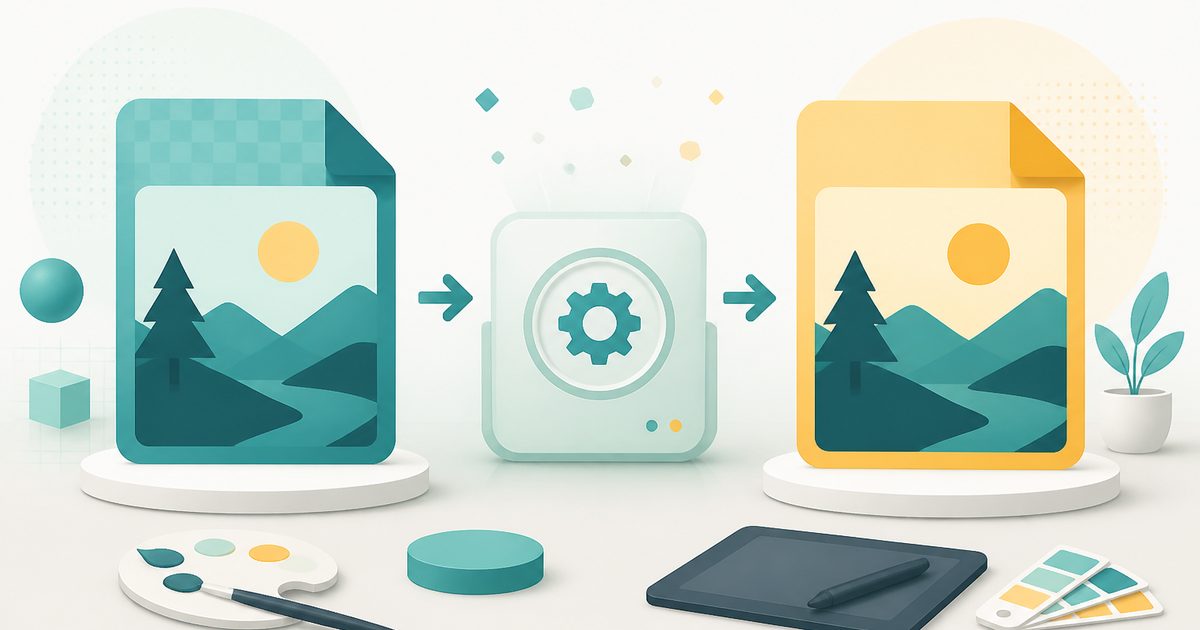
Convert AVIF images to JPG so older apps and editors can open them.

HEIC to JPG
Design & Creative Assets
Convert iPhone HEIC photos to JPG on-device — batch up to 20.
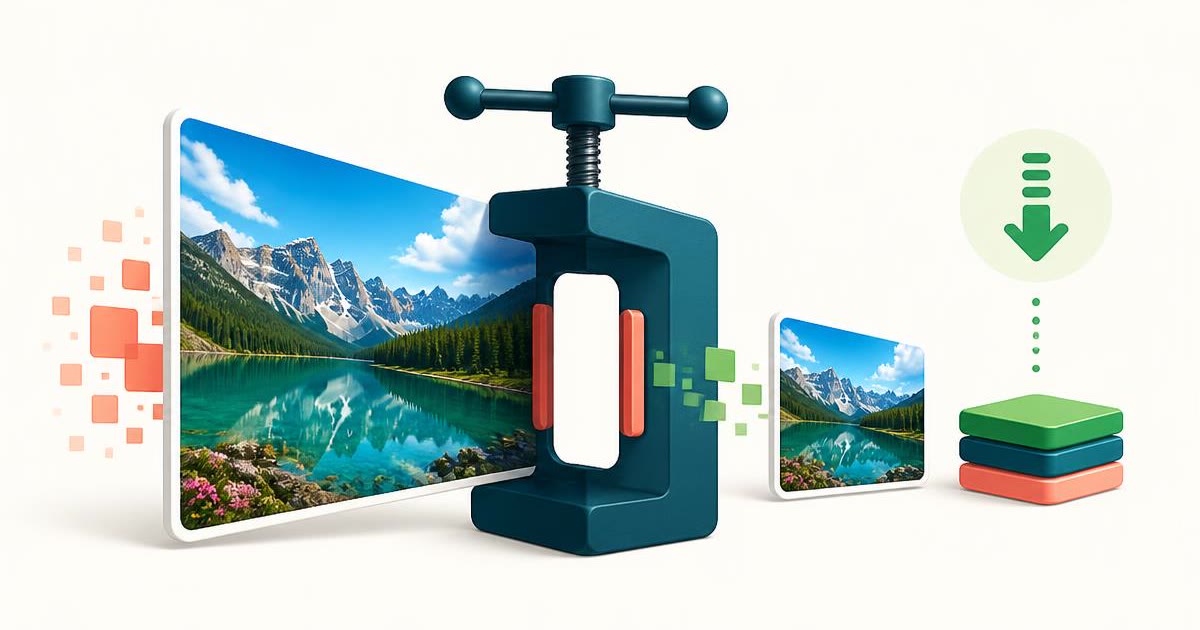
Image Compressor
Design & Creative Assets
Shrink JPEGs without uploading anywhere.

Image Converter
Design & Creative Assets
Convert between JPG, PNG, WebP and AVIF in batches.
Image Resizer
Design & Creative Assets
Resize images privately in your browser.