
Image Compressor
Shrink images locally — choose a quality, download a smaller JPEG.
- No training on your data
- Region: global
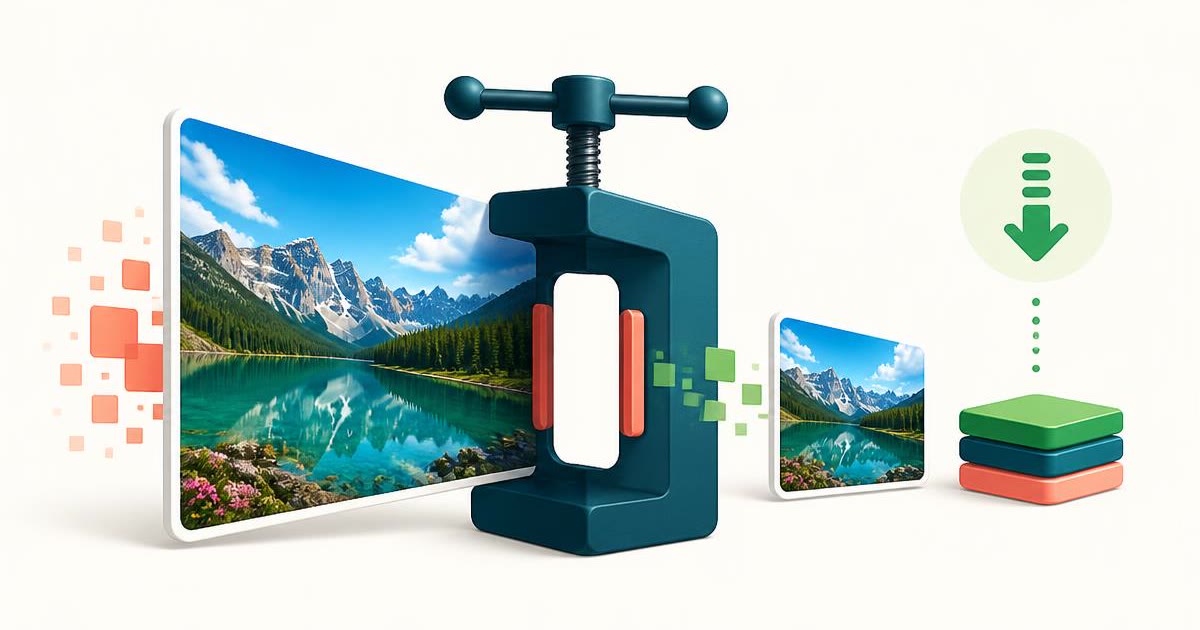
Image Compressor
Design & Creative Assets
Image Compressor — Overview
What is Image Compressor?
The Image Compressor is a focused, non-AI utility designed to reduce the file size of images by re-encoding them at a specified quality level. It is particularly useful for optimizing images for web usage, storage efficiency, and faster data transfer, while maintaining a balance between file size and visual quality.
Digital images, especially high-resolution ones, can take up significant storage space and negatively affect performance when used in web applications or shared across platforms. Compressing images helps reduce load times, improve website performance, and minimize bandwidth usage. The Image Compressor simplifies this process by providing an intuitive interface where users can control compression levels directly within their browser.
This tool operates entirely using deterministic encoding algorithms. It does not use artificial intelligence or content-aware optimization techniques. Instead, it strictly adjusts image quality during re-encoding to reduce file size. This ensures predictable and consistent results for every operation.
What does Image Compressor do?
The Image Compressor provides a simplified workflow for reducing image file sizes while keeping the image usable for various applications:
How to use Image Compressor
- 1Upload an Image
Select and upload an image file from your device using the file input option.
- 2Adjust Quality Level
Use the quality control slider to set the desired compression level. Lower quality results in smaller file sizes, while higher quality retains more detail.
- 3Initiate Compression
Start the compression process. The tool re-encodes the image using the chosen quality setting.
- 4Review File Information
Check the updated file size and confirm that the compression meets your requirements.
- 5Download the Compressed Image
Download the optimized image for use in your applications or workflows.
Privacy & cost
This tool runs entirely in your browser. Nothing is uploaded, logged, or saved on our servers — safe for confidential or proprietary data.
Where it fits
Developers and website owners compress images to improve page load speeds and enhance performance.
Bloggers and content creators reduce image sizes before uploading to ensure faster loading and better user experience.
Compressed images are easier to send via email, especially when size limits are enforced.
Users can compress images to save disk space and organize large collections more efficiently.
Smaller image files are more suitable for mobile devices and environments with limited bandwidth.
Optimizing images ensures faster uploads and compatibility with platform size constraints.
Why people pick this tool
- ✓File Size Reduction: Significantly decreases image size for faster loading and storage efficiency
- ✓User Control: Adjustable quality settings allow precise optimization
- ✓Privacy Assurance: Local processing ensures data remains secure and private
- ✓Speed: Instant compression eliminates delays associated with external tools
- ✓Ease of Use: Simple interface makes it accessible to all users
- ✓Consistency: Deterministic processing guarantees predictable results
FAQs
The bottom line
The Image Compressor is an essential utility for managing digital images efficiently. By providing an easy way to reduce file sizes while maintaining usable quality, it helps improve performance, optimize storage, and streamline content workflows. Its deterministic, non-AI approach ensures that results are consistent and transparent, giving users full control over how their images are processed. Combined with its browser-based design, the tool offers both convenience and privacy, making it an ideal solution for everyday image optimization tasks.
More image converters
Every converter below runs entirely in your browser — your photos never leave your device.
- Convert JPG to PNG online free
- Convert PNG to JPG without losing quality
- JPG to WebP converter
- WebP to PNG converter
- WebP to JPG converter
- AVIF to JPG converter
- HEIC to JPG converter for iPhone photos
- Batch image format converter
- Resize images online
- Remove image background free, no signup
- Extract text from an image (OCR)
- JPG to text converter
- Copy text from a screenshot
You might also like
More in Design & Creative Assets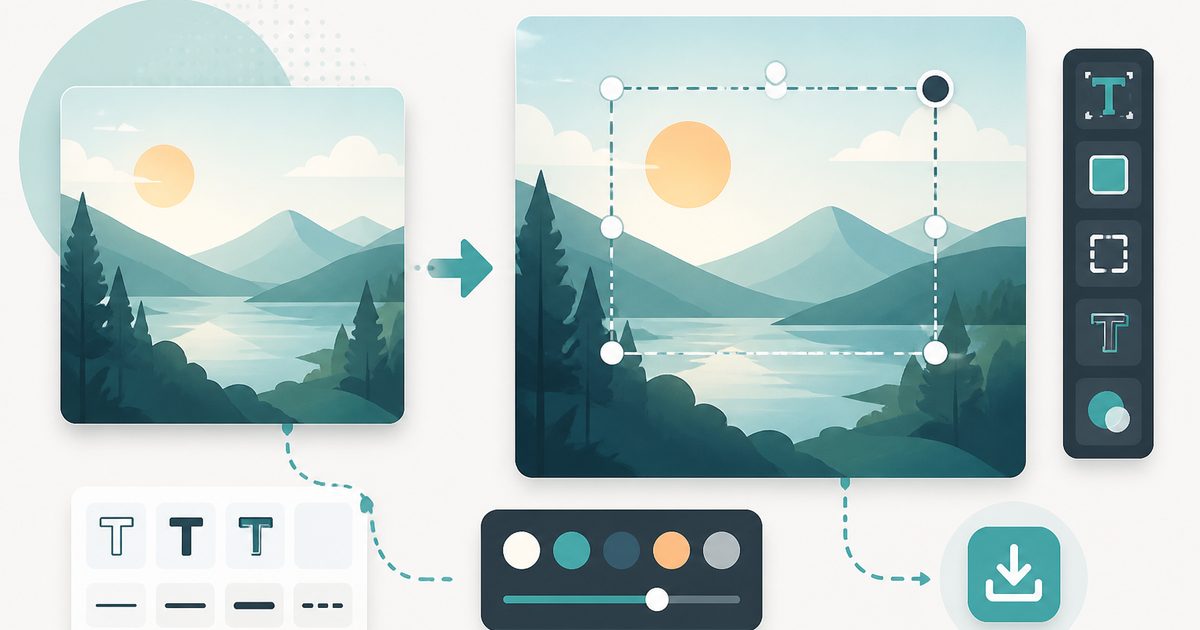
Add Text to Image
Design & Creative Assets
Overlay custom text on any image — fonts, stroke, drag to position, download.

AVIF to JPG
Design & Creative Assets
Convert AVIF images to JPG so older apps and editors can open them.

Background Remover
Design & Creative Assets
Erase photo backgrounds on-device and download a transparent PNG.

HEIC to JPG
Design & Creative Assets
Convert iPhone HEIC photos to JPG on-device — batch up to 20.
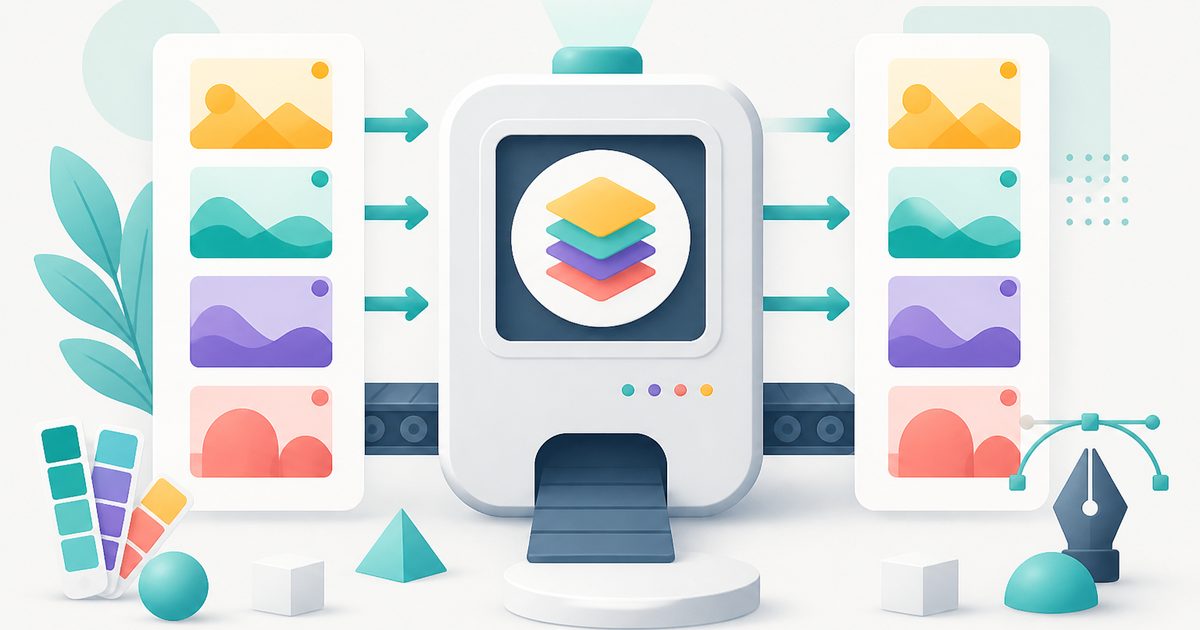
Image Converter
Design & Creative Assets
Convert between JPG, PNG, WebP and AVIF in batches.
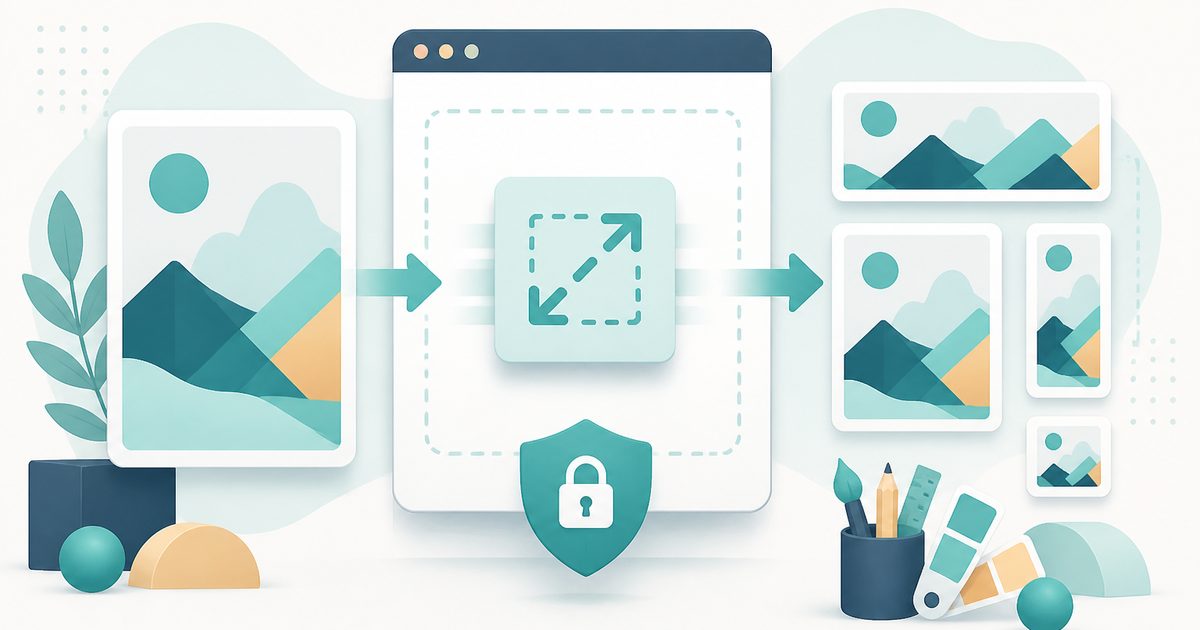
Image Resizer
Design & Creative Assets
Resize images privately in your browser.