
Audio Converter (MP3 & WAV)
Convert M4A, OGG, FLAC, WAV or a video soundtrack into MP3 or WAV — pick the bitrate and sample rate, then download. Files are converted on your device.
- No training on your data
- Region: global
Audio Converter (MP3 & WAV)
Media Studio
Audio Converter — Overview
What is Audio Converter?
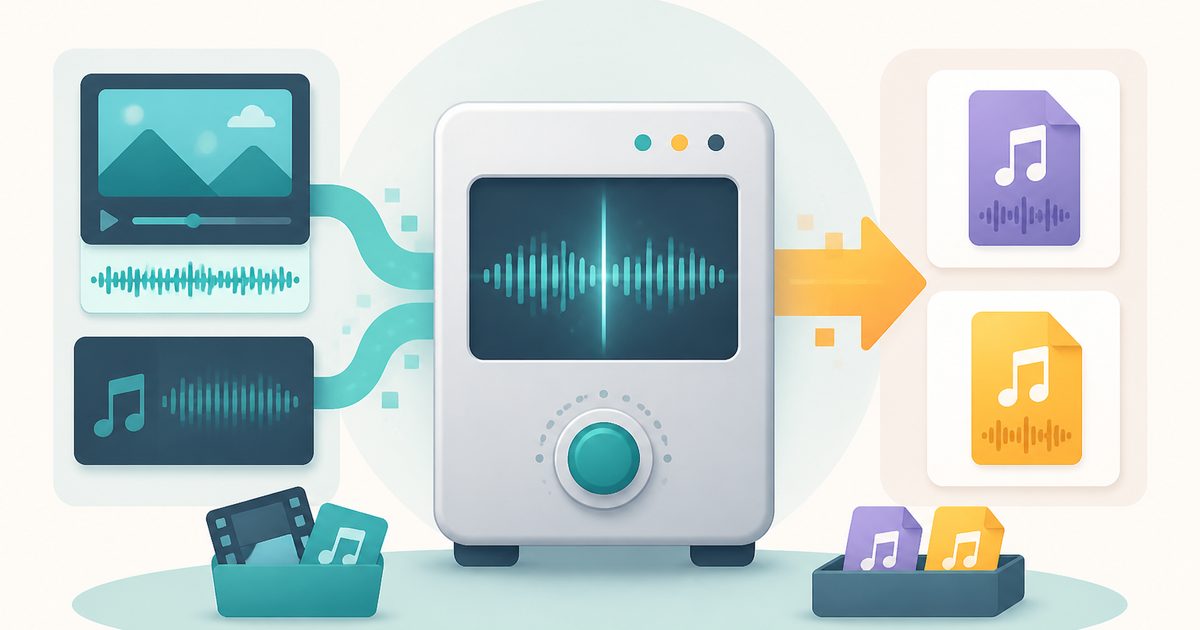
The Audio Converter turns audio files into MP3 or WAV inside your browser, and can also lift the soundtrack straight out of a video. Anything your browser can play — M4A, AAC, OGG, Opus, FLAC, WAV, MP3, or the audio in an MP4 or MOV — can go in.
MP3 is the format that plays literally everywhere, from car stereos to upload forms that reject anything else. WAV is uncompressed, which is what editors, transcription tools and podcast producers usually ask for. Being able to move between the two, with control over bitrate, sample rate and channels, covers almost every practical request.
Conversion is local: the file is decoded by the Web Audio API on your device and re-encoded there too. A confidential interview recording, a voice note or an unreleased track is never uploaded.
What does Audio Converter do?
Practical control over the output:
- Convert to MP3 (96–320 kbps) or uncompressed WAV
- Extract the audio from an MP4, MOV or WebM video
- Resample to 48 kHz, 44.1 kHz, 22.05 kHz or 16 kHz for speech
- Mix down to mono to roughly halve the file size
- Play the result in the page before downloading it
- No upload, no watermark, no length cap and no sign-up
How to use Audio Converter
- 1Add your file
Drop in an audio file or a video whose sound you want. The name and size are shown once it loads.
- 2Choose the output
Pick MP3 or WAV, then set the bitrate, sample rate and whether to keep stereo.
- 3Convert and download
Press Convert audio, listen to the preview, then download the finished file.
Privacy & cost
This tool runs entirely in your browser. Nothing is uploaded, logged, or saved on our servers — safe for confidential or proprietary data.
Where it fits
Podcast hosts, contest entries and school portals often accept MP3 and nothing else.
Mono at 16 kHz is what most speech engines prefer, and it makes the file far smaller.
Turn a recorded talk, lecture or interview into an audio file you can listen to on the move.
Convert a compressed source to uncompressed WAV when a tool refuses anything else.
Why people pick this tool
- ✓Free, with no watermark, length limit or premium tier
- ✓100% private — decoding and encoding both happen on your device
- ✓Bitrate, sample rate and mono controls instead of one fixed preset
- ✓Works on video files too, not just audio
- ✓Nothing to install and no account to make
FAQs
The bottom line
Audio format problems are almost always about what the other end will accept. Convert to it locally in a few seconds, keep control of the recording, and skip the sign-up wall.
More video and audio tools
Compress, trim and convert media on your own device — nothing is ever uploaded.
You might also like
More in Media Studio
Video Compressor
Media Studio
Shrink an MP4, MOV or WebM to a target size — 100% on-device, no upload.
Video Trimmer
Media Studio
Cut a video to the seconds you want — no upload and no watermark.
Video to GIF
Media Studio
Turn a few seconds of video into a looping GIF, right in your browser.
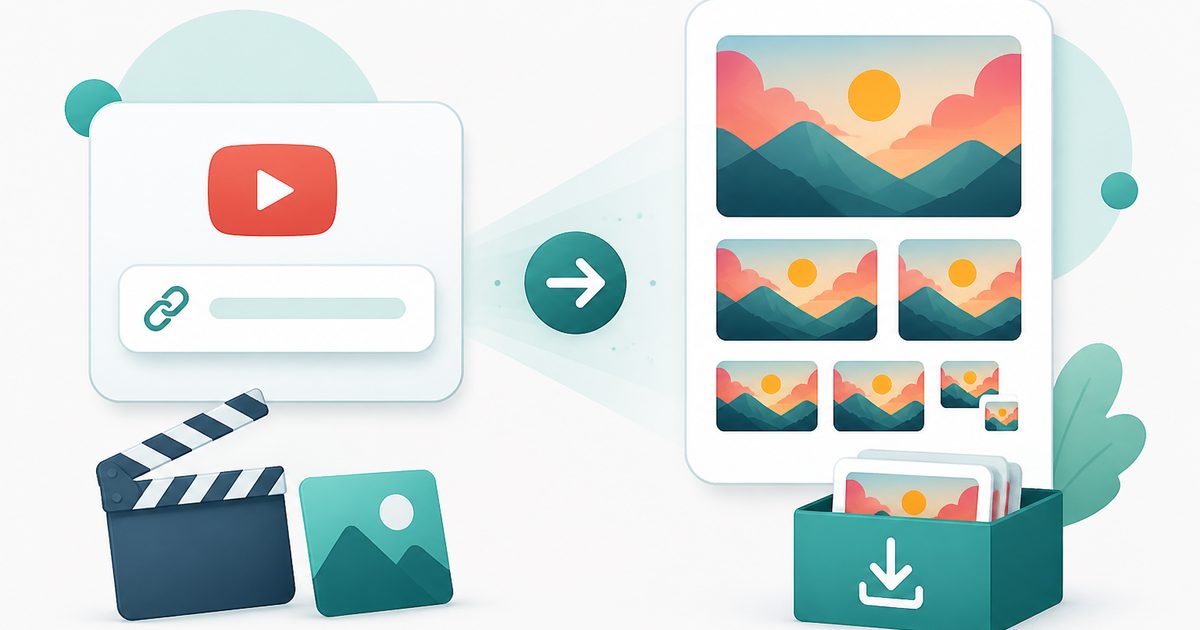
YouTube Thumbnail Downloader
Media Studio
Paste a YouTube link and download the cover image in every stored size.
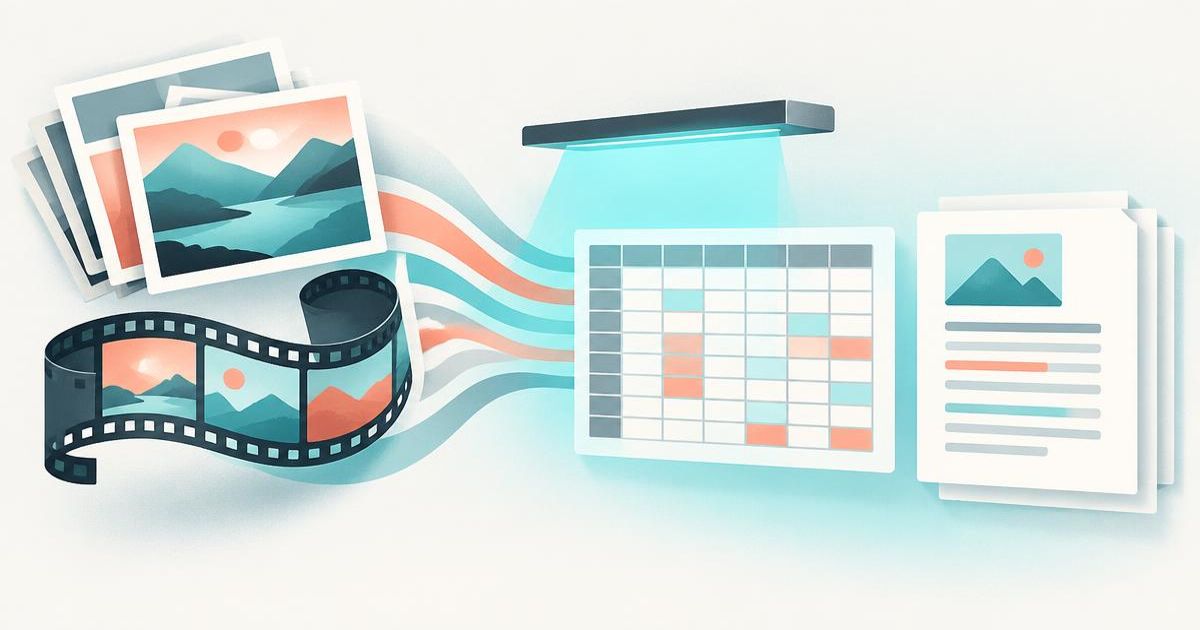
Image & Video to Text Extractor
Media Studio
Pull text, tables and fields from many images and videos — export to Excel, Word or PDF.
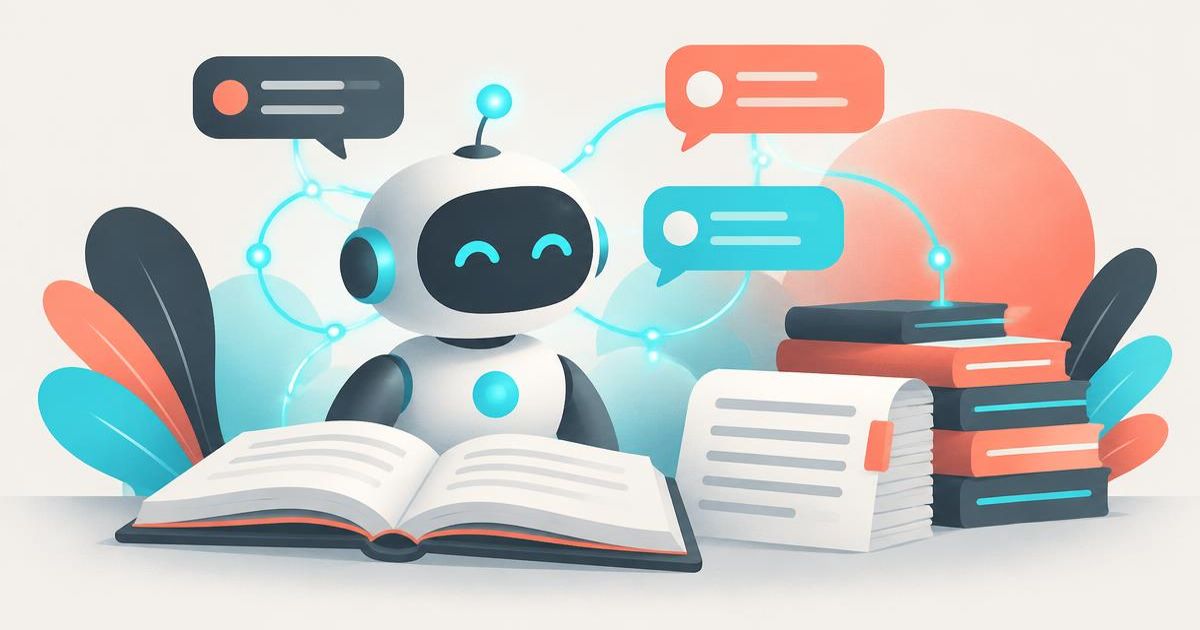
Knowledge Agents
Media Studio
Chat with AI agents that answer only from your own documents, links and extracted media.