
Trim Video Online
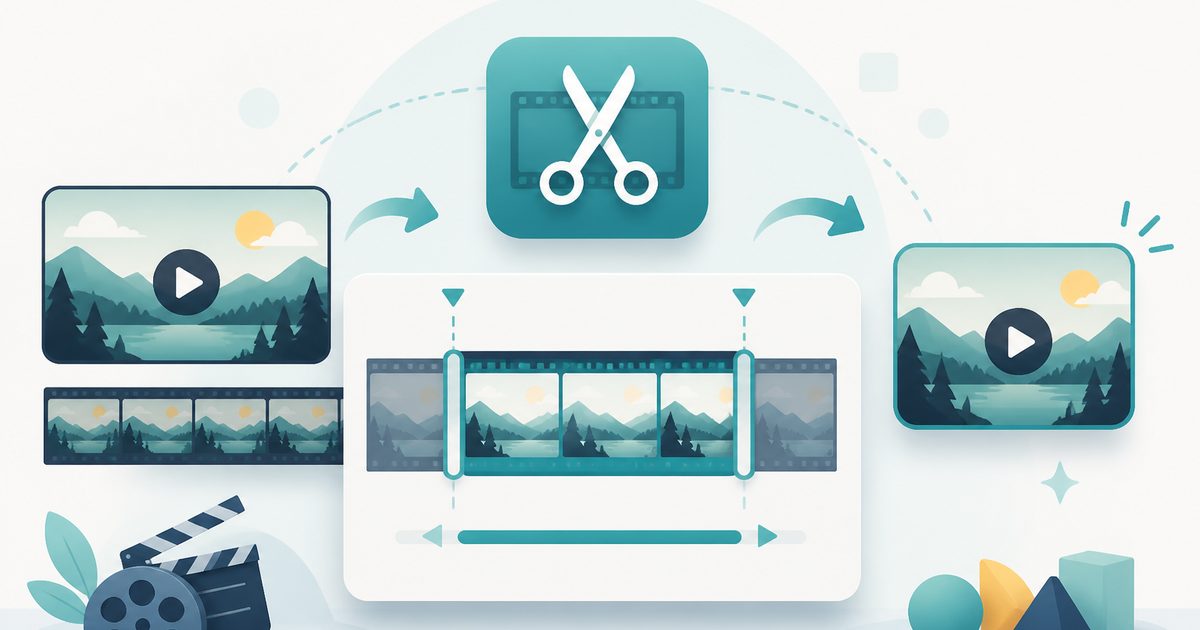
Keep just the part you want — set the start and end seconds and download the trimmed clip. The whole cut happens on your device.
- No training on your data
- Region: global
Trim Video Online
Media Studio
Video Trimmer — Overview
What is Video Trimmer?
The Video Trimmer cuts a video down to the part that matters. Set a start second and an end second, pick a quality level, choose whether to keep the sound, and download the clip — no account, no watermark and no upload.
Trimming is the most common video edit there is: chopping dead air off the front of a screen recording, isolating the ten seconds worth sending, or cutting a long lecture into a quotable moment. Doing it in a browser tab avoids installing an editor for a thirty-second job.
Because the trim runs on your device, the footage stays with you. That matters for recordings that show customer data, medical information, unreleased work or family life — the kind of clip you would rather not hand to an anonymous upload form.
What does Video Trimmer do?
A focused cut with sensible controls:
- Precise start and end points, to a tenth of a second
- Keep or drop the soundtrack
- High, balanced or small-file quality settings
- In-page playback of the result before you commit to downloading
- Original resolution preserved — trimming doesn't shrink the picture
- No upload, no length cap, no watermark and no sign-up
How to use Video Trimmer
- 1Add your video
Drop in an MP4, MOV or WebM. The size, dimensions and duration appear immediately.
- 2Set the in and out points
Type the start and end seconds. Choose a quality level and decide whether the sound comes along.
- 3Trim and download
Press Trim video and keep the tab in front while the clip is re-recorded, then play the result and download it.
Privacy & cost
This tool runs entirely in your browser. Nothing is uploaded, logged, or saved on our servers — safe for confidential or proprietary data.
Where it fits
Remove the fumbling before you started talking, without opening an editor.
Isolate the fifteen seconds from a talk or stream that you actually want to share.
A shorter clip is a smaller file — often enough on its own to satisfy a form's size cap.
Trim first, then run the result through the Video to GIF converter for a tight loop.
Why people pick this tool
- ✓Free forever, with no watermark stamped on your clip
- ✓Nothing is uploaded — the cut happens in your browser
- ✓Keeps the original resolution instead of silently downscaling
- ✓Preview before you download so a mis-set second costs you nothing
- ✓No install, no account, works on a phone
FAQs
The bottom line
Most video jobs are really just "keep this bit". Two numbers and a download button handle it here, and your footage never leaves the machine it was recorded on.
More video and audio tools
Compress, trim and convert media on your own device — nothing is ever uploaded.
You might also like
More in Media Studio
Audio Converter
Media Studio
Convert audio or a video soundtrack to MP3 or WAV on your device.
Video Compressor
Media Studio
Shrink an MP4, MOV or WebM to a target size — 100% on-device, no upload.
Video to GIF
Media Studio
Turn a few seconds of video into a looping GIF, right in your browser.
YouTube Thumbnail Downloader
Media Studio
Paste a YouTube link and download the cover image in every stored size.
Image & Video to Text Extractor
Media Studio
Pull text, tables and fields from many images and videos — export to Excel, Word or PDF.

Knowledge Agents
Media Studio
Chat with AI agents that answer only from your own documents, links and extracted media.