
Video to GIF Converter
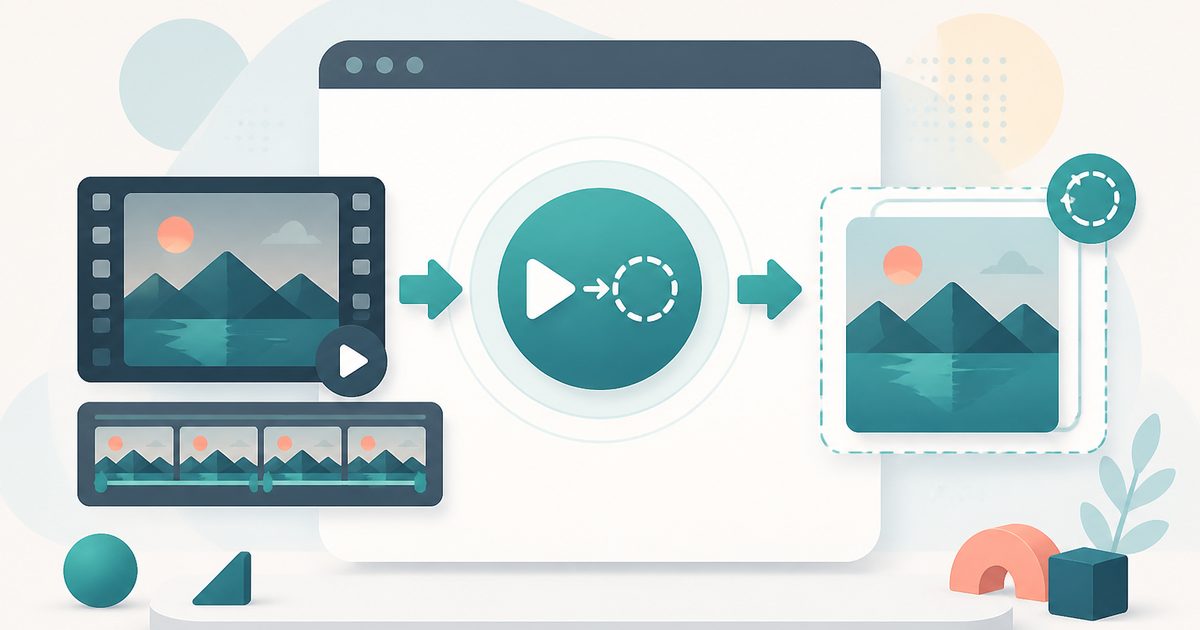
Turn a few seconds of an MP4, MOV or WebM into a looping GIF — choose the clip, size and smoothness, then download. The video never leaves your device.
- No training on your data
- Region: global
Video to GIF Converter
Media Studio
Drop a video to turn into a GIF
MP4, MOV or WebM · converted on your device, never uploaded
Video to GIF — Overview
What is Video to GIF?
Video to GIF turns a short slice of an MP4, MOV or WebM into a looping animated GIF — the format that still plays automatically in chat apps, issue trackers, docs, e-mail and slide decks where a video file would need a click.
You choose the exact seconds to keep, the pixel size, how many frames per second and how many colours to hold in each frame's palette. Those four dials are the whole art of a good GIF: fewer frames and fewer colours mean a much smaller file, and short clips look sharper than long ones.
The conversion runs inside this tab. The video is decoded by your browser, each frame is drawn to a canvas, quantised and written into the GIF locally — so a bug reproduction with customer data on screen, or a private clip you only want to send to one person, is never uploaded anywhere.
What does Video to GIF do?
Everything you need for a shareable loop:
- Pick the exact start and end second of the clip
- Resize to 720p, 480p, 360p or 240p, or keep the original dimensions
- Frame rate from 4 to 25 fps to trade smoothness against file size
- Palette control from 2 to 255 colours per frame
- Loop forever or play once
- Live preview and a one-click download — no upload, no watermark, no sign-up
How to use Video to GIF
- 1Add your video
Drop in an MP4, MOV or WebM. The dimensions and duration appear as soon as the browser can read the file.
- 2Pick the clip and the look
Set the start and end seconds, choose a size, then set frames per second and colours. 480p at 12 fps is a good default.
- 3Make and download
Press Make GIF, watch the progress bar, check the preview, then download the file.
Privacy & cost
This tool runs entirely in your browser. Nothing is uploaded, logged, or saved on our servers — safe for confidential or proprietary data.
Where it fits
A three-second loop in an issue or pull request says more than a paragraph, and it plays inline for everyone reading.
Make your own reaction GIF from any clip instead of hunting for one that nearly fits.
A GIF keeps working in exports and prints where an embedded video would break.
Short, low-colour GIFs are still the simplest way to animate a page without a player.
Why people pick this tool
- ✓Free with no watermark, length gate or premium tier
- ✓100% on-device — footage is never uploaded
- ✓Real control over frames, size and colours, not just a preset
- ✓Instant preview so you can retune before downloading
- ✓Works on phones as well as desktops
FAQs
The bottom line
A good GIF is short, small and deliberately tuned. With the clip, size, frame rate and palette all in your hands — and the whole conversion running on your own machine — you can iterate in seconds until it looks right.
More video and audio tools
Compress, trim and convert media on your own device — nothing is ever uploaded.
You might also like
More in Media Studio
YouTube Thumbnail Downloader
Media Studio
Paste a YouTube link and download the cover image in every stored size.
Audio Converter
Media Studio
Convert audio or a video soundtrack to MP3 or WAV on your device.
Video Compressor
Media Studio
Shrink an MP4, MOV or WebM to a target size — 100% on-device, no upload.
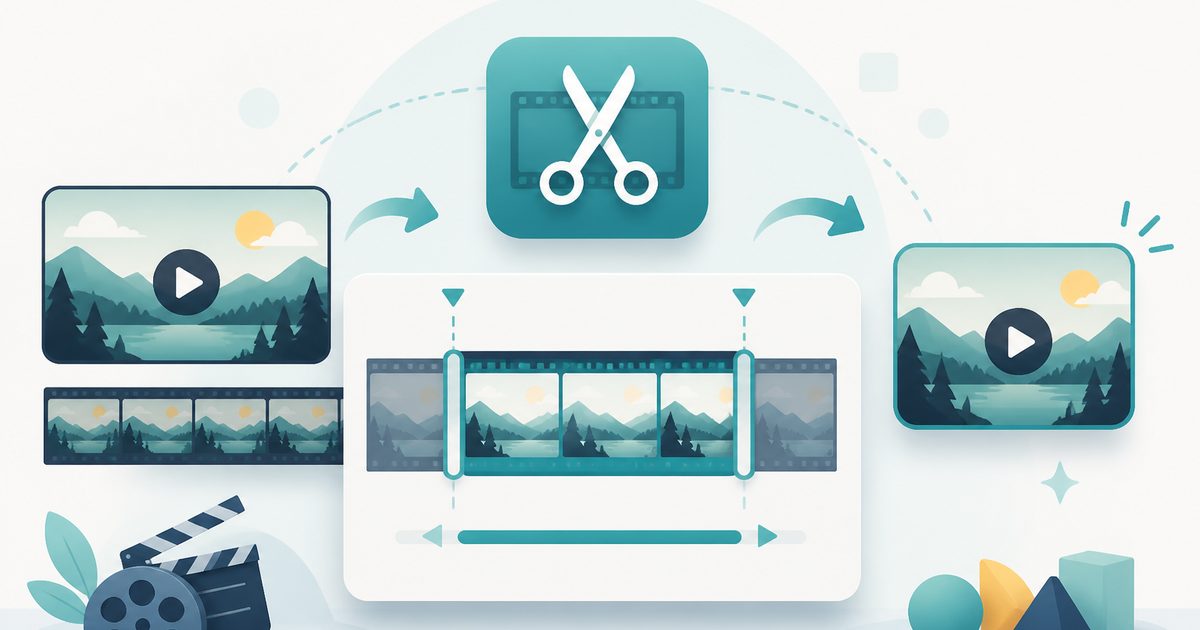
Video Trimmer
Media Studio
Cut a video to the seconds you want — no upload and no watermark.
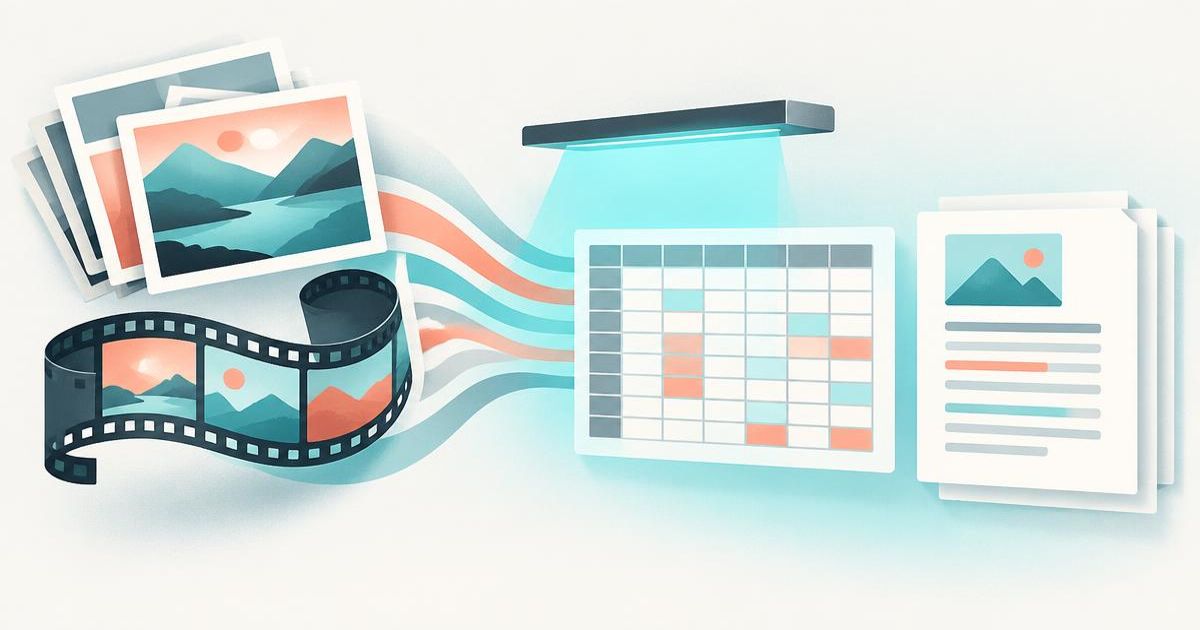
Image & Video to Text Extractor
Media Studio
Pull text, tables and fields from many images and videos — export to Excel, Word or PDF.

Knowledge Agents
Media Studio
Chat with AI agents that answer only from your own documents, links and extracted media.