
Compress Video
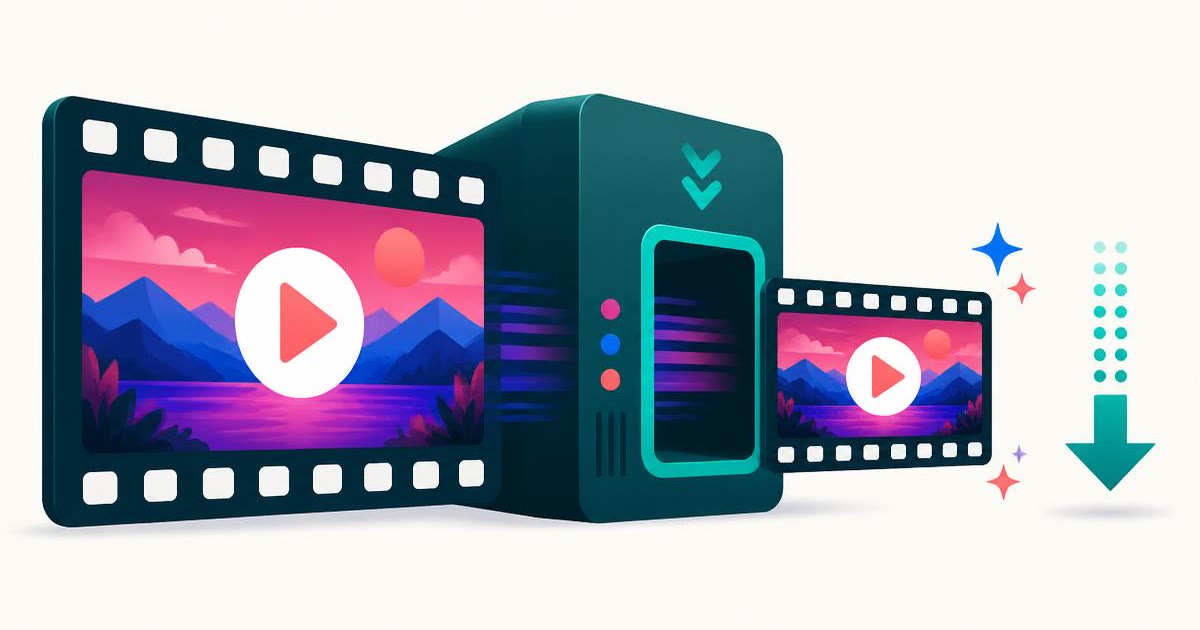
Shrink an MP4, MOV or WebM to a target size or quality — the whole re-encode happens on your device, so the video is never uploaded.
- No training on your data
- Region: global
Compress Video
Media Studio
Note: target bitrate ≈ 1.20 Mbps
Video Compressor — Overview
What is Video Compressor?
The Video Compressor makes a large video file small enough to send, upload or store, without handing the clip to a stranger's server. You choose either a quality level or an exact target size in megabytes, and the tool re-encodes the video right inside this browser tab.
Almost every other free video compressor works by uploading your footage, processing it on their machines and e-mailing you a link — often with a watermark, a queue, a file-size cap or a sign-up wall. Here the video is read from your device, re-encoded on your device and saved back to your device. Nothing is transmitted, so a private family video or an unreleased client edit stays private by construction.
The most common reason people need this is a hard limit somewhere else: WhatsApp caps video at 16 MB, Discord's free tier at 10 MB, most e-mail providers at 25 MB, and plenty of school and government upload forms are stricter still. Dropping the resolution to 720p and re-encoding usually cuts a phone recording by 60–90% with very little visible difference.
What does Video Compressor do?
Everything the paid compressors charge for, minus the account:
- Compress by quality preset, or set an exact target size in MB
- Downscale to 1080p, 720p, 480p or 360p — or keep the original size
- Adjustable frame rate (12–60 fps) for extra savings on screen recordings
- Optionally drop the soundtrack entirely for silent clips
- Live before/after size comparison and an in-page preview of the result
- No upload, no watermark, no file-count limit and no sign-up
How to use Video Compressor
- 1Add your video
Drop in an MP4, MOV or WebM, or click to browse. The size, dimensions and duration appear as soon as it loads.
- 2Choose quality or a target size
Pick a preset if you just want it smaller, or switch to 'By target size' and set the megabyte limit you need to fit under. 720p is the sweet spot for phone footage.
- 3Compress and download
Press Compress and leave the tab in front while the clip plays through once. Preview the result, then download it.
Privacy & cost
This tool runs entirely in your browser. Nothing is uploaded, logged, or saved on our servers — safe for confidential or proprietary data.
Where it fits
Set the target size to 15 MB and messaging apps stop refusing or re-crushing your clip.
School portals, insurance claims and job applications often cap uploads at 10–25 MB; a 480p re-encode gets almost anything under the line.
Screen captures compress enormously — drop the frame rate to 15 fps and the file often falls by 80%.
Re-encode long recordings you want to keep but never edit again.
Why people pick this tool
- ✓Free forever — no watermark, no length cap, no premium tier
- ✓100% on-device — your footage is never uploaded or stored
- ✓Choose an exact target size instead of guessing at settings
- ✓Works on phones as well as desktops
- ✓No queue, no 'we'll e-mail you a link', no ads on your download
FAQs
The bottom line
A big video file is almost always a solvable problem: fewer pixels, fewer frames, a lower bitrate. Doing it locally means you fix the size without uploading something you'd rather keep to yourself.
More video and audio tools
Compress, trim and convert media on your own device — nothing is ever uploaded.
You might also like
More in Media Studio
Audio Converter
Media Studio
Convert audio or a video soundtrack to MP3 or WAV on your device.

Video Trimmer
Media Studio
Cut a video to the seconds you want — no upload and no watermark.
Video to GIF
Media Studio
Turn a few seconds of video into a looping GIF, right in your browser.
YouTube Thumbnail Downloader
Media Studio
Paste a YouTube link and download the cover image in every stored size.

Image & Video to Text Extractor
Media Studio
Pull text, tables and fields from many images and videos — export to Excel, Word or PDF.

Knowledge Agents
Media Studio
Chat with AI agents that answer only from your own documents, links and extracted media.