The Freelancer's Guide to Stress-Free Invoicing and Shared Expenses
A practical freelance admin routine: invoice the day you finish, quote in writing, split shared project costs fairly, and keep client details off other people's servers.
On this page
Updated September 28, 2026 — written for freelancers, contractors and tiny studios who would rather be doing the work than chasing the paperwork.
Nobody starts freelancing because they love invoicing. You start because you are good at something — writing, design, code, photography, consulting — and then discover that roughly a fifth of the job is admin: quoting, invoicing, splitting shared costs, remembering who owes what, and signing documents you would rather not read twice.
This guide is the short version of what actually works, based on the same boring mechanics that get freelancers paid on time. No app subscriptions required.
Your freelance admin kit: Create an invoice, send an estimate, split shared costs, or sign a PDF. Every tool is free and works in your browser.
Send the invoice the same day you finish
The single biggest cause of slow payment is not a difficult client. It is a late invoice.
Most companies pay on a cycle. If their accounts run twice a month, an invoice that lands on the 16th waits for the next run — so a two-day delay on your side quietly becomes a two-week delay on theirs. Finish, invoice, move on.
To make same-day invoicing realistic, it has to take five minutes, not fifty. That is exactly what the Invoice Generator is for: you fill in your details once, add line items, and download a clean PDF. It keeps a working draft as you type, so if your browser closes mid-invoice you have not lost the lot. There are three layouts — clean, bold and compact — and the honest advice is to pick one and never think about it again. Clean reads well for corporate clients, bold looks better on a letterhead-free studio invoice, compact fits long item lists on one page.
Two habits that make a real difference:
- Number sequentially.
2026-041beatsinvoice final v2. Accounts teams match payments to numbers, and a duplicate number is a guaranteed query email. - Write line items the client's finance team can approve without asking you. "Website work — 12 hrs" invites a question. "Homepage rebuild: layout, mobile pass, image optimisation (12 hrs @ rate)" gets ticked off.
Quote first, argue never
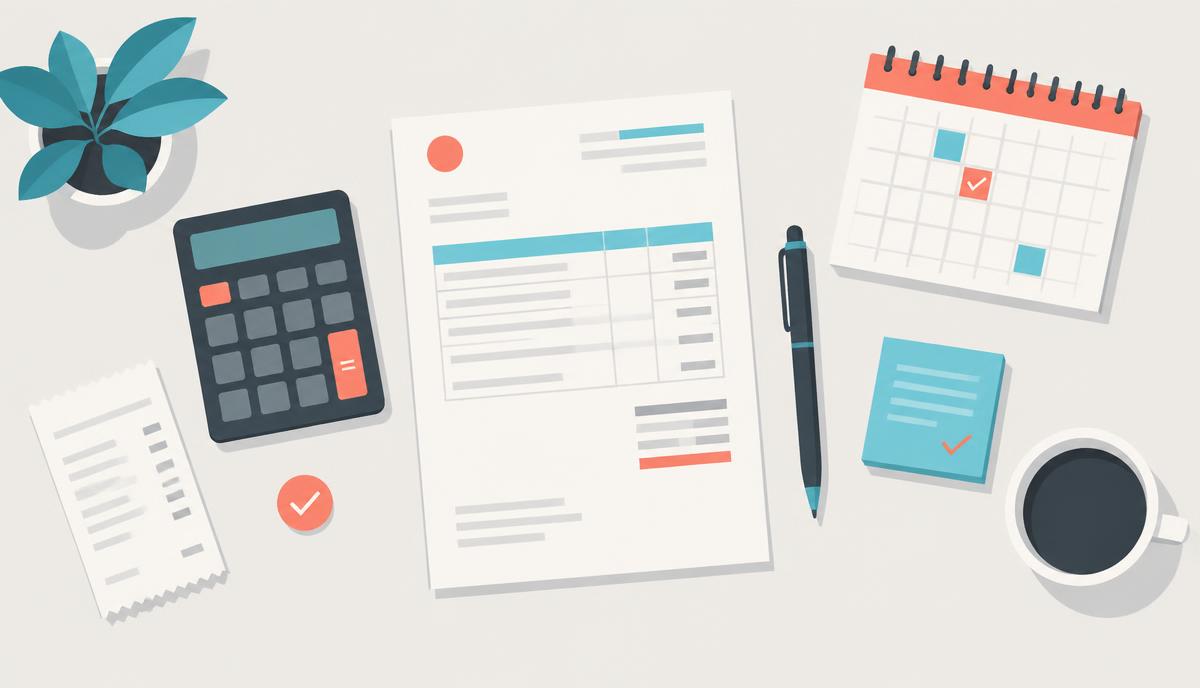
Scope disputes almost always trace back to a verbal estimate. A written estimate costs you ten minutes and removes the entire argument, because you are both looking at the same list.
Use the Estimate Generator before the work starts, and keep one line at the bottom that says what is not included. "Two rounds of revisions included; further rounds quoted separately" has saved more freelance relationships than any contract clause.
When a client pays in cash or asks for confirmation of a deposit, the Receipt Maker closes the loop in under a minute.
Payment terms, in plain language
- Net 15 or Net 30. Say which one on every invoice. "Due on receipt" is ignored; a date is not.
- Deposits for new clients. 30–50% up front on first projects is completely normal. It also filters out the clients who were never going to pay.
- Late fees only if you will actually apply them. An unenforced threat trains the client to ignore your invoices.
- A payment-due date, written as a date. "Due 13 October 2026" outperforms "due in 15 days" because nobody does the arithmetic.
Shared costs: settle them before they sour
The messiest freelance money is not client money. It is shared money — a co-working desk split three ways, a stock-photo subscription shared with a collaborator, travel and hotels on a group shoot, or a studio day everyone chipped in for.
Tracking that in a group chat works right up until someone forgets. The Expense Splitter handles the awkward part: log who paid for what, and it works out the smallest set of payments that squares everyone up, then exports a clean summary you can paste into the chat. No arguing about halves of halves.
If you are billing the client for those costs, put them on the invoice as separate line items with the original amounts. Disbursements buried inside your fee look like a markup even when they are not.
Protect the documents you send out
Freelance paperwork leaks more than people realise. A scanned contract can carry a home address. An NDA PDF forwarded to a subcontractor can include commercial terms that were never meant to travel.
Two quick habits:
- Before forwarding anything, black out what does not need to travel with the PDF Redactor. It removes the content rather than drawing a rectangle over it, which matters — a black box in a design app can often be dragged off again.
- Sign contracts with the PDF Signer instead of printing, signing, photographing and emailing a grey scan. It looks more professional and takes a tenth of the time.
If a client's inbox bounces your attachment for size, the PDF Compressor will usually get a bloated scan under the limit without turning the text to mush.
Everything stays on your machine
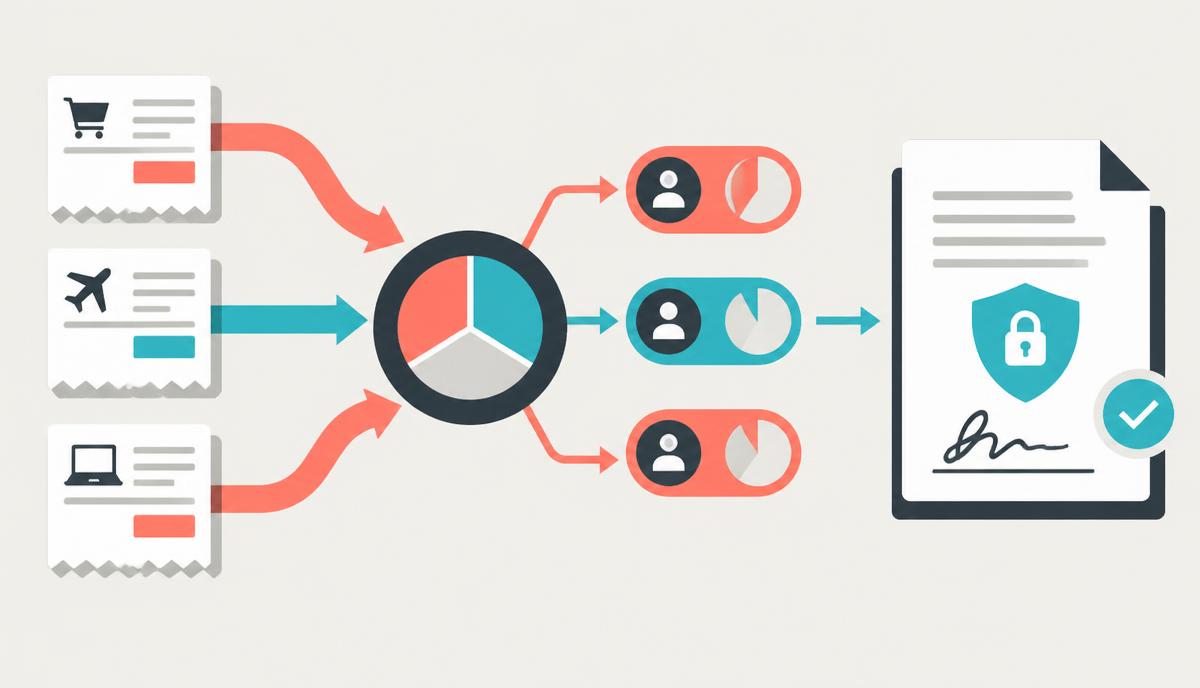
This is worth saying plainly, because it is the reason many freelancers use these tools rather than a billing platform: your invoices, rates, client names and receipts are processed inside your own browser. There is no account, no upload, and no copy of your client list sitting in someone else's database waiting to be breached. Your rates are commercially sensitive information, and the safest place for them is the device in front of you.
A workflow you can actually keep
Here is the whole thing, in order:
- Before the work: written estimate, with exclusions (Estimate Generator).
- Signing: sign digitally, redact anything that should not travel (PDF Signer, PDF Redactor).
- During the work: log shared costs as they happen, not at the end (Expense Splitter).
- The day you finish: invoice with a real due date and sequential number (Invoice Generator).
- On payment: issue a receipt, file the PDF, and forget about it (Receipt Maker).
None of this is clever. That is the point — an admin routine only survives if it is dull enough to repeat when you are busy.
Frequently asked questions
What should a freelance invoice include?
Your name and contact details, the client's billing details, a unique invoice number, the issue date, a clear due date, itemised work with amounts, any tax applied, the total, and how to pay you.
Net 15 or Net 30?
Net 15 for small clients and retainers, Net 30 for larger companies whose finance cycle will not move regardless of what you ask. Be consistent, and put the actual date on the invoice.
Should I charge a late fee?
Only if you are willing to enforce it. If you are, state it on the invoice and in your terms up front. A polite chase email on day one after the due date usually works better.
How do I split shared project costs fairly?
Record every payment against the person who made it, then settle net balances rather than reimbursing each transaction individually. The Expense Splitter does this arithmetic and shows the minimum number of transfers needed.
Is it safe to make invoices in a browser tool?
It depends entirely on where the data goes. These tools run the work on your own device, so your client details and rates are not uploaded anywhere.
Do I need accounting software as a freelancer?
Not at the start. Sequential PDF invoices, saved receipts, and a simple record of what was paid when will carry most solo freelancers a long way. Move to software when your accountant or your tax filings genuinely require it — not before.