
Sign PDF
Draw, type or upload your signature, click exactly where it belongs, and download the signed PDF — all offline in your browser.
- No training on your data
- Region: global
Sign PDF
PDF & Documents
Drop the PDF you need to sign
Click, drag or paste — contracts never leave your device
Sign PDF — Overview
What is Sign PDF?
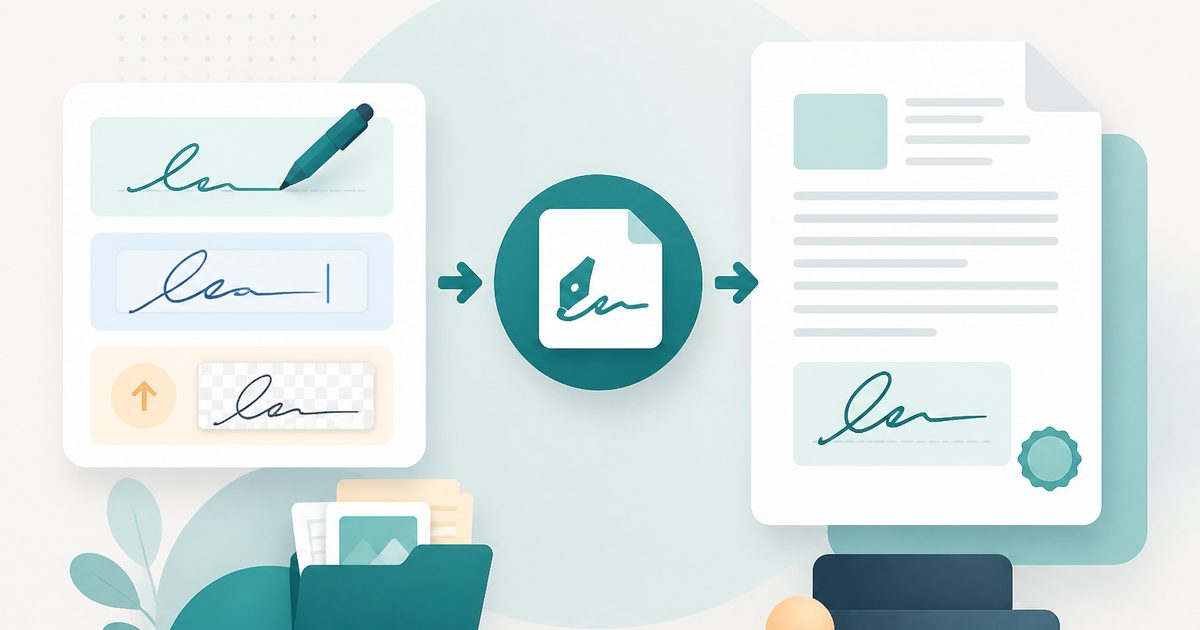
Sign PDF lets you draw a signature with a mouse, trackpad or finger, type one in a handwriting style, or upload a scan — then click the page to place it exactly where it belongs.
The page renders as a live preview, so you position the signature visually rather than guessing coordinates, and the placed signature is shown at its real size before export.
Nothing is uploaded. Contracts, NDAs and offer letters are signed entirely on your own device, which is the opposite of how most free e-sign services work.
What does Sign PDF do?
Three ways to sign and precise visual placement:
- Draw on a pressure-friendly signature pad, touch supported
- Type your name in one of three handwriting styles
- Upload a transparent PNG scan of a real signature
- Click anywhere on the rendered page to place the signature
- Choose which page and how wide the signature should be
- Download a flattened, standard PDF anyone can open
How to use Sign PDF
- 1Drop the PDF
Add the document you need to sign — the first page renders immediately.
- 2Create your signature
Draw, type or upload it. A green confirmation shows the signature is ready.
- 3Place and download
Choose the page, click where the signature goes, adjust the width, then export the signed PDF.
Privacy & cost
This tool runs entirely in your browser. Nothing is uploaded, logged, or saved on our servers — safe for confidential or proprietary data.
Where it fits
Sign and send back in under a minute, without printing, scanning or creating an account.
NDAs and employment paperwork stay on your machine instead of passing through a signing platform.
Place a small signature repeatedly on the pages that ask for initials.
Why people pick this tool
- ✓Free forever — no page caps, watermarks, sign-ups or premium tier
- ✓100% in-browser processing — your documents never touch a server
- ✓Works offline once the page has loaded, ideal for confidential files
- ✓No queues or waiting rooms — the work happens at the speed of your device
FAQs
The bottom line
Signing a PDF is a five-second task that most services turn into an account, an upload and a monthly plan. Doing it in the browser keeps it a five-second task.
More ways to edit a PDF
Merge, split, compress, protect and sign PDFs privately in your browser.
You might also like
More in PDF & Documents
Add Header & Footer to PDF
PDF & Documents
Titles, dates and page tokens along the top and bottom.
Add Page Numbers to PDF
PDF & Documents
Number pages, including legal-style Bates numbering.
Add Watermark to PDF
PDF & Documents
Stamp DRAFT or CONFIDENTIAL across any pages you choose.
Crop & Resize PDF Pages
PDF & Documents
Trim margins in millimetres or rescale pages to A4.

Stamp Image on PDF
PDF & Documents
Overlay a logo, seal or Approved stamp on any page.
Compare Two PDFs
PDF & Documents
See exactly what text was added, removed or changed between versions.