
Compress PDF
Reduce PDF file size with a preset that matches how the document will actually be used — one file or a whole batch, all inside your browser.
- No training on your data
- Region: global
Compress PDF
PDF & Documents
Drop one or more PDFs to compress
Up to 20 files · click, drag or paste — compression runs on your device
Compress PDF — Overview
What is Compress PDF?
Compress PDF reduces the file size of a PDF inside your browser so it fits an email limit, an upload form or a portal cap — without a subscription, a queue or an upload.
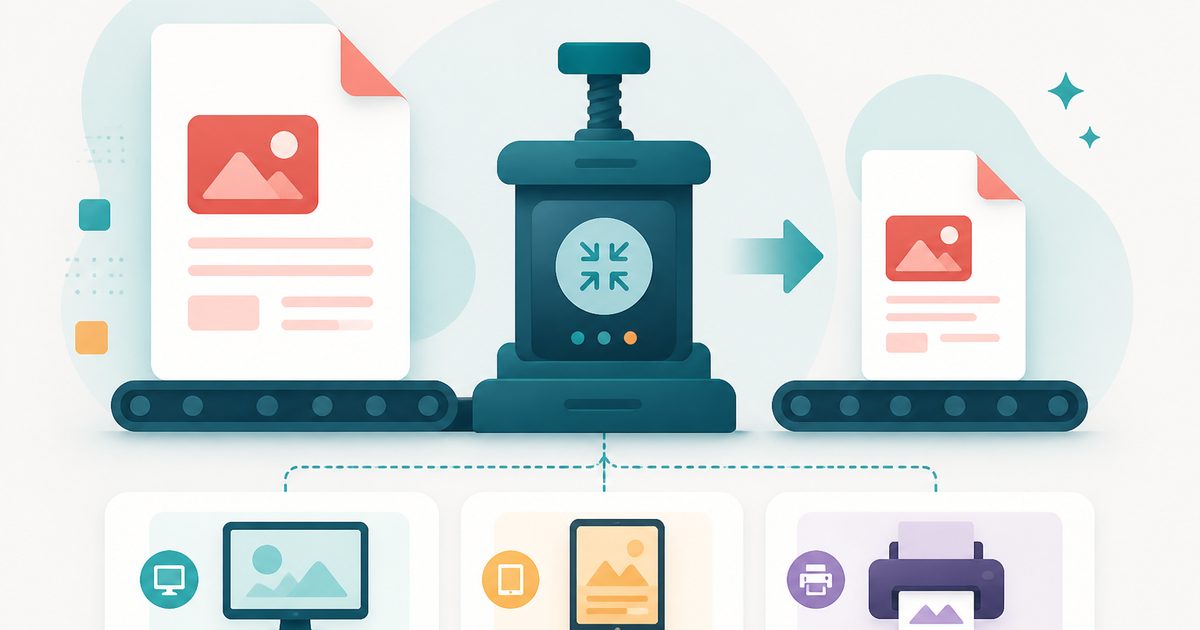
Three image presets re-render each page at a chosen resolution and JPEG quality: *screen* for chat and email, *ebook* for comfortable reading anywhere, and *print* when the document still has to come out of a printer cleanly.
A fourth option, *lossless clean-up*, rewrites the file structure with object streams and strips accumulated bloat while leaving text sharp and selectable. Exact before-and-after sizes are shown so you can decide whether the trade-off was worth it.
What does Compress PDF do?
Compress PDF gives you honest control over the size-versus-quality trade-off:
- Four levels from aggressive screen compression to lossless clean-up
- Grayscale conversion for scans and photo-heavy reports
- Per-page progress so large documents never look frozen
- Before and after file sizes with the percentage saved
- Original page dimensions and orientation preserved exactly
- Clear warning when a file is already optimised and cannot shrink further
How to use Compress PDF
- 1Drop the PDF
Add the file that is too large. Nothing is uploaded — it is read straight into your browser's memory.
- 2Pick a level
Match the preset to how the document will be used, and tick grayscale if it is a colour scan you only need to read.
- 3Compress and download
Watch the per-page progress, then check the reported saving. Try a lower level if you need more.
Privacy & cost
This tool runs entirely in your browser. Nothing is uploaded, logged, or saved on our servers — safe for confidential or proprietary data.
Where it fits
A 40MB scanned contract drops to a few megabytes at the ebook preset, which is usually enough for a 10MB or 25MB cap.
Upload forms often cap PDFs at 2MB. Screen preset plus grayscale reliably gets scanned certificates under the limit.
Grayscale at 110 DPI keeps documents perfectly readable while cutting long-term storage dramatically.
Why people pick this tool
- ✓Free forever — no page caps, watermarks, sign-ups or premium tier
- ✓100% in-browser processing — your documents never touch a server
- ✓Works offline once the page has loaded, ideal for confidential files
- ✓No queues or waiting rooms — the work happens at the speed of your device
FAQs
The bottom line
Compression is the classic bait for a paid plan, yet the maths runs perfectly well on your own device. Doing it locally means unlimited files, no watermarks, and confidential documents that never leave your machine.
More ways to edit a PDF
Merge, split, compress, protect and sign PDFs privately in your browser.
You might also like
More in PDF & Documents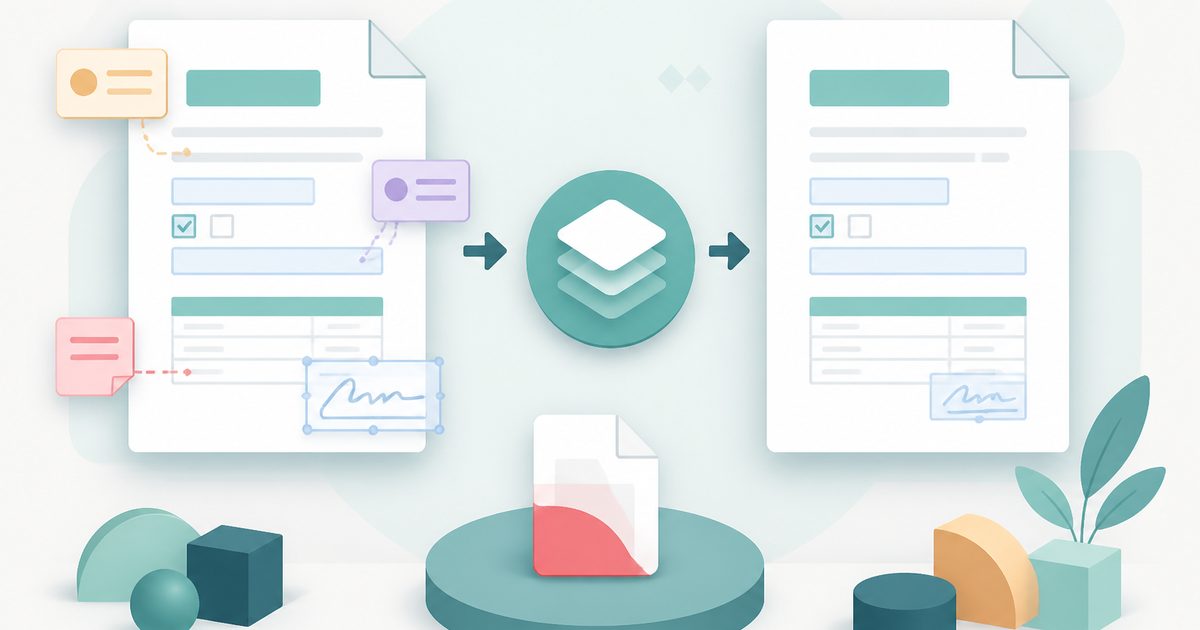
Flatten PDF
PDF & Documents
Lock filled forms, comments and annotations into the page.
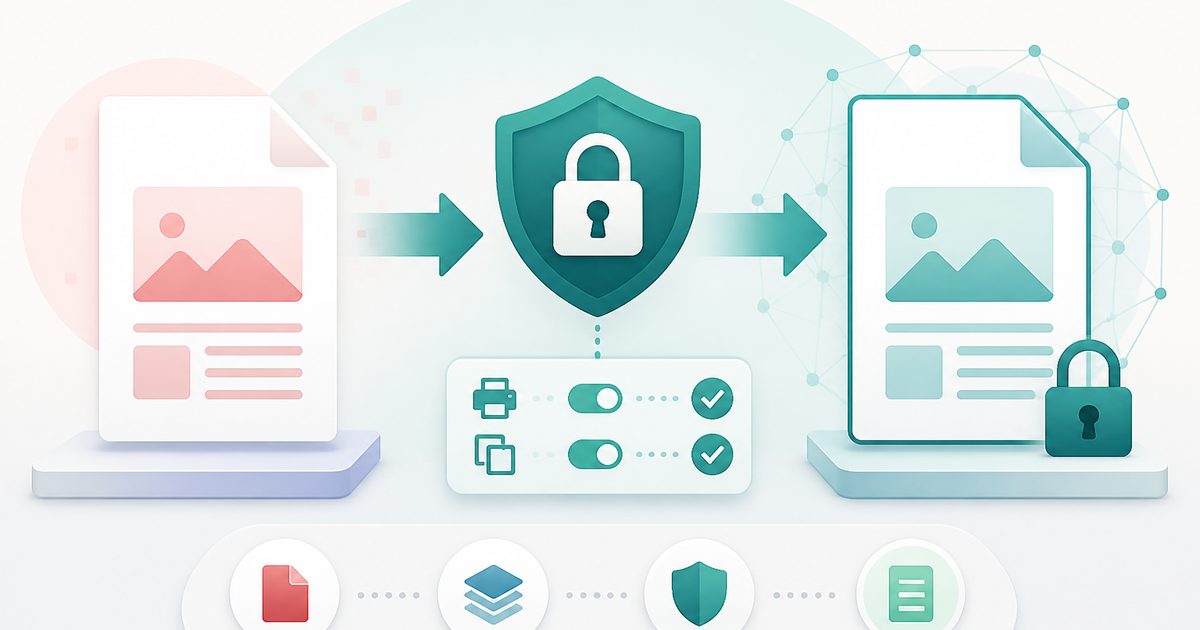
Protect PDF with Password
PDF & Documents
Encrypt a PDF and set printing and copying permissions.
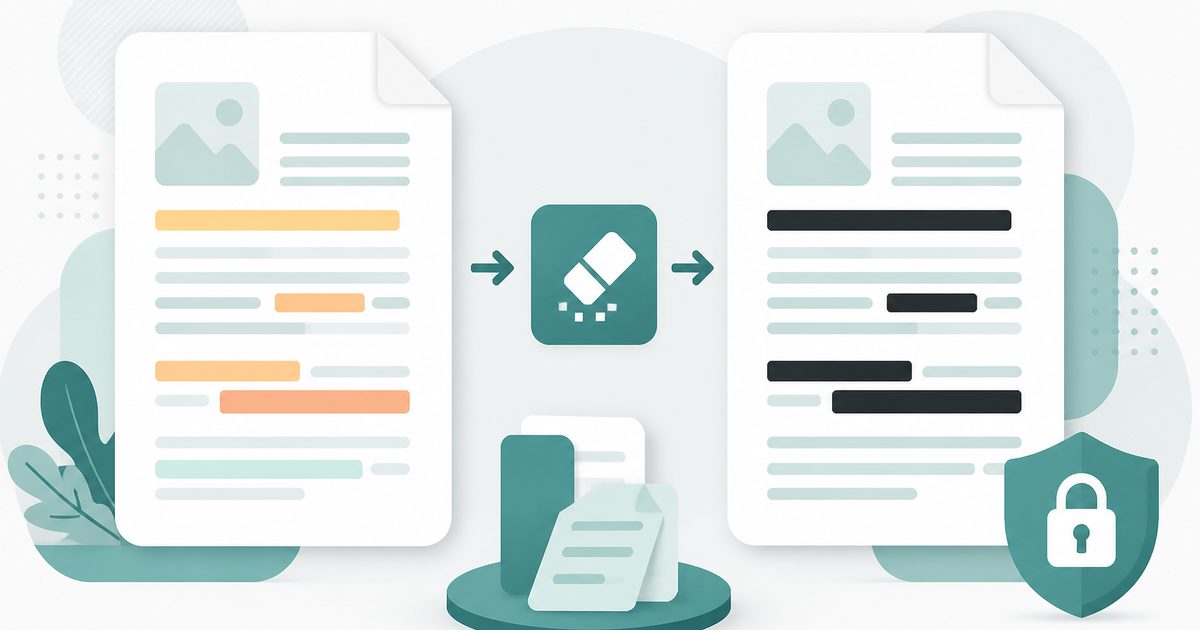
Redact PDF
PDF & Documents
Black out confidential text permanently, burned into the page.
Repair PDF
PDF & Documents
Diagnose a damaged PDF and rebuild readable pages.
Unlock PDF
PDF & Documents
Remove a known password or owner restrictions.

Add Header & Footer to PDF
PDF & Documents
Titles, dates and page tokens along the top and bottom.