
Redact PDF
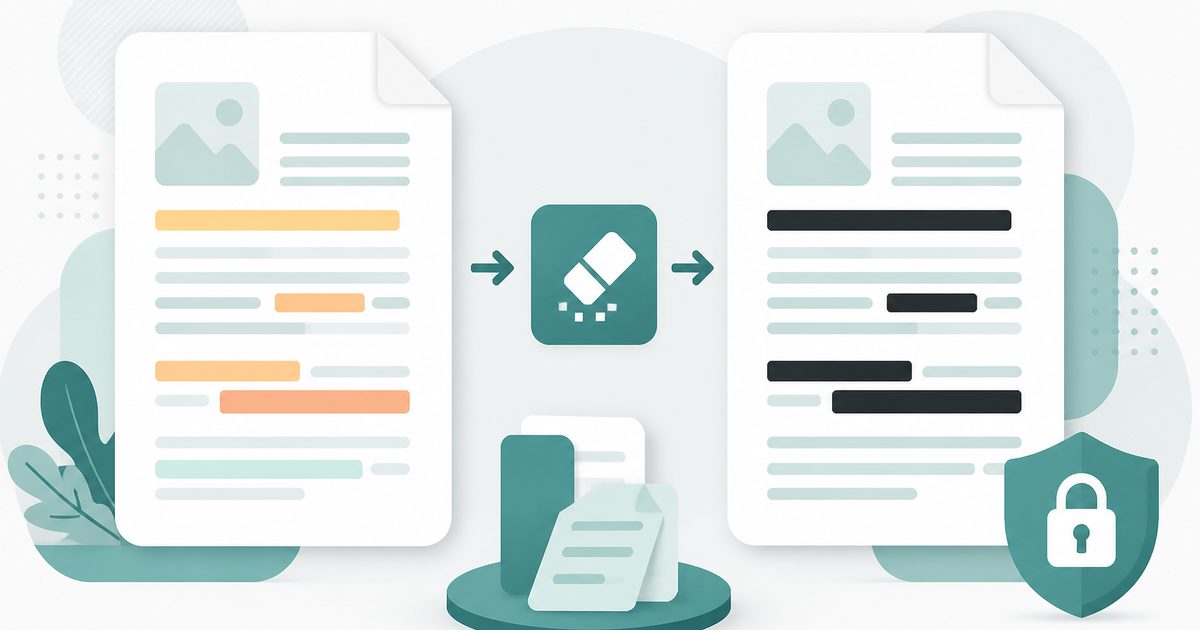
Drag boxes over anything confidential. The page is re-rendered with the boxes burned in, so the text underneath is genuinely gone — not just covered.
- No training on your data
- Region: global
Redact PDF
PDF & Documents
Drop a PDF to redact
Click, drag or paste — redaction runs on your device
Redact PDF — Overview
What is Redact PDF?
Redact PDF permanently removes confidential content rather than covering it. Drag boxes over names, account numbers, salaries or addresses on a live page preview, then export.
On export each page is re-rendered with the boxes burned in, so the text underneath is genuinely absent from the output file — it cannot be selected, copied, searched or recovered by moving a rectangle.
That is the crucial difference from drawing a black shape in a PDF editor, the mistake behind many well-publicised leaks of supposedly redacted documents.
What does Redact PDF do?
Redaction that survives copy-and-paste:
- Click-and-drag boxes directly on a rendered page preview
- Multi-page support with per-page and clear-all controls
- Click any box to remove it before exporting
- Choice of blackout colour, including white for blanking
- Output resolution from 100 to 300 DPI
- Hidden text destroyed on export, not merely masked
How to use Redact PDF
- 1Drop the PDF
Move to the page you need to redact using the page controls.
- 2Drag over the sensitive text
Draw a box over anything confidential. Click a box again to remove it if you misjudged the area.
- 3Redact and download
Pick an output resolution, then export a document where the hidden content no longer exists.
Privacy & cost
This tool runs entirely in your browser. Nothing is uploaded, logged, or saved on our servers — safe for confidential or proprietary data.
Where it fits
Hide pricing, signatures and personal details before circulating a contract for reference.
Remove third-party personal data before releasing documents, with confidence it cannot be extracted.
Redact account numbers and email addresses from statements before attaching them to a ticket.
Why people pick this tool
- ✓Free forever — no page caps, watermarks, sign-ups or premium tier
- ✓100% in-browser processing — your documents never touch a server
- ✓Works offline once the page has loaded, ideal for confidential files
- ✓No queues or waiting rooms — the work happens at the speed of your device
FAQs
The bottom line
Most redaction failures are not sophisticated attacks — they are someone drawing a rectangle and assuming that is enough. Burning the blackout into the page removes the assumption, and processing locally means the unredacted original never leaves your device.
More ways to edit a PDF
Merge, split, compress, protect and sign PDFs privately in your browser.
You might also like
More in PDF & Documents
Compress PDF
PDF & Documents
Shrink PDF size with screen, ebook or print presets.

Flatten PDF
PDF & Documents
Lock filled forms, comments and annotations into the page.
Protect PDF with Password
PDF & Documents
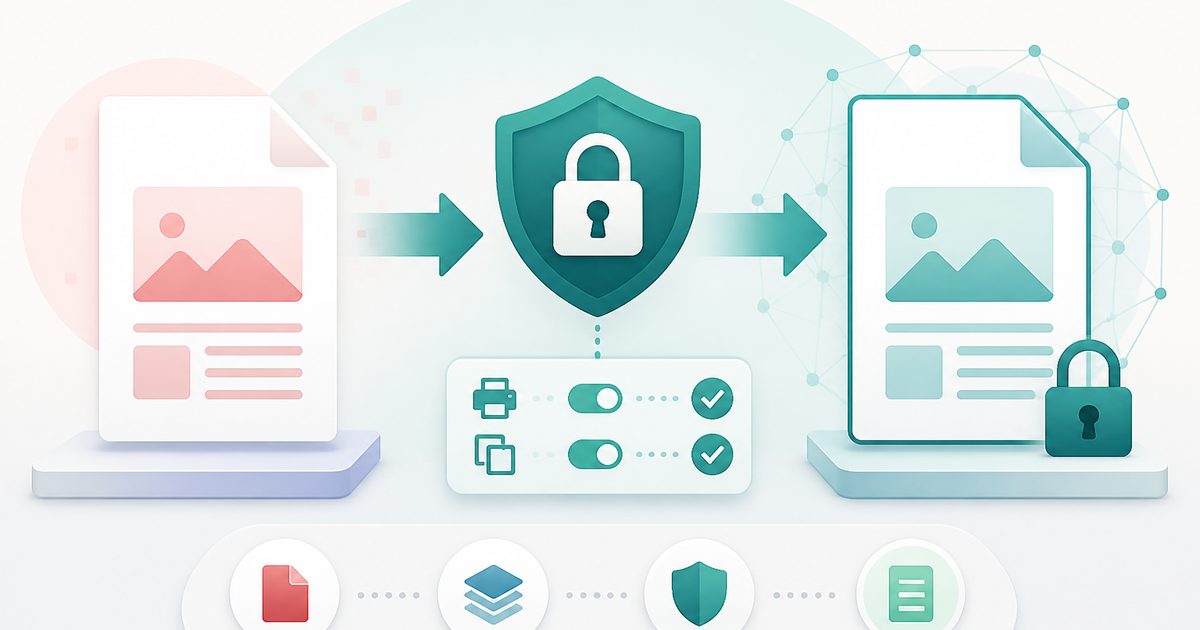
Encrypt a PDF and set printing and copying permissions.

Repair PDF
PDF & Documents
Diagnose a damaged PDF and rebuild readable pages.

Unlock PDF
PDF & Documents
Remove a known password or owner restrictions.

Add Header & Footer to PDF
PDF & Documents
Titles, dates and page tokens along the top and bottom.