
AI PDF Summarizer
Summarise long PDFs, pull out action items and risks, or ask questions about a document — using your own AI key, with text extracted right in your browser.
- No training on your data
- Region: global

AI PDF Summarizer
PDF & Documents
Drop a PDF to analyse
Text is extracted on your device — only the text is sent to your AI provider
AI PDF Summarizer — Overview
What is AI PDF Summarizer?
AI PDF Summarizer reads a long document so you can decide whether you need to. The PDF's text is extracted inside your browser, then sent to the AI provider whose own key you supply — MyToolyard never sees the document or the key.
Six modes cover the ways people actually interrogate documents: an executive summary, tight key points, a table of action items with owners and deadlines, a risk and red-flag review, a plain-English rewrite, and a direct question-and-answer mode.
The extracted text stays visible and editable before anything is sent, so you can trim it, restrict it to a page range, or paste in text you OCR'd yourself.
What does AI PDF Summarizer do?
Document analysis on your terms, with your own key:
- Six analysis modes including action items, risks and plain English
- Ask-a-question mode answered strictly from the document
- Page-range selection to analyse one chapter or section
- Editable extracted text — review exactly what gets sent
- Markdown output with page citations, copyable or downloadable
- Bring your own key: no subscription, no per-document charge
How to use AI PDF Summarizer
- 1Add your API key
Open Settings and paste a key from your chosen provider. It is stored in this browser only and requests go straight to the provider.
- 2Drop the PDF
Text is extracted locally and shown for review. Narrow it to a page range for long documents.
- 3Choose a mode and run
Pick a summary style or ask a question, then copy the Markdown result or download it as a .md file.
Privacy & cost
Your API key stays in your browser — requests go directly to your chosen provider. Usage is billed to your account, not ours, so you stay in full control of model choice and spend.
Where it fits
Get an executive summary and key points before committing to a hundred pages.
Surface obligations, deadlines and unusual clauses so your read-through is focused rather than blind.
Ask direct questions of a textbook chapter, or get a plain-English rewrite of jargon-heavy sections.
Why people pick this tool
- ✓Bring your own key — no subscription, no per-page pricing
- ✓Text extracted in your browser; only text reaches your provider
- ✓Your key is stored locally and never sent to MyToolyard
- ✓Editable input so you control exactly what is analysed
Bring your own key (BYOK)
AI PDF Summarizer uses your own AI provider via Bring-Your-Own-Key. Your key is stored only in this browser's localStorage and sent directly to the provider you choose — MyToolyard never sees, logs, or proxies your traffic.
- Open ⚙️ Settings in the top-right of the page.
- Paste an API key from your chosen provider's dashboard.
- Save — the key persists in this browser only. Return here and run the tool.
FAQs
The bottom line
Document AI is normally sold per document or per seat, with your file uploaded to somebody else's store. Extracting text locally and using your own key inverts that: you pay your provider's raw rate, and the file itself never leaves your machine.
You might also like
More in PDF & Documents
Compare Two PDFs
PDF & Documents
See exactly what text was added, removed or changed between versions.

Extract Images from PDF
PDF & Documents
Rip embedded photos and logos out at original resolution.
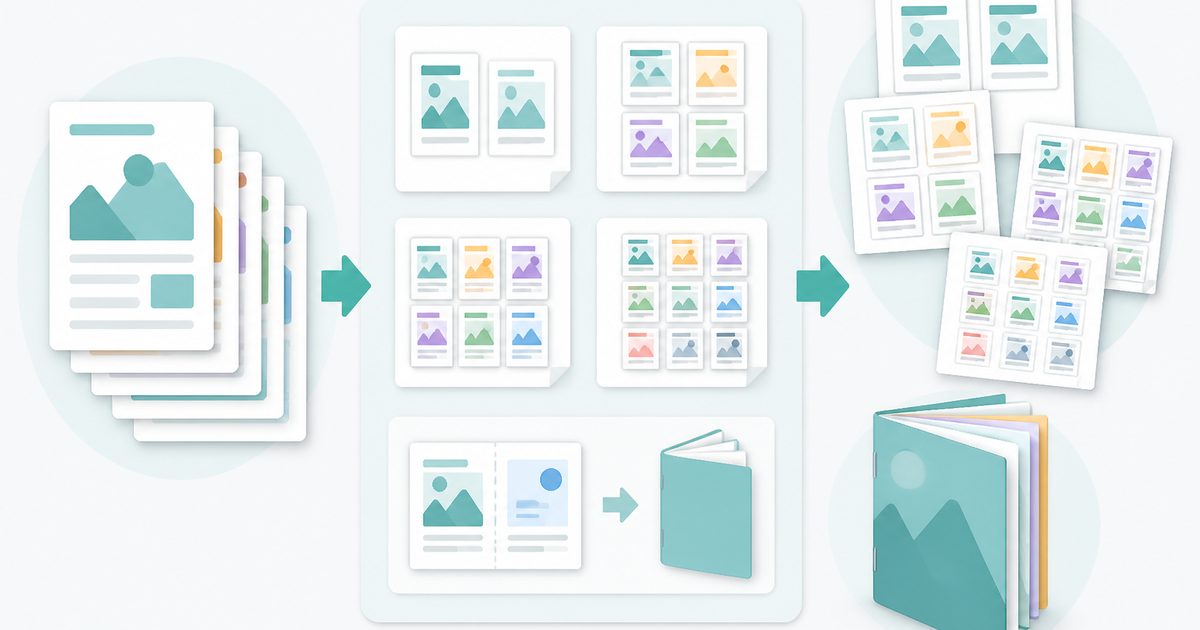
N-up & Booklet PDF
PDF & Documents
Fit 2, 4, 6 or 9 pages per sheet, or impose a fold-and-staple booklet.
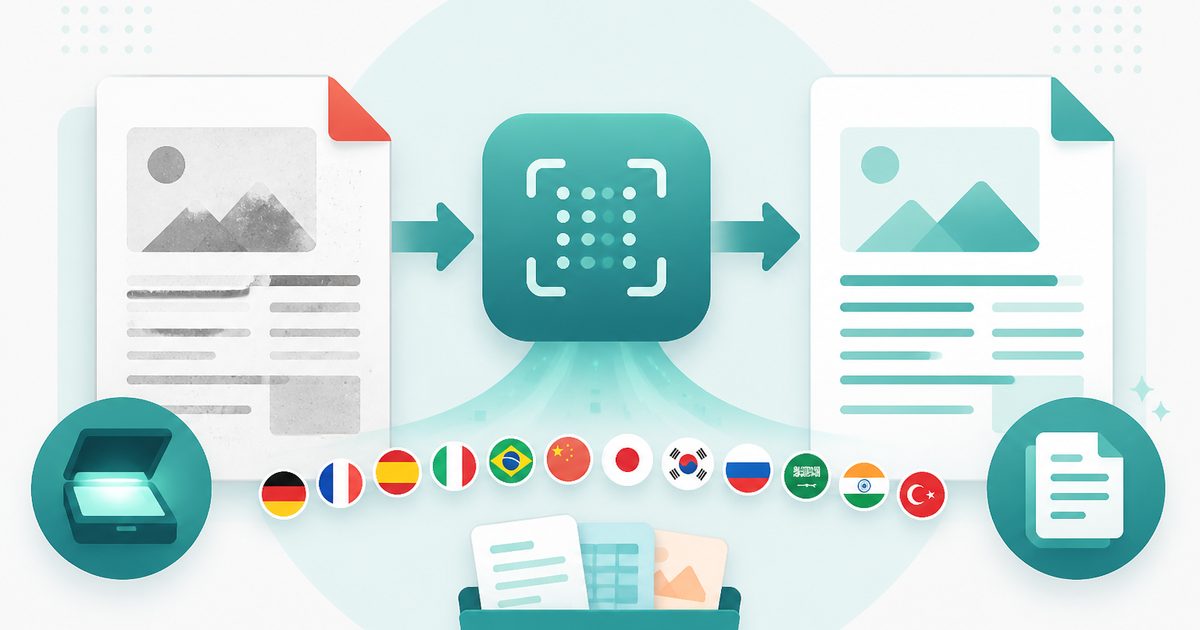
PDF OCR
PDF & Documents
Read text out of scanned PDFs in 12 languages, on your device.
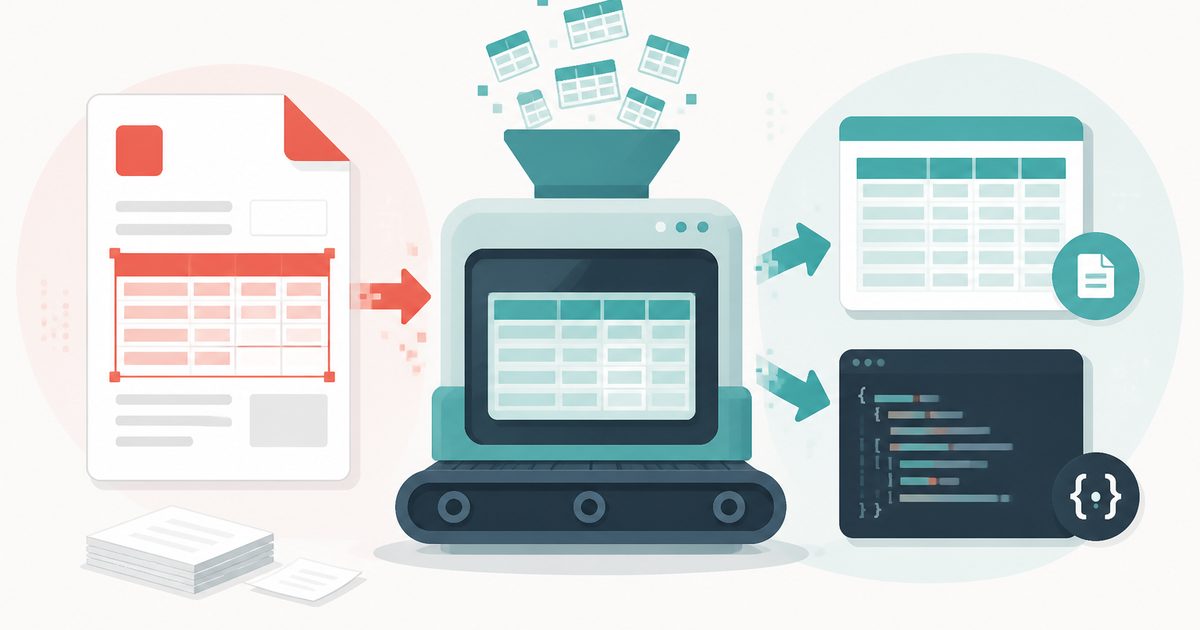
PDF Table Extractor
PDF & Documents
Pull tables out of a PDF and export them as CSV or JSON.

PDF to Markdown
PDF & Documents
Convert a PDF into clean Markdown with headings and lists.