
PDF OCR
Read text out of scanned or photographed PDFs using in-browser OCR — one file or a batch of up to 20, with language, pages and scan quality.
- No training on your data
- Region: global
PDF OCR
PDF & Documents
Drop scanned PDFs to read their text
Up to 20 files · click, drag or paste — OCR runs on your device, nothing is uploaded
PDF OCR — Overview
What is PDF OCR?
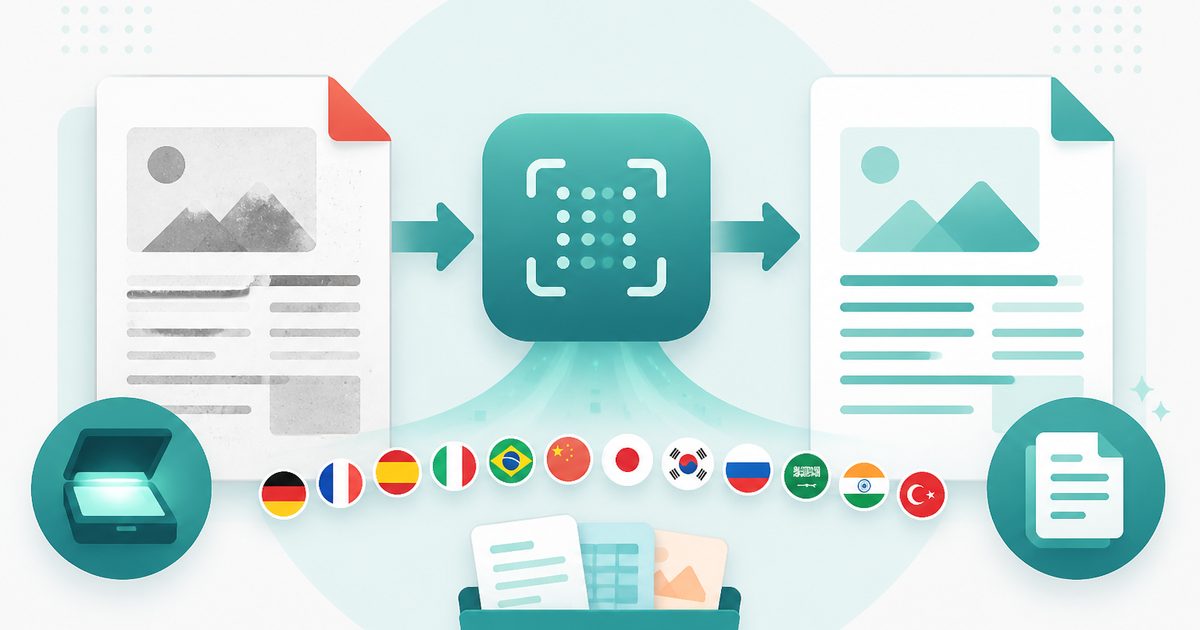
PDF OCR turns a scanned or photographed PDF — a picture of a document, with no selectable text — into text you can copy, search and edit. Recognition runs inside your browser using a WebAssembly OCR engine, so confidential scans never leave your device.
Every page is rendered to a canvas at a resolution you choose, then read character by character. You get the text per page plus a confidence score, which tells you at a glance which pages need a human eye.
Twelve languages are supported, including non-Latin scripts, and the whole job can be interrupted and resumed page by page rather than committing to one long upload.
What does PDF OCR do?
Everything you need to get text out of a scan:
- Recognition in 12 languages, chosen per document
- Adjustable scan quality from fast draft to 300 DPI accuracy
- Per-page confidence scores that flag doubtful results
- Live progress with page-by-page output as it completes
- Copy to clipboard or download a .txt file
- No uploads, no API keys, no per-page charges
How to use PDF OCR
- 1Drop the scanned PDF
Choose the language of the document — accuracy improves substantially when the language matches.
- 2Pick a scan quality
Higher DPI is slower but reads small print far more reliably. Start at the default and raise it if the results look garbled.
- 3Run and review
Watch pages complete, check any low-confidence page, then copy the text or download it as a file.
Privacy & cost
This tool runs entirely in your browser. Nothing is uploaded, logged, or saved on our servers — safe for confidential or proprietary data.
Where it fits
Make a decades-old scanned agreement searchable so you can find a clause without reading forty pages.
Turn a stack of scanned receipts into text you can paste into a spreadsheet for bookkeeping.
Digitise library scans or historical documents into quotable text without sending them to a cloud service.
Why people pick this tool
- ✓Free forever — no page caps, watermarks, sign-ups or premium tier
- ✓100% in-browser processing — your documents never touch a server
- ✓Works offline once the page has loaded, ideal for confidential files
- ✓No queues or waiting rooms — the work happens at the speed of your device
FAQs
The bottom line
OCR is the one PDF feature almost every service charges for, usually per page and always by uploading your document. Running it locally means an unlimited number of pages, no subscription, and scans that stay on your machine.
More PDF conversion tools
Convert between PDF, Word, text, Markdown and images without uploading a file.
- Convert PDF to Word free, no signup
- PDF to DOCX converter
- Convert Word to PDF online
- DOCX to PDF converter
- Extract text from PDF
- PDF to plain text converter
- PDF to Markdown converter
- Convert PDF pages to images
- Combine images into one PDF
- Convert JPG to PDF free
- PNG to PDF converter
- Convert Excel to PDF online
You might also like
More in PDF & Documents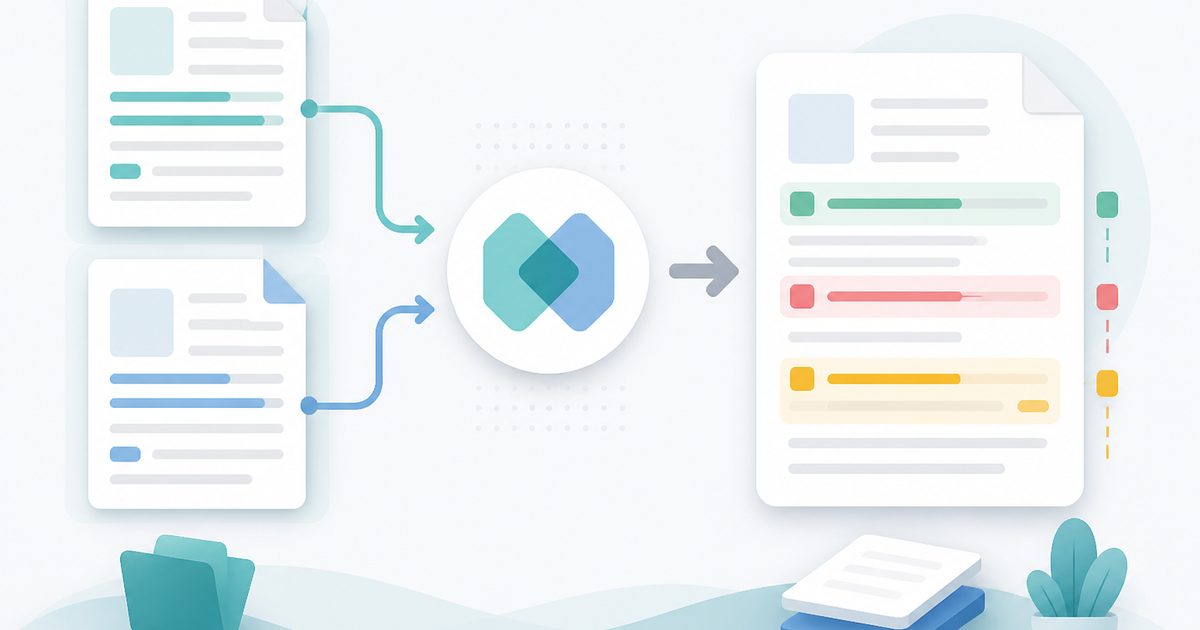
Compare Two PDFs
PDF & Documents
See exactly what text was added, removed or changed between versions.
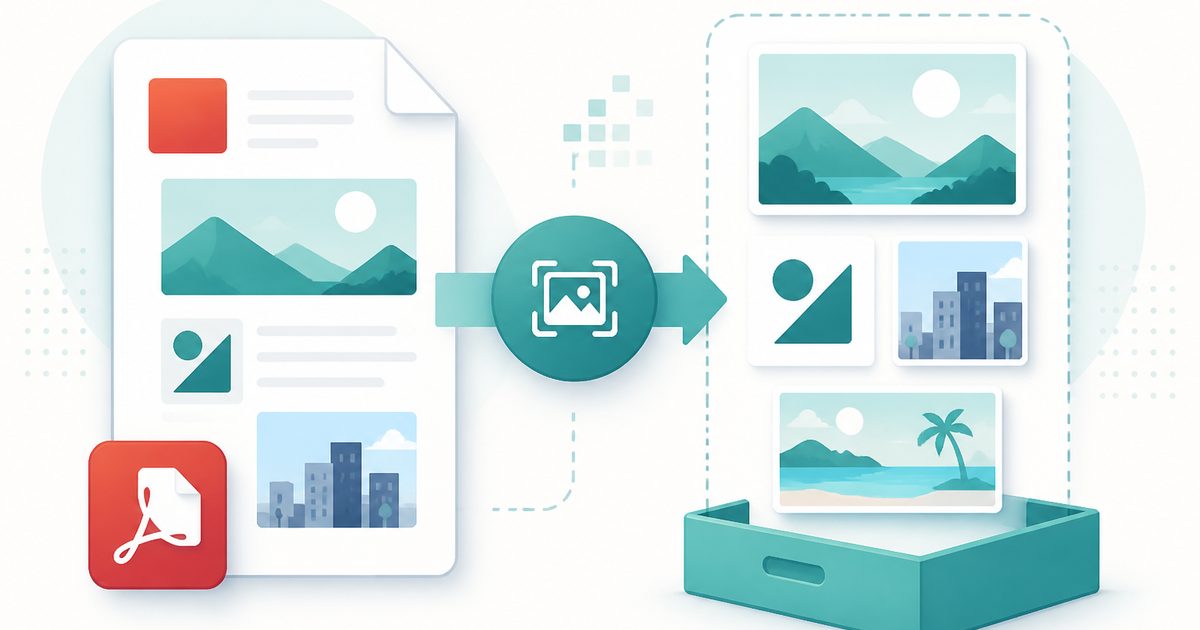
Extract Images from PDF
PDF & Documents
Rip embedded photos and logos out at original resolution.
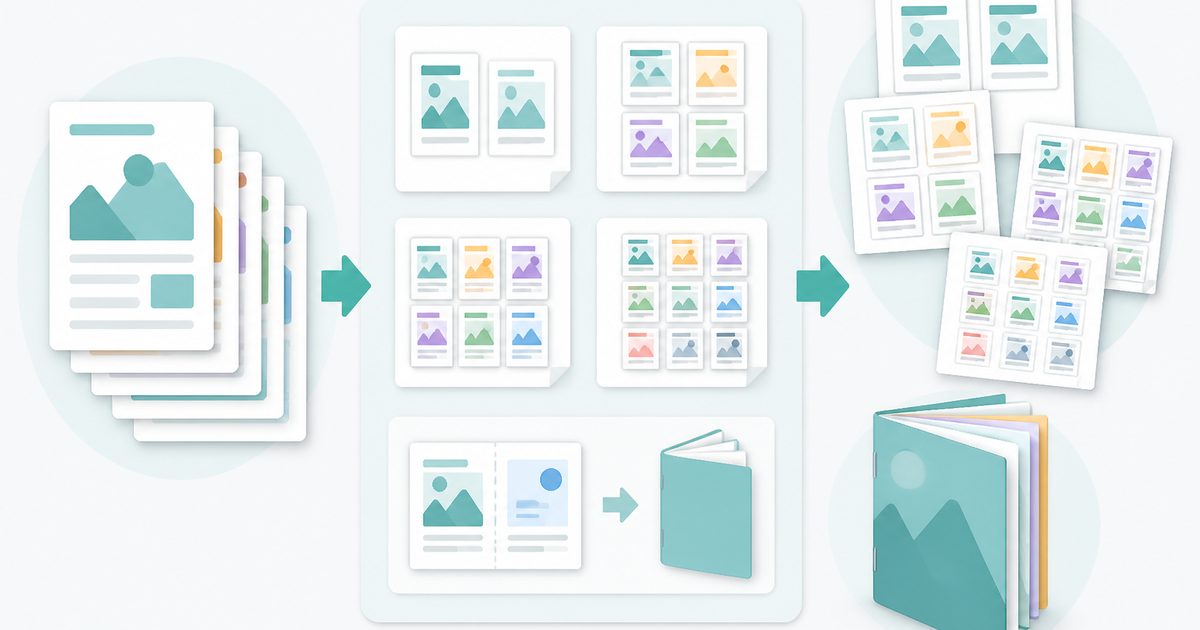
N-up & Booklet PDF
PDF & Documents
Fit 2, 4, 6 or 9 pages per sheet, or impose a fold-and-staple booklet.
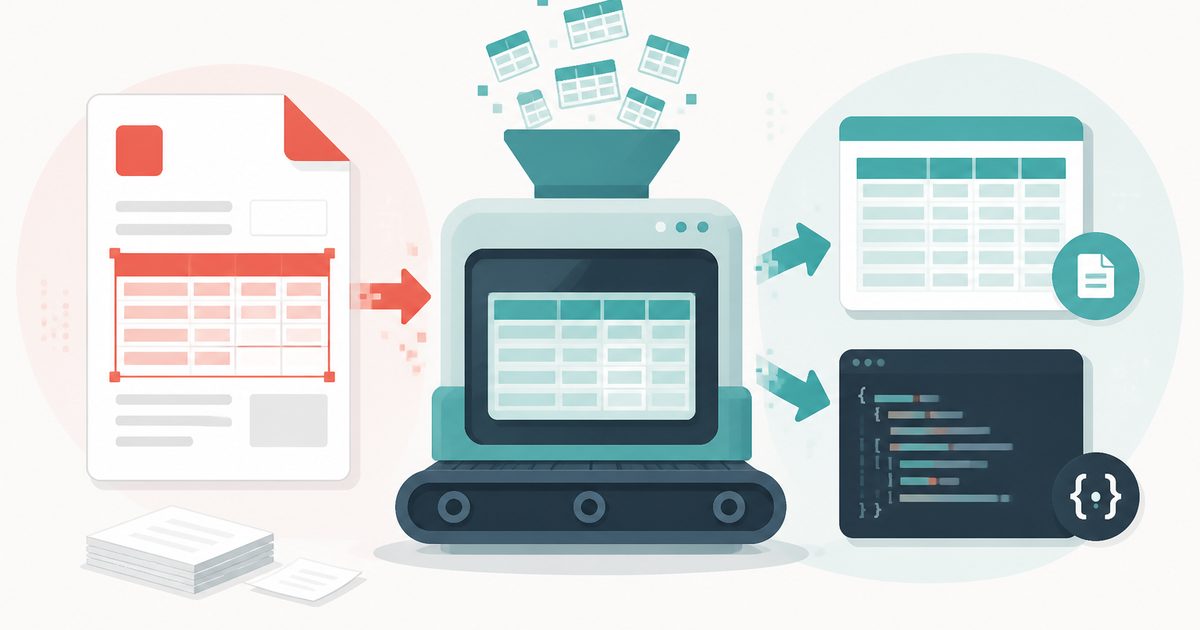
PDF Table Extractor
PDF & Documents
Pull tables out of a PDF and export them as CSV or JSON.
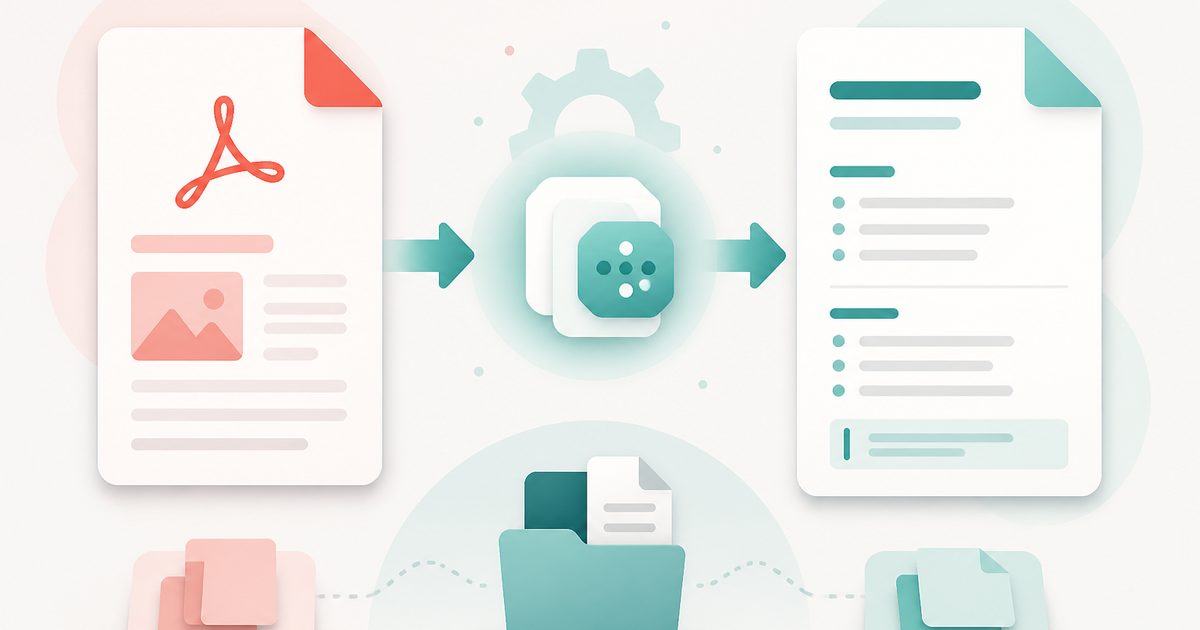
PDF to Markdown
PDF & Documents
Convert a PDF into clean Markdown with headings and lists.
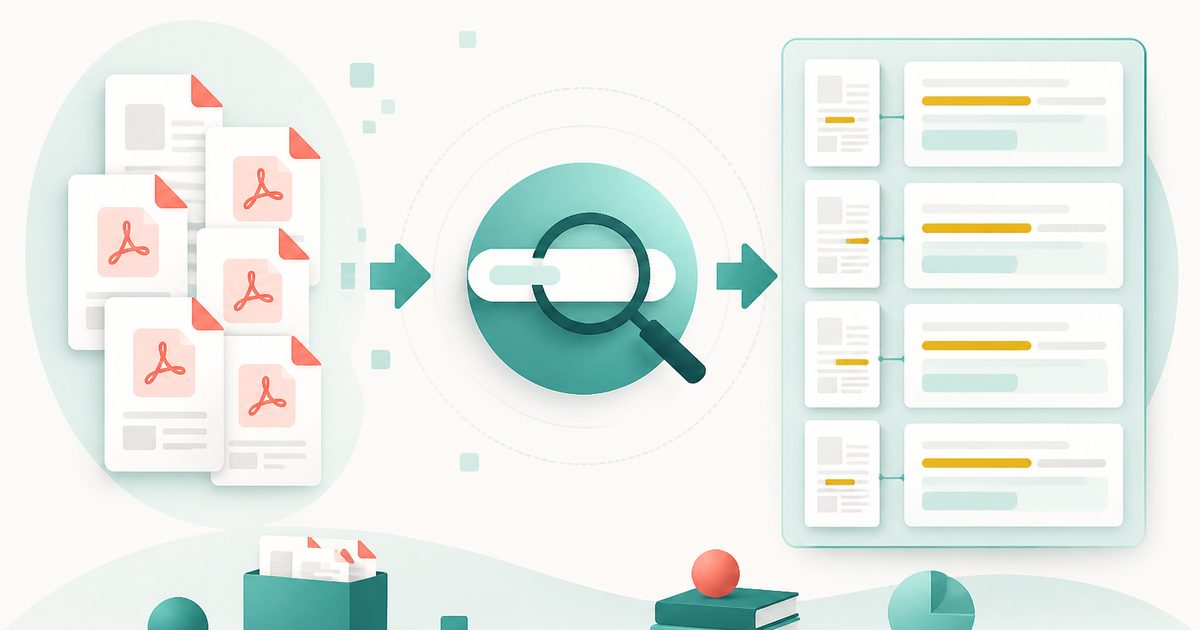
Search Inside PDFs
PDF & Documents
Search a phrase across many PDFs with page numbers and context.