
PDF Table Extractor
Find the tables in a PDF and export them as CSV, TSV or JSON — with column detection you can tune when a layout is unusual.
- No training on your data
- Region: global

PDF Table Extractor
PDF & Documents
Drop a PDF containing tables
Click, drag or paste — tables are detected on your device
PDF Table Extractor — Overview
What is PDF Table Extractor?
PDF Table Extractor rescues tables trapped inside PDFs. It measures the horizontal position of every word on the page, spots the blank gaps that separate columns, groups the words into rows, and hands you a real table you can export.
Copy any detected table straight into Excel, Google Sheets or Numbers, or download it as CSV or JSON. Because detection is geometric rather than guesswork, you can tune it: widen the column gap when columns merge, narrow it when one column splits in two.
Everything happens in the browser, which matters for the kind of tables that live in PDFs — payroll, bank statements, lab results and pricing schedules.
What does PDF Table Extractor do?
Table extraction you can actually control:
- Automatic detection of table blocks across every page
- Adjustable column gap, minimum columns and minimum rows
- Header-row handling that produces named JSON keys
- Copy as tab-separated text — paste straight into a spreadsheet
- Per-table CSV and JSON download, plus a combined CSV of everything
- Row, column and page counts so you can sanity-check the result
How to use PDF Table Extractor
- 1Drop a PDF with tables
Every page is scanned for text laid out in aligned columns.
- 2Tune the detection
If columns are merging, lower the column gap. If one column is splitting, raise it. Adjust the minimum rows to ignore stray two-line blocks.
- 3Export
Copy a table for Excel, or download it as CSV or JSON — including all tables as one CSV file.
Privacy & cost
This tool runs entirely in your browser. Nothing is uploaded, logged, or saved on our servers — safe for confidential or proprietary data.
Where it fits
Turn a monthly statement PDF into CSV for your accounting software instead of typing it in.
Extract supplier pricing tables into a spreadsheet for comparison and markup calculations.
Pull the numbers out of a published report so you can chart or recompute them yourself.
Why people pick this tool
- ✓Free forever — no page caps, watermarks, sign-ups or premium tier
- ✓100% in-browser processing — your documents never touch a server
- ✓Works offline once the page has loaded, ideal for confidential files
- ✓No queues or waiting rooms — the work happens at the speed of your device
FAQs
The bottom line
A table in a PDF is only a picture of a table until something reconstructs the grid. Doing that locally gives you a free, unlimited PDF-to-CSV path for exactly the financial documents you would never want to upload.
You might also like
More in PDF & Documents
Compare Two PDFs
PDF & Documents
See exactly what text was added, removed or changed between versions.

Extract Images from PDF
PDF & Documents
Rip embedded photos and logos out at original resolution.
N-up & Booklet PDF
PDF & Documents
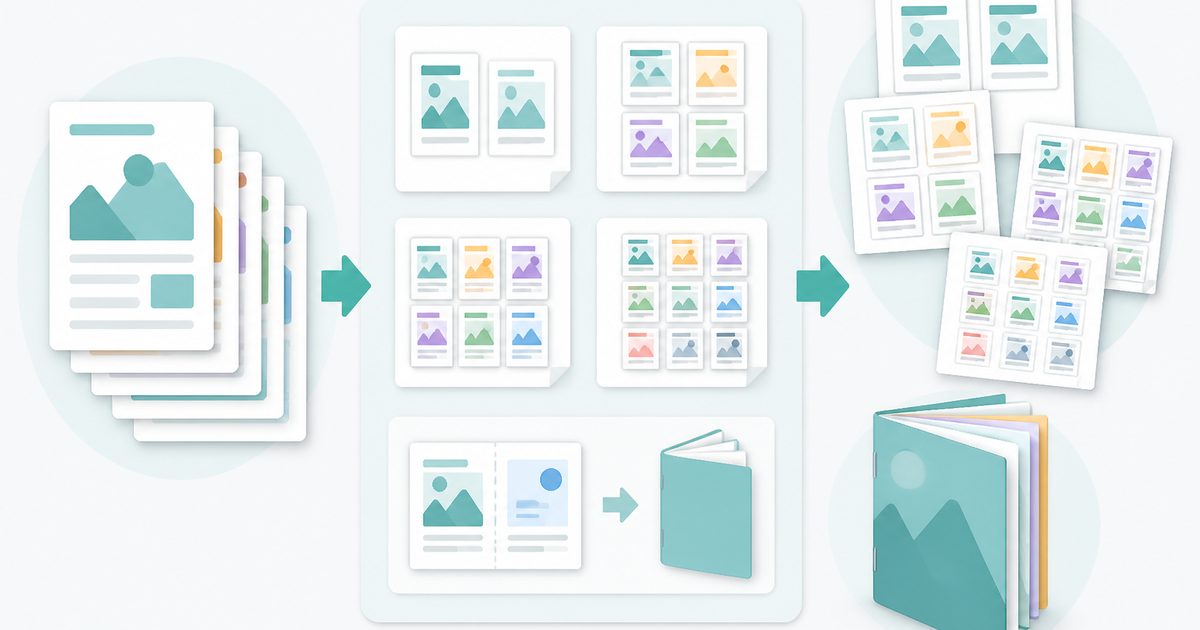
Fit 2, 4, 6 or 9 pages per sheet, or impose a fold-and-staple booklet.

PDF OCR
PDF & Documents
Read text out of scanned PDFs in 12 languages, on your device.

PDF to Markdown
PDF & Documents
Convert a PDF into clean Markdown with headings and lists.

Search Inside PDFs
PDF & Documents
Search a phrase across many PDFs with page numbers and context.