
Compare Two PDFs
See exactly what changed between two versions of a document — added, removed and rewritten lines, page by page.
- No training on your data
- Region: global
Compare Two PDFs
PDF & Documents
Original (version A)
Drop the original PDF
click, drag or drop
Revised (version B)
Drop the revised PDF
click, drag or drop
Compare Two PDFs — Overview
What is Compare Two PDFs?
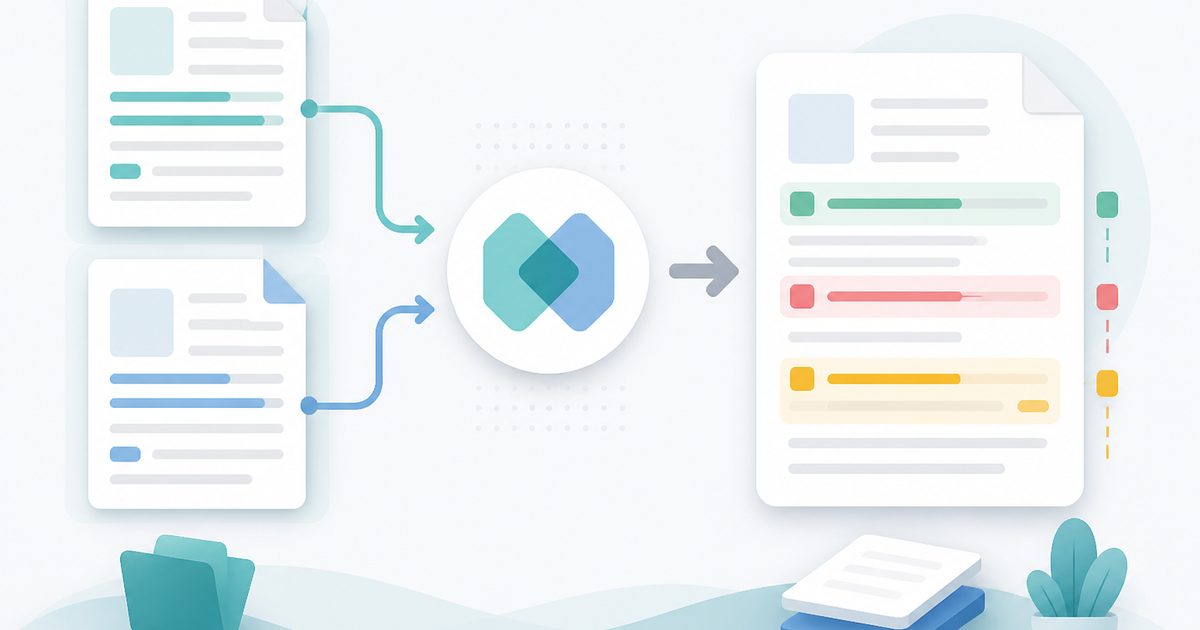
Compare Two PDFs shows what actually changed between two versions of a document. Drop the original and the revision, and every added, removed and rewritten line is listed page by page, colour-coded green for additions and red for deletions.
Spacing and capitalisation can be ignored, so re-flowed paragraphs and re-styled headings do not drown the real edits. A summary tells you how many lines moved and how many pages were touched, and the whole change list exports as a plain-text report you can attach to an email.
Both files are read locally — which is the point, because version comparison usually happens on contracts and policies mid-negotiation.
What does Compare Two PDFs do?
A precise, readable diff of two documents:
- Line-level additions, deletions and rewrites, page by page
- Ignore-spacing and ignore-case modes for meaningful diffs
- Show-changed-pages-only view for long documents
- Counts of lines added, lines removed and pages affected
- Explicit confirmation when two documents are textually identical
- Downloadable change report in plain text
How to use Compare Two PDFs
- 1Drop both versions
Original on the left, revision on the right. Page counts confirm you have the right files.
- 2Choose the strictness
Ignore spacing to skip re-wrapping noise; ignore capitalisation when styling changed.
- 3Review and export
Read the changed pages inline, then download the report for your records or your counterparty.
Privacy & cost
This tool runs entirely in your browser. Nothing is uploaded, logged, or saved on our servers — safe for confidential or proprietary data.
Where it fits
Find the clause the other side quietly reworded between draft four and draft five.
Show auditors exactly what changed in a procedure document between two dated releases.
Confirm which edits a collaborator applied when you only received a fresh PDF.
Why people pick this tool
- ✓Free forever — no page caps, watermarks, sign-ups or premium tier
- ✓100% in-browser processing — your documents never touch a server
- ✓Works offline once the page has loaded, ideal for confidential files
- ✓No queues or waiting rooms — the work happens at the speed of your device
FAQs
The bottom line
Reading two long PDFs side by side is how changes get missed. A line-level diff turns an hour of squinting into a page of clear, exportable evidence — without uploading a document that is still under negotiation.
You might also like
More in PDF & Documents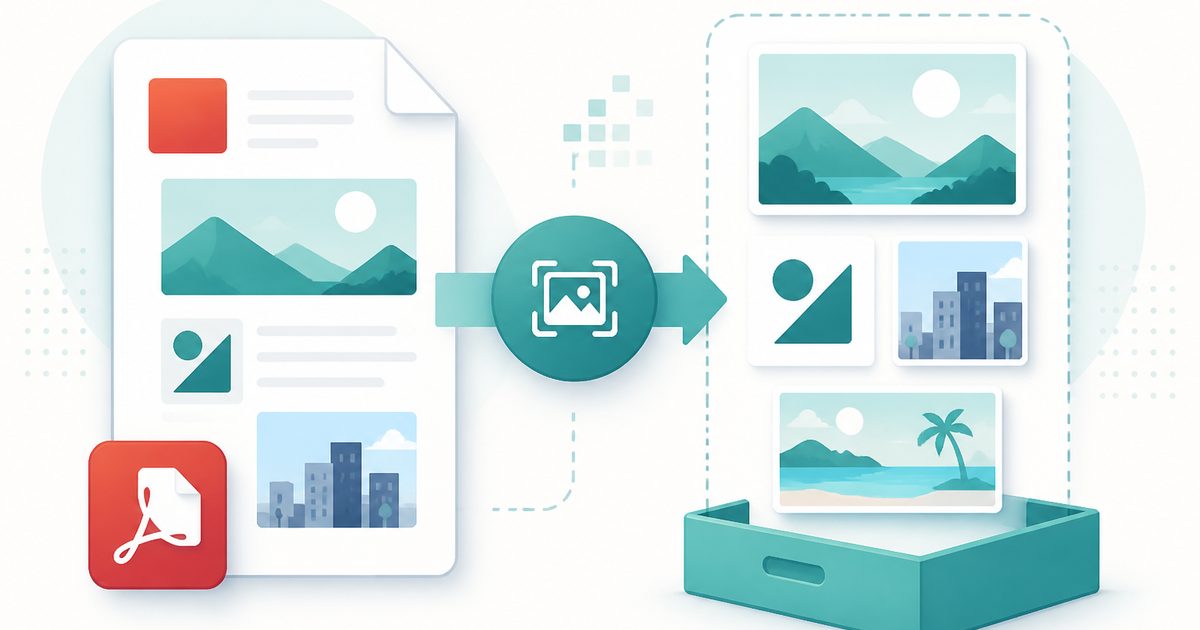
Extract Images from PDF
PDF & Documents
Rip embedded photos and logos out at original resolution.
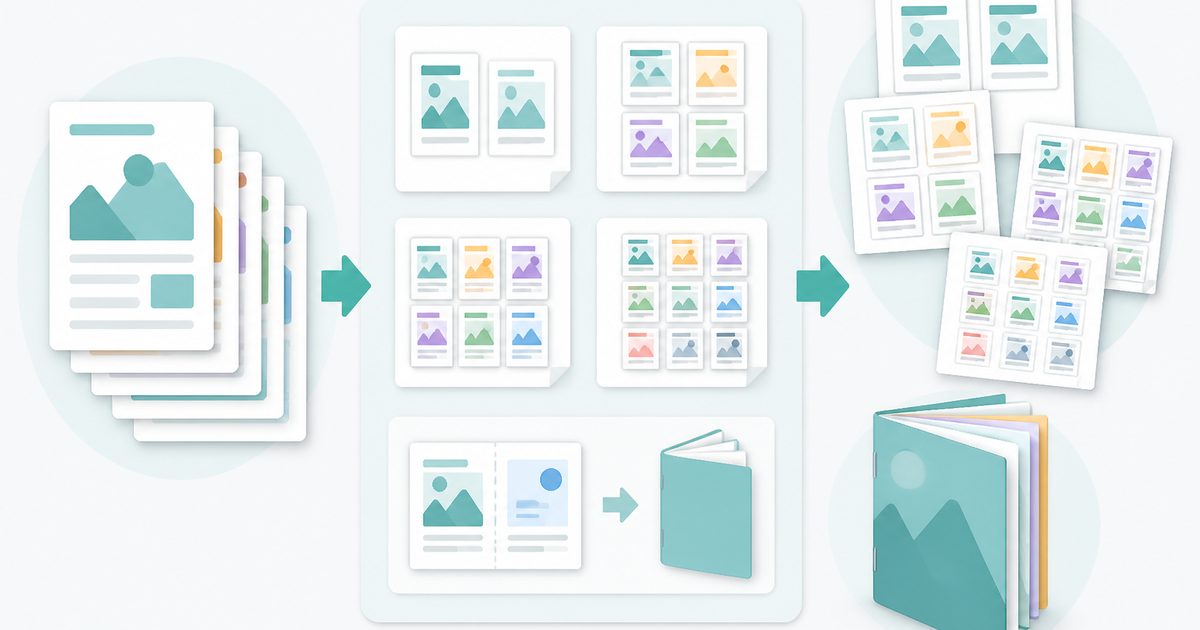
N-up & Booklet PDF
PDF & Documents
Fit 2, 4, 6 or 9 pages per sheet, or impose a fold-and-staple booklet.
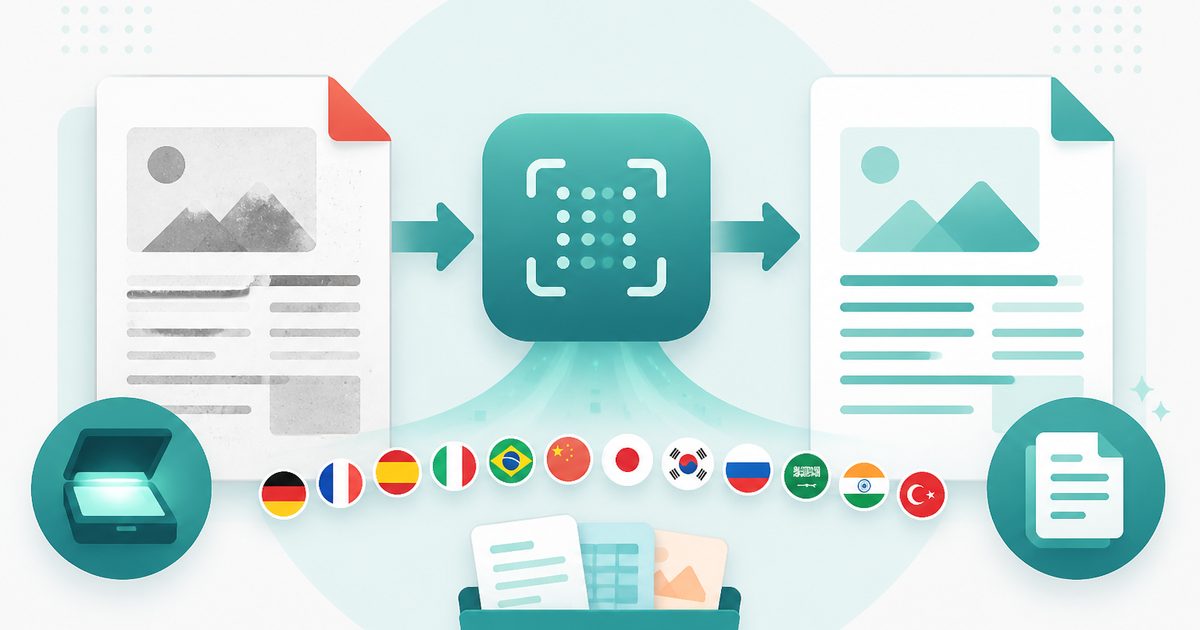
PDF OCR
PDF & Documents
Read text out of scanned PDFs in 12 languages, on your device.
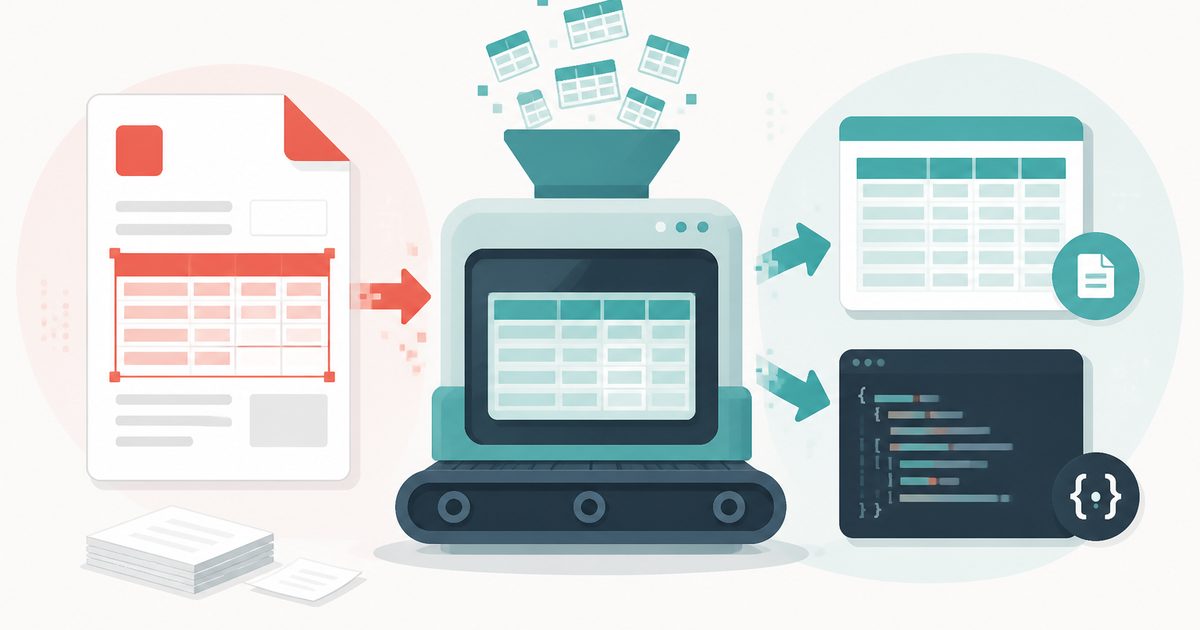
PDF Table Extractor
PDF & Documents
Pull tables out of a PDF and export them as CSV or JSON.
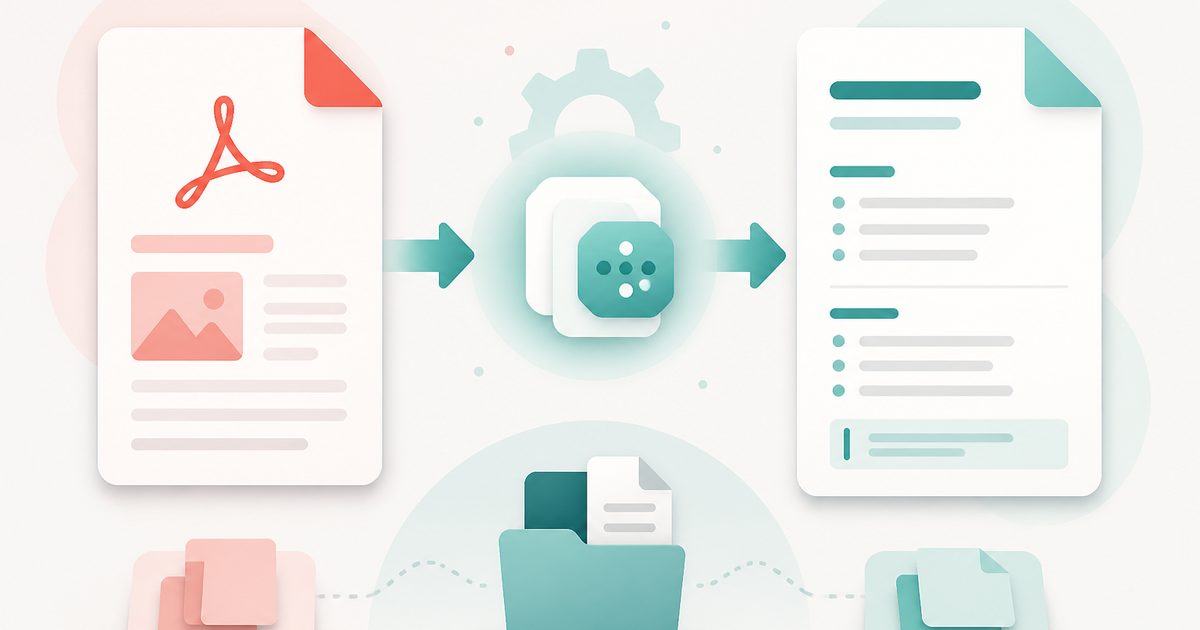
PDF to Markdown
PDF & Documents
Convert a PDF into clean Markdown with headings and lists.
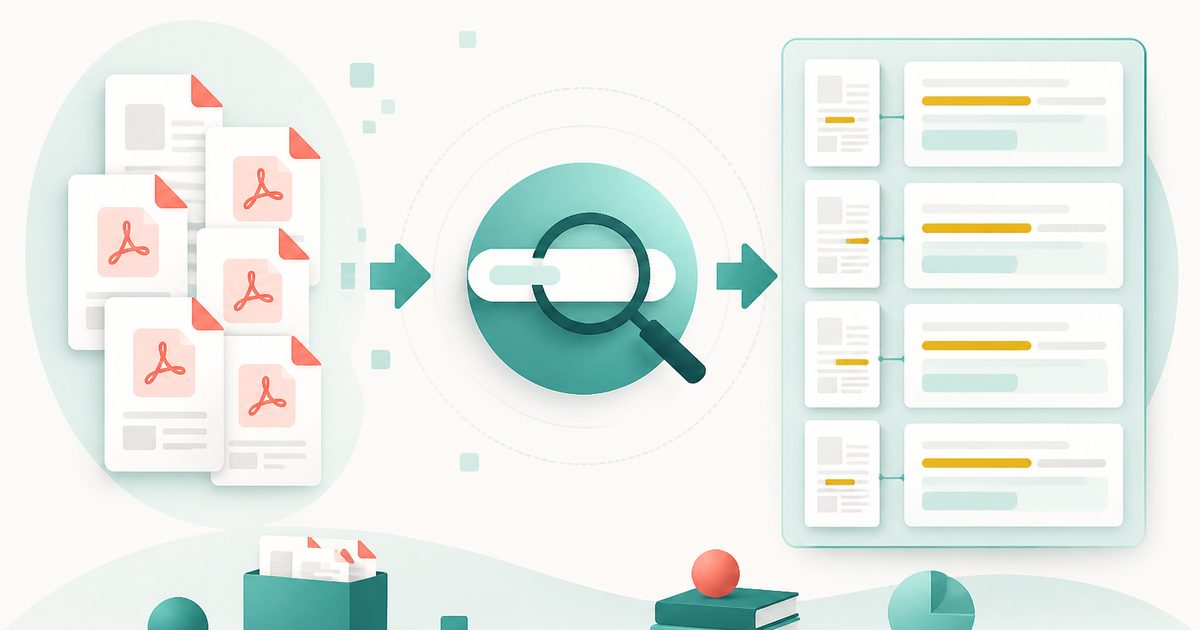
Search Inside PDFs
PDF & Documents
Search a phrase across many PDFs with page numbers and context.