
PDF to Markdown
Turn PDFs into clean Markdown — headings inferred from font sizes, bullets kept as lists and wrapped lines rejoined into paragraphs. Convert up to 20 files at once.
- No training on your data
- Region: global
PDF to Markdown
PDF & Documents
Drop PDFs to convert to Markdown
Click, drag or paste — up to 20 files, conversion happens on your device
PDF to Markdown — Overview
What is PDF to Markdown?
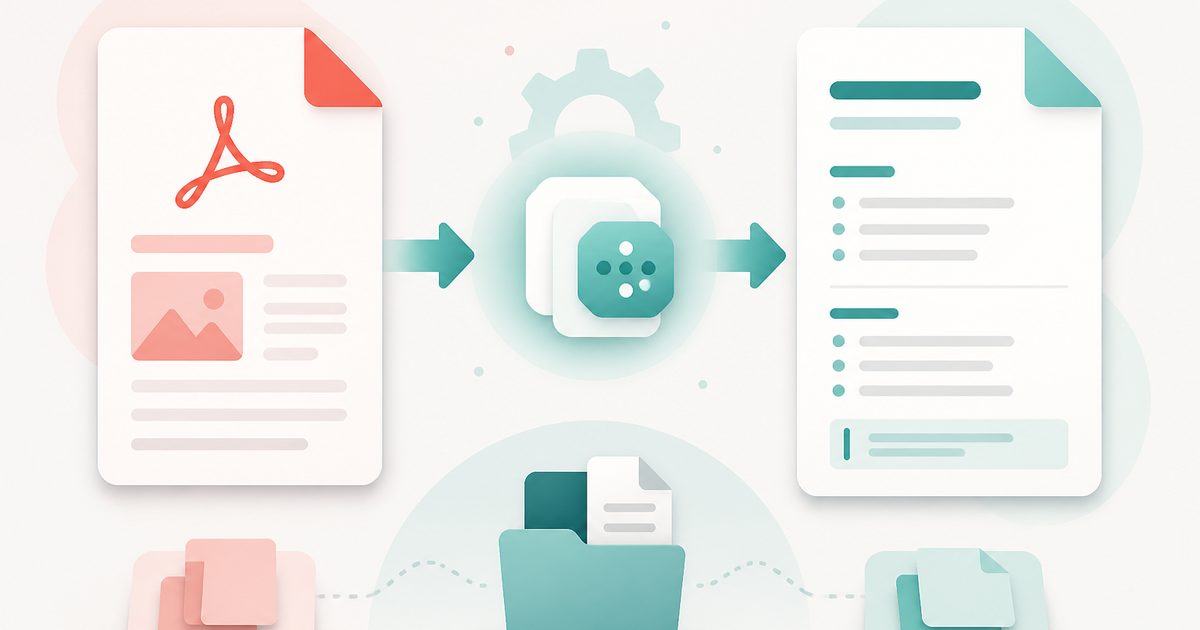
PDF to Markdown converts a PDF into clean, structured Markdown rather than a wall of unformatted text. Font sizes are measured to work out which lines are headings, bullet and numbered lists are kept as real lists, and lines broken mid-sentence by the PDF's layout are rejoined into proper paragraphs.
That makes it the right tool when a PDF needs to become documentation, a blog post, a wiki page or an AI prompt — anywhere the structure matters as much as the words.
A rendered preview sits next to the raw Markdown so you can confirm the heading levels before you copy anything.
What does PDF to Markdown do?
Structure-aware conversion, not just text dumping:
- Heading levels inferred from relative font size
- Bullet and numbered lists preserved as Markdown lists
- Wrapped lines rejoined into readable paragraphs
- Optional page separators as horizontal rules
- Page-range selection for converting one chapter
- Rendered preview plus source view, copy or .md download
How to use PDF to Markdown
- 1Drop the PDF
Optionally limit the conversion to a page range such as 12-20.
- 2Tune the structure
Toggle heading detection, paragraph rejoining and page separators until the preview reads correctly.
- 3Copy or download
Copy the Markdown into your editor, or download a .md file.
Privacy & cost
This tool runs entirely in your browser. Nothing is uploaded, logged, or saved on our servers — safe for confidential or proprietary data.
Where it fits
Convert a PDF report into Markdown and edit it into an article without retyping the structure.
Markdown with real headings gives language models far better context than a flat text dump.
Move legacy PDF documentation into a Markdown-based knowledge base.
Why people pick this tool
- ✓Free forever — no page caps, watermarks, sign-ups or premium tier
- ✓100% in-browser processing — your documents never touch a server
- ✓Works offline once the page has loaded, ideal for confidential files
- ✓No queues or waiting rooms — the work happens at the speed of your device
FAQs
The bottom line
Copying out of a PDF normally destroys every bit of structure. Measuring the layout instead of ignoring it means the Markdown arrives with its headings and lists intact — usable immediately rather than after an hour of reformatting.
More PDF conversion tools
Convert between PDF, Word, text, Markdown and images without uploading a file.
- Convert PDF to Word free, no signup
- PDF to DOCX converter
- Convert Word to PDF online
- DOCX to PDF converter
- Extract text from PDF
- PDF to plain text converter
- Convert PDF pages to images
- Combine images into one PDF
- OCR a scanned PDF to searchable text
- Convert JPG to PDF free
- PNG to PDF converter
- Convert Excel to PDF online
You might also like
More in PDF & Documents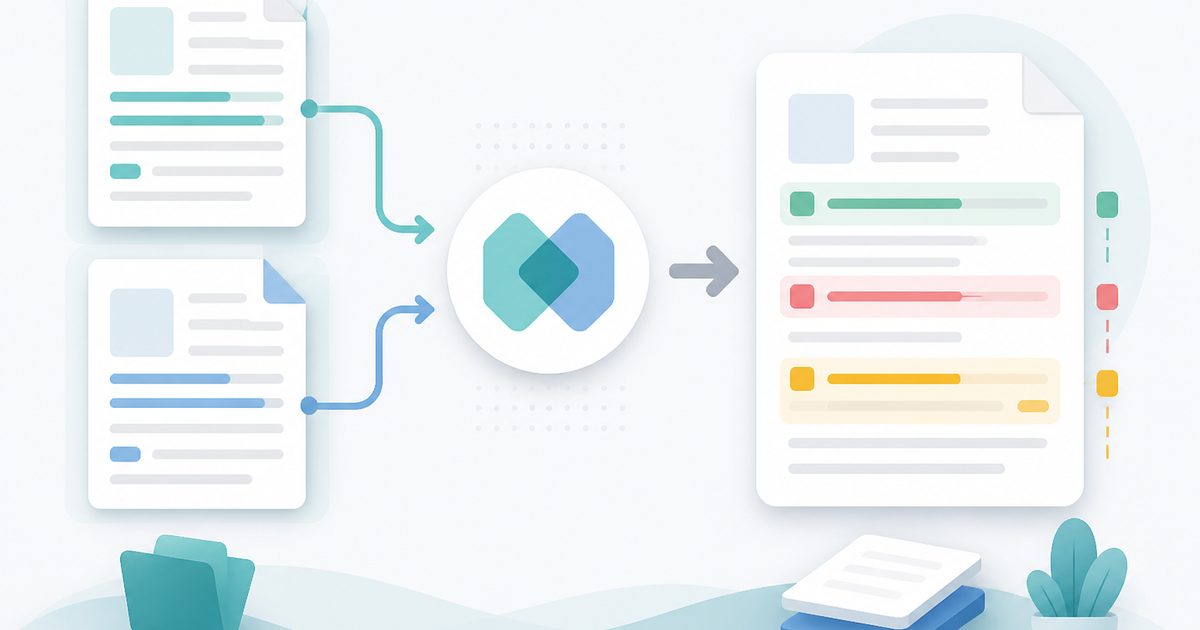
Compare Two PDFs
PDF & Documents
See exactly what text was added, removed or changed between versions.
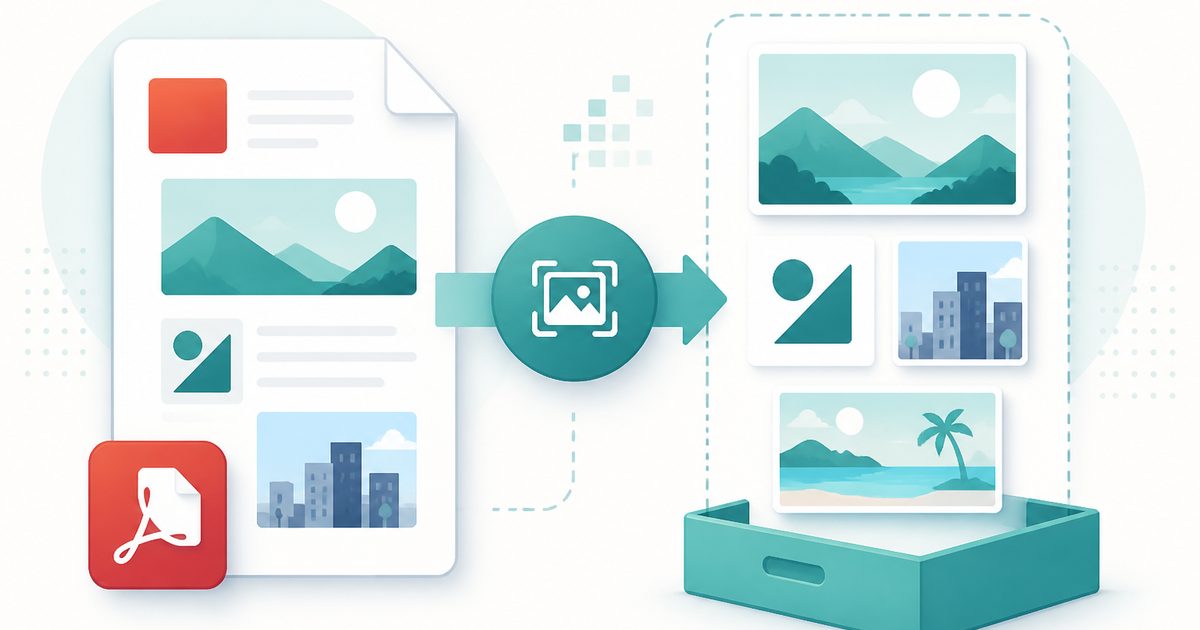
Extract Images from PDF
PDF & Documents
Rip embedded photos and logos out at original resolution.
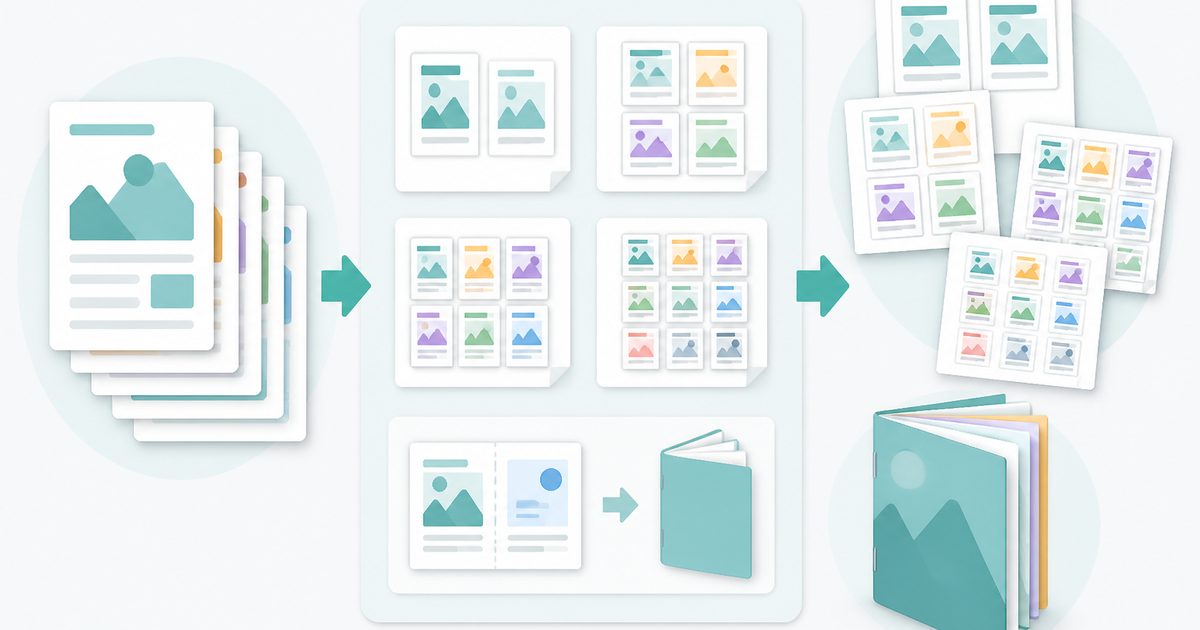
N-up & Booklet PDF
PDF & Documents
Fit 2, 4, 6 or 9 pages per sheet, or impose a fold-and-staple booklet.
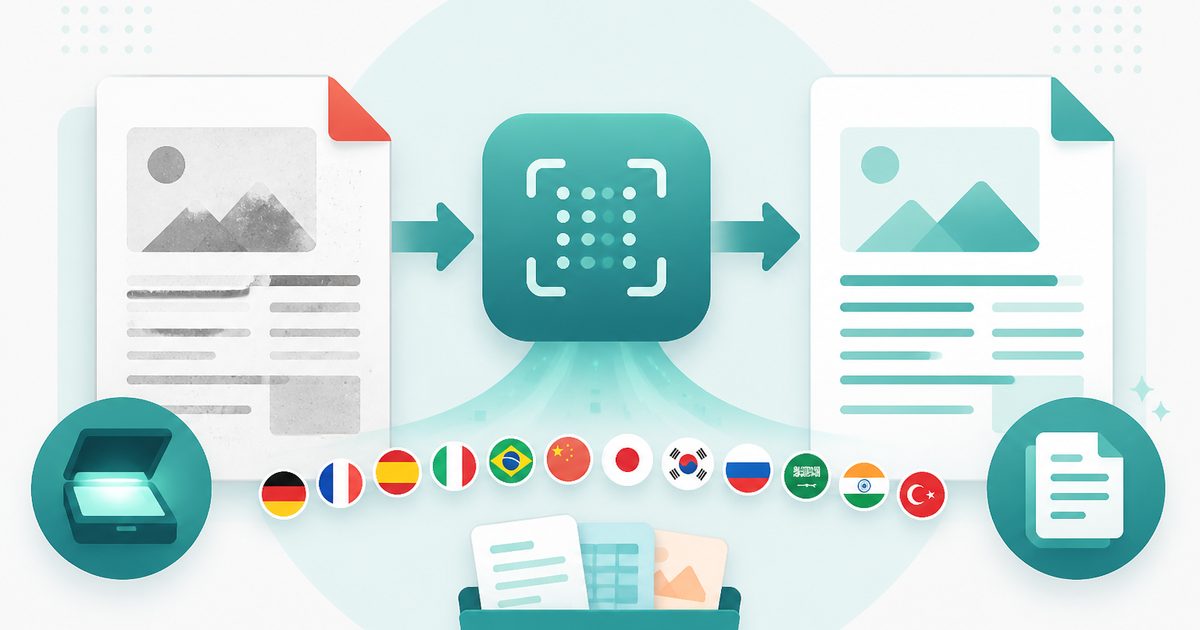
PDF OCR
PDF & Documents
Read text out of scanned PDFs in 12 languages, on your device.
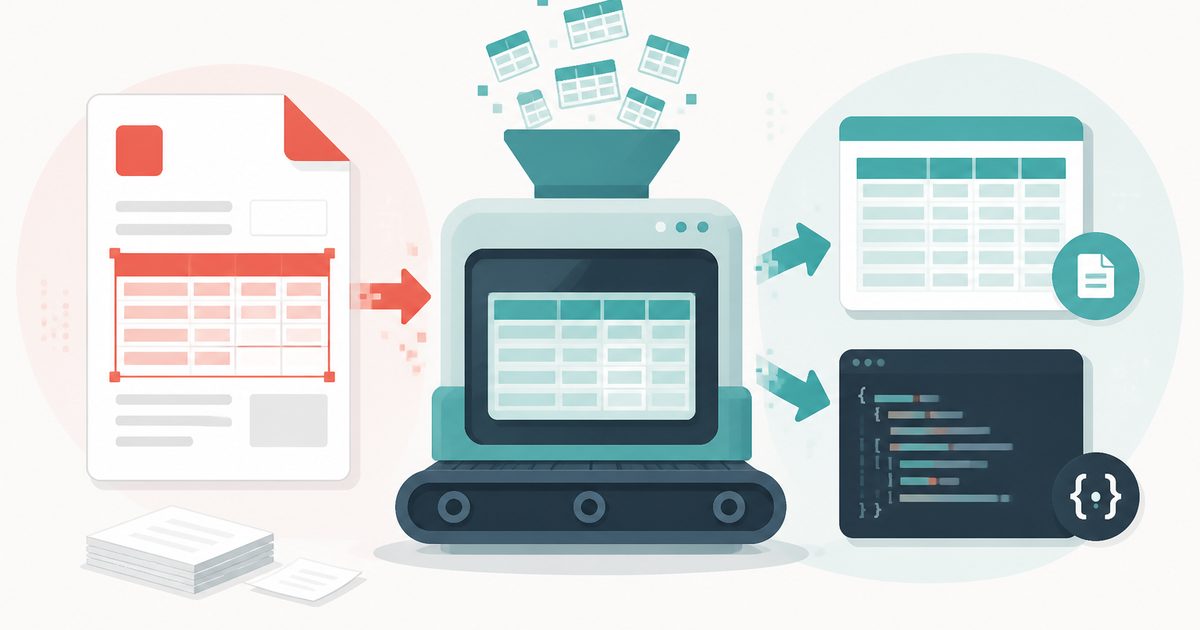
PDF Table Extractor
PDF & Documents
Pull tables out of a PDF and export them as CSV or JSON.
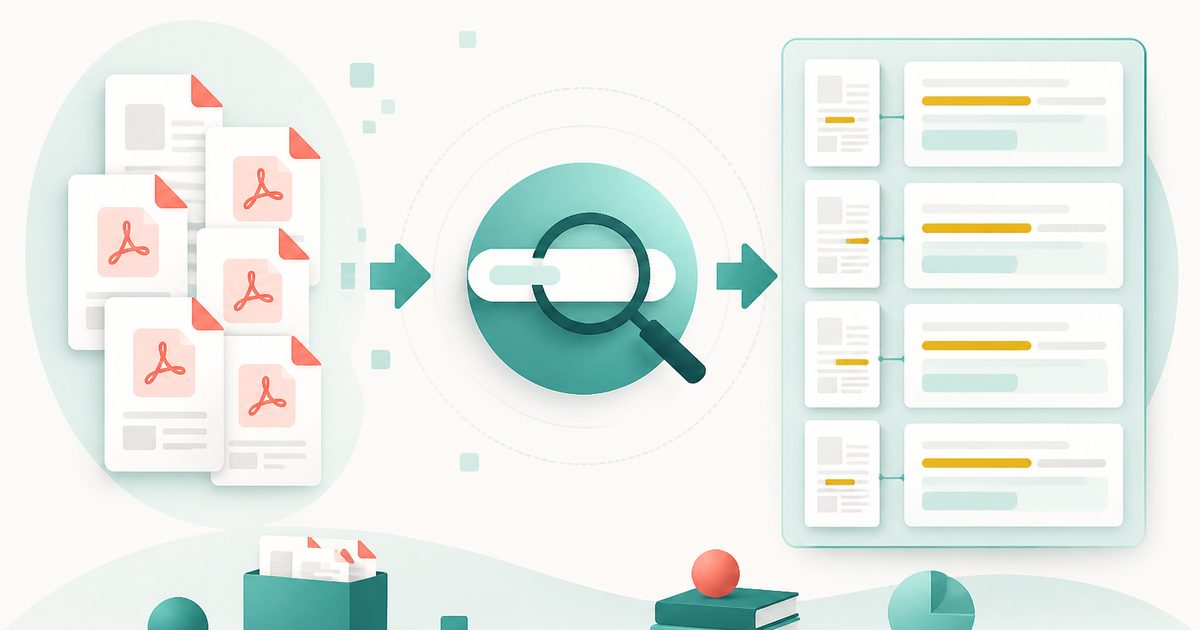
Search Inside PDFs
PDF & Documents
Search a phrase across many PDFs with page numbers and context.