
N-up & Booklet PDF
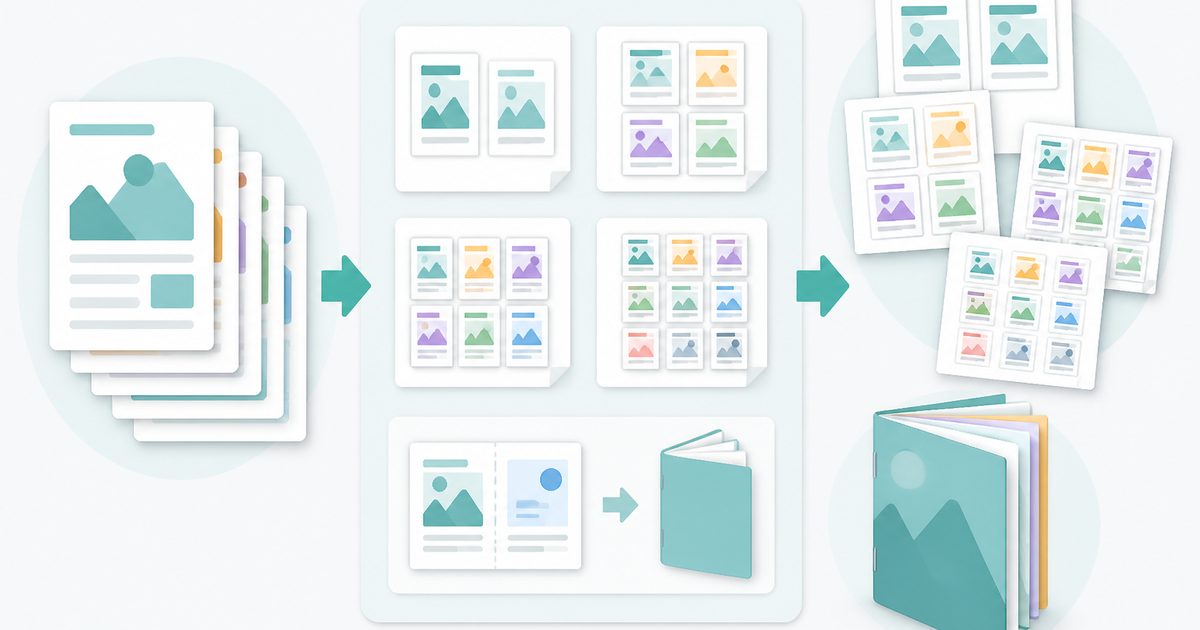
Fit 2, 4, 6 or 9 pages onto a single sheet to save paper — or impose a fold-and-staple booklet with the pages in the right print order.
- No training on your data
- Region: global
N-up & Booklet PDF
PDF & Documents
Drop a PDF to lay out for printing
Click, drag or paste — imposition happens on your device
N-up & Booklet PDF — Overview
What is N-up & Booklet PDF?
N-up & Booklet PDF rearranges pages for printing. N-up mode fits 2, 4, 6 or 9 pages onto a single sheet, which cuts paper use by up to nine times for handouts, drafts and reference material.
Booklet mode does the harder job: saddle-stitch imposition. Pages are paired so that printing double-sided, folding the stack down the middle and stapling the spine yields a booklet whose pages run in the correct order — the same maths a print shop uses.
Margins, gaps between slots and optional cut guides are all adjustable, and the layout is built with a real PDF engine so text stays sharp vector text rather than being rasterised.
What does N-up & Booklet PDF do?
Print-ready imposition without a print shop:
- 2-up, 4-up, 6-up and 9-up layouts
- True saddle-stitch booklet ordering, padded to a multiple of four
- A4, A3, A5, Letter, Legal and Tabloid sheets, portrait or landscape
- Adjustable outer margin and inter-page gap in millimetres
- Optional cut guides for trimming
- Lossless vector output — pages are placed, not re-rendered
How to use N-up & Booklet PDF
- 1Drop the PDF
Choose pages-per-sheet mode or booklet mode.
- 2Set up the sheet
Pick the paper size and orientation, then set the outer margin and gap. Add cut guides if you plan to trim.
- 3Create and print
Download the imposed PDF and print it double-sided, flipping on the short edge for booklets.
Privacy & cost
This tool runs entirely in your browser. Nothing is uploaded, logged, or saved on our servers — safe for confidential or proprietary data.
Where it fits
Print a 40-page document 4-up as a 10-sheet reading copy.
Impose an A5 booklet from A4 sheets, ready to fold and staple in-house.
Fit slide decks 6-up so students get a compact set of notes.
Why people pick this tool
- ✓Free forever — no page caps, watermarks, sign-ups or premium tier
- ✓100% in-browser processing — your documents never touch a server
- ✓Works offline once the page has loaded, ideal for confidential files
- ✓No queues or waiting rooms — the work happens at the speed of your device
FAQs
The bottom line
Imposition is the difference between printing a document and producing something. Getting 4-up handouts or a foldable booklet out of an ordinary PDF takes a few seconds here, and saves both paper and a trip to the print shop.
You might also like
More in PDF & Documents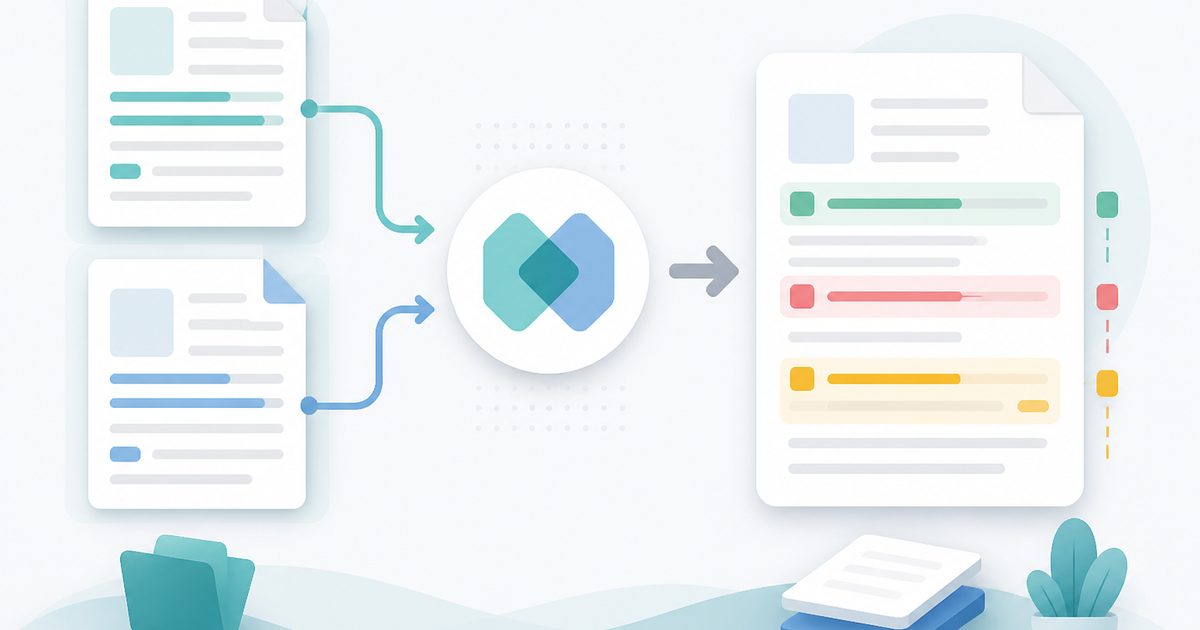
Compare Two PDFs
PDF & Documents
See exactly what text was added, removed or changed between versions.
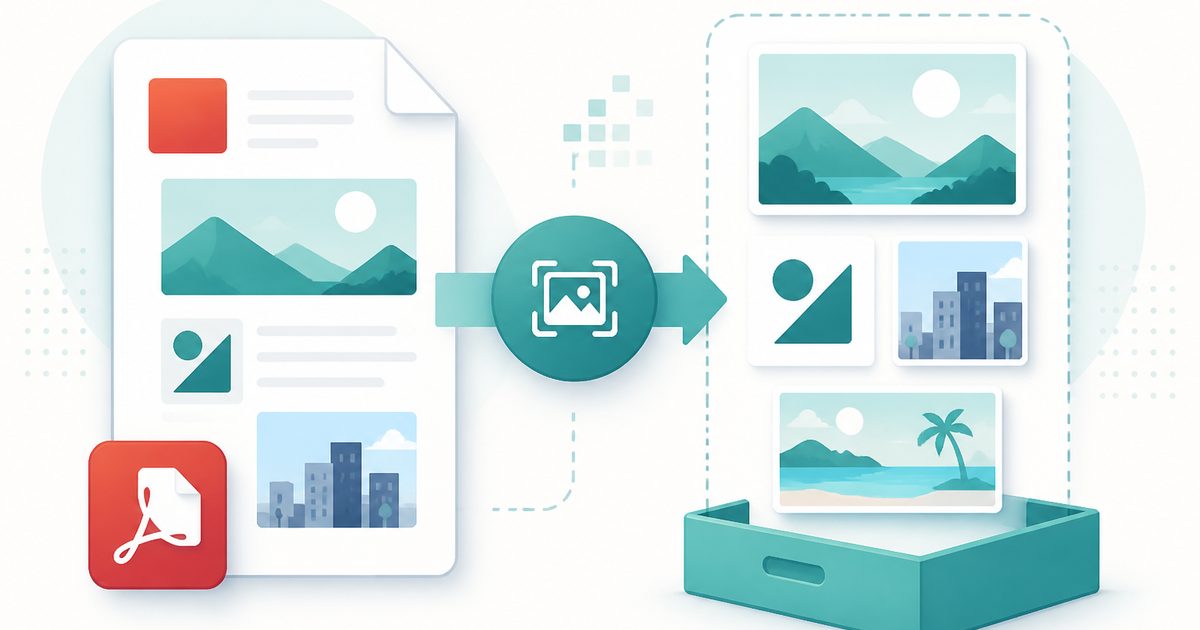
Extract Images from PDF
PDF & Documents
Rip embedded photos and logos out at original resolution.
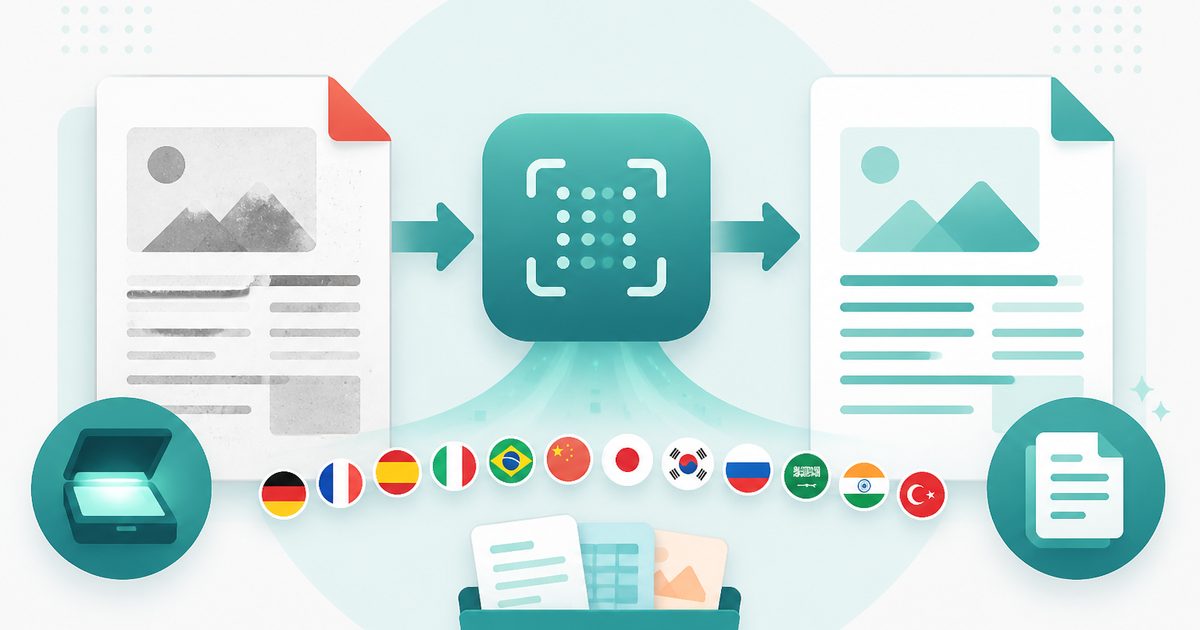
PDF OCR
PDF & Documents
Read text out of scanned PDFs in 12 languages, on your device.
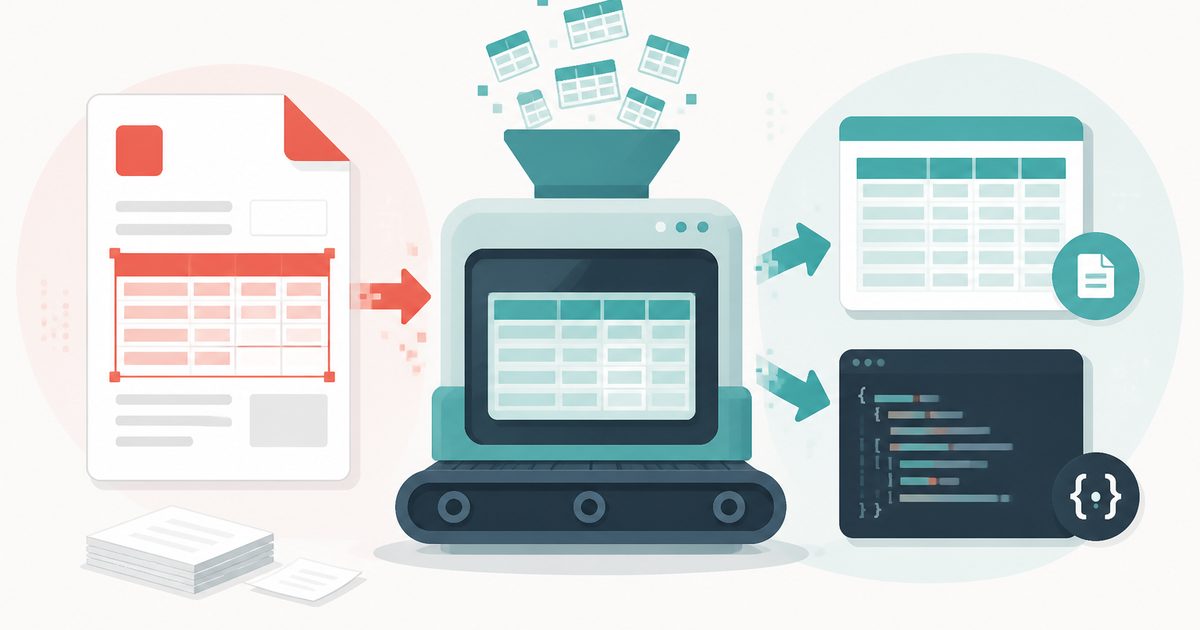
PDF Table Extractor
PDF & Documents
Pull tables out of a PDF and export them as CSV or JSON.
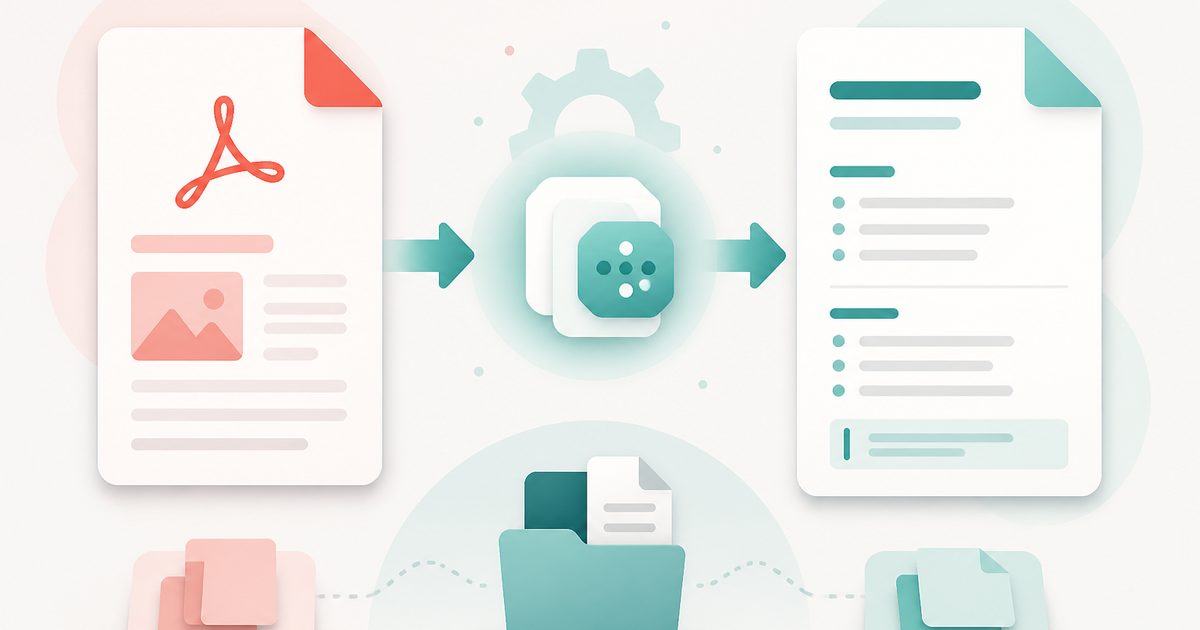
PDF to Markdown
PDF & Documents
Convert a PDF into clean Markdown with headings and lists.
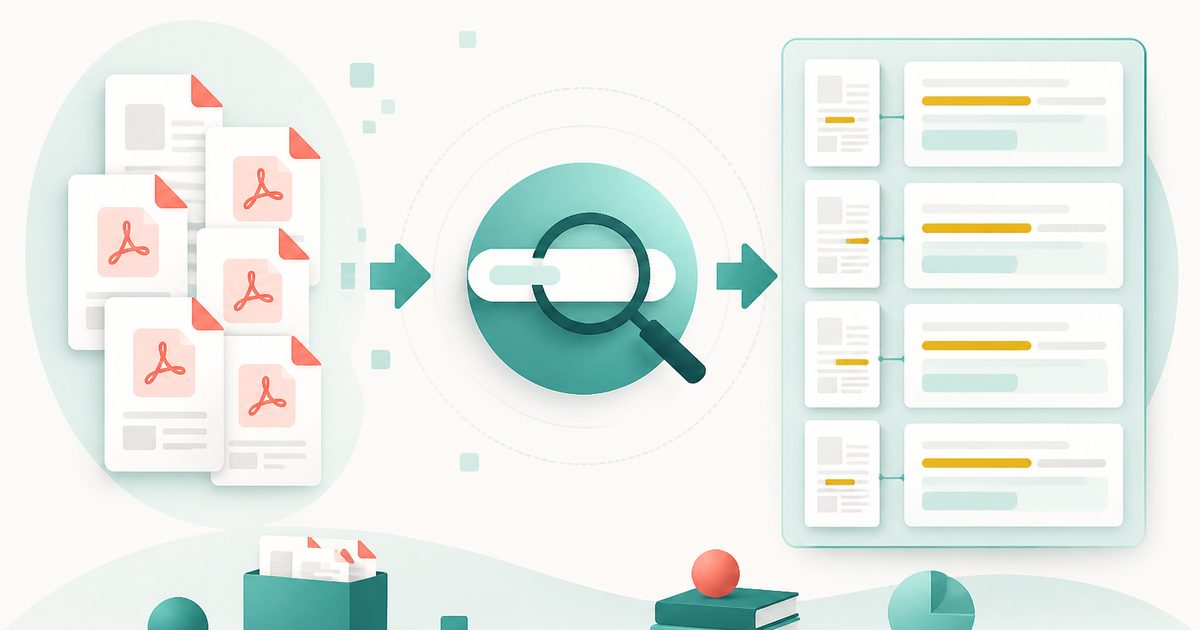
Search Inside PDFs
PDF & Documents
Search a phrase across many PDFs with page numbers and context.