
Extract Images from PDF
Rip every embedded photo, logo and chart out of a PDF at its original resolution — download one image or all of them as a ZIP.
- No training on your data
- Region: global
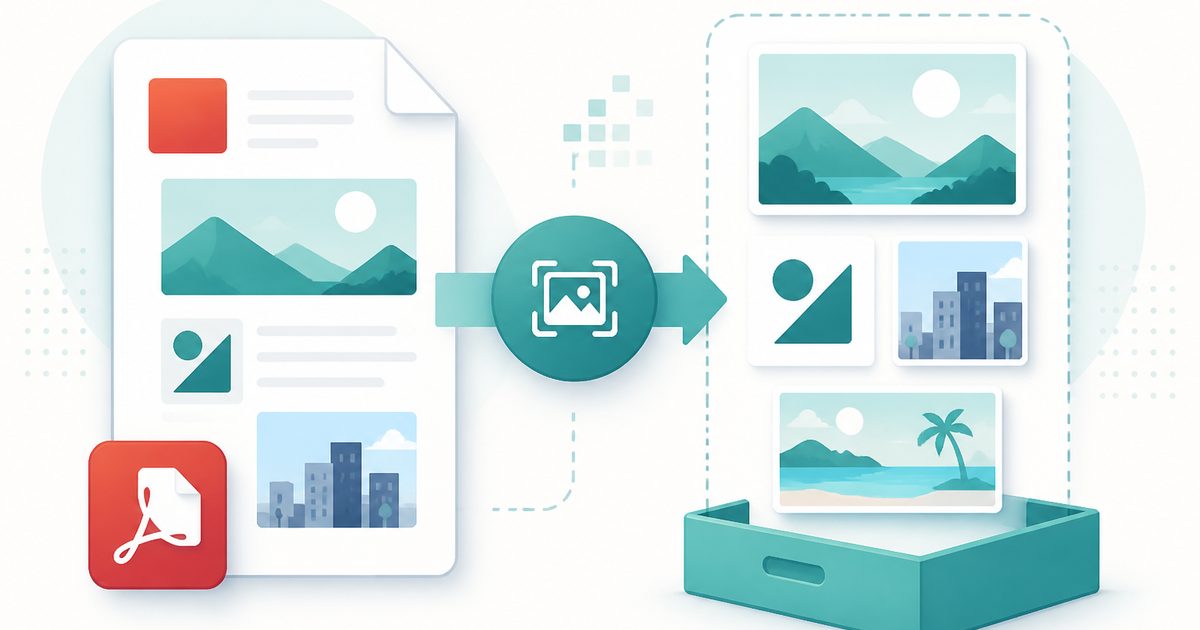
Extract Images from PDF
PDF & Documents
Drop a PDF to pull its images out
Click, drag or paste — extraction happens on your device
Extract Images from PDF — Overview
What is Extract Images from PDF?
Extract Images from PDF pulls the pictures that are genuinely embedded in a document — photographs, logos, charts, signatures and scans — out at their original pixel dimensions. It reads the image objects themselves rather than screenshotting the page, so nothing is re-compressed or downscaled.
A size filter hides the tiny decorative slivers, bullet glyphs and gradient spacers that clutter designed documents, so the gallery shows the images you actually want.
Download a single PNG, or take the whole set as a ZIP. As with every tool here, the file is opened locally and never uploaded.
What does Extract Images from PDF do?
Original-quality image recovery:
- Extracts embedded images at their native resolution
- Thumbnail gallery with page number, dimensions and approximate size
- Minimum-size filter to skip decorative graphics
- Page-range scanning for large documents
- Individual PNG downloads or a single ZIP of everything
- Live progress as each page is scanned
How to use Extract Images from PDF
- 1Drop the PDF
Optionally narrow it to a page range if the document is long.
- 2Set a minimum size
Raising the threshold removes bullet glyphs and thin decorative strips from the results.
- 3Download
Grab one image as PNG, or download the whole gallery as a ZIP.
Privacy & cost
This tool runs entirely in your browser. Nothing is uploaded, logged, or saved on our servers — safe for confidential or proprietary data.
Where it fits
Pull a logo out of a supplier's PDF brochure when nobody can find the original file.
Extract figures and charts from a PDF report for a slide deck, at full quality.
Recover the original photographs from a PDF portfolio or property brochure.
Why people pick this tool
- ✓Free forever — no page caps, watermarks, sign-ups or premium tier
- ✓100% in-browser processing — your documents never touch a server
- ✓Works offline once the page has loaded, ideal for confidential files
- ✓No queues or waiting rooms — the work happens at the speed of your device
FAQs
The bottom line
The images inside a PDF are full-quality files, not screenshots — provided something reads them properly. Extracting them locally recovers assets you thought were lost, without handing the whole document to a website.
You might also like
More in PDF & Documents
Compare Two PDFs
PDF & Documents
See exactly what text was added, removed or changed between versions.
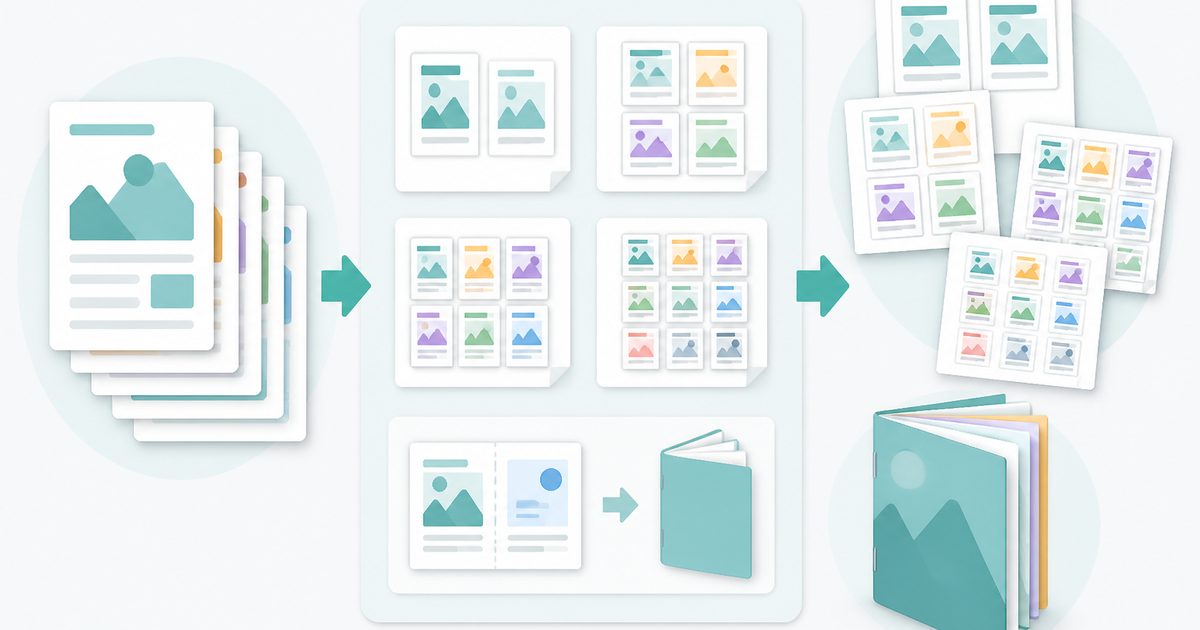
N-up & Booklet PDF
PDF & Documents
Fit 2, 4, 6 or 9 pages per sheet, or impose a fold-and-staple booklet.
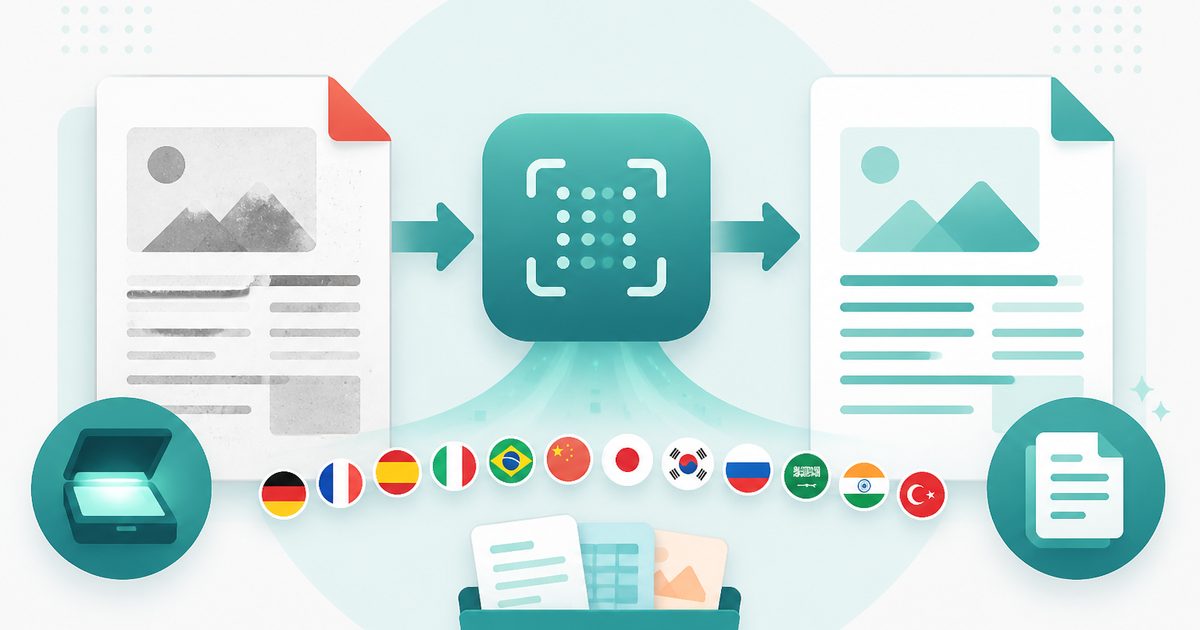
PDF OCR
PDF & Documents
Read text out of scanned PDFs in 12 languages, on your device.
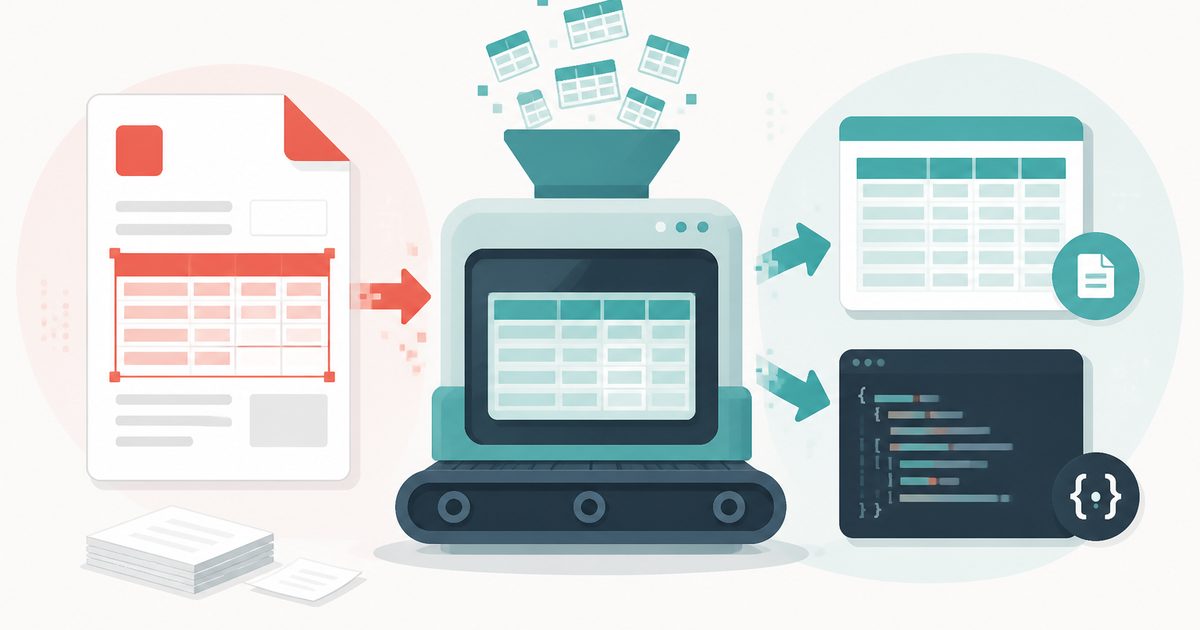
PDF Table Extractor
PDF & Documents
Pull tables out of a PDF and export them as CSV or JSON.
PDF to Markdown
PDF & Documents
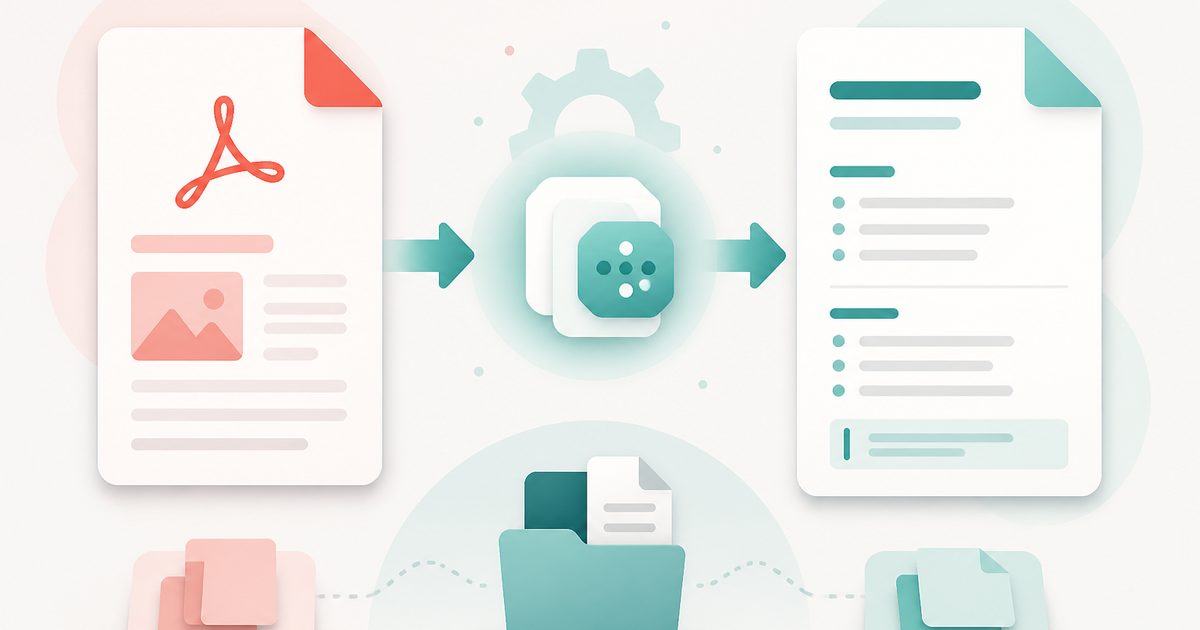
Convert a PDF into clean Markdown with headings and lists.
Search Inside PDFs
PDF & Documents
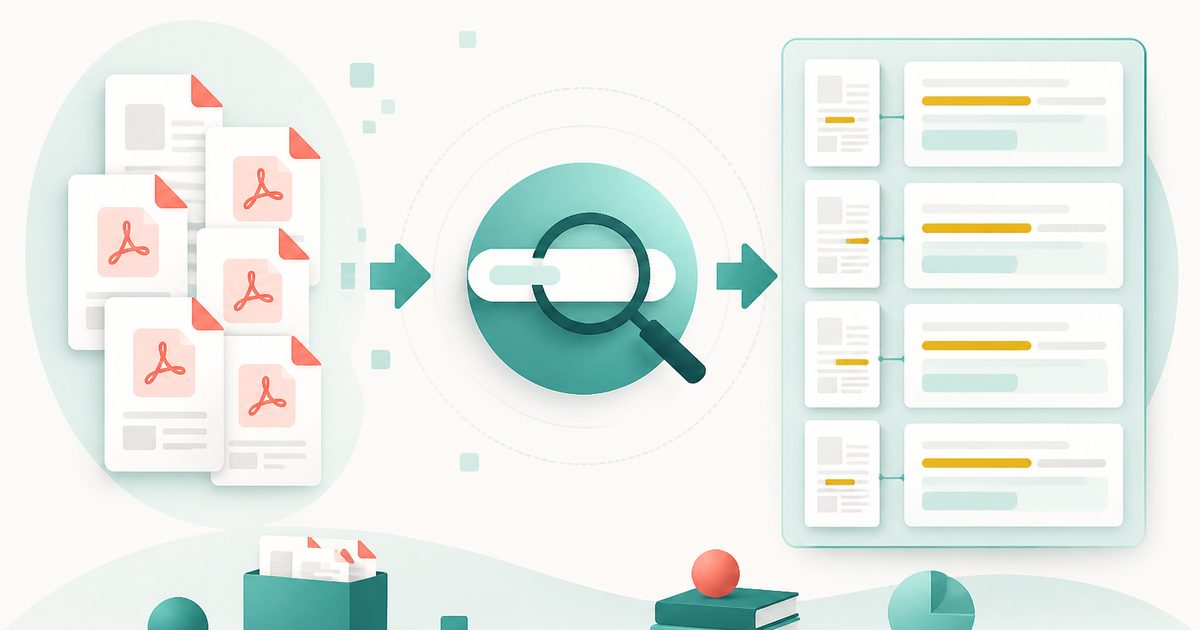
Search a phrase across many PDFs with page numbers and context.