
Crop & Resize PDF Pages
Trim wasted white margins in millimetres, or rescale pages onto a standard paper size ready for printing.
- No training on your data
- Region: global
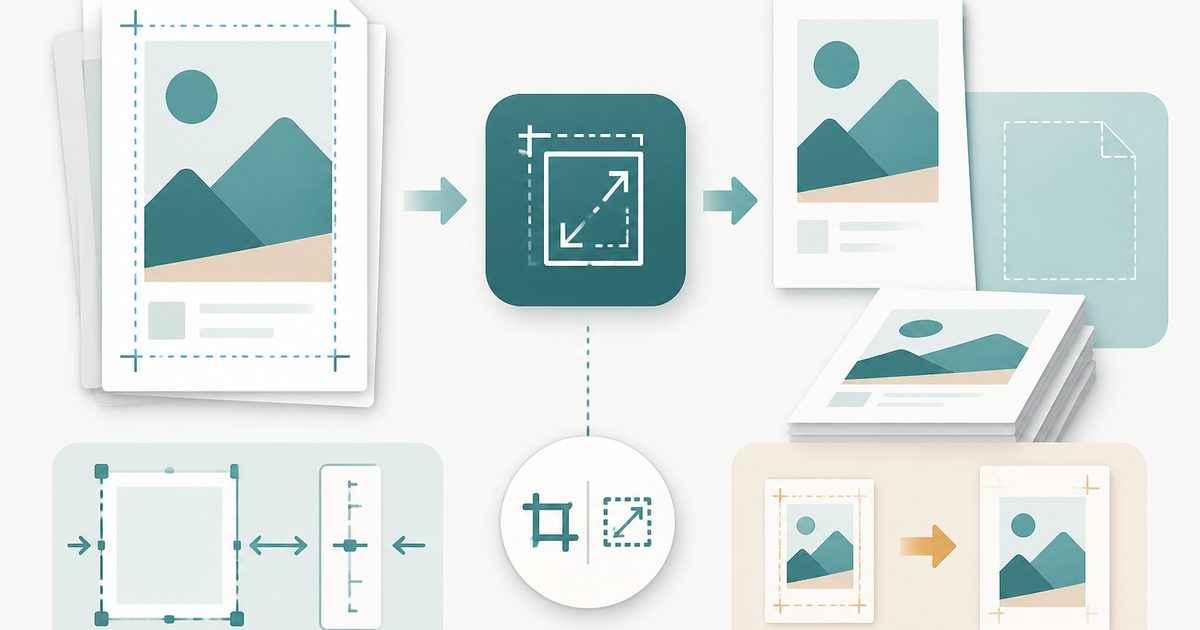
Crop & Resize PDF Pages
PDF & Documents
Drop a PDF
Click, drag or paste — cropping happens on your device
Crop & Resize PDF Pages — Overview
What is Crop & Resize PDF Pages?
Crop & Resize PDF Pages removes wasted white margins in millimetres, or rescales pages onto a standard paper size so they print predictably.
Crop mode adjusts the page crop box, which is lossless and reversible — text stays selectable and file size barely changes.
Resize mode redraws each page centred on A4, A3, A5, Letter, Legal or Tabloid, in portrait or landscape, with an optional margin for binding.
What does Crop & Resize PDF Pages do?
Two related jobs, one tool:
- Independent top, right, bottom and left crop values in millimetres
- Resize to six standard paper sizes, portrait or landscape
- Optional added margin for hole punching or binding
- Page ranges so only selected pages change
- Untouched pages are preserved at their original size
- Guard against crop values that would erase the page
How to use Crop & Resize PDF Pages
- 1Drop the PDF
Add the document with the wrong margins or page size.
- 2Choose crop or resize
Crop trims mm off each edge; Resize rescales pages onto a chosen paper size.
- 3Apply and download
Set the values and page range, then export the adjusted PDF.
Privacy & cost
This tool runs entirely in your browser. Nothing is uploaded, logged, or saved on our servers — safe for confidential or proprietary data.
Where it fits
Cropping the wide margins off an academic paper makes the text far larger on a small screen.
A merged bundle of A4 and Letter pages prints inconsistently — resizing everything to one size fixes it.
Add an inside margin so text is not swallowed by the spine or hole punches.
Why people pick this tool
- ✓Free forever — no page caps, watermarks, sign-ups or premium tier
- ✓100% in-browser processing — your documents never touch a server
- ✓Works offline once the page has loaded, ideal for confidential files
- ✓No queues or waiting rooms — the work happens at the speed of your device
FAQs
The bottom line
Margins and paper size are invisible until you print or read on a small screen — and both are fixable in seconds without touching the original layout.
You might also like
More in PDF & Documents
Add Header & Footer to PDF
PDF & Documents
Titles, dates and page tokens along the top and bottom.
Add Page Numbers to PDF
PDF & Documents
Number pages, including legal-style Bates numbering.
Add Watermark to PDF
PDF & Documents
Stamp DRAFT or CONFIDENTIAL across any pages you choose.
Sign PDF
PDF & Documents
Draw, type or upload a signature and place it on the page.

Stamp Image on PDF
PDF & Documents
Overlay a logo, seal or Approved stamp on any page.

Compare Two PDFs
PDF & Documents
See exactly what text was added, removed or changed between versions.