
Add Watermark to PDF
Stamp text like DRAFT or CONFIDENTIAL across your pages, with full control over size, colour, opacity and angle.
- No training on your data
- Region: global
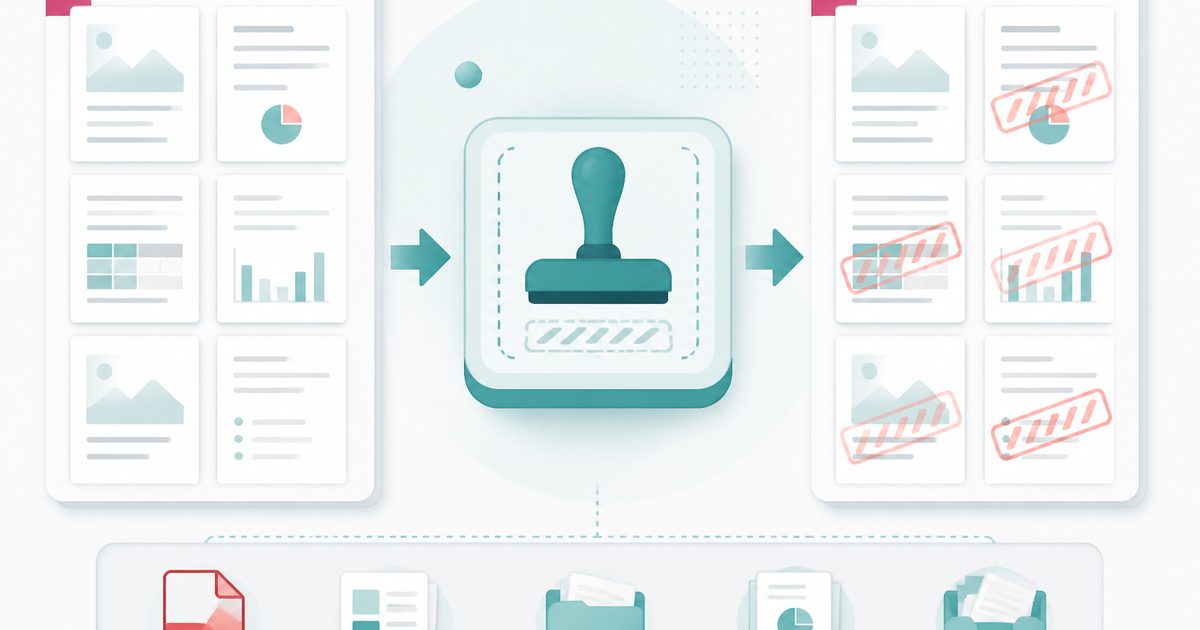
Add Watermark to PDF
PDF & Documents
Drop one or more PDFs to watermark
Up to 20 files · the same watermark goes on every file · nothing is uploaded
Add Watermark to PDF — Overview
What is Add Watermark to PDF?
Add Watermark to PDF stamps text such as DRAFT, CONFIDENTIAL, SAMPLE or a client name across your pages, with a live preview so you can see the result before you commit.
Everything runs inside the browser, so the sensitive documents that most need a CONFIDENTIAL mark are never uploaded to anyone's server.
You control size, colour, opacity, rotation, tiling and which pages get marked, so the watermark reads clearly without burying the content underneath it.
What does Add Watermark to PDF do?
Full typographic control over the mark you apply:
- Any text you like, previewed on the real page before export
- Font size, colour and opacity from a faint tint to a bold overlay
- Free rotation, including the classic 45-degree diagonal
- Tiled mode to repeat the mark across the whole page
- Apply to every page or a specific range such as `2-`
- Original text, fonts and image quality left untouched underneath
How to use Add Watermark to PDF
- 1Drop the PDF
Add the document you want to mark. The first page renders as a preview.
- 2Style the watermark
Type your text, then adjust size, colour, opacity and rotation until the preview looks right.
- 3Apply and download
Choose the page range if you need one, then export the watermarked copy.
Privacy & cost
This tool runs entirely in your browser. Nothing is uploaded, logged, or saved on our servers — safe for confidential or proprietary data.
Where it fits
A visible DRAFT mark stops an unapproved version being circulated or signed by mistake.
Designers, photographers and consultants can share proofs marked with their name before payment.
Mark documents CONFIDENTIAL or INTERNAL ONLY before they go out to a wider distribution list.
Why people pick this tool
- ✓Free forever — no page caps, watermarks, sign-ups or premium tier
- ✓100% in-browser processing — your documents never touch a server
- ✓Works offline once the page has loaded, ideal for confidential files
- ✓No queues or waiting rooms — the work happens at the speed of your device
FAQs
The bottom line
Watermarking is one of the most common reasons people hand a confidential PDF to an unknown server. Doing it locally removes that contradiction entirely.
More ways to edit a PDF
Merge, split, compress, protect and sign PDFs privately in your browser.
You might also like
More in PDF & Documents
Add Header & Footer to PDF
PDF & Documents
Titles, dates and page tokens along the top and bottom.
Add Page Numbers to PDF
PDF & Documents
Number pages, including legal-style Bates numbering.
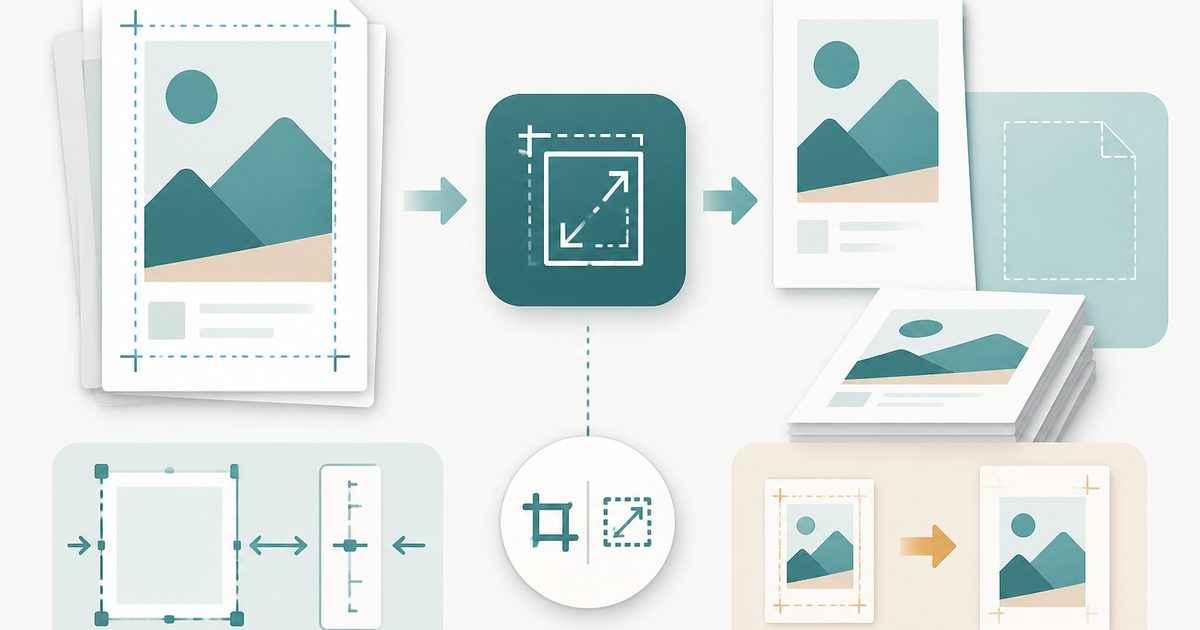
Crop & Resize PDF Pages
PDF & Documents
Trim margins in millimetres or rescale pages to A4.
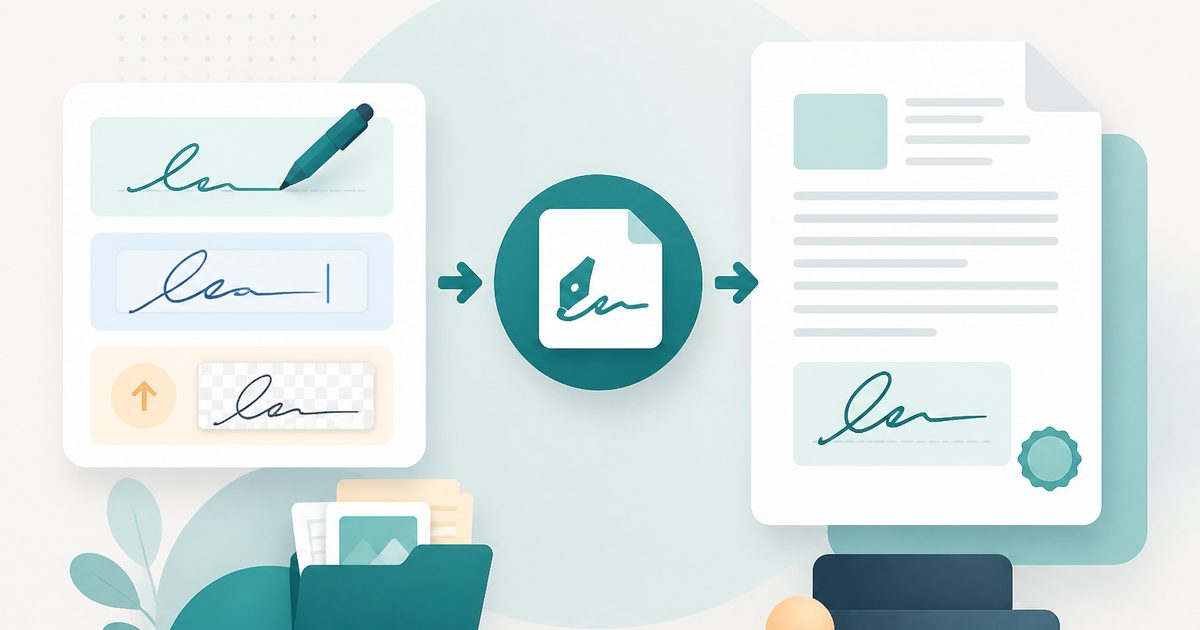
Sign PDF
PDF & Documents
Draw, type or upload a signature and place it on the page.

Stamp Image on PDF
PDF & Documents
Overlay a logo, seal or Approved stamp on any page.
Compare Two PDFs
PDF & Documents
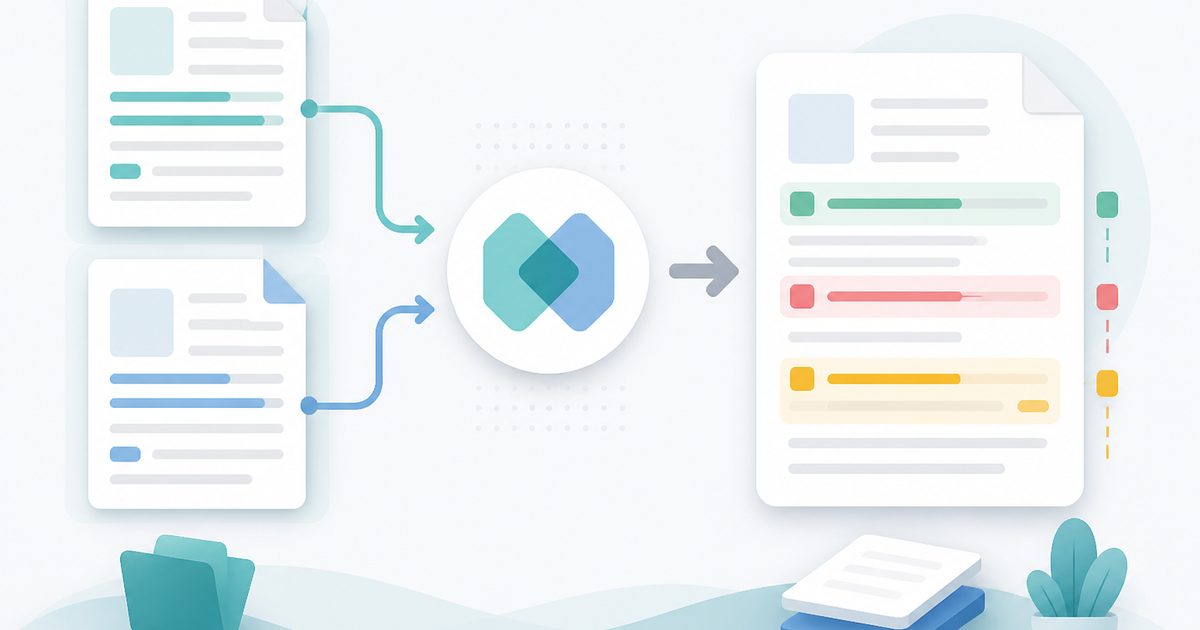
See exactly what text was added, removed or changed between versions.