
Add Header & Footer to PDF
Put titles, dates, filenames and page numbers along the top and bottom of every page — using simple tokens.
- No training on your data
- Region: global

Add Header & Footer to PDF
PDF & Documents
Drop a PDF
Click, drag or paste — the file never leaves your device
Add Header & Footer to PDF — Overview
What is Add Header & Footer to PDF?
Add Header & Footer to PDF puts running text along the top and bottom of every page — document title, date, filename, department or page position.
Six independent slots (left, centre and right, top and bottom) accept plain text plus tokens that expand per page, so one setup handles the whole document.
An optional hairline rule separates the running text from the body, matching how word processors format headers.
What does Add Header & Footer to PDF do?
Running text with per-page substitution:
- Six positions across the header and footer
- Tokens for page number, total pages, date, time and filename
- Optional divider rule above the footer and below the header
- Adjustable font size and page margin
- Restrict to specific pages with a range
- Existing page content is preserved exactly
How to use Add Header & Footer to PDF
- 1Drop the PDF
Add the document you want to brand.
- 2Fill the slots
Type text or tokens like `{page} / {pages}` into the header and footer boxes you want to use.
- 3Apply and download
Set the font size and margin, then export the updated PDF.
Privacy & cost
This tool runs entirely in your browser. Nothing is uploaded, logged, or saved on our servers — safe for confidential or proprietary data.
Where it fits
Client name top-left, document title top-right, page position bottom-right — applied in one pass.
A date token in the footer makes it obvious which printout is the latest.
Stamp the original filename onto every page so a loose sheet can always be traced back.
Why people pick this tool
- ✓Free forever — no page caps, watermarks, sign-ups or premium tier
- ✓100% in-browser processing — your documents never touch a server
- ✓Works offline once the page has loaded, ideal for confidential files
- ✓No queues or waiting rooms — the work happens at the speed of your device
FAQs
The bottom line
Headers and footers are what separate a raw export from a finished document — and adding them afterwards should not require reopening the original source file.
You might also like
More in PDF & Documents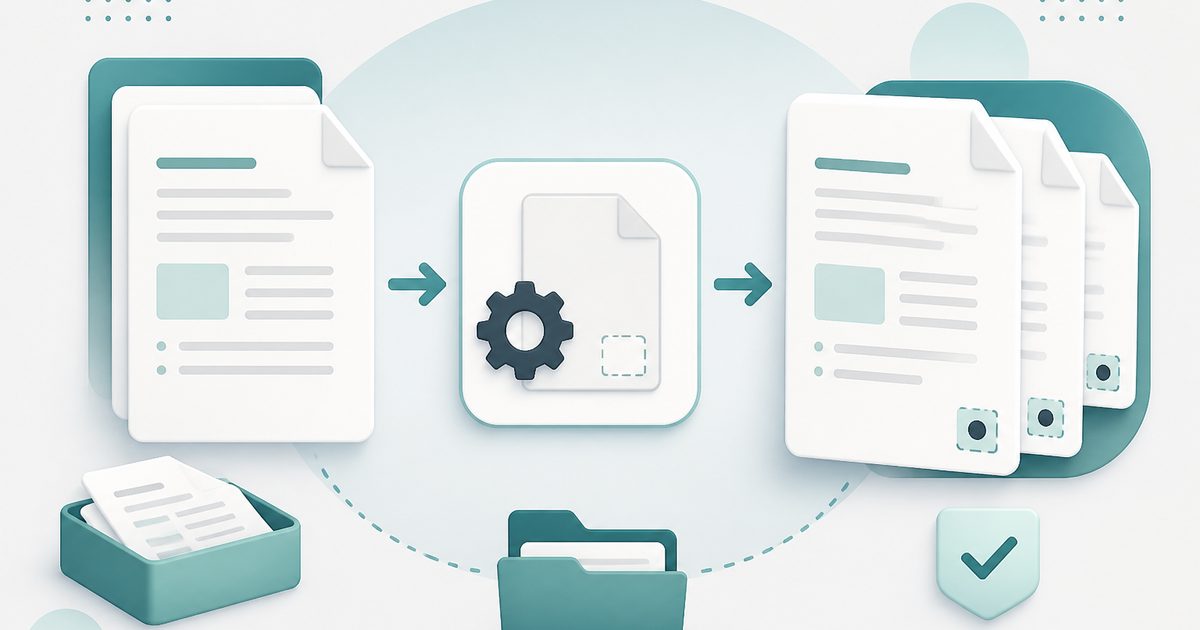
Add Page Numbers to PDF
PDF & Documents
Number pages, including legal-style Bates numbering.

Add Watermark to PDF
PDF & Documents
Stamp DRAFT or CONFIDENTIAL across any pages you choose.
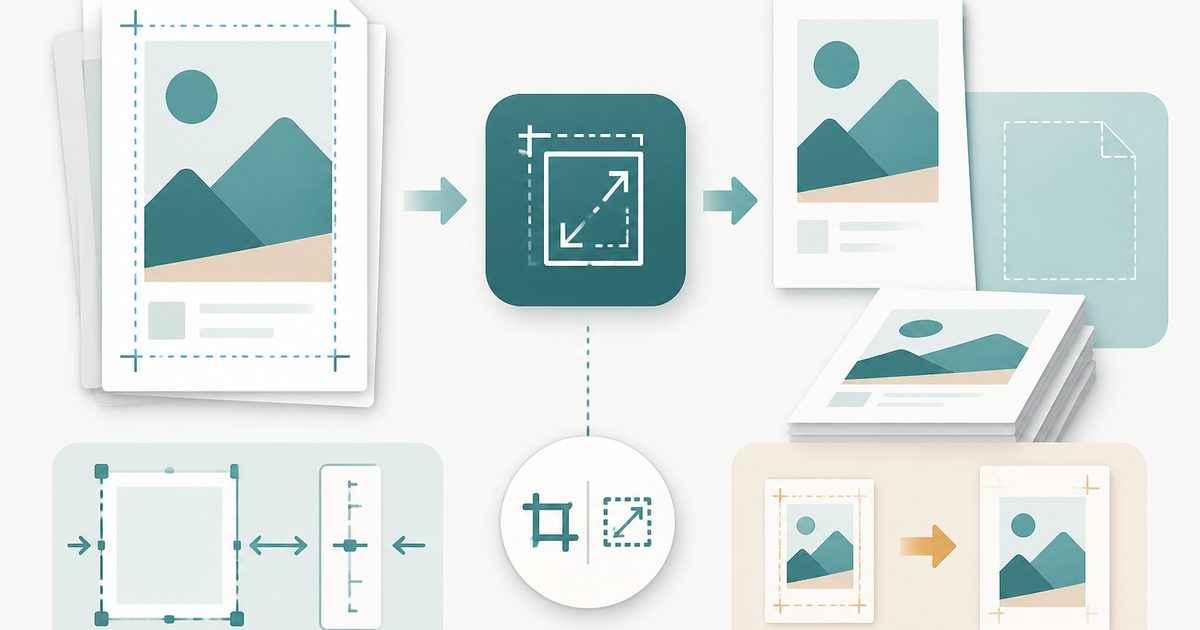
Crop & Resize PDF Pages
PDF & Documents
Trim margins in millimetres or rescale pages to A4.
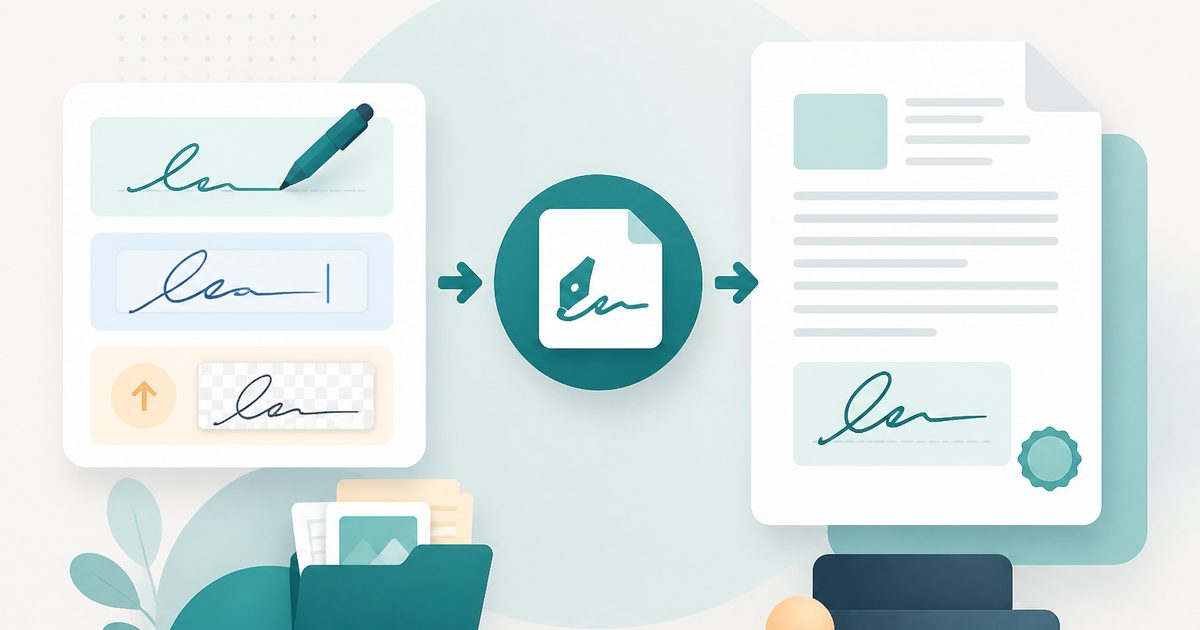
Sign PDF
PDF & Documents
Draw, type or upload a signature and place it on the page.

Stamp Image on PDF
PDF & Documents
Overlay a logo, seal or Approved stamp on any page.

Compare Two PDFs
PDF & Documents
See exactly what text was added, removed or changed between versions.