
Add Page Numbers to PDF
Number any PDF the way your document needs it — plain numbers, “Page 3 of 20”, or legal-style Bates numbering.
- No training on your data
- Region: global
Add Page Numbers to PDF
PDF & Documents
Drop a PDF to number
Click, drag or paste — numbering happens on your device
Add Page Numbers to PDF — Overview
What is Add Page Numbers to PDF?
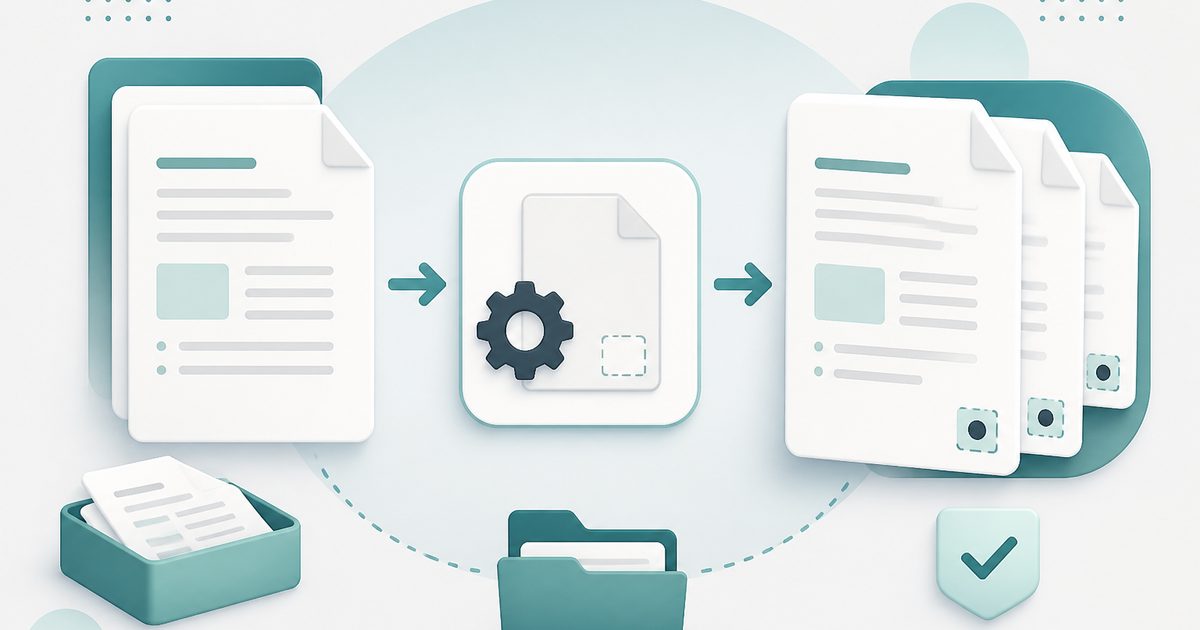
Add Page Numbers to PDF inserts clean, correctly positioned numbers on a document that was exported without them — a constant problem with scans, merged bundles and slide exports.
Choose plain numbers, `7/12`, `Page 7 of 12`, or legal-style Bates numbering with a case prefix and zero padding.
You control the corner, margin, font size, starting number and page range, so a cover page can stay unnumbered while the body starts at 1.
What does Add Page Numbers to PDF do?
Numbering that matches how the document will actually be used:
- Five formats including Bates numbering with prefix and padding
- Six positions: any corner plus top or bottom centre
- Custom starting number for documents with front matter
- Page ranges so covers and dividers can be skipped
- Adjustable font size and margin in points
- Live preview of the first label before you export
How to use Add Page Numbers to PDF
- 1Drop the PDF
Add the document that needs numbering.
- 2Pick a format and position
Choose the label style and where it sits, then set the starting number.
- 3Number and download
Optionally restrict to a page range, then export the numbered copy.
Privacy & cost
This tool runs entirely in your browser. Nothing is uploaded, logged, or saved on our servers — safe for confidential or proprietary data.
Where it fits
Bates numbering with a case prefix is the standard requirement for legal production sets.
After combining several files, a single continuous numbering run makes the bundle navigable.
Numbered pages let a room of people find the same place instantly.
Why people pick this tool
- ✓Free forever — no page caps, watermarks, sign-ups or premium tier
- ✓100% in-browser processing — your documents never touch a server
- ✓Works offline once the page has loaded, ideal for confidential files
- ✓No queues or waiting rooms — the work happens at the speed of your device
FAQs
The bottom line
Numbering looks cosmetic until a document has to be cited, printed or filed. Getting it right takes seconds here, and the file never leaves your machine.
You might also like
More in PDF & Documents
Add Header & Footer to PDF
PDF & Documents
Titles, dates and page tokens along the top and bottom.
Add Watermark to PDF
PDF & Documents
Stamp DRAFT or CONFIDENTIAL across any pages you choose.
Crop & Resize PDF Pages
PDF & Documents
Trim margins in millimetres or rescale pages to A4.
Sign PDF
PDF & Documents
Draw, type or upload a signature and place it on the page.

Stamp Image on PDF
PDF & Documents
Overlay a logo, seal or Approved stamp on any page.

Compare Two PDFs
PDF & Documents
See exactly what text was added, removed or changed between versions.