
Stamp Image on PDF
Drop a logo, seal or approval stamp onto one page or every page, with full control over placement, size and transparency.
- No training on your data
- Region: global

Stamp Image on PDF
PDF & Documents
Drop a PDF to stamp
Click, drag or paste — processing stays on your device
Stamp Image on PDF — Overview
What is Stamp Image on PDF?
Stamp Image on PDF overlays a logo, seal, QR code or an Approved graphic onto one page or every page of a document.
Position, width, opacity and rotation are all adjustable, so a company logo can sit neatly in a corner while a PAID stamp can sit large and semi-transparent across the middle.
PNG, JPG and WebP are all accepted, and everything is composited locally in your browser.
What does Stamp Image on PDF do?
Precise image overlay control:
- Nine anchor positions across the page
- Width set as a percentage of the page, so it scales with paper size
- Opacity from a faint watermark to a solid stamp
- Free rotation for angled approval marks
- Apply to all pages or a chosen range
- Transparent PNG support for clean logos and seals
How to use Stamp Image on PDF
- 1Drop the PDF
Add the document you want to brand or stamp.
- 2Choose the image
Pick a PNG, JPG or WebP — transparent PNG gives the cleanest overlay.
- 3Position and download
Set the anchor, width, opacity and rotation, then export the stamped PDF.
Privacy & cost
This tool runs entirely in your browser. Nothing is uploaded, logged, or saved on our servers — safe for confidential or proprietary data.
Where it fits
Add your logo to quotes and invoices produced by a system that cannot include it.
Apply an APPROVED or PAID graphic with a date so status is visible at a glance.
Place an official seal on certificates and letters before printing.
Why people pick this tool
- ✓Free forever — no page caps, watermarks, sign-ups or premium tier
- ✓100% in-browser processing — your documents never touch a server
- ✓Works offline once the page has loaded, ideal for confidential files
- ✓No queues or waiting rooms — the work happens at the speed of your device
FAQs
The bottom line
A logo or approval mark is often the last thing missing before a document can go out — and it should not require a design tool or a subscription.
You might also like
More in PDF & Documents
Add Header & Footer to PDF
PDF & Documents
Titles, dates and page tokens along the top and bottom.
Add Page Numbers to PDF
PDF & Documents
Number pages, including legal-style Bates numbering.

Add Watermark to PDF
PDF & Documents
Stamp DRAFT or CONFIDENTIAL across any pages you choose.
Crop & Resize PDF Pages
PDF & Documents
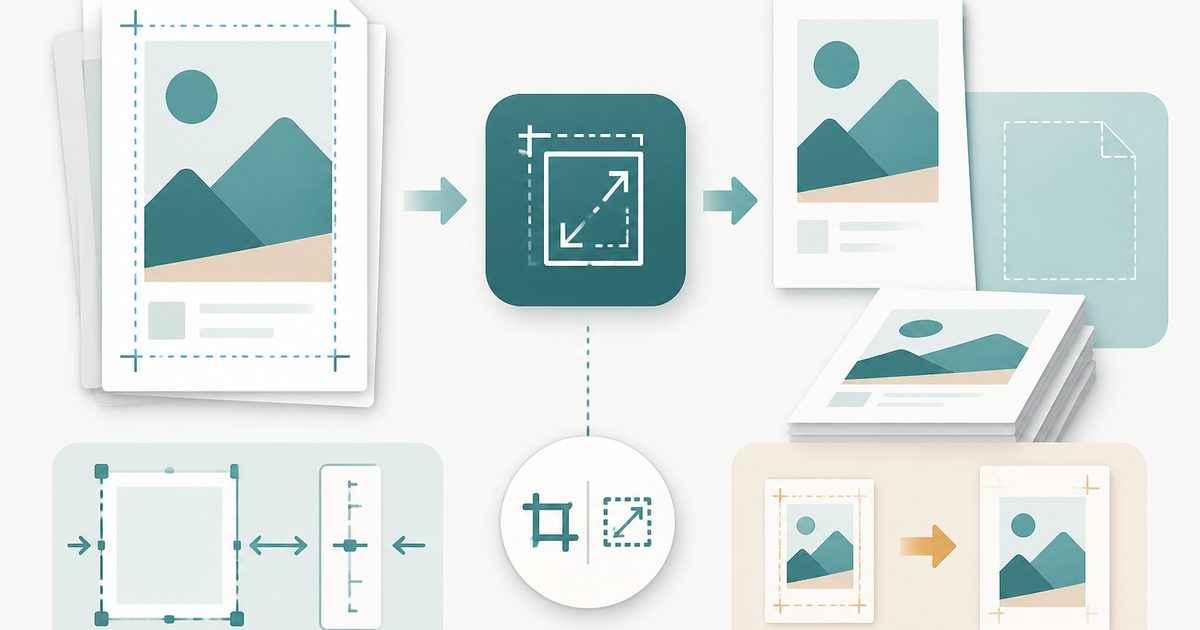
Trim margins in millimetres or rescale pages to A4.
Sign PDF
PDF & Documents
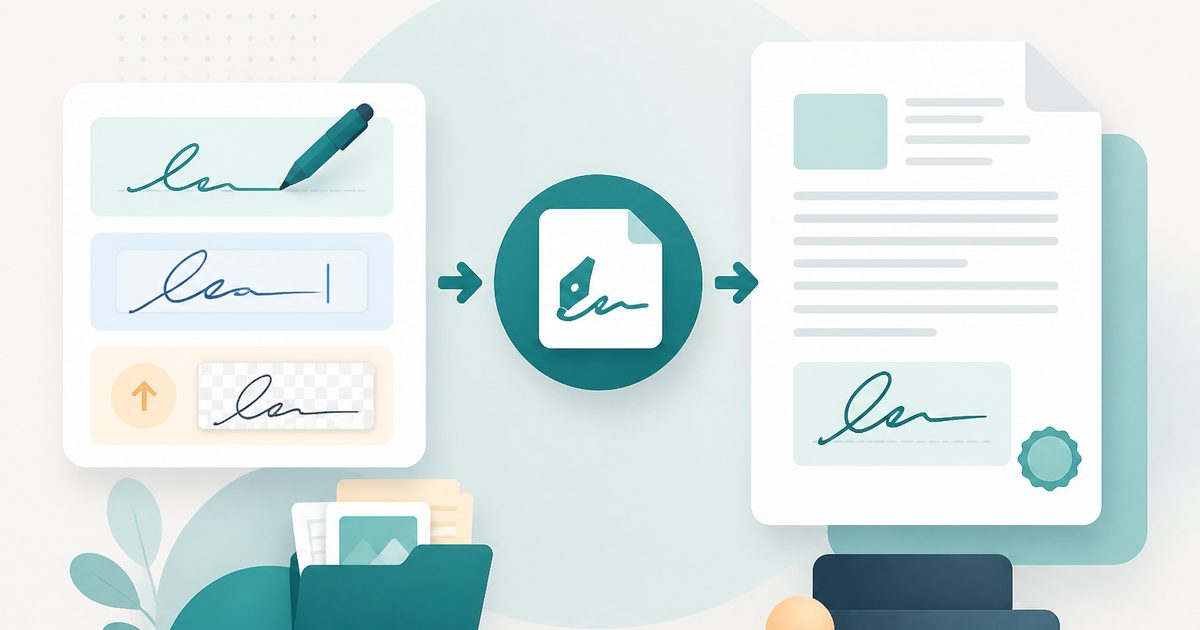
Draw, type or upload a signature and place it on the page.

Compare Two PDFs
PDF & Documents
See exactly what text was added, removed or changed between versions.