
Search Inside PDFs
Find a word or phrase across a whole stack of PDFs at once — every hit with its file, page number and surrounding sentence.
- No training on your data
- Region: global

Search Inside PDFs
PDF & Documents
Drop one or many PDFs to search
Click, drag or paste — searching happens on your device
Search Inside PDFs — Overview
What is Search Inside PDFs?
Search Inside PDFs searches many documents at once. Drop a whole folder's worth of PDFs, type a phrase, and every hit comes back with its file name, page number and the surrounding sentence highlighted in context.
Whole-word and case-sensitive modes keep results tight, and a regular-expression mode handles patterns like invoice numbers, reference codes or date formats. Results export to CSV, which turns a search into a documented audit trail.
Your PDF reader can only search one open file. This searches thirty, locally, with nothing uploaded.
What does Search Inside PDFs do?
Full-text search across a stack of documents:
- Search up to 30 PDFs in one pass
- Every hit shown with file, page number and surrounding context
- Highlighted matches so you can scan results at a glance
- Case-sensitive and whole-word options
- Regular-expression mode for patterns and codes
- CSV export of every match for reporting or evidence
How to use Search Inside PDFs
- 1Drop your PDFs
Add as many as you need; remove any file from the list before searching.
- 2Enter your phrase
Turn on whole words for precision, or regular expressions for patterns like a reference-number format.
- 3Review or export
Read hits grouped by file, then export the whole result set as CSV.
Privacy & cost
This tool runs entirely in your browser. Nothing is uploaded, logged, or saved on our servers — safe for confidential or proprietary data.
Where it fits
Find every mention of a name or term across a bundle of disclosure documents.
Locate the purchase order number hidden somewhere in a year of supplier PDFs.
Search a set of manuals and datasheets for a part number or error code at once.
Why people pick this tool
- ✓Free forever — no page caps, watermarks, sign-ups or premium tier
- ✓100% in-browser processing — your documents never touch a server
- ✓Works offline once the page has loaded, ideal for confidential files
- ✓No queues or waiting rooms — the work happens at the speed of your device
FAQs
The bottom line
Search is the fastest way to make a pile of PDFs useful, and it is exactly the task people wrongly hand to an upload-based service. Doing it in the browser means unlimited searching over documents that never leave your laptop.
You might also like
More in PDF & Documents
Compare Two PDFs
PDF & Documents
See exactly what text was added, removed or changed between versions.

Extract Images from PDF
PDF & Documents
Rip embedded photos and logos out at original resolution.
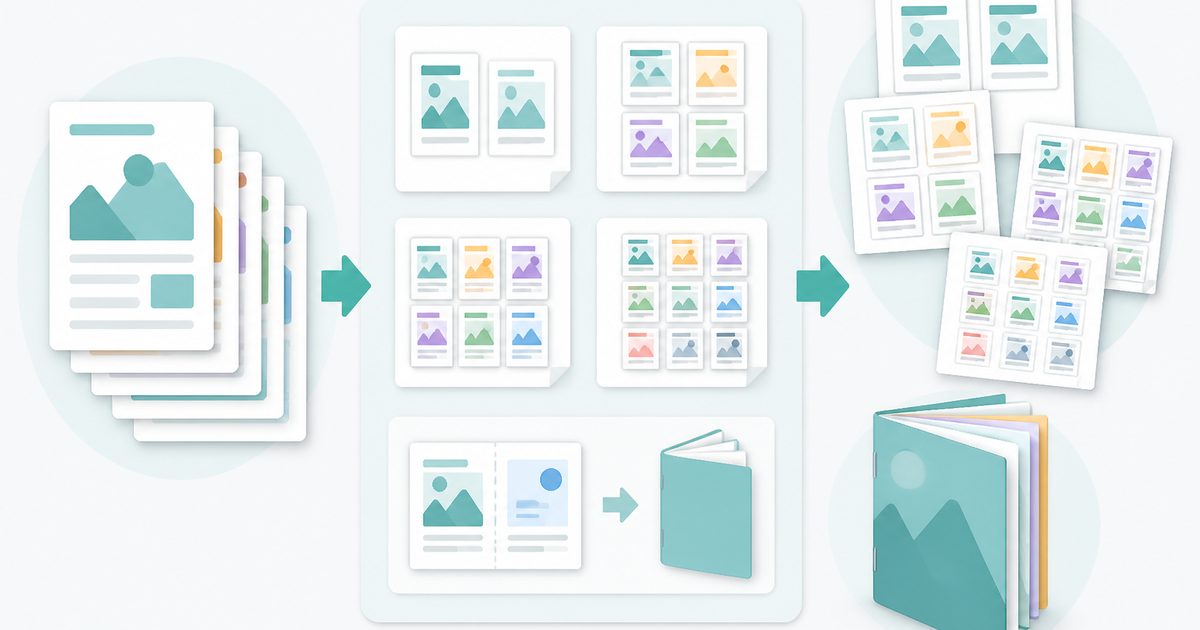
N-up & Booklet PDF
PDF & Documents
Fit 2, 4, 6 or 9 pages per sheet, or impose a fold-and-staple booklet.

PDF OCR
PDF & Documents
Read text out of scanned PDFs in 12 languages, on your device.

PDF Table Extractor
PDF & Documents
Pull tables out of a PDF and export them as CSV or JSON.

PDF to Markdown
PDF & Documents
Convert a PDF into clean Markdown with headings and lists.