
Flatten PDF
Lock filled forms, comments and annotations into the page so nobody can edit or un-fill them — or flatten everything to a fixed image.
- No training on your data
- Region: global

Flatten PDF
PDF & Documents
Drop a PDF to flatten
Click, drag or paste — flattening runs on your device
Flatten PDF — Overview
What is Flatten PDF?
Flatten PDF turns interactive parts of a document — form fields, comments, highlights, stamps — into ordinary page content that nobody can edit, clear or re-fill.
Field flattening keeps the document lightweight and its text selectable and searchable, which is what you want when sending a completed application or signed form.
Full flattening re-renders every page as a fixed image at a resolution you choose, guaranteeing that no hidden layer, annotation or form value can be recovered.
What does Flatten PDF do?
Two levels of permanence, chosen per document:
- Detects and reports how many AcroForm fields the PDF contains
- Flattens filled field values into the page so they cannot be changed
- Removes comments, highlights and other annotations
- Optional full image flattening at 72–300 DPI
- Keeps page size and orientation identical to the original
- Plain-language warning that flattening is one-way
How to use Flatten PDF
- 1Drop the PDF
Add the filled form or commented document. The tool reports the number of form fields it found.
- 2Choose the level
Field flattening keeps text selectable; full flattening converts every page to an image so nothing survives.
- 3Flatten and download
Export the locked copy and keep your editable original somewhere safe.
Privacy & cost
This tool runs entirely in your browser. Nothing is uploaded, logged, or saved on our servers — safe for confidential or proprietary data.
Where it fits
Flatten before sending so the recipient cannot accidentally — or deliberately — change your answers.
Strip reviewer comments and highlights before the document goes to a client or a court.
Some readers do not display filled field values. Flattening bakes them in so the document looks the same everywhere.
Why people pick this tool
- ✓Free forever — no page caps, watermarks, sign-ups or premium tier
- ✓100% in-browser processing — your documents never touch a server
- ✓Works offline once the page has loaded, ideal for confidential files
- ✓No queues or waiting rooms — the work happens at the speed of your device
FAQs
The bottom line
A form is only finished when it can no longer be edited. Flattening is the step most people skip, and the one that stops a completed document from being quietly altered after it leaves your hands.
You might also like
More in PDF & Documents
Compress PDF
PDF & Documents
Shrink PDF size with screen, ebook or print presets.
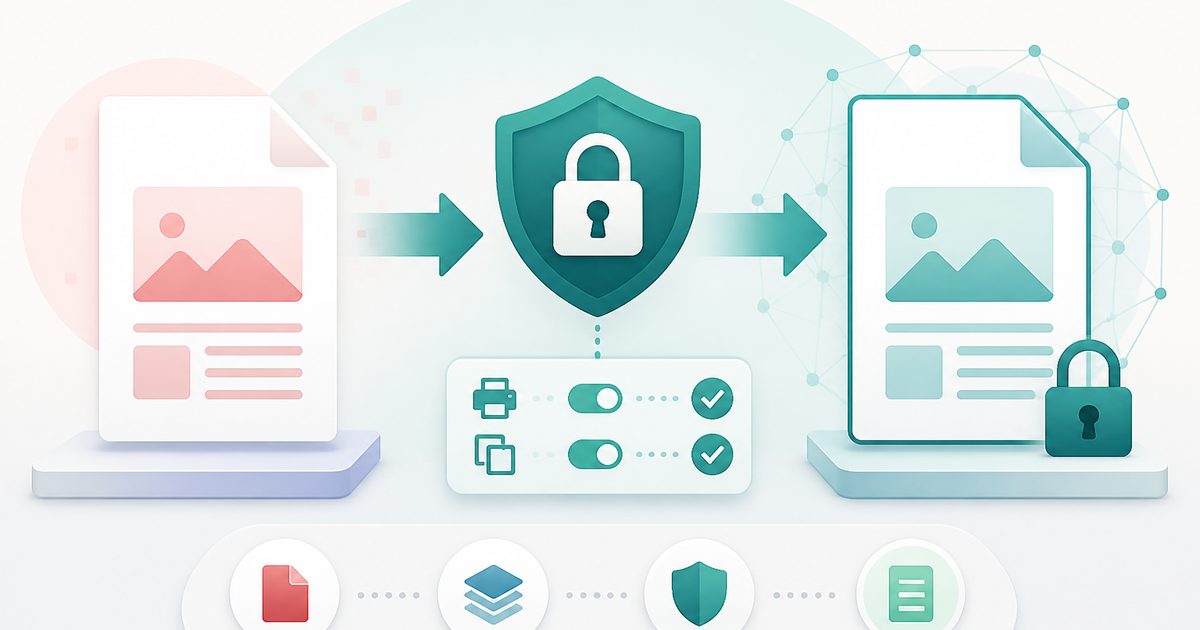
Protect PDF with Password
PDF & Documents
Encrypt a PDF and set printing and copying permissions.
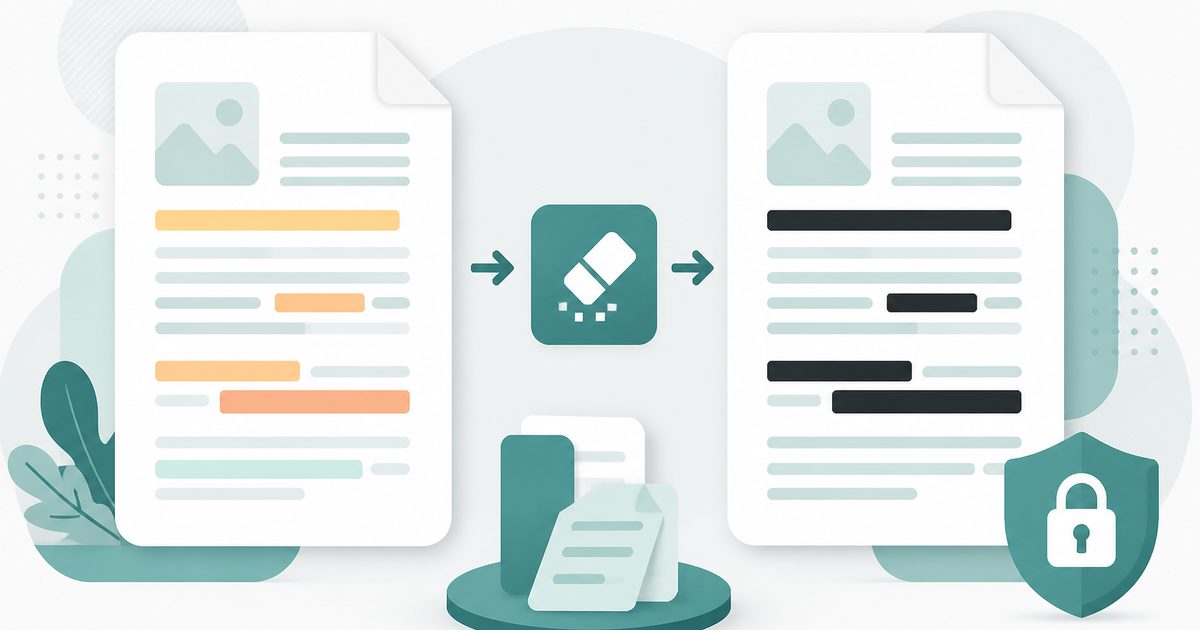
Redact PDF
PDF & Documents
Black out confidential text permanently, burned into the page.

Repair PDF
PDF & Documents
Diagnose a damaged PDF and rebuild readable pages.

Unlock PDF
PDF & Documents
Remove a known password or owner restrictions.

Add Header & Footer to PDF
PDF & Documents
Titles, dates and page tokens along the top and bottom.