
Repair PDF
Check a damaged PDF for the usual causes of failure, then rebuild it from whatever pages can still be read.
- No training on your data
- Region: global
Repair PDF
PDF & Documents
Drop a broken PDF
Click, drag or paste — diagnosis and repair run on your device
Repair PDF — Overview
What is Repair PDF?
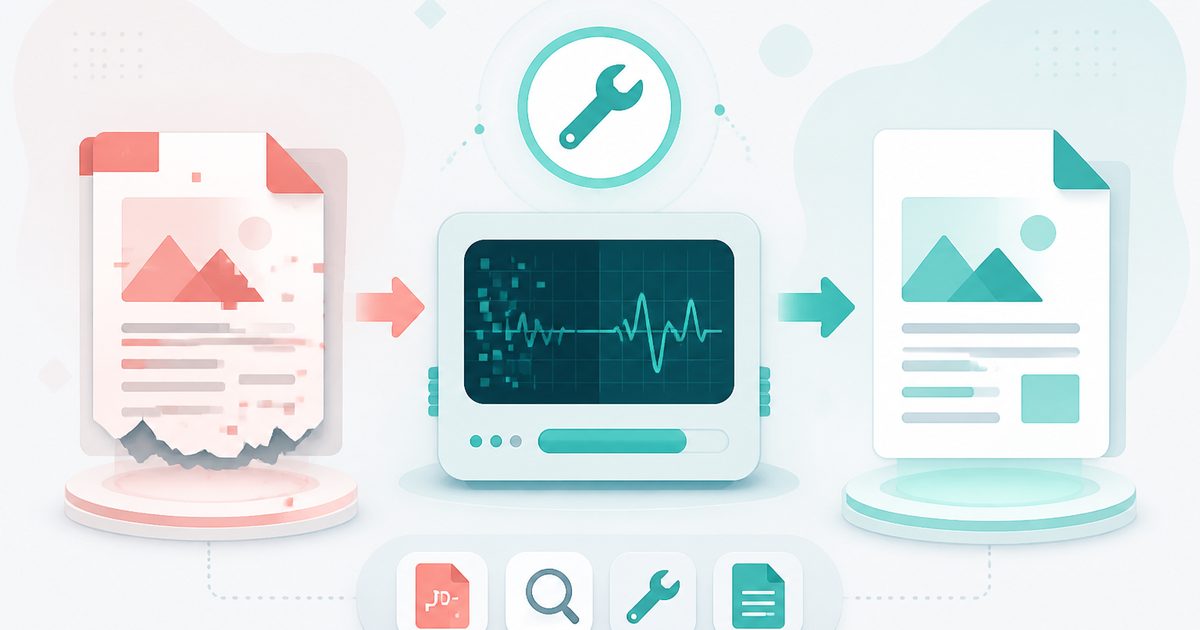
Repair PDF diagnoses why a PDF will not open and then rebuilds whatever can still be read into a fresh, valid document.
It checks the specific things that actually break PDFs: a missing or offset `%PDF` header, a truncated file with no `%%EOF` marker, an unreadable cross-reference table and individual pages that fail to parse.
Two recovery routes are offered — a structural rebuild that copies surviving pages into a clean file, and an image salvage that re-renders anything the reader can still draw when the structure is beyond repair.
What does Repair PDF do?
A clear diagnosis before any repair attempt:
- Header, end-marker and linearisation checks
- Per-page parse test that names the unreadable pages
- Encryption detection with a pointer to the Unlock tool
- Structural rebuild that preserves selectable text
- Image salvage mode as an explicit last resort
- Honest reporting of how many pages were recovered
How to use Repair PDF
- 1Drop the broken PDF
The file is inspected immediately and a diagnosis card lists what is wrong.
- 2Read the diagnosis
See which pages survive, whether the file was truncated and whether encryption is blocking access.
- 3Rebuild or salvage
Start with the structural rebuild. If it fails, salvage as images to at least save the visible content.
Privacy & cost
This tool runs entirely in your browser. Nothing is uploaded, logged, or saved on our servers — safe for confidential or proprietary data.
Where it fits
A file cut off mid-transfer usually loses its end marker. A rebuild recovers everything that arrived.
Documents produced by a crashing printer driver or export job often have a damaged page index that can be rewritten.
Files pulled off failing drives may lose scattered pages — recovering the rest still beats losing the document.
Why people pick this tool
- ✓Free forever — no page caps, watermarks, sign-ups or premium tier
- ✓100% in-browser processing — your documents never touch a server
- ✓Works offline once the page has loaded, ideal for confidential files
- ✓No queues or waiting rooms — the work happens at the speed of your device
FAQs
The bottom line
A corrupt PDF usually feels like total loss, when in fact most of the document is still sitting in the file. A diagnosis plus a rebuild recovers it in seconds — and without emailing a damaged, possibly sensitive file to a recovery service.
You might also like
More in PDF & Documents
Compress PDF
PDF & Documents
Shrink PDF size with screen, ebook or print presets.

Flatten PDF
PDF & Documents
Lock filled forms, comments and annotations into the page.
Protect PDF with Password
PDF & Documents
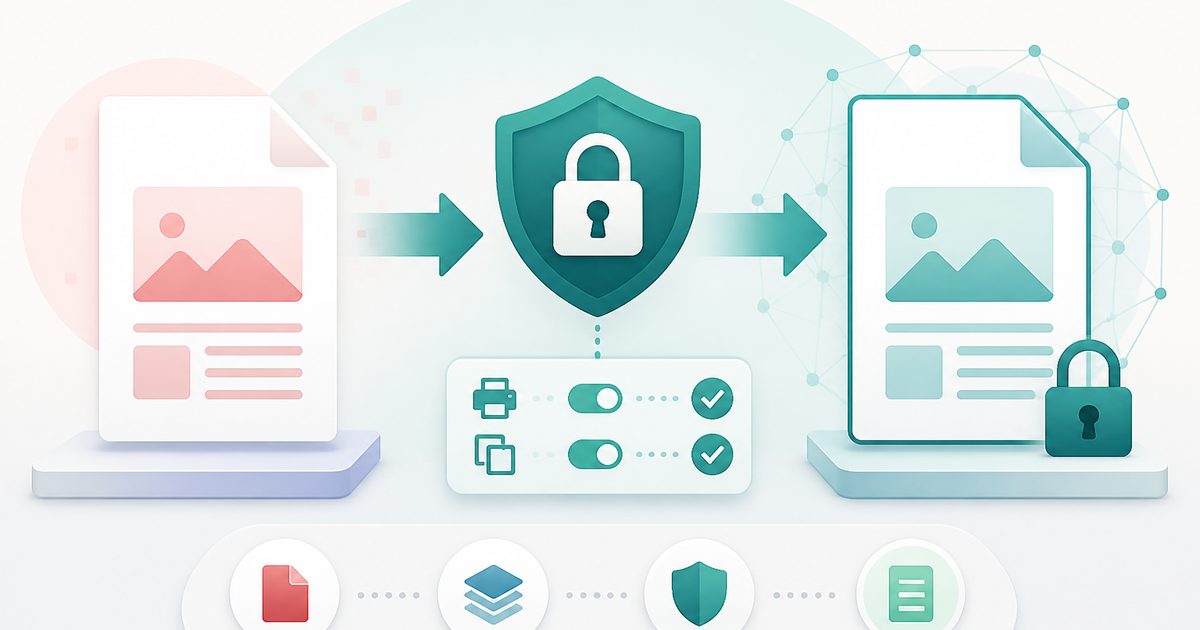
Encrypt a PDF and set printing and copying permissions.
Redact PDF
PDF & Documents
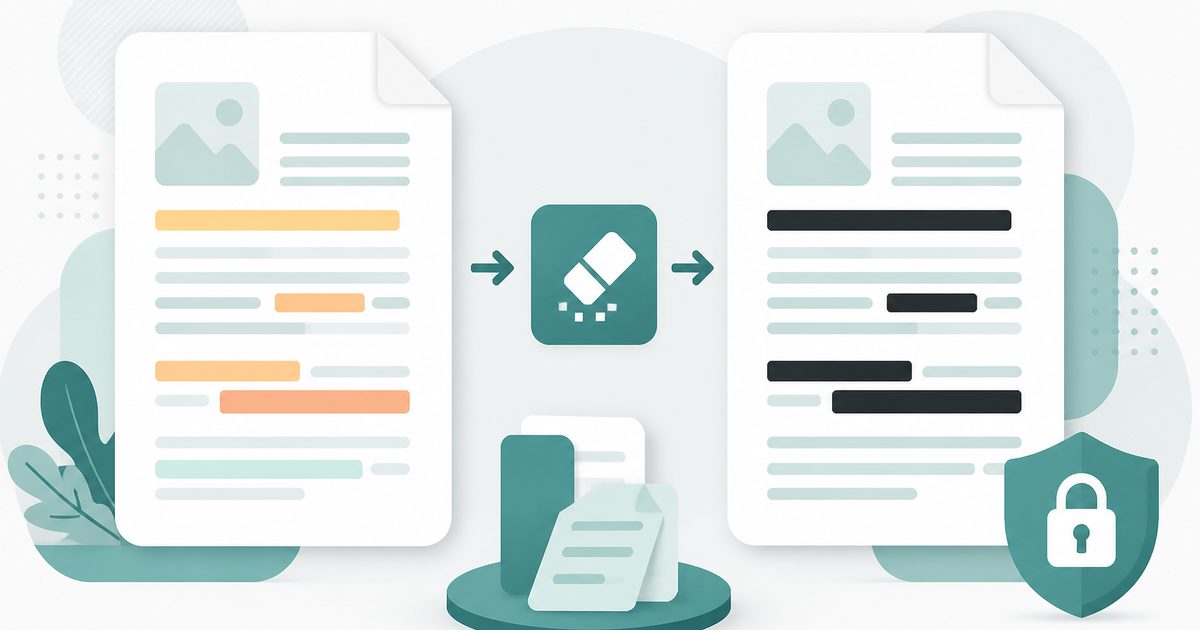
Black out confidential text permanently, burned into the page.

Unlock PDF
PDF & Documents
Remove a known password or owner restrictions.

Add Header & Footer to PDF
PDF & Documents
Titles, dates and page tokens along the top and bottom.