
Protect PDF with a Password
Encrypt a PDF so it can only be opened with your password, and decide what readers are allowed to do with it.
- No training on your data
- Region: global
Protect PDF with a Password
PDF & Documents
Drop a PDF to protect
Click, drag or paste — encryption happens on your device
Protect PDF with Password — Overview
What is Protect PDF with Password?
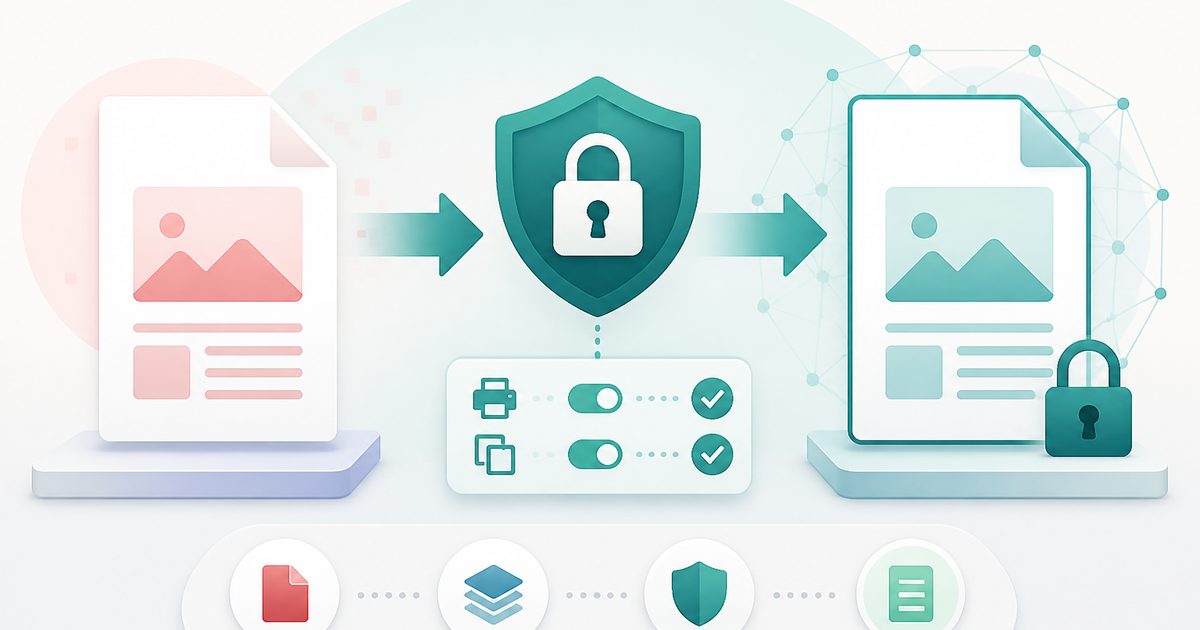
Protect PDF adds a genuine open password to a PDF: without it the document cannot be read at all, because the page content itself is encrypted rather than merely hidden behind a setting.
You can also set owner permissions that decide what a reader may do once the file is open — printing, copying text, editing content, commenting, filling forms and rearranging pages.
Encryption runs entirely in your browser. Neither the document nor the password is transmitted, which makes it usable for payslips, medical letters, board papers and client files.
What does Protect PDF with Password do?
Real encryption with practical controls:
- Open (user) password required to view the document
- Optional separate owner password for full rights
- Six independent permission switches
- Live password strength meter with concrete advice
- Confirmation field so a typo cannot lock you out
- Accessibility extraction left enabled so screen readers still work
How to use Protect PDF with Password
- 1Drop the PDF
Add the document you want to secure. Already-encrypted files must be unlocked first.
- 2Set the passwords
Choose a strong open password and confirm it. Add an owner password if you want a separate master key.
- 3Choose permissions and encrypt
Decide what readers may do, then encrypt and download the protected file.
Privacy & cost
This tool runs entirely in your browser. Nothing is uploaded, logged, or saved on our servers — safe for confidential or proprietary data.
Where it fits
Encrypt a payslip or medical report before attaching it, and share the password through a different channel.
Allow printing but block copying so your pricing cannot be lifted straight into a competitor's document.
Turn off editing and page assembly so a circulated pack cannot be quietly rearranged.
Why people pick this tool
- ✓Free forever — no page caps, watermarks, sign-ups or premium tier
- ✓100% in-browser processing — your documents never touch a server
- ✓Works offline once the page has loaded, ideal for confidential files
- ✓No queues or waiting rooms — the work happens at the speed of your device
FAQs
The bottom line
Password-protecting a PDF is the single cheapest privacy upgrade available, and doing it locally means the confidential file never has to be handed to a stranger's server first.
More ways to edit a PDF
Merge, split, compress, protect and sign PDFs privately in your browser.
You might also like
More in PDF & Documents
Compress PDF
PDF & Documents
Shrink PDF size with screen, ebook or print presets.

Flatten PDF
PDF & Documents
Lock filled forms, comments and annotations into the page.
Redact PDF
PDF & Documents
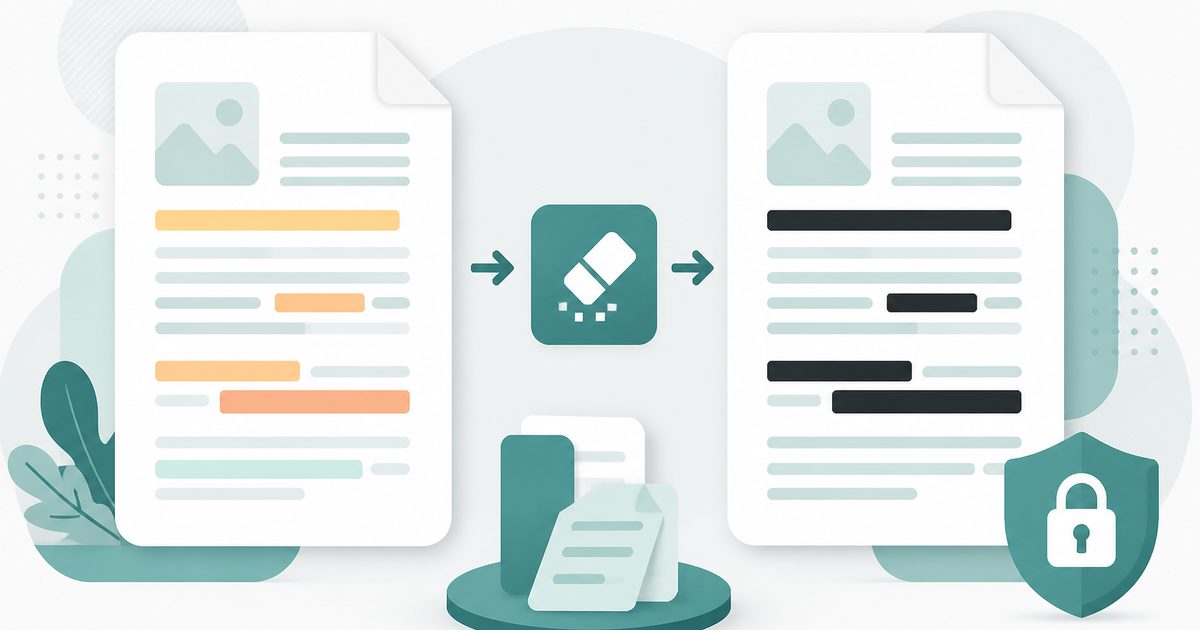
Black out confidential text permanently, burned into the page.

Repair PDF
PDF & Documents
Diagnose a damaged PDF and rebuild readable pages.
Unlock PDF
PDF & Documents
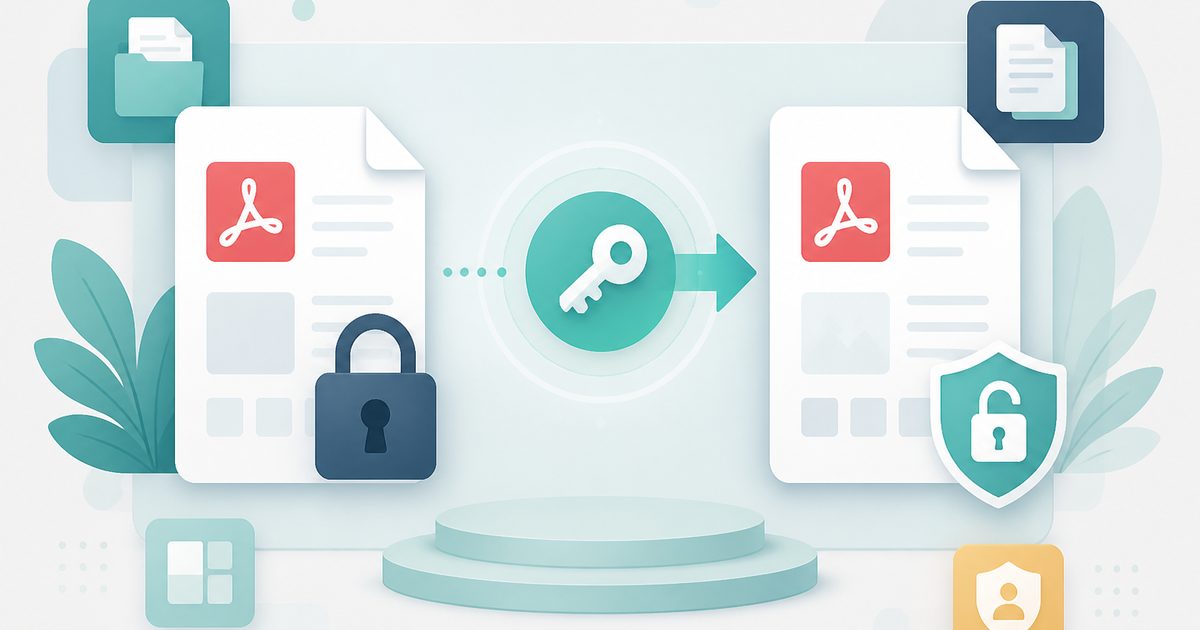
Remove a known password or owner restrictions.

Add Header & Footer to PDF
PDF & Documents
Titles, dates and page tokens along the top and bottom.