
Unlock PDF
Remove a password you already know, or clear owner restrictions that block printing and copying, and keep a clean copy.
- No training on your data
- Region: global
Unlock PDF
PDF & Documents
Drop a locked PDF
Click, drag or paste — decryption happens on your device
Unlock PDF — Overview
What is Unlock PDF?
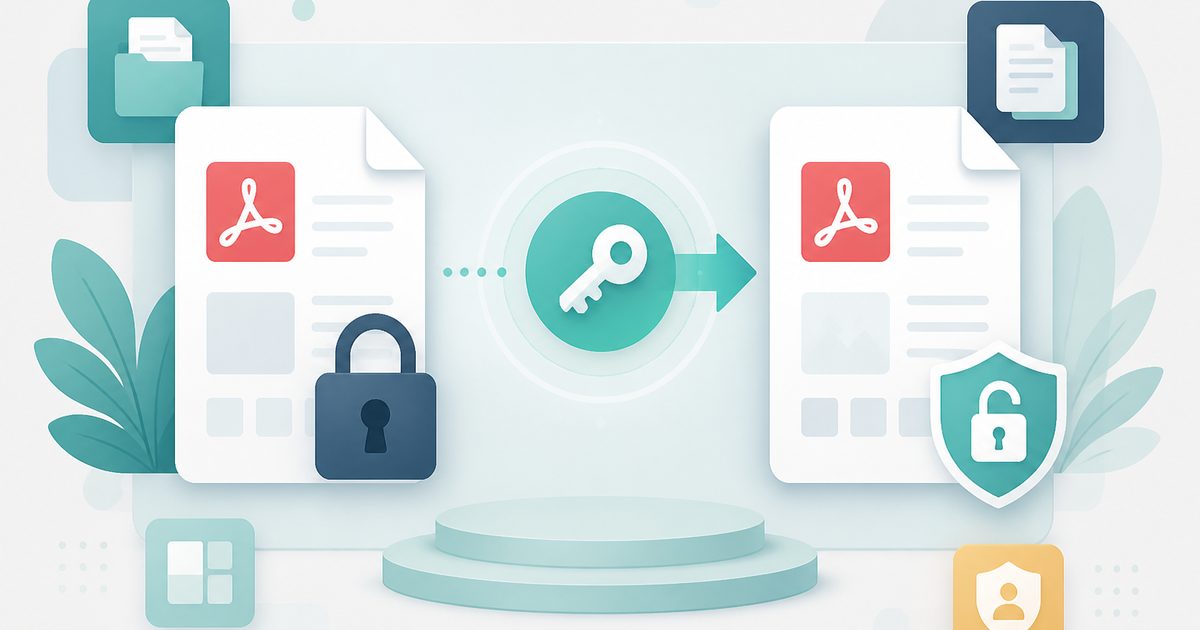
Unlock PDF removes encryption from a document you can already open, producing a clean copy with no password prompt and no owner restrictions on printing or copying.
The decryption is lossless: text stays selectable, fonts stay embedded and page structure is untouched, unlike tools that simply re-print the file to images.
It also handles the frustrating middle case — a PDF that opens freely but refuses to print or allow copying because of owner-level restrictions.
What does Unlock PDF do?
Two related jobs, both done locally:
- Detects on drop whether a password is actually required
- Removes the open password when you supply it
- Clears owner restrictions on printing, copying and editing
- Lossless output — no re-rasterising, no quality loss
- Plain-language errors when a password is wrong
- Password typed into the page, never transmitted anywhere
How to use Unlock PDF
- 1Drop the locked PDF
The tool reports whether the file needs a password or only has restrictions applied.
- 2Enter the password
Type the password you normally use to open the file. Leave it blank if the PDF opens freely.
- 3Unlock and download
Download an unencrypted copy you can then merge, compress or print like any other PDF.
Privacy & cost
This tool runs entirely in your browser. Nothing is uploaded, logged, or saved on our servers — safe for confidential or proprietary data.
Where it fits
Statements often arrive encrypted with a date of birth or account digits. Unlock once so you can archive and search them normally.
Merge, split and compress tools cannot read encrypted PDFs. Unlocking first is the missing step.
A document you own may block printing for no good reason — clearing the owner restriction fixes it.
Why people pick this tool
- ✓Free forever — no page caps, watermarks, sign-ups or premium tier
- ✓100% in-browser processing — your documents never touch a server
- ✓Works offline once the page has loaded, ideal for confidential files
- ✓No queues or waiting rooms — the work happens at the speed of your device
FAQs
The bottom line
Typing a confidential password into someone else's website is exactly the wrong instinct. Unlocking in the browser keeps both the document and the password on your own machine, where they belong.
More ways to edit a PDF
Merge, split, compress, protect and sign PDFs privately in your browser.
You might also like
More in PDF & Documents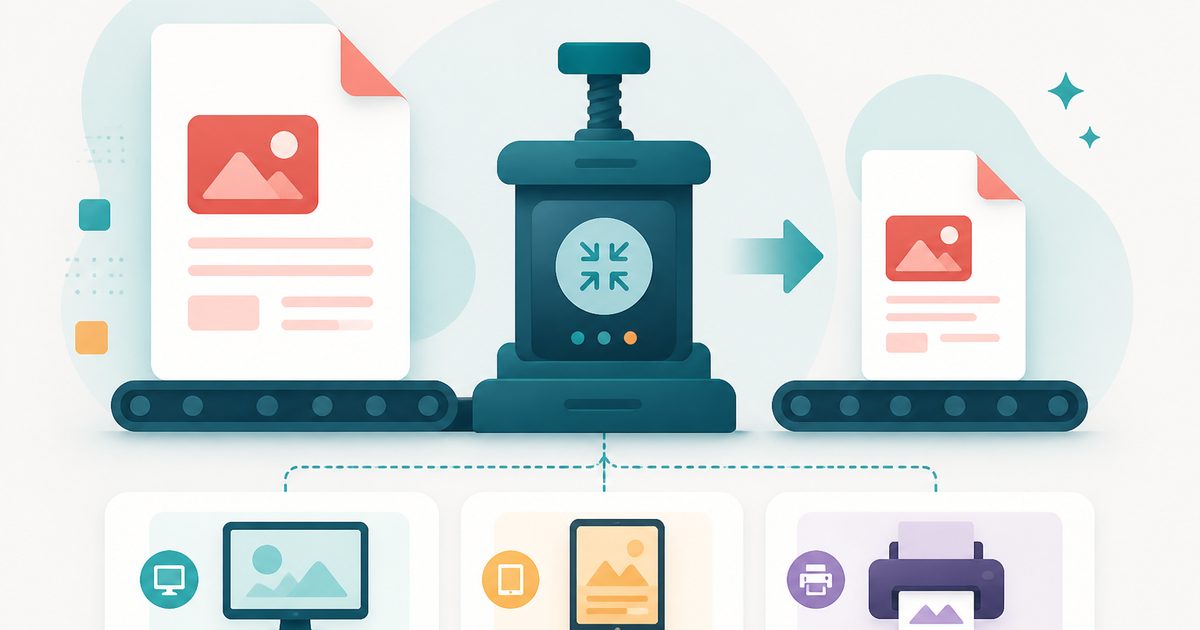
Compress PDF
PDF & Documents
Shrink PDF size with screen, ebook or print presets.
Flatten PDF
PDF & Documents
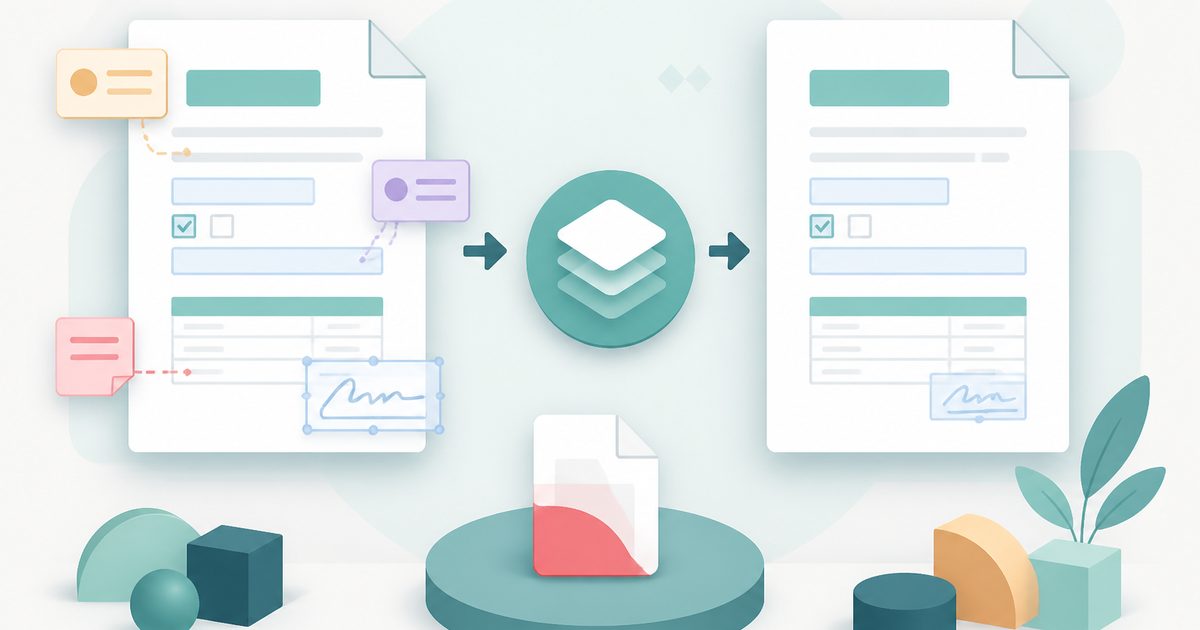
Lock filled forms, comments and annotations into the page.
Protect PDF with Password
PDF & Documents
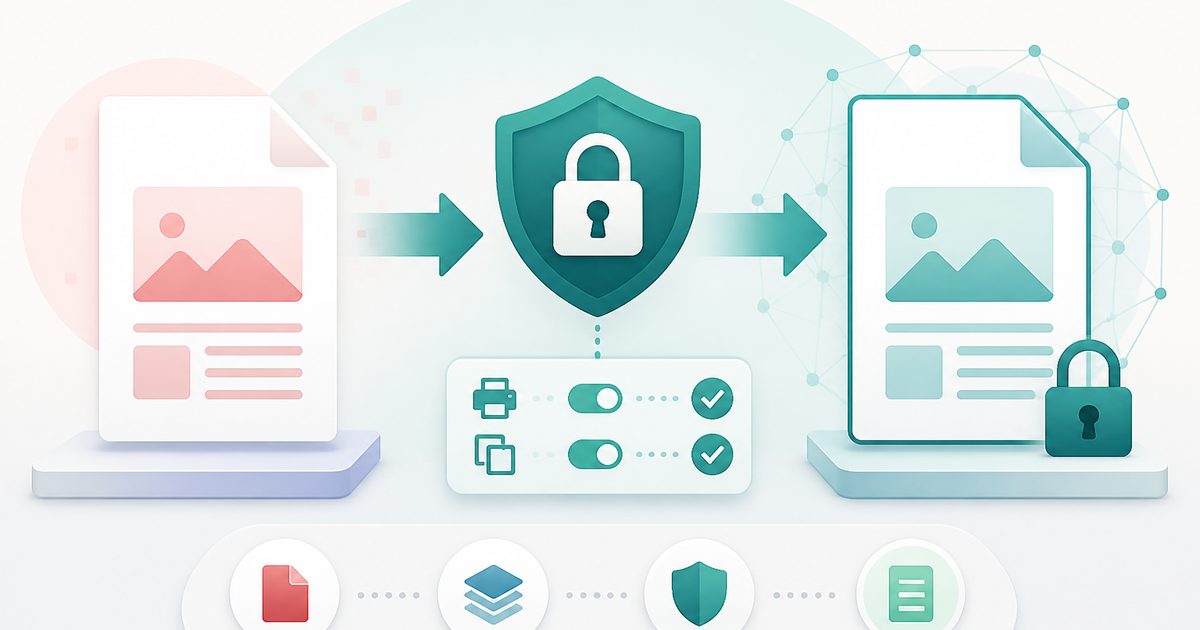
Encrypt a PDF and set printing and copying permissions.
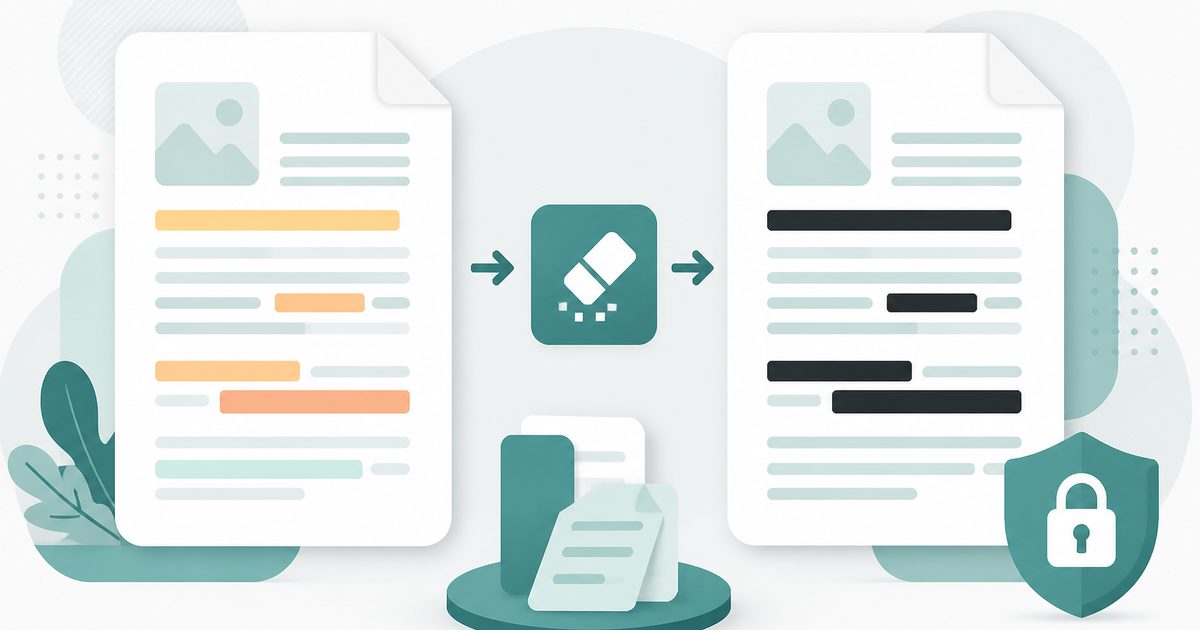
Redact PDF
PDF & Documents
Black out confidential text permanently, burned into the page.
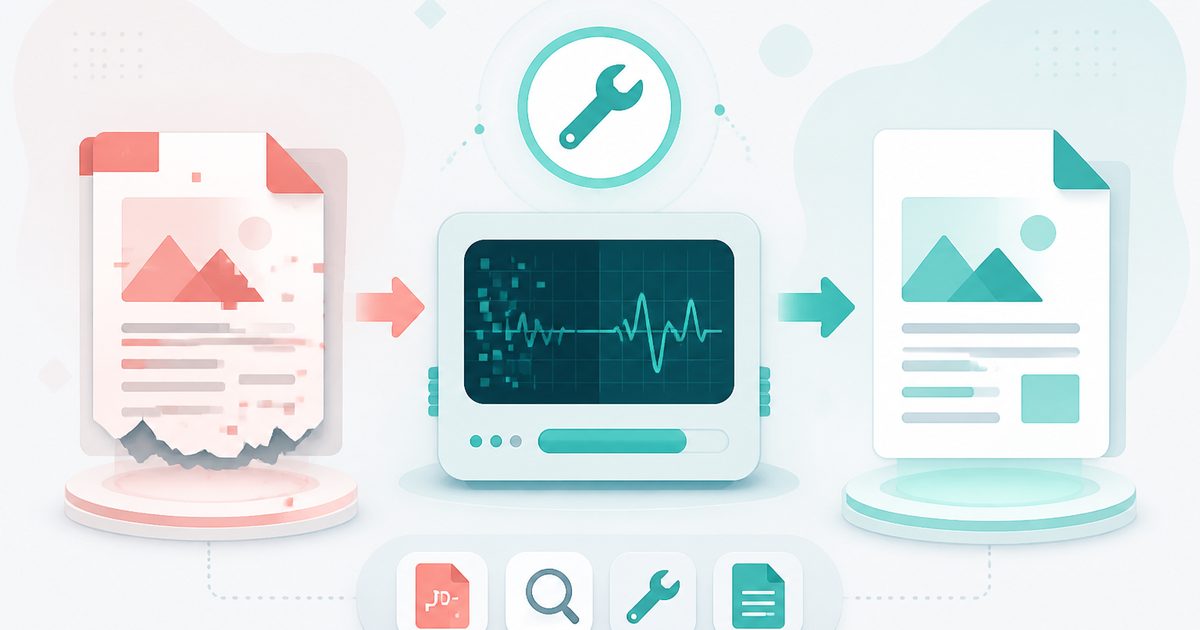
Repair PDF
PDF & Documents
Diagnose a damaged PDF and rebuild readable pages.

Add Header & Footer to PDF
PDF & Documents
Titles, dates and page tokens along the top and bottom.