
PDF Info & Page Inspector
Everything a PDF will tell you: page sizes, orientation, rotation, fonts, version, producer, encryption and whether the text is real or a scan.
- No training on your data
- Region: global
PDF Info & Page Inspector
PDF & Documents
Drop a PDF to inspect
Click, drag or paste — inspection happens on your device
PDF Info & Page Inspector — Overview
What is PDF Info & Page Inspector?
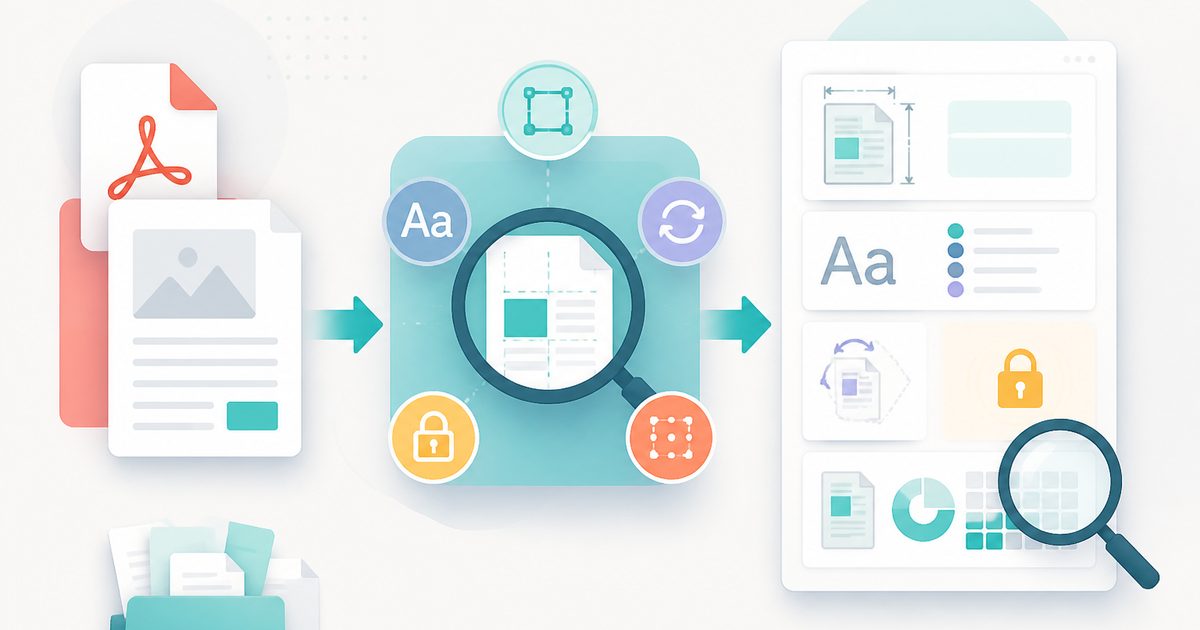
PDF Info & Page Inspector is a full technical read-out of any PDF: page dimensions in points and millimetres, the matched paper size, orientation, per-page rotation, fonts referenced, PDF version, encryption status and how much real text each page contains.
It answers the questions that come up when a document misbehaves — why it prints at the wrong size, why search finds nothing, why one page comes out sideways, why a reader asks for a password.
Everything is derived by parsing the file locally, so you can inspect confidential documents without handing them to a diagnostic service.
What does PDF Info & Page Inspector do?
A complete diagnostic profile of the document:
- Page count, file size, PDF version, creator and producer
- Encryption status and whether the file is permission-restricted
- Per-page width and height in points and millimetres, plus matched paper size
- Portrait/landscape orientation and any page-level rotation applied
- Fonts referenced by the document, including whether they are embedded
- Text coverage per page, flagging image-only pages as scans
How to use PDF Info & Page Inspector
- 1Drop the PDF
The document is parsed on your device and the summary cards populate immediately.
- 2Read the summary
Check encryption, version, text coverage and whether page sizes are consistent across the document.
- 3Scan the page table
Look for odd dimensions, unexpected rotations or pages with zero characters — these explain most printing and search problems.
Privacy & cost
This tool runs entirely in your browser. Nothing is uploaded, logged, or saved on our servers — safe for confidential or proprietary data.
Where it fits
Mixed page sizes and non-zero rotation values are the two most common causes of documents that print scaled or sideways.
Confirm every page is the same size and that fonts are embedded before sending a file to a commercial printer.
If text coverage is zero across the document, it is a scan and needs OCR before any extraction or search will work.
Why people pick this tool
- ✓Free forever — no page caps, watermarks, sign-ups or premium tier
- ✓100% in-browser processing — your documents never touch a server
- ✓Works offline once the page has loaded, ideal for confidential files
- ✓No queues or waiting rooms — the work happens at the speed of your device
FAQs
The bottom line
Most PDF problems are not mysterious once you can see the file's actual structure. This inspector turns 'the PDF is broken' into a specific, fixable observation — usually one the other tools in this suite can correct in seconds.
You might also like
More in PDF & Documents
PDF Metadata Editor
PDF & Documents
Edit or completely strip PDF title, author and keywords.
PDF Page Counter
PDF & Documents
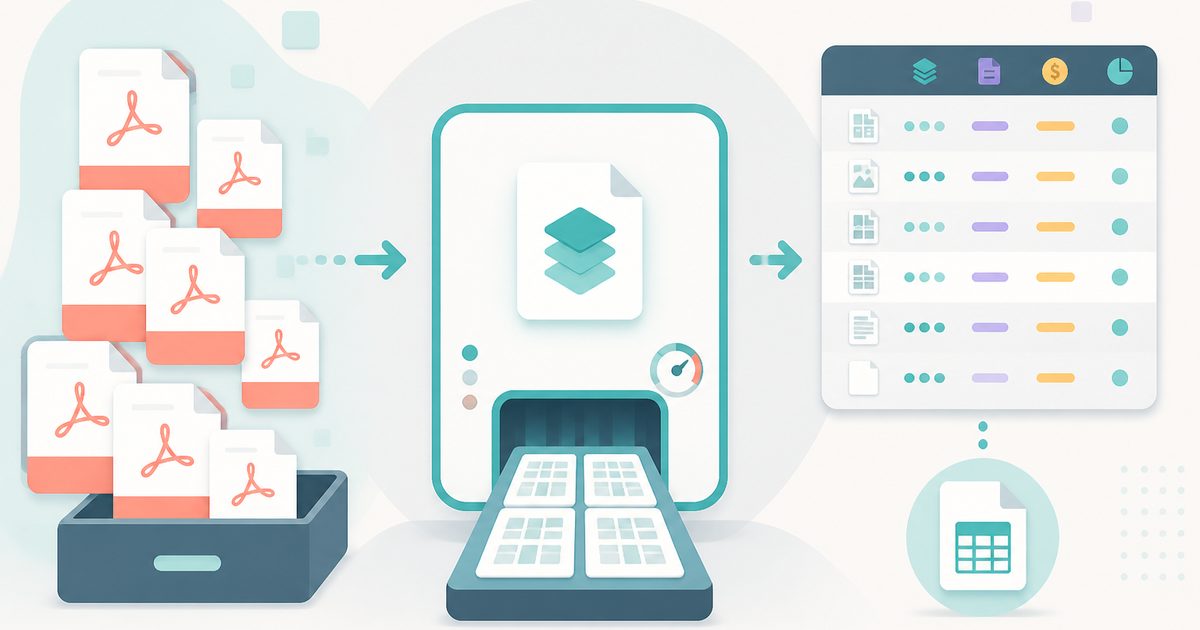
Batch page counts, sizes, print cost estimates and CSV.

Add Header & Footer to PDF
PDF & Documents
Titles, dates and page tokens along the top and bottom.
Add Page Numbers to PDF
PDF & Documents
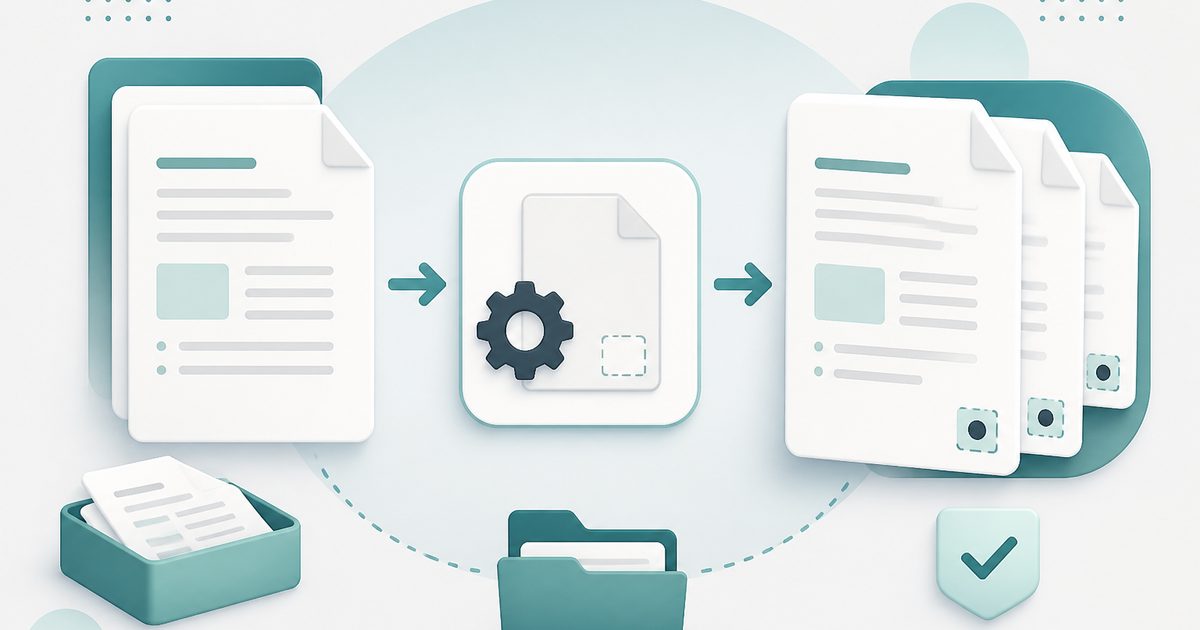
Number pages, including legal-style Bates numbering.
Add Watermark to PDF
PDF & Documents
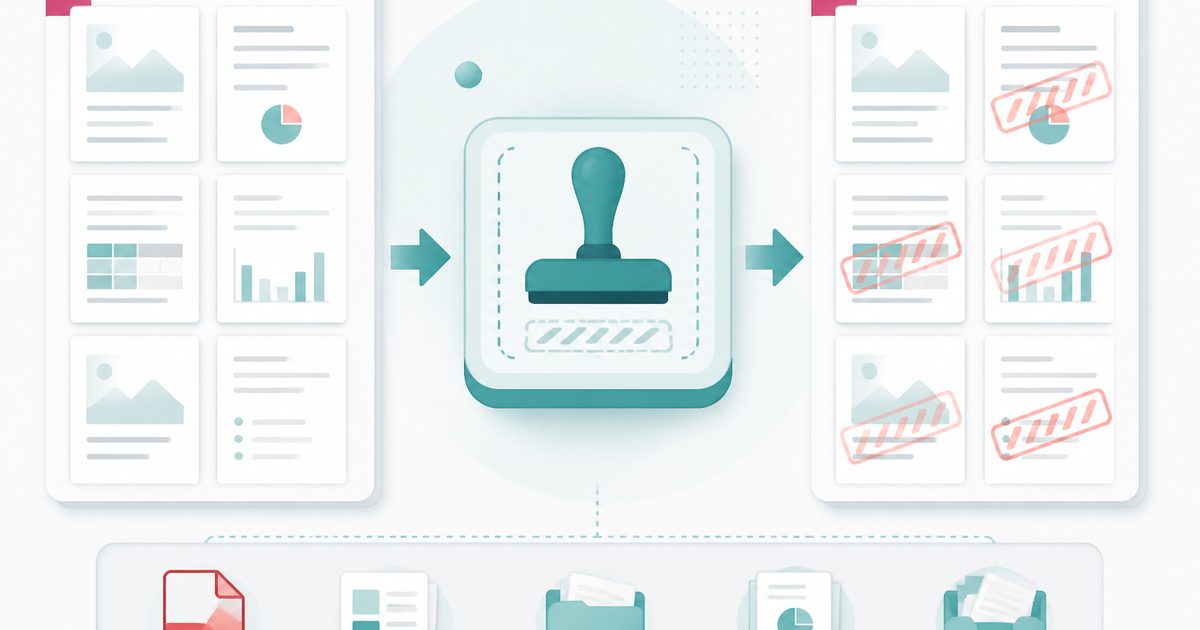
Stamp DRAFT or CONFIDENTIAL across any pages you choose.

Compare Two PDFs
PDF & Documents
See exactly what text was added, removed or changed between versions.