
PDF Page Counter & Batch Info
Drop a whole folder of PDFs and get page counts, sizes and totals in one table — plus optional print cost estimates and a CSV export.
- No training on your data
- Region: global
PDF Page Counter & Batch Info
PDF & Documents
Drop as many PDFs as you like
Up to 30 files at a time — counted on your device, never uploaded
PDF Page Counter — Overview
What is PDF Page Counter?
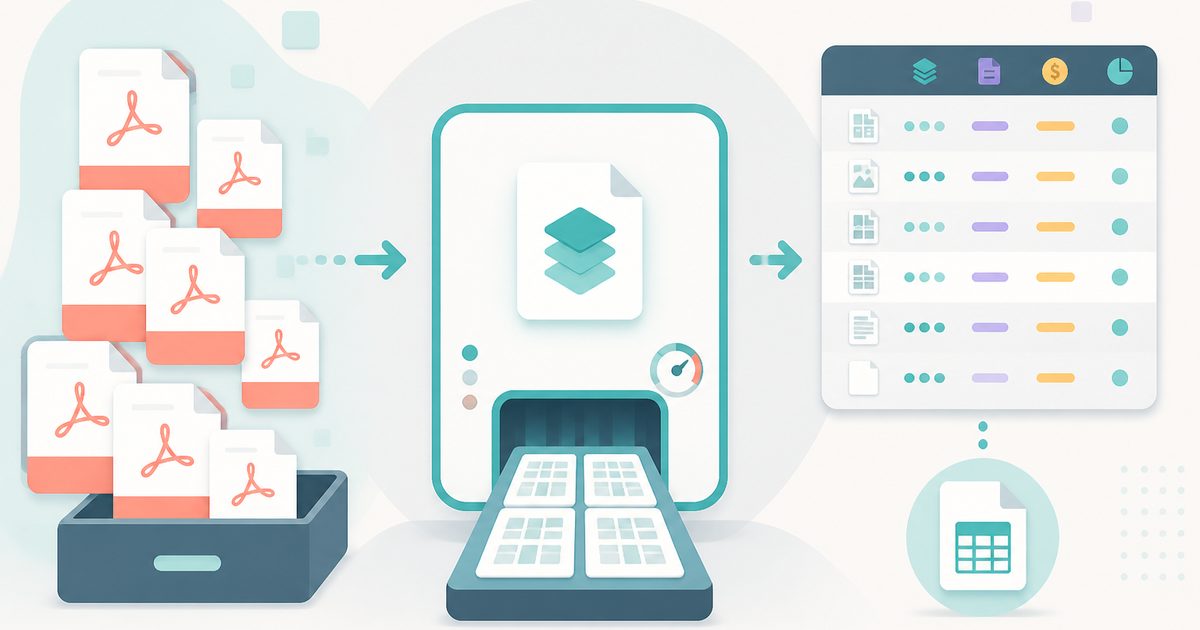
PDF Page Counter takes a whole pile of PDFs at once and returns a single clean table of page counts, file sizes and totals — the fastest way to answer 'how much is there?' across a folder.
It also estimates duplex sheet counts and, if you enter a price per page, produces an instant cost figure for a print job, a copy-shop quote or a client bill.
The whole table exports as CSV, so it can be pasted straight into a purchase order, an invoice or a project tracker.
What does PDF Page Counter do?
Batch counting with the numbers you actually need afterwards:
- Drop or paste any number of PDFs at once
- Per-file page count and size, with running totals across the batch
- Duplex sheet estimate for double-sided printing
- Optional price-per-page input for instant cost estimates
- Encrypted files are clearly flagged rather than silently skipped
- One-click CSV export of the whole table
How to use PDF Page Counter
- 1Drop your files
Add as many PDFs as you like — the table fills in as each file is read.
- 2Add a price if you need one
Enter a per-page rate and the cost column and total appear automatically.
- 3Export or clear
Download the table as CSV for your quote or records, or clear the list and start a new batch.
Privacy & cost
This tool runs entirely in your browser. Nothing is uploaded, logged, or saved on our servers — safe for confidential or proprietary data.
Where it fits
Count a customer's whole job in one drop and produce a priced line-by-line quote in under a minute.
Report exact page counts across a bundle, which billing and court schedules routinely require.
Page counts are the standard unit for quoting document work; get them across a folder without opening a single file.
Why people pick this tool
- ✓Free forever — no page caps, watermarks, sign-ups or premium tier
- ✓100% in-browser processing — your documents never touch a server
- ✓Works offline once the page has loaded, ideal for confidential files
- ✓No queues or waiting rooms — the work happens at the speed of your device
FAQs
The bottom line
Counting pages sounds trivial until you have forty files and a quote to send. Doing it in one drop — with totals, sheets, costs and a CSV at the end — turns a tedious half hour into a single action.
You might also like
More in PDF & Documents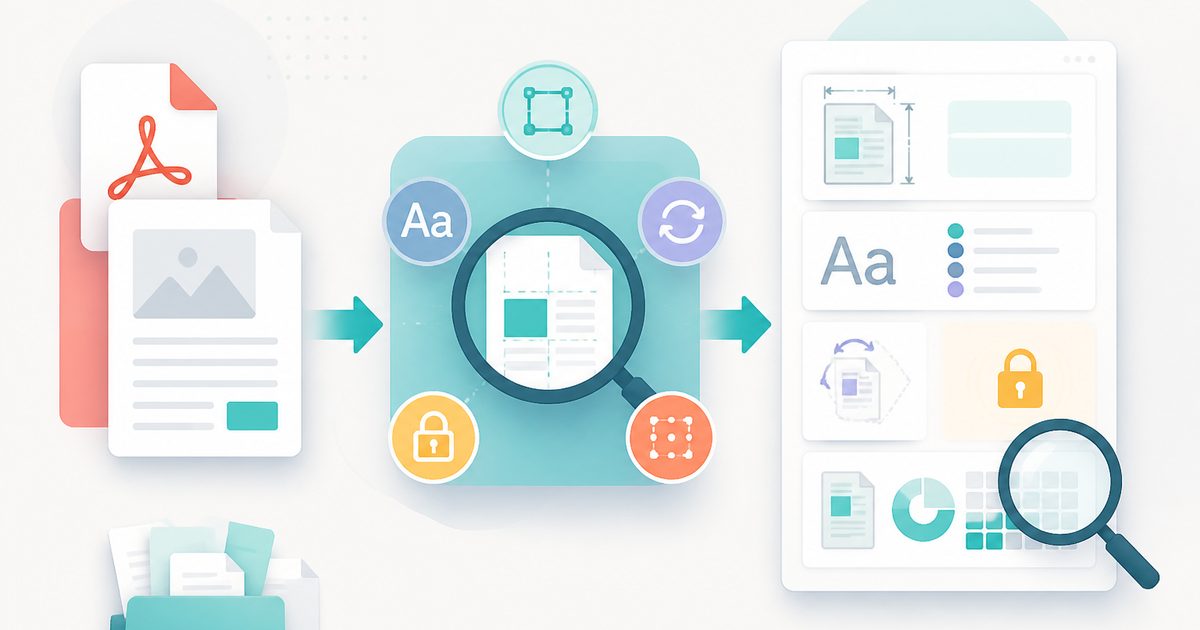
PDF Info & Page Inspector
PDF & Documents
Page sizes, fonts, rotation, encryption and text coverage.

PDF Metadata Editor
PDF & Documents
Edit or completely strip PDF title, author and keywords.

Add Header & Footer to PDF
PDF & Documents
Titles, dates and page tokens along the top and bottom.
Add Page Numbers to PDF
PDF & Documents
Number pages, including legal-style Bates numbering.
Add Watermark to PDF
PDF & Documents
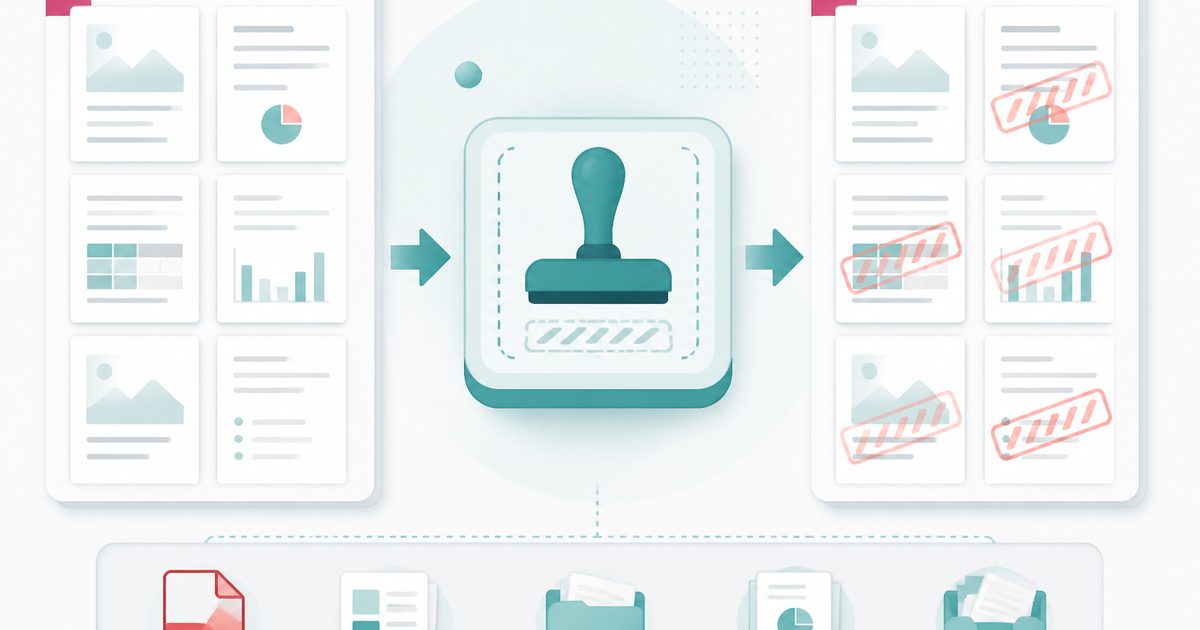
Stamp DRAFT or CONFIDENTIAL across any pages you choose.

Compare Two PDFs
PDF & Documents
See exactly what text was added, removed or changed between versions.