
PDF Metadata Editor
See exactly what your PDF reveals about you — then rewrite it, or strip it out completely before sharing.
- No training on your data
- Region: global

PDF Metadata Editor
PDF & Documents
Drop a PDF to inspect its properties
Click, drag or paste — nothing is uploaded
PDF Metadata Editor — Overview
What is PDF Metadata Editor?
PDF Metadata Editor exposes the hidden properties every PDF carries — title, author, subject, keywords, creator application and producer software — and lets you rewrite them or wipe them completely.
Most people never see this data, yet it travels with the file. A CV exported from a work laptop can carry your employer's name; a tender response can carry the name of the consultant who really wrote it; a leaked document can be traced by its producer string.
Editing metadata is also a positive act: a properly titled PDF sorts, searches and displays better in document libraries, DMS platforms and even browser tabs.
What does PDF Metadata Editor do?
See it, change it, or remove it entirely:
- Read the current title, author, subject, keywords, creator and producer
- See creation and modification timestamps
- Edit any field and save a new copy with clean, deliberate properties
- Strip all metadata in one click for anonymous distribution
- Original page content is untouched — only document properties change
- Runs locally, so the document you are anonymising is never uploaded
How to use PDF Metadata Editor
- 1Drop the PDF
The current properties are read and shown in editable fields.
- 2Edit or clear
Type new values for anything you want to change, or leave fields as they are.
- 3Save the copy
Save with new metadata, or use Strip all metadata to produce a version with no identifying properties at all.
Privacy & cost
This tool runs entirely in your browser. Nothing is uploaded, logged, or saved on our servers — safe for confidential or proprietary data.
Where it fits
Academic peer review and blind tenders require documents that do not name their author. Stripping metadata is a required step that is easy to forget.
Remove the previous employer's template name from the producer field of an exported CV.
Give every PDF a real title and keywords so intranet and DMS search actually finds them.
Why people pick this tool
- ✓Free forever — no page caps, watermarks, sign-ups or premium tier
- ✓100% in-browser processing — your documents never touch a server
- ✓Works offline once the page has loaded, ideal for confidential files
- ✓No queues or waiting rooms — the work happens at the speed of your device
FAQs
The bottom line
Metadata is the most commonly overlooked leak in document handling. Being able to inspect and clear it in a browser tab — without sending the file to an anonymisation service, which would rather defeat the point — closes that gap.
You might also like
More in PDF & Documents
PDF Info & Page Inspector
PDF & Documents
Page sizes, fonts, rotation, encryption and text coverage.
PDF Page Counter
PDF & Documents
Batch page counts, sizes, print cost estimates and CSV.

Add Header & Footer to PDF
PDF & Documents
Titles, dates and page tokens along the top and bottom.
Add Page Numbers to PDF
PDF & Documents
Number pages, including legal-style Bates numbering.
Add Watermark to PDF
PDF & Documents
Stamp DRAFT or CONFIDENTIAL across any pages you choose.
Compare Two PDFs
PDF & Documents
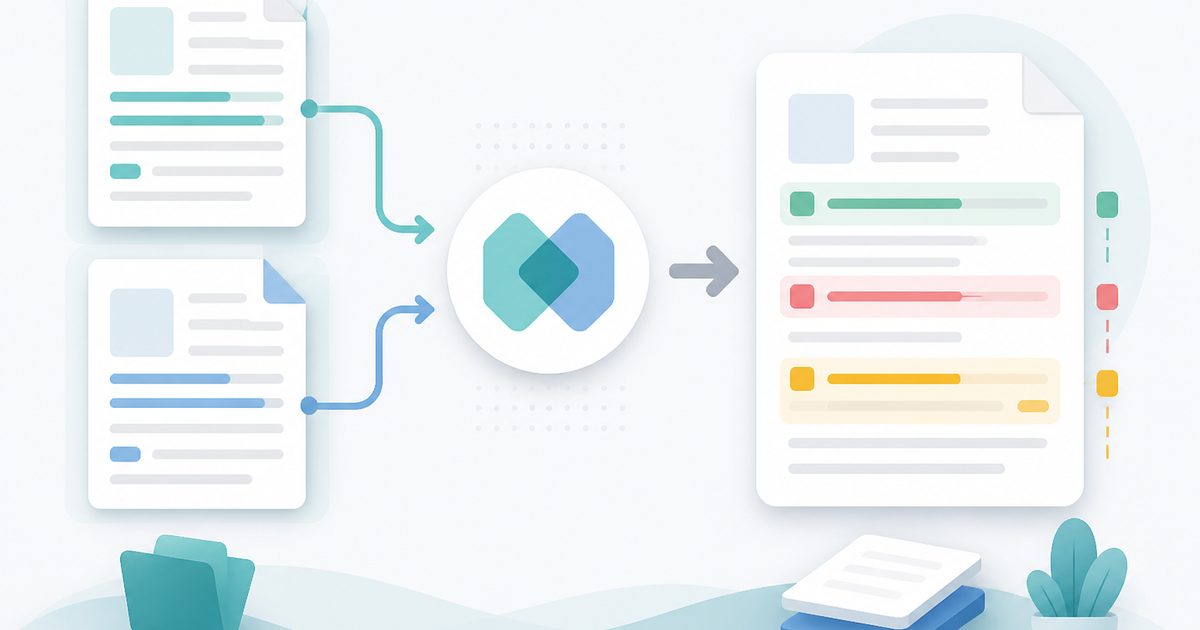
See exactly what text was added, removed or changed between versions.