
Image Converter
Convert between JPG, PNG, WebP and AVIF — batch, resize and compress, entirely on your device.
- No training on your data
- Region: global
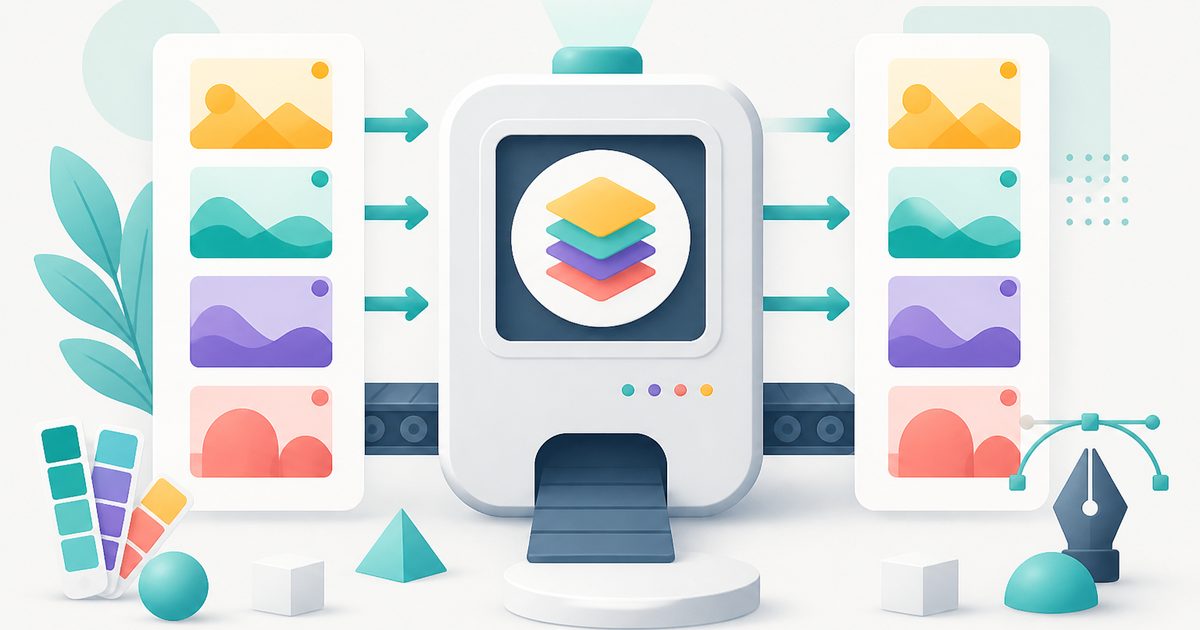
Image Converter
Design & Creative Assets
Drop images here, or click to browse
Up to 40 files · converted on your device, never uploaded
80–90% is the sweet spot: visually identical, much smaller.
The converter searches for the highest quality near your target instead of guessing a fixed quality.
Metadata removed automatically. Rebuilding the image in your browser strips EXIF location, camera, and author details from the download.
Images are only ever scaled down unless you pick a scale above 100%.
JPG has no transparency. Transparent areas are filled with this colour instead of turning black.
Image Converter — Overview
What is Image Converter?
The Image Converter changes images between the four formats that matter on the modern web — JPG, PNG, WebP and AVIF — without installing software or uploading a single byte. Drop in a batch, pick a target format, and download the results individually or as one zip.
Format choice is really a trade-off between file size, image quality and transparency support. JPG is small and universally supported but has no transparency. PNG keeps every pixel exactly and supports transparency, at the cost of much larger files for photos. WebP and AVIF are the modern options: dramatically smaller than JPG at the same visual quality, with transparency support built in.
Because conversion runs on your own device using the browser's Canvas engine, there is no upload wait, no queue and no privacy question to worry about. The tool also probes your browser and quietly disables any format it genuinely can't encode, so you never download a broken file.
What does Image Converter do?
One converter that replaces half a dozen single-purpose sites:
- Convert to and from JPG, PNG, WebP and AVIF
- Batch convert up to 40 images at once, with a progress readout
- Quality slider for lossy formats — see exactly how much you saved
- Optional resize by max width, max height or percentage scale
- Pick the background colour painted behind transparency when targeting JPG
- Download files one at a time or all together as a .zip
How to use Image Converter
- 1Add your images
Drag a folder of images onto the dropzone, or click to browse. Each file is listed with its current size so you can remove any you didn't mean to include.
- 2Choose format and quality
Pick the target format, then set a quality level. 80–90% is visually indistinguishable from the original for almost all photos. Add a resize limit if the images are bigger than they need to be.
- 3Convert and download
Hit convert and watch the progress. The summary shows total size before and after, and you can grab everything in one zip.
Privacy & cost
This tool runs entirely in your browser. Nothing is uploaded, logged, or saved on our servers — safe for confidential or proprietary data.
Where it fits
Convert a folder of camera JPGs to WebP at 85% and cap the width at 1600px — typically a 60–80% size reduction with no visible difference.
Many forms only accept JPG or PNG under a set size. Convert and resize in one pass until the file fits.
Screenshots, phone photos and downloads in five different formats become one consistent set.
JPG for photographs and anything you e-mail. PNG when you need transparency or perfectly sharp screenshots and diagrams. WebP when you control a website and want the smallest files. AVIF for the very smallest files, when you know your audience uses recent browsers.
Why people pick this tool
- ✓Free forever — no file caps, watermarks, sign-ups or premium tier
- ✓100% in-browser conversion — your images never touch a server
- ✓Batch mode: convert up to 40 images in one pass and download a single .zip
- ✓Works offline once the page has loaded
- ✓No queues, no e-mail-me-the-link, no ads stapled to your download
FAQs
The bottom line
Image conversion is the definition of a task that shouldn't require an account, a subscription or an upload. Your browser already has a capable image encoder built in — this tool just gives it a proper interface.
More image converters
Every converter below runs entirely in your browser — your photos never leave your device.
- Convert JPG to PNG online free
- Convert PNG to JPG without losing quality
- JPG to WebP converter
- WebP to PNG converter
- WebP to JPG converter
- AVIF to JPG converter
- HEIC to JPG converter for iPhone photos
- Compress images without losing quality
- Resize images online
- Remove image background free, no signup
- Extract text from an image (OCR)
- JPG to text converter
- Copy text from a screenshot
You might also like
More in Design & Creative Assets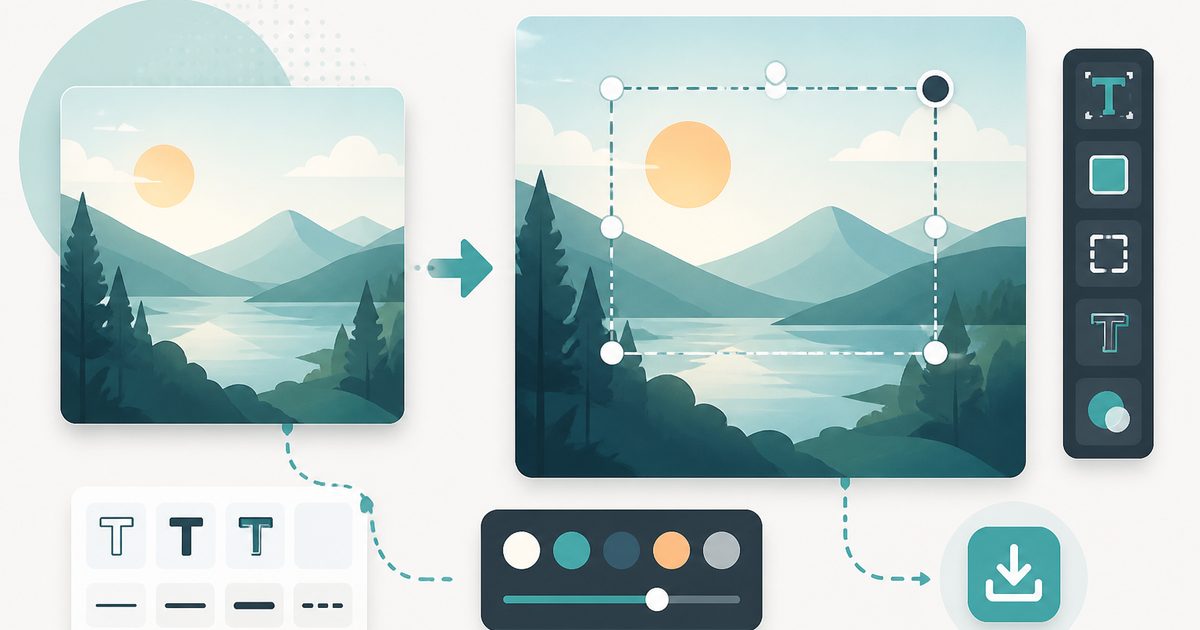
Add Text to Image
Design & Creative Assets
Overlay custom text on any image — fonts, stroke, drag to position, download.
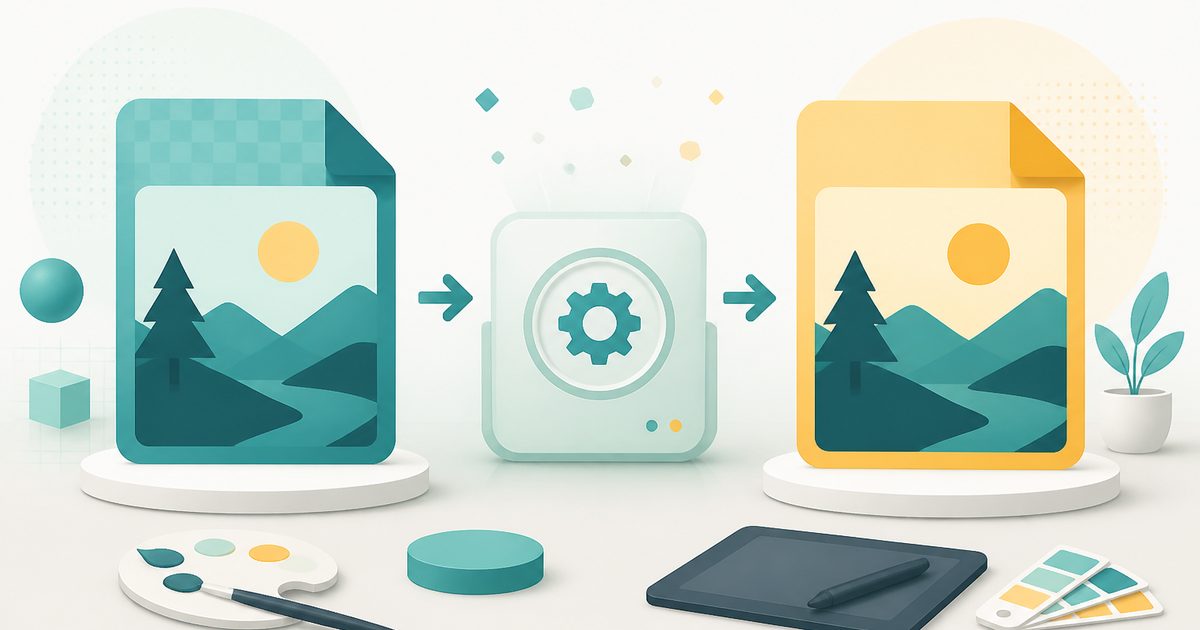
AVIF to JPG
Design & Creative Assets
Convert AVIF images to JPG so older apps and editors can open them.
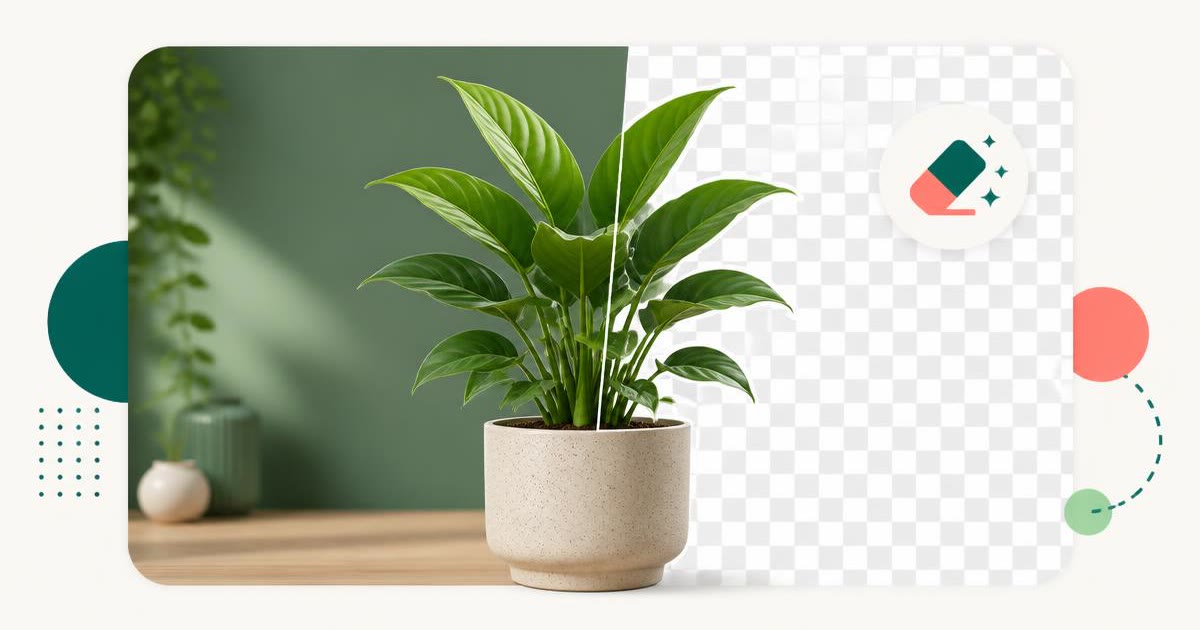
Background Remover
Design & Creative Assets
Erase photo backgrounds on-device and download a transparent PNG.
HEIC to JPG
Design & Creative Assets
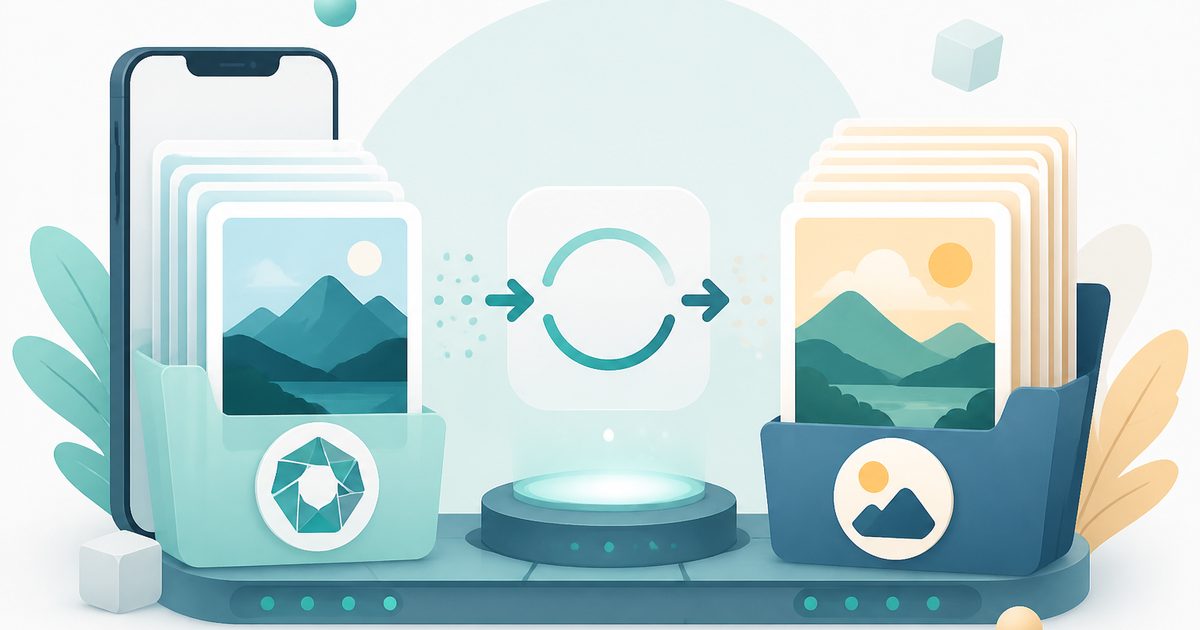
Convert iPhone HEIC photos to JPG on-device — batch up to 20.
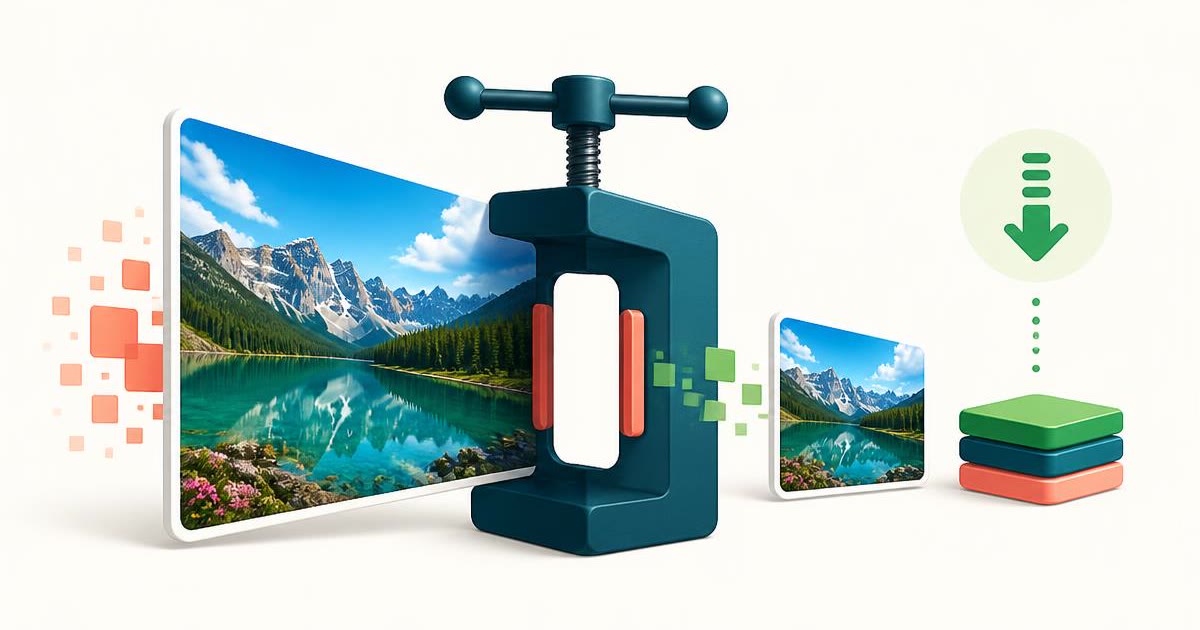
Image Compressor
Design & Creative Assets
Shrink JPEGs without uploading anywhere.
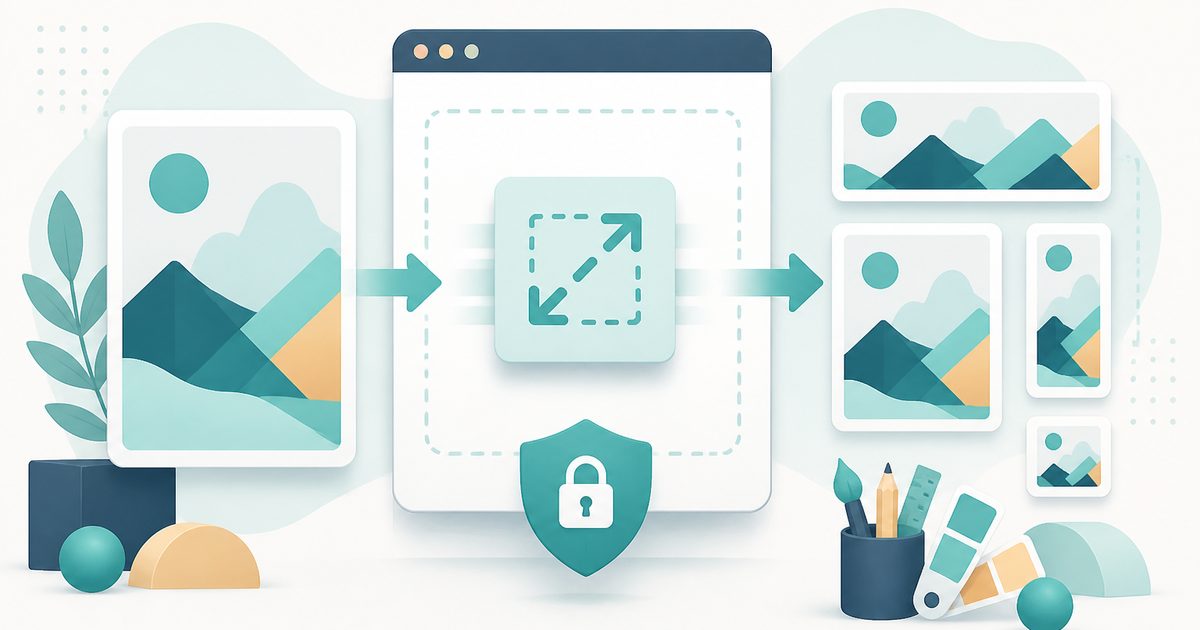
Image Resizer
Design & Creative Assets
Resize images privately in your browser.