
WebP to PNG Converter
Open WebP downloads anywhere — convert to PNG, the format every editor, OS and print service understands, with transparency intact.
- No training on your data
- Region: global
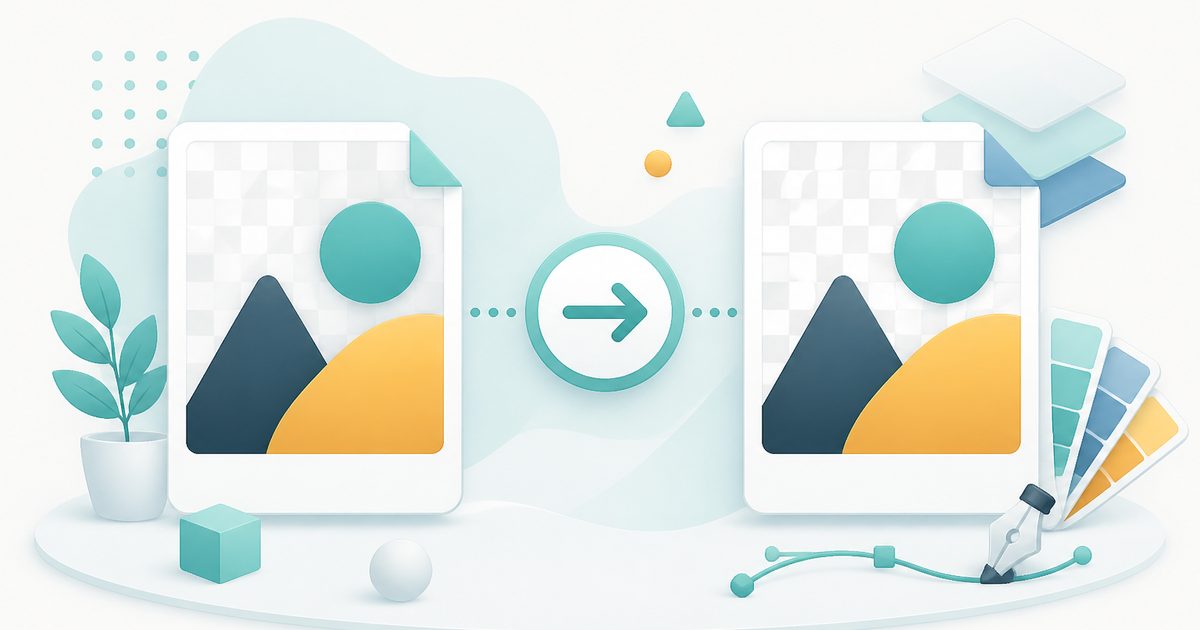
WebP to PNG Converter
Design & Creative Assets
Drop images here, or click to browse
Up to 40 files · converted on your device, never uploaded
PNG is lossless — every pixel is preserved exactly.
Metadata removed automatically. Rebuilding the image in your browser strips EXIF location, camera, and author details from the download.
Images are only ever scaled down unless you pick a scale above 100%.
WebP to PNG — Overview
What is WebP to PNG?
WebP to PNG converts WebP images into lossless PNG files in your browser — the fix for the very common moment when you save an image from the web and then discover the app you need it in refuses to open it.
PNG is the most widely accepted image format in software: design tools, older printers, presentation software, document editors and countless upload forms all take it without complaint. Crucially it also preserves transparency, so WebP images with transparent backgrounds — logos, stickers, cut-out products — survive the conversion intact.
Because PNG is lossless, the conversion adds no further quality loss on top of whatever the WebP already had. The file will usually be larger, which is the price of universal compatibility.
What does WebP to PNG do?
Compatibility without losing the alpha channel:
- Full transparency preserved — no black or white box behind your logo
- Lossless output: nothing further is discarded during conversion
- Batch convert up to 40 WebP files at once
- Optional resize while converting
- Handles both lossy and lossless WebP sources
- Entirely on-device — safe for client assets and internal artwork
How to use WebP to PNG
- 1Drop your WebP files
Add the images you saved from the web or exported from a CMS.
- 2Convert
PNG is lossless so there is no quality setting to worry about — just resize first if the image is far larger than you need.
- 3Download the PNGs
Save one at a time or grab the whole batch as a zip, then open them anywhere.
Privacy & cost
This tool runs entirely in your browser. Nothing is uploaded, logged, or saved on our servers — safe for confidential or proprietary data.
Where it fits
Some older versions of Photoshop, Illustrator and Office refuse WebP outright — PNG always opens.
Converting to JPG would flatten the background; PNG keeps the cut-out usable in slides and mockups.
Print shops, job portals and older CMSes frequently allow only PNG and JPG.
JPG for photographs and anything you e-mail. PNG when you need transparency or perfectly sharp screenshots and diagrams. WebP when you control a website and want the smallest files. AVIF for the very smallest files, when you know your audience uses recent browsers.
Why people pick this tool
- ✓Free forever — no file caps, watermarks, sign-ups or premium tier
- ✓100% in-browser conversion — your images never touch a server
- ✓Batch mode: convert up to 40 images in one pass and download a single .zip
- ✓Works offline once the page has loaded
- ✓No queues, no e-mail-me-the-link, no ads stapled to your download
FAQs
The bottom line
WebP to PNG is the compatibility escape hatch. When something simply will not open a file, a lossless local conversion solves it in seconds — with the image never leaving your machine.
More image converters
Every converter below runs entirely in your browser — your photos never leave your device.
- Convert JPG to PNG online free
- Convert PNG to JPG without losing quality
- JPG to WebP converter
- WebP to JPG converter
- AVIF to JPG converter
- HEIC to JPG converter for iPhone photos
- Batch image format converter
- Compress images without losing quality
- Resize images online
- Remove image background free, no signup
- Extract text from an image (OCR)
- JPG to text converter
- Copy text from a screenshot
You might also like
More in Design & Creative Assets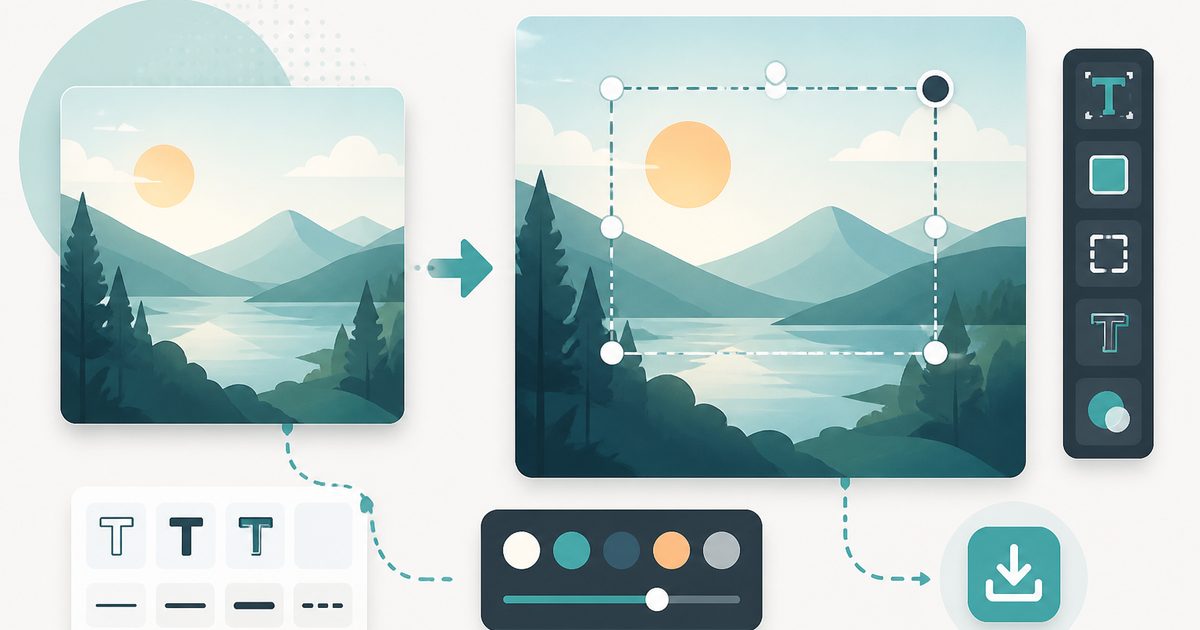
Add Text to Image
Design & Creative Assets
Overlay custom text on any image — fonts, stroke, drag to position, download.
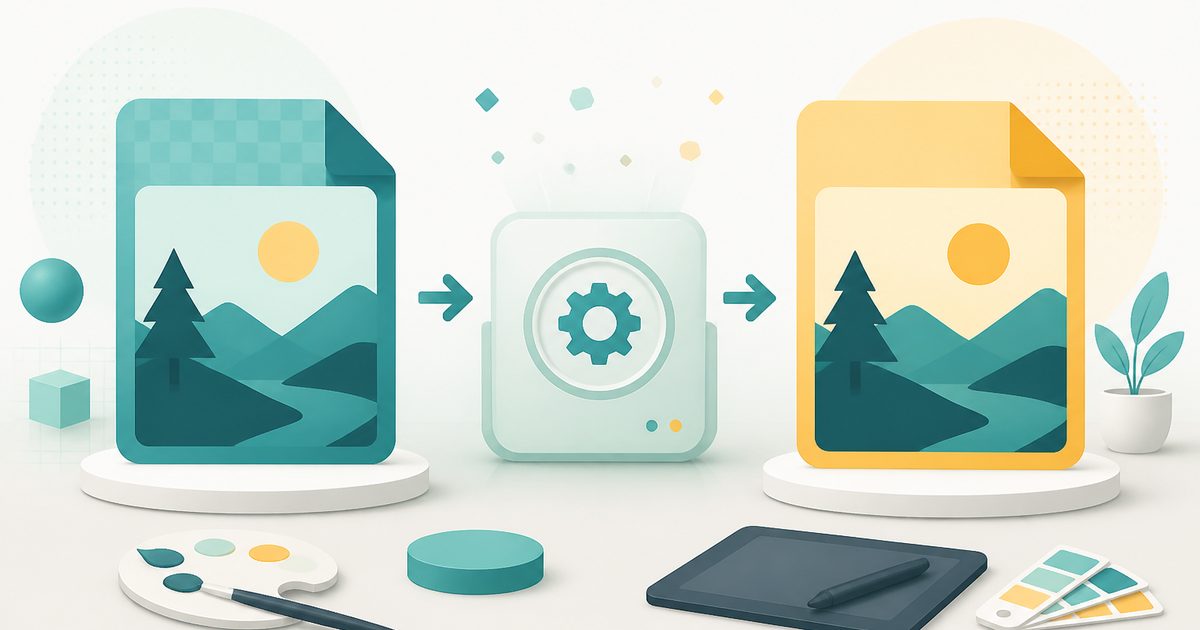
AVIF to JPG
Design & Creative Assets
Convert AVIF images to JPG so older apps and editors can open them.

Background Remover
Design & Creative Assets
Erase photo backgrounds on-device and download a transparent PNG.
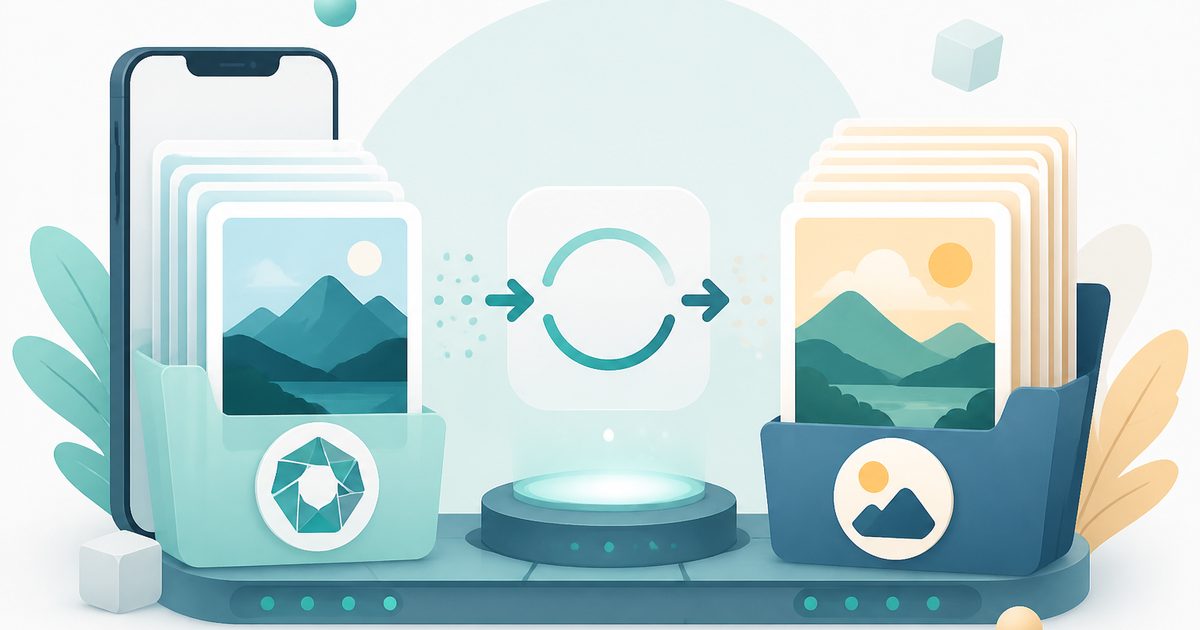
HEIC to JPG
Design & Creative Assets
Convert iPhone HEIC photos to JPG on-device — batch up to 20.
Image Compressor
Design & Creative Assets
Shrink JPEGs without uploading anywhere.
Image Converter
Design & Creative Assets
Convert between JPG, PNG, WebP and AVIF in batches.