
Image to Text Converter (OCR)
Turn a photo, screenshot or scan into text you can copy and edit — recognition runs on your device, so the image is never uploaded.
- No training on your data
- Region: global
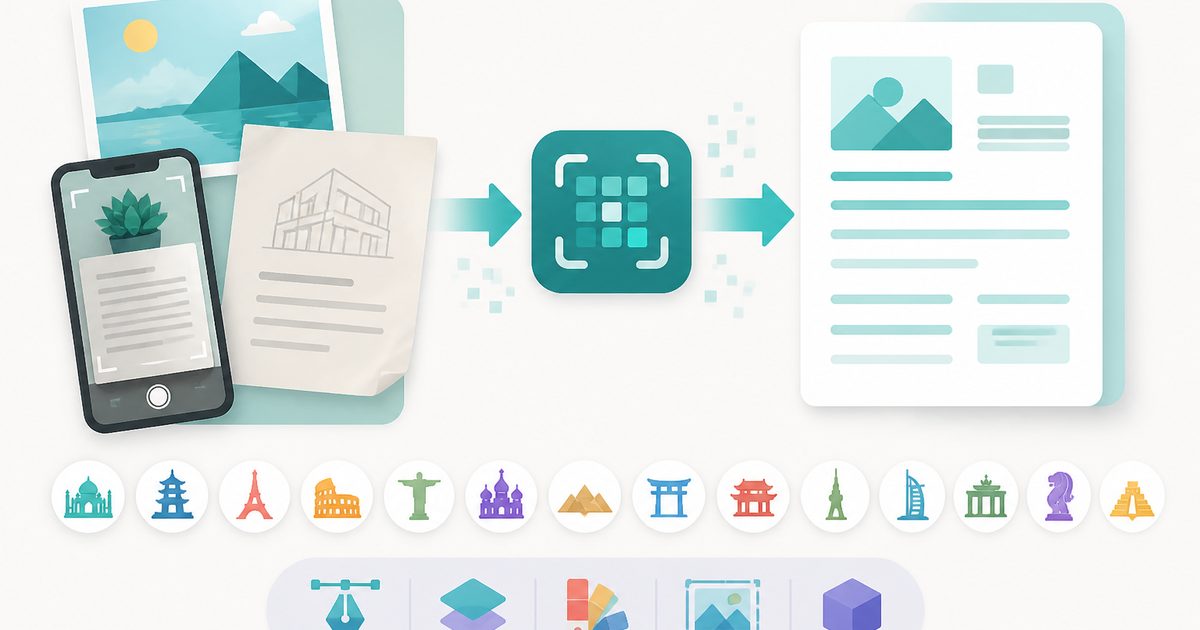
Image to Text Converter (OCR)
Design & Creative Assets
Need videos, hundreds of files, or Excel/Word/PDF exports? Try the Image & Video to Text Extractor
Image to Text (OCR) — Overview
What is Image to Text (OCR)?
Image to Text — optical character recognition, or OCR — finds the words inside a picture and gives them back to you as plain text you can copy, edit and search. Point it at a photo of a printed page, a screenshot, a receipt, a whiteboard or a scanned form and the writing becomes editable.
The recognition engine runs inside your browser tab. That is unusual: nearly every free OCR site uploads your image to their servers, caps the number of pages, watermarks the output or asks you to register. Here the image is read on your device, which matters a great deal when the thing you are digitising is an ID document, a medical letter, a payslip or a signed contract.
Fourteen languages are supported, including Hindi, Arabic, Russian, Chinese, Japanese and Korean, and each result carries an accuracy score so you know at a glance how much proofreading it needs.
What does Image to Text (OCR) do?
Everything the upload-based OCR sites charge for:
- Read text from JPG, PNG, WebP, BMP and GIF images
- 14 languages including non-Latin scripts
- Batch up to 10 images in one run
- Per-run accuracy score with clear high / review / low bands
- Copy to clipboard or download as a .txt file
- Optional line-break flattening for pasting into a document
- No upload, no watermark, no page limit, no sign-up
How to use Image to Text (OCR)
- 1Add your images
Drop in photos, screenshots or scans — up to ten at a time. Straight, sharp, evenly lit images read far better than angled or blurry ones.
- 2Pick the language
Choose the language the text is written in. This matters: the right language model can lift accuracy dramatically, especially for accented or non-Latin text.
- 3Extract, check, copy
Press Extract text. Read the accuracy score, skim the output for mistakes around punctuation and numbers, then copy it or download a .txt file.
Privacy & cost
This tool runs entirely in your browser. Nothing is uploaded, logged, or saved on our servers — safe for confidential or proprietary data.
Where it fits
Photograph a book page, a form or a letter and get editable text instead of retyping it.
Error messages, chat windows and slide decks often can't be selected — OCR gets the text out anyway.
Pull amounts and merchant names out of till receipts to paste into a spreadsheet.
Turn a photo of a whiteboard or a classmate's notes into text you can search and reorganise.
Why people pick this tool
- ✓Free forever — no file caps, watermarks, sign-ups or premium tier
- ✓100% in-browser conversion — your images never touch a server
- ✓Batch mode: convert up to 40 images in one pass and download a single .zip
- ✓Works offline once the page has loaded
- ✓No queues, no e-mail-me-the-link, no ads stapled to your download
FAQs
The bottom line
OCR turns a picture of words back into words. Doing it locally means you never have to decide whether a document is private enough to keep off someone else's server — the question doesn't come up.
More image converters
Every converter below runs entirely in your browser — your photos never leave your device.
- Convert JPG to PNG online free
- Convert PNG to JPG without losing quality
- JPG to WebP converter
- WebP to PNG converter
- WebP to JPG converter
- AVIF to JPG converter
- HEIC to JPG converter for iPhone photos
- Batch image format converter
- Compress images without losing quality
- Resize images online
- Remove image background free, no signup
- JPG to text converter
- Copy text from a screenshot
You might also like
More in Design & Creative Assets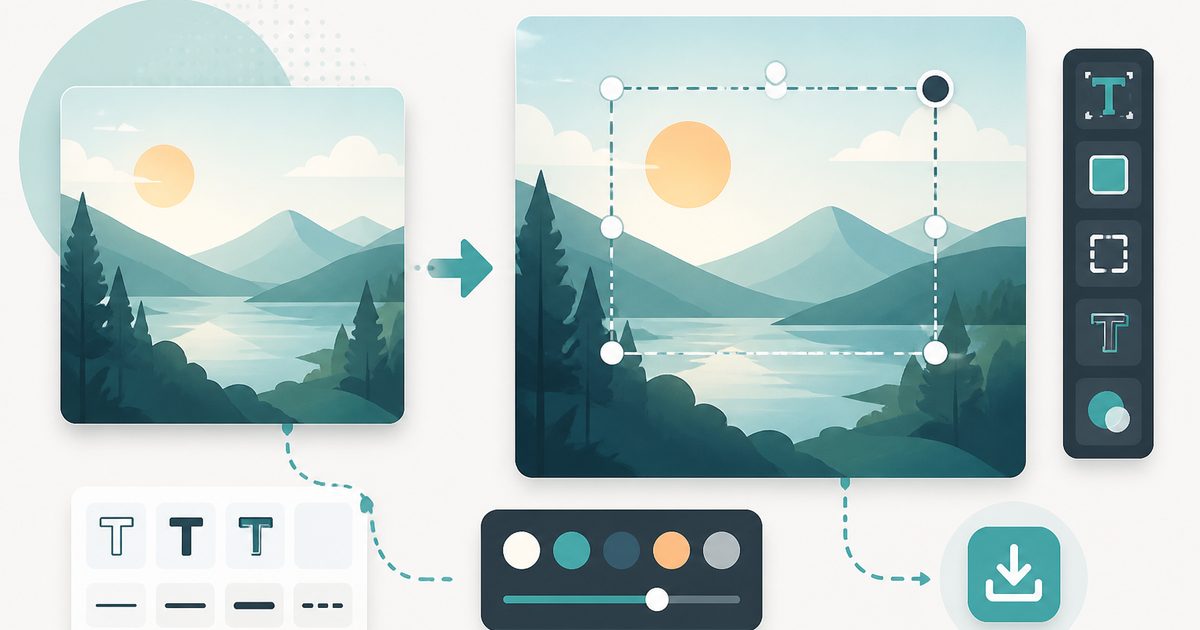
Add Text to Image
Design & Creative Assets
Overlay custom text on any image — fonts, stroke, drag to position, download.
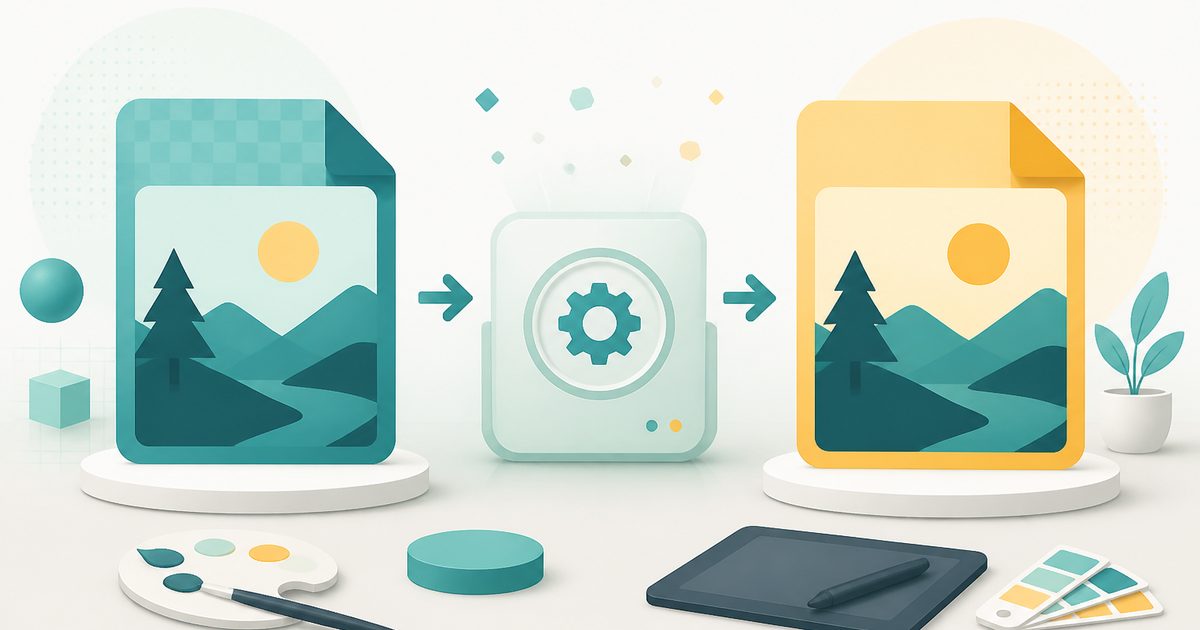
AVIF to JPG
Design & Creative Assets
Convert AVIF images to JPG so older apps and editors can open them.

Background Remover
Design & Creative Assets
Erase photo backgrounds on-device and download a transparent PNG.
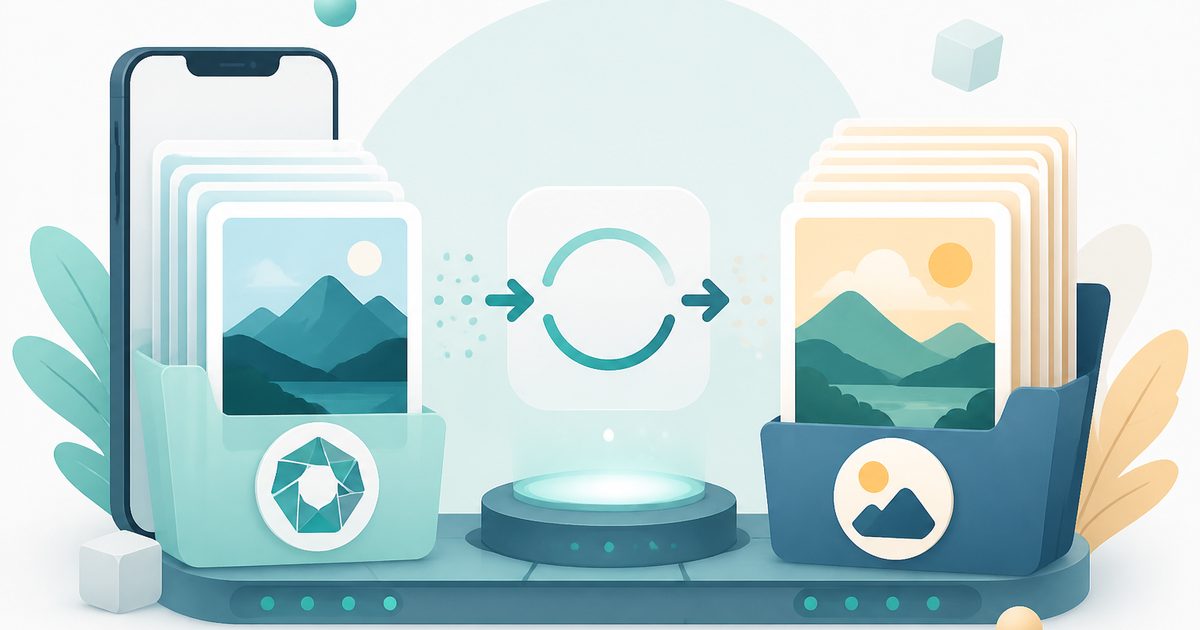
HEIC to JPG
Design & Creative Assets
Convert iPhone HEIC photos to JPG on-device — batch up to 20.
Image Compressor
Design & Creative Assets
Shrink JPEGs without uploading anywhere.
Image Converter
Design & Creative Assets
Convert between JPG, PNG, WebP and AVIF in batches.