
Screenshot to Text Converter
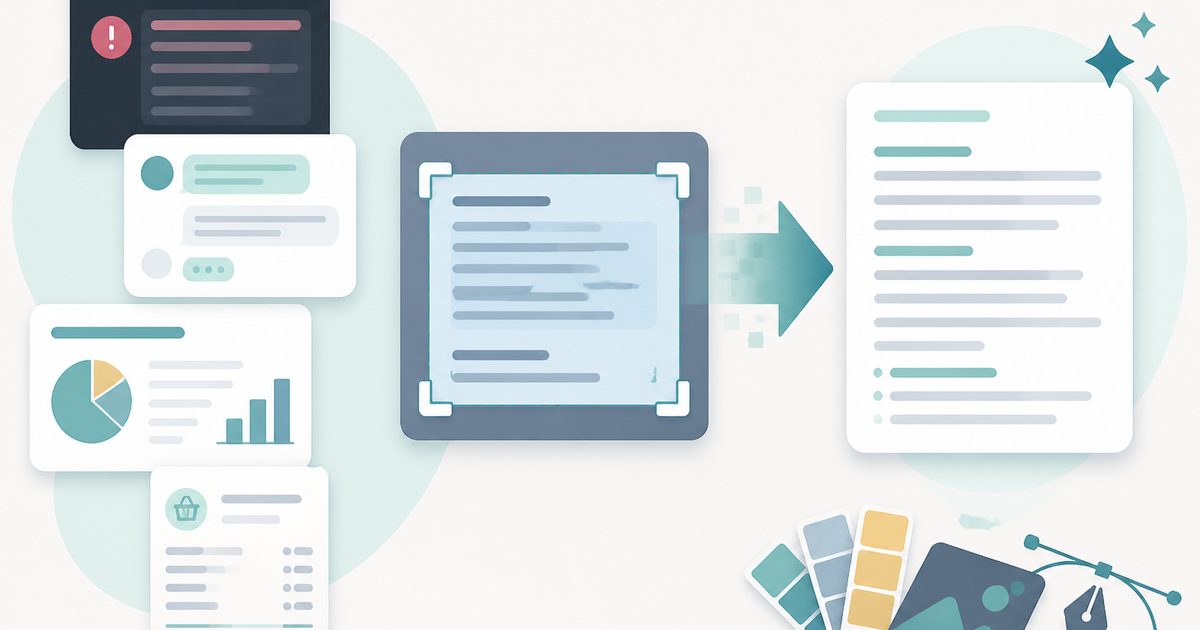
Grab the text from a screenshot of an error message, chat, slide or receipt — recognition happens on your device.
- No training on your data
- Region: global
Screenshot to Text Converter
Design & Creative Assets
Need videos, hundreds of files, or Excel/Word/PDF exports? Try the Image & Video to Text Extractor
Screenshot to Text — Overview
What is Screenshot to Text?
Screenshot to Text copies the words out of a screenshot. Screens are full of text you cannot select: error dialogs, chat bubbles, slide decks, banking apps, video frames, locked PDFs shown in a viewer. A screenshot captures it as pixels — this tool turns those pixels back into text.
Screenshots are the ideal case for optical character recognition, because the text is crisp, evenly lit and perfectly straight. Accuracy is usually far higher than with a photograph of paper, so most results are usable with no proofreading at all.
Recognition runs on your device, which matters because screenshots so often contain something private — an account balance, a customer's message, an internal dashboard.
What does Screenshot to Text do?
Made for on-screen captures:
- Reads PNG and JPG screenshots at very high accuracy
- Batch up to 10 captures at once
- 14 languages supported
- Flatten line breaks so wrapped text pastes cleanly
- Copy or download the text instantly
- Nothing uploaded — safe for dashboards and private messages
How to use Screenshot to Text
- 1Take the screenshot
Windows: Win+Shift+S. Mac: Cmd+Shift+4. Phone: the usual button combination. Crop tightly to the text you want.
- 2Drop it in
Add the capture and pick the language of the text.
- 3Copy the text
Extract, then copy — or turn off 'Keep line breaks' first if you're pasting a wrapped paragraph into a document.
Privacy & cost
This tool runs entirely in your browser. Nothing is uploaded, logged, or saved on our servers — safe for confidential or proprietary data.
Where it fits
Copy the exact wording out of a dialog box so you can paste it into a search engine or a bug report.
Get selectable text from a conversation you could only screenshot.
Capture a lecture slide or a frame of a tutorial and keep the text.
Pull figures out of a chart label or table image and into a spreadsheet.
Why people pick this tool
- ✓Free forever — no file caps, watermarks, sign-ups or premium tier
- ✓100% in-browser conversion — your images never touch a server
- ✓Batch mode: convert up to 40 images in one pass and download a single .zip
- ✓Works offline once the page has loaded
- ✓No queues, no e-mail-me-the-link, no ads stapled to your download
FAQs
The bottom line
Unselectable text on screen is one of computing's small daily annoyances. A screenshot plus one click makes it copyable again, with nothing leaving your machine.
More image converters
Every converter below runs entirely in your browser — your photos never leave your device.
- Convert JPG to PNG online free
- Convert PNG to JPG without losing quality
- JPG to WebP converter
- WebP to PNG converter
- WebP to JPG converter
- AVIF to JPG converter
- HEIC to JPG converter for iPhone photos
- Batch image format converter
- Compress images without losing quality
- Resize images online
- Remove image background free, no signup
- Extract text from an image (OCR)
- JPG to text converter
You might also like
More in Design & Creative Assets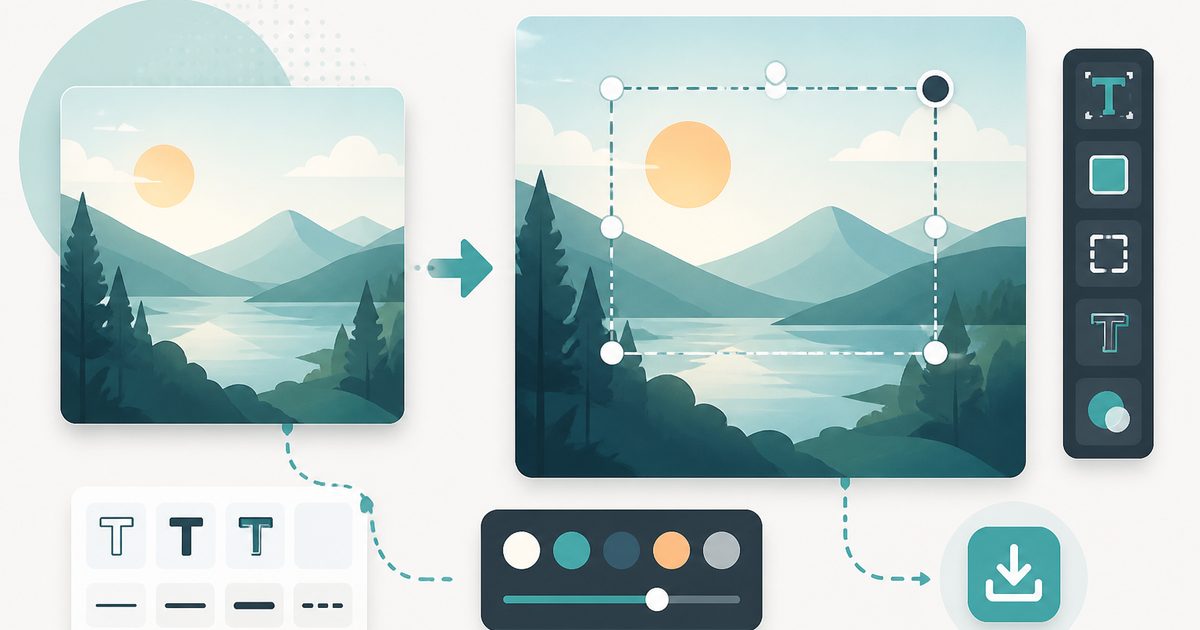
Add Text to Image
Design & Creative Assets
Overlay custom text on any image — fonts, stroke, drag to position, download.
AVIF to JPG
Design & Creative Assets
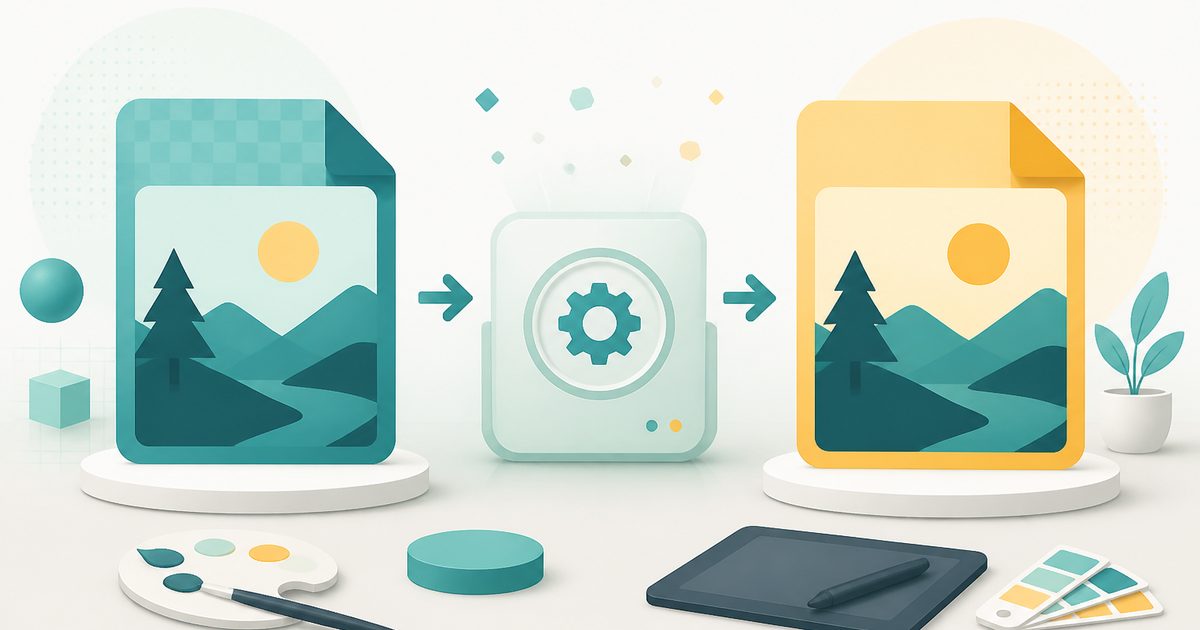
Convert AVIF images to JPG so older apps and editors can open them.

Background Remover
Design & Creative Assets
Erase photo backgrounds on-device and download a transparent PNG.
HEIC to JPG
Design & Creative Assets
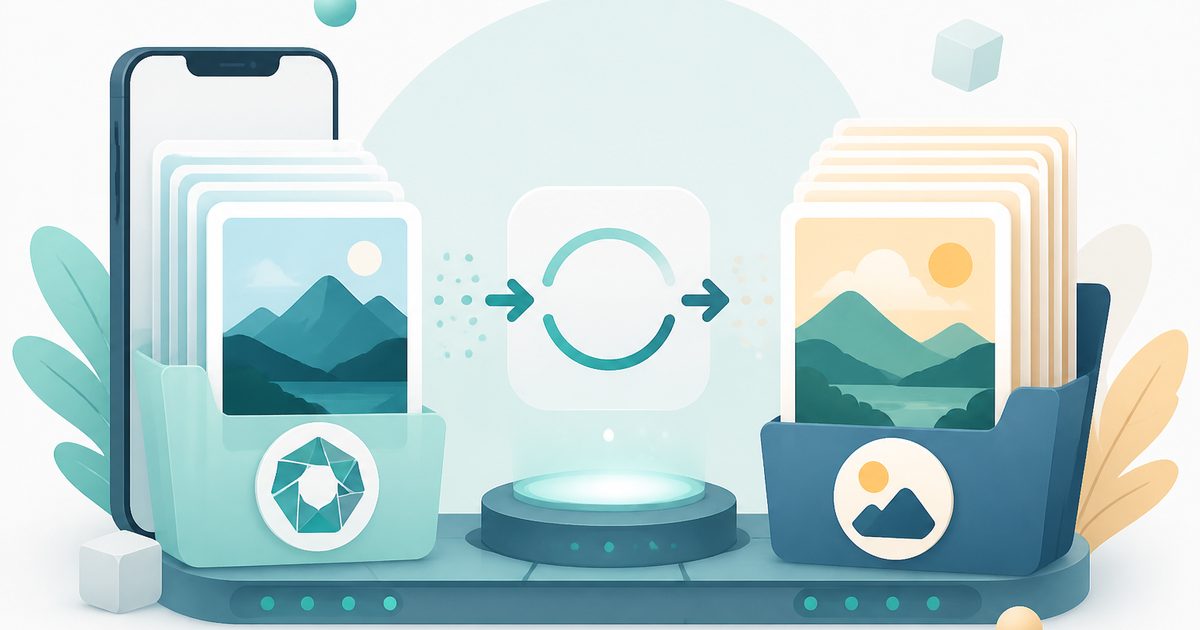
Convert iPhone HEIC photos to JPG on-device — batch up to 20.
Image Compressor
Design & Creative Assets
Shrink JPEGs without uploading anywhere.

Image Converter
Design & Creative Assets
Convert between JPG, PNG, WebP and AVIF in batches.